
Marketing for restaurants
How to create a content calendar for your restaurant screens
Organise what to show and when on your screens: separate stable, recurring, and one-off content, plan by months, and avoid outdated messages.
Why improvising ends up leaving your screens outdated
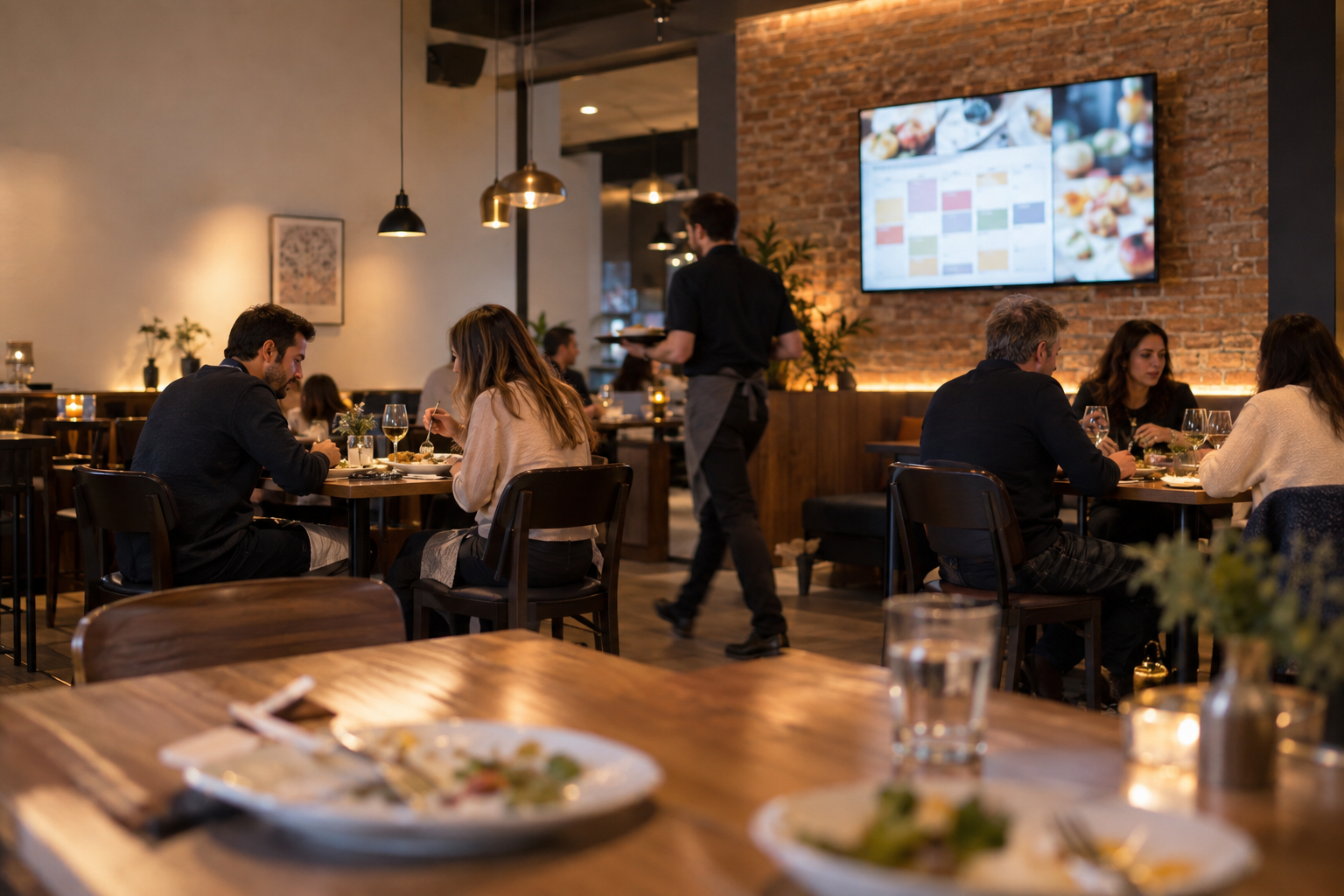
Many restaurant screens start with enthusiasm: menu photos are uploaded, promotions are announced, and a video is scheduled. But without a calendar, that energy fades. Messages stay on screen for weeks, promotions overlap with newer ones, and in the end, customers see content that no longer reflects the reality of the venue. The problem is not a lack of ideas, but the absence of a system that determines when each message enters, how long it stays, and when it disappears. A content calendar solves exactly that: it forces you to decide in advance what will be shown and for how long. With it, the screen stops being an element updated on impulse and becomes a reliable communication channel.
Separate content into three groups
Before planning, classify everything you might show into three categories. The first is stable content: that which does not change from one week to the next, such as the logo, opening hours, location, or contact details. It should remain visible at all times or reappear consistently. The second category is recurring content: elements that change with a predictable frequency, such as the daily menu, dish of the week, or weekend special. These contents rotate, but their format is familiar to the customer. The third is one-off or seasonal content: campaigns with an expiry date, such as a pumpkin soup in autumn, a special cake for an event, or a new dish you want to promote for a limited time. This classification allows you to know what is fixed, what rotates, and what requires active date management.
Plan the month first, not each screen
A common mistake is to rush into creating campaigns one by one without having a global vision. Instead, start with the month. Ask yourself: what is this month's commercial priority? Do you want to introduce a new dish, boost the lunch menu, or take advantage of a specific season? With one or two clear priorities, the rest of the content aligns itself. For example, if the month focuses on attracting customers at lunchtime, the lunch menu will be the protagonist and other messages will take a back seat. This monthly planning avoids the noise of overloaded screens and ensures that each campaign has a purpose.
Example: a month of content for a restaurant
To illustrate the method, imagine any given month. In week 1 you decide to feature a product: the mushroom and parmesan risotto. It's the dish you want to sell most, and you give it maximum visibility on screen. Week 2 is dedicated to the lunch menu, communicating its availability and encouraging customers to visit the venue during the week. In week 3 you introduce seasonal content: the pumpkin soup, taking advantage of the season and creating a sense of novelty. Finally, in week 4 you close with a special recommendation: apple tart with coffee, perfect for suggesting dessert and increasing the average ticket. This calendar does not require constantly creating new content; it simply alternates functions and messages in an orderly way. The four weeks can be represented visually as shown below.
Four-week on-screen calendar
The schedule is also part of the calendar
Not all content should be visible at all times. An effective calendar also defines time slots. For example, the lunch menu is only relevant between 12:00 and 16:00; showing it at 20:00 confuses the customer looking for the dinner menu. Similarly, you can schedule specific messages for coffee time or desserts. The key is to think about the moment when the customer makes the decision and match the message to that instant. Many digital signage platforms allow you to activate and deactivate content at specific times, which naturally forms part of the calendar.
All temporary content needs a start and an end
One-off campaigns and seasonal dishes have a limited shelf life. If you don't define an end date, you'll end up showing a pumpkin soup in the middle of summer or a promotion that no longer exists. That conveys carelessness and reduces customer trust. Therefore, every non-stable content should be born with two dates: a start and an end. When creating the monthly calendar, assign each campaign a validity range. When the end date arrives, the message automatically disappears from the screen and leaves space for the next one.
You don't need to change everything at once
One of the myths of digital signage is that it requires daily updates. The reality is that good planning allows you to maintain a stable base and rotate only one or two messages per week. For example, the logo, opening hours, and brand image remain fixed; what changes is the featured dish or the weekly promotion. This approach drastically reduces management effort. Instead of reviewing the entire screen, you spend a few minutes replacing the content that is due according to the calendar. This way, the screen always looks fresh without the daily operation suffering.
From planning to screen with iMediaGO
Once you have the system clear, the next step is to transfer it to a tool that makes it executable. iMediaGO allows you to prepare campaigns, organise them in a monthly calendar, and schedule when they should appear on screens. Instead of relying on manual reminders, you centralise the planning and let each message be published at the intended time. It's not about using technology for technology's sake: the method you've seen works with any medium, but a platform like iMediaGO automates it and avoids oversights. If you already have a mental or paper calendar, making the leap to digital management saves you time and errors.
Your calendar in five decisions
To summarise, any content calendar for restaurant screens boils down to five decisions: what to show, when it starts, when it ends, at what time it appears, and what content comes next. If you answer these five questions for each message, you already have a system. Start with a simple month: choose a commercial priority, assign weeks to key messages, and define validity dates. Then review weekly to update what is due. With this habit, your screens will stop being a static showcase and become a marketing tool aligned with the restaurant's operations.
Take your calendar to your screens
Organise, schedule, and update your screen content with iMediaGO. Start today and transform your planning into messages that publish themselves.