





Connect your screen
Connect your display to iMediaGO using one of our players. Once connected, you can manage and update its content remotely.

iMediaGO is digital signage software that lets you create, schedule and publish content across your screens from one platform. Upload your images and videos, create promotional campaigns and update your screens remotely. Showcase products, promote services and share important information with your customers.

Get started in four steps: connect your screen, upload your images and videos or create a campaign, choose when to show your content and publish it to your screens.
Connect your display to iMediaGO using one of our players. Once connected, you can manage and update its content remotely.
Upload your own images and videos or create content with the iMediaGO editor. If you already have a design ready, you can use it straight away.
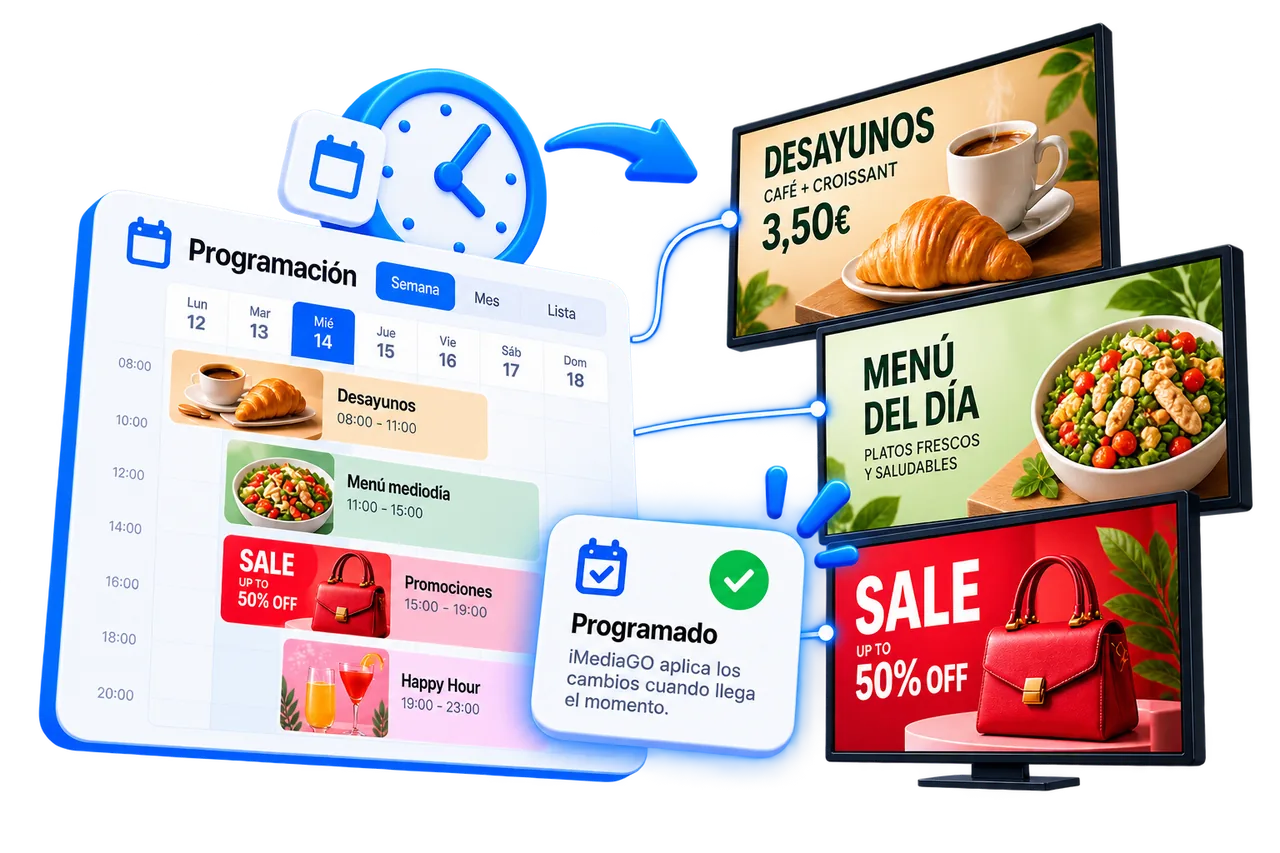
Display your content immediately or schedule when it should appear. Choose specific days, times or dates and let iMediaGO play it automatically.
Send your content to one screen or multiple displays from the same place. Whenever something changes, update it remotely from iMediaGO.
Create campaigns, customize content, schedule playback and manage your screens remotely with iMediaGO. Bring your digital signage activities together in one platform.
Create
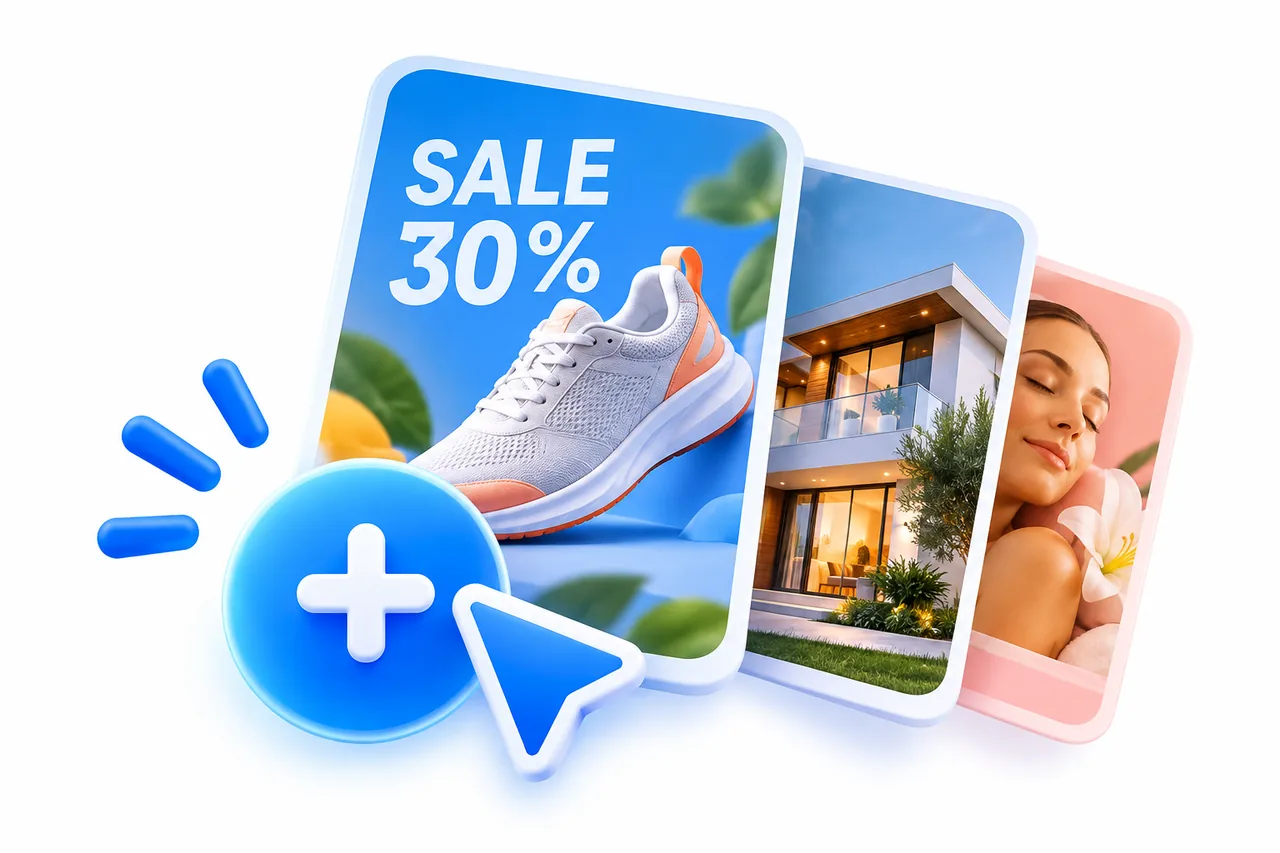
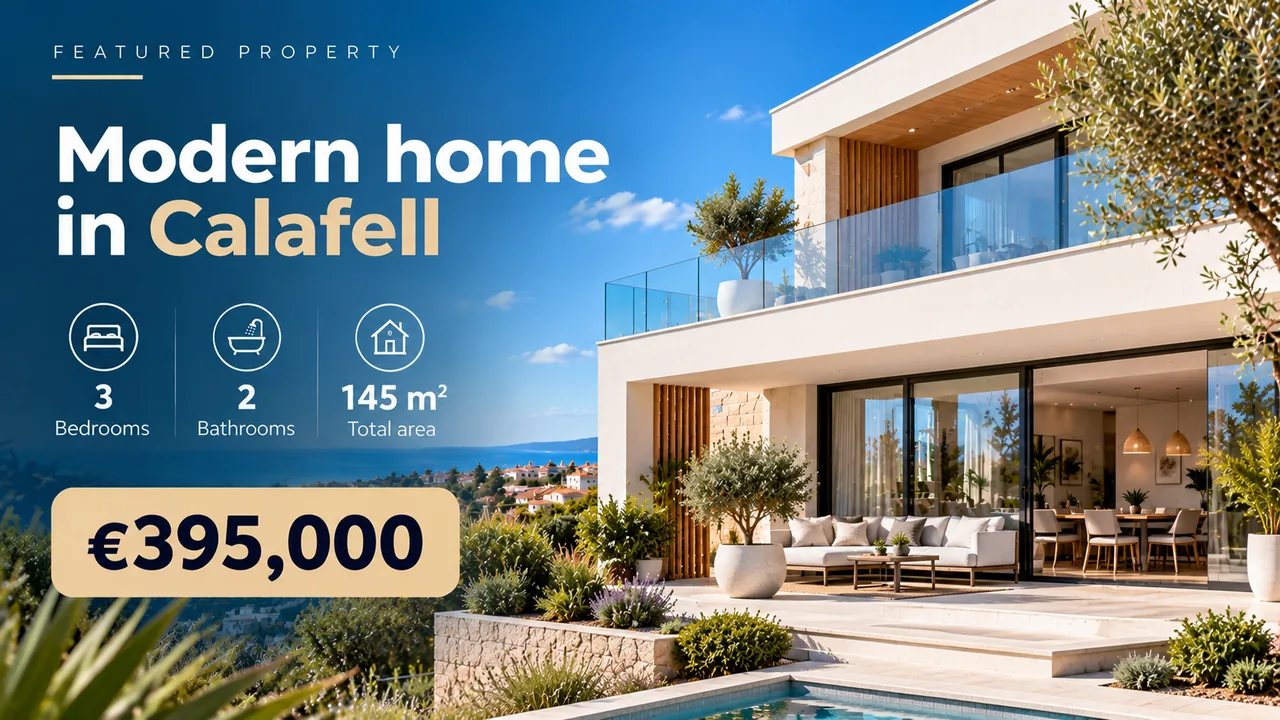
Create campaigns to showcase products, highlight offers, promote services or announce upcoming events. Choose what you want to communicate and turn it into visual content for your screens.
Explore campaign creation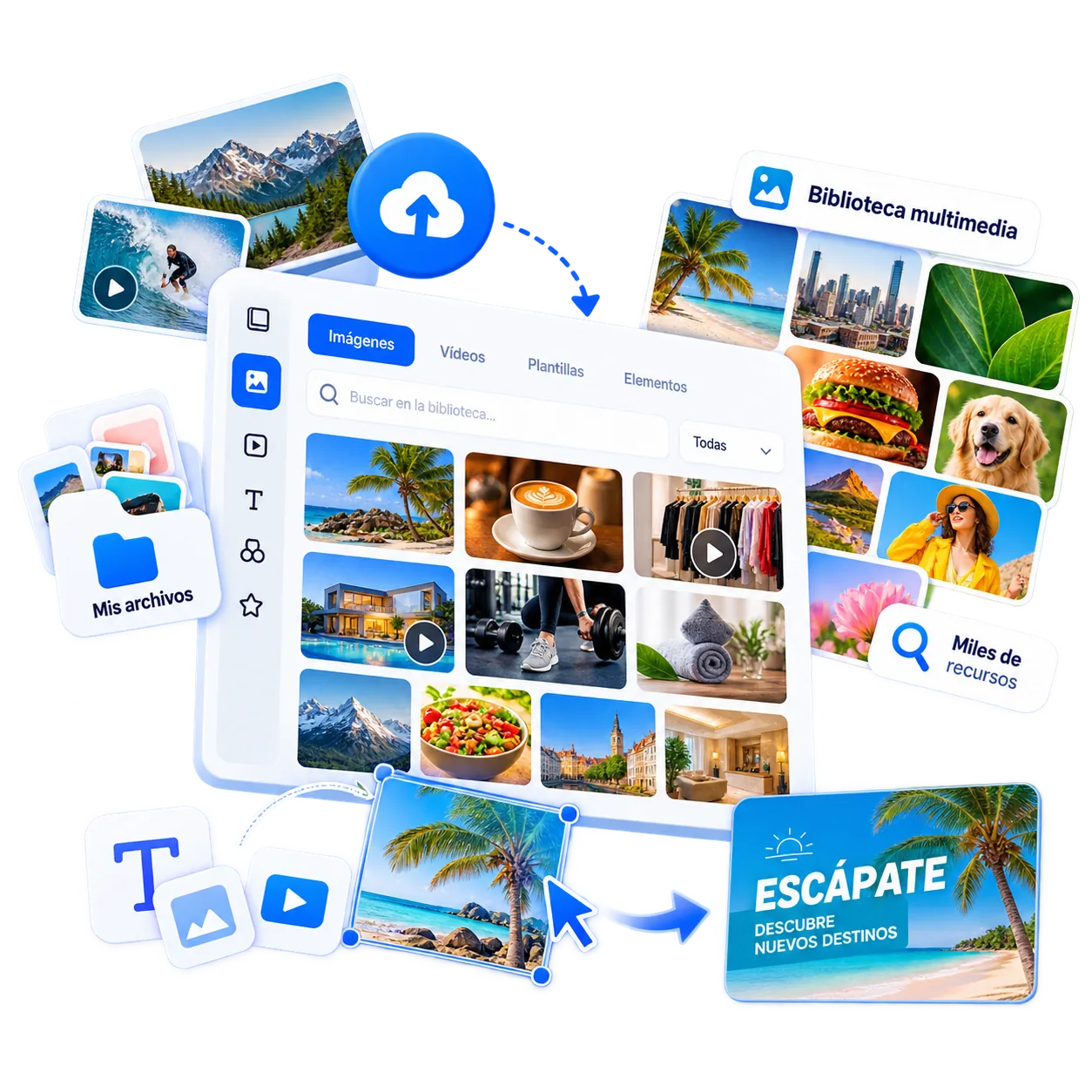
Personalize
Upload your own images and videos or explore the iMediaGO media library. Combine images, text and visual elements to personalize your campaigns.
Schedule
Organize campaigns into playlists and schedule content for specific times, days or dates. Plan promotions and announcements in advance, and iMediaGO will play them according to your schedule.


Manage
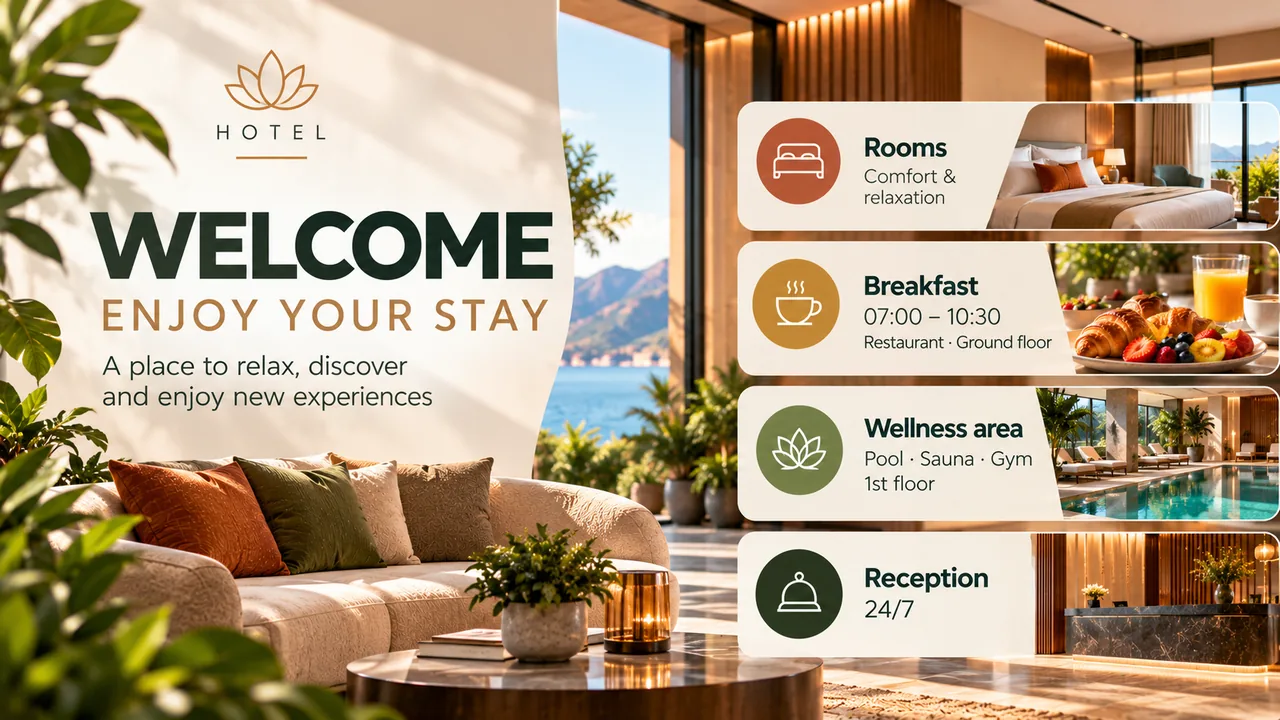
Manage one screen or multiple displays from a single dashboard. Publish campaigns, update content and choose what appears on each screen remotely, without visiting every location.
Create campaigns, schedule content and manage your screens from one place with iMediaGO.
Connect the iMediaGO Player to your TV to display campaigns, images and videos managed through iMediaGO. Schedule playback times and update your content remotely, without having to access each screen in person.
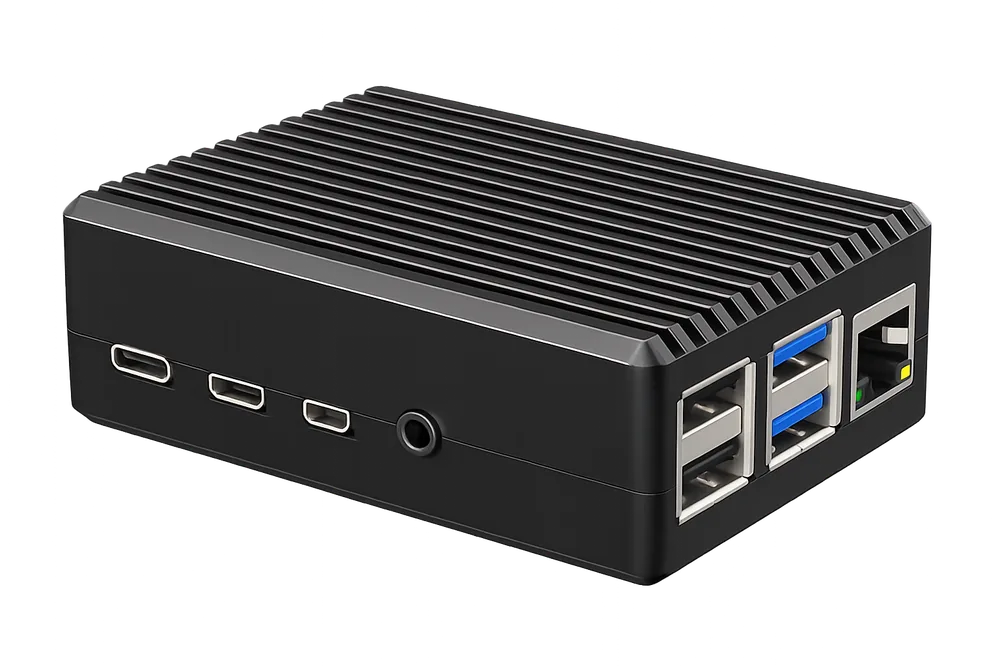
You can also use iMediaGO with a compatible device. Display your campaigns, images and videos through a web browser or another playback option supported by your device, without having to purchase a dedicated player.
Explore compatible devices →Start with the Free plan, or choose Pro for more file storage and higher video quality. Compare the plans below and use the pricing calculator to estimate the cost for your screens.
0 € / month
Monthly billing
€10.00 / month
Monthly billing
Adding more screens reduces the price per screen. Use the calculator to estimate your license and screen costs and explore iMediaGO Player options.
Estimate licenses, screens, and Players in a few seconds.
Or want to talk to us?