
Digital signage
Digital signage in education: better communication with students and visitors
A screen in an educational setting is useful when it shows the right information in the right place at the right time. The key is not to digitise every notice, but to help each person quickly identify what they need to know.
When every message competes for the same attention
Educational institutions generate information constantly: room changes, activities, events, institutional notices, directions for visitors and communications about day-to-day life. The problem arises when all these messages are treated in the same way and compete for limited space. Moving that model straight onto a screen does not solve the overload. A cluttered physical noticeboard can easily become a cluttered digital screen. If there are too many messages, lengthy texts or content with no obvious priority, anyone passing the screen has to spend time working out what is relevant to them. Digital signage for education works best when there is a clear hierarchy in place: which information needs immediate attention, which depends on location, which content is relevant for a specific period and which messages can wait. The screen then stops being a simple container for notices and becomes an organised communication channel.
The goal: understand what matters in just a few seconds
Students and visitors do not always stop in front of a screen to read it. They often look for information while entering a building, heading to a room or walking through a shared area. That means the message needs to be understood quickly. A practical way to assess a piece of content is to ask what someone should understand after looking at it for a few seconds. It might be where they need to go, what activity is scheduled, which notice requires attention or what information is relevant at that particular moment. This means setting priorities. A clearly identifiable main message, a direct heading and an amount of text suited to the time available are usually more useful than trying to fit every detail into a single composition. The screen can highlight the essentials and leave secondary information to other channels when necessary.
Screen location changes the priority of the content
Not every digital screen at a university or other educational institution should show the same thing. The physical context helps determine which information deserves priority. At an entrance, for example, a welcome message, general information for the day and directions can be particularly useful. Near classrooms or teaching spaces, notices about activities, timetables or information relevant to that area become more important. In a shared space, where people tend to stay for longer, there may be more scope to show upcoming events, activities and general communications. Timing matters too. A notice that is a priority in the morning may no longer be one a few hours later. Considering location, audience and relevance period together allows digital communication in educational settings to respond to context rather than repeating the same schedule everywhere.
A practical example: organising communication at a university
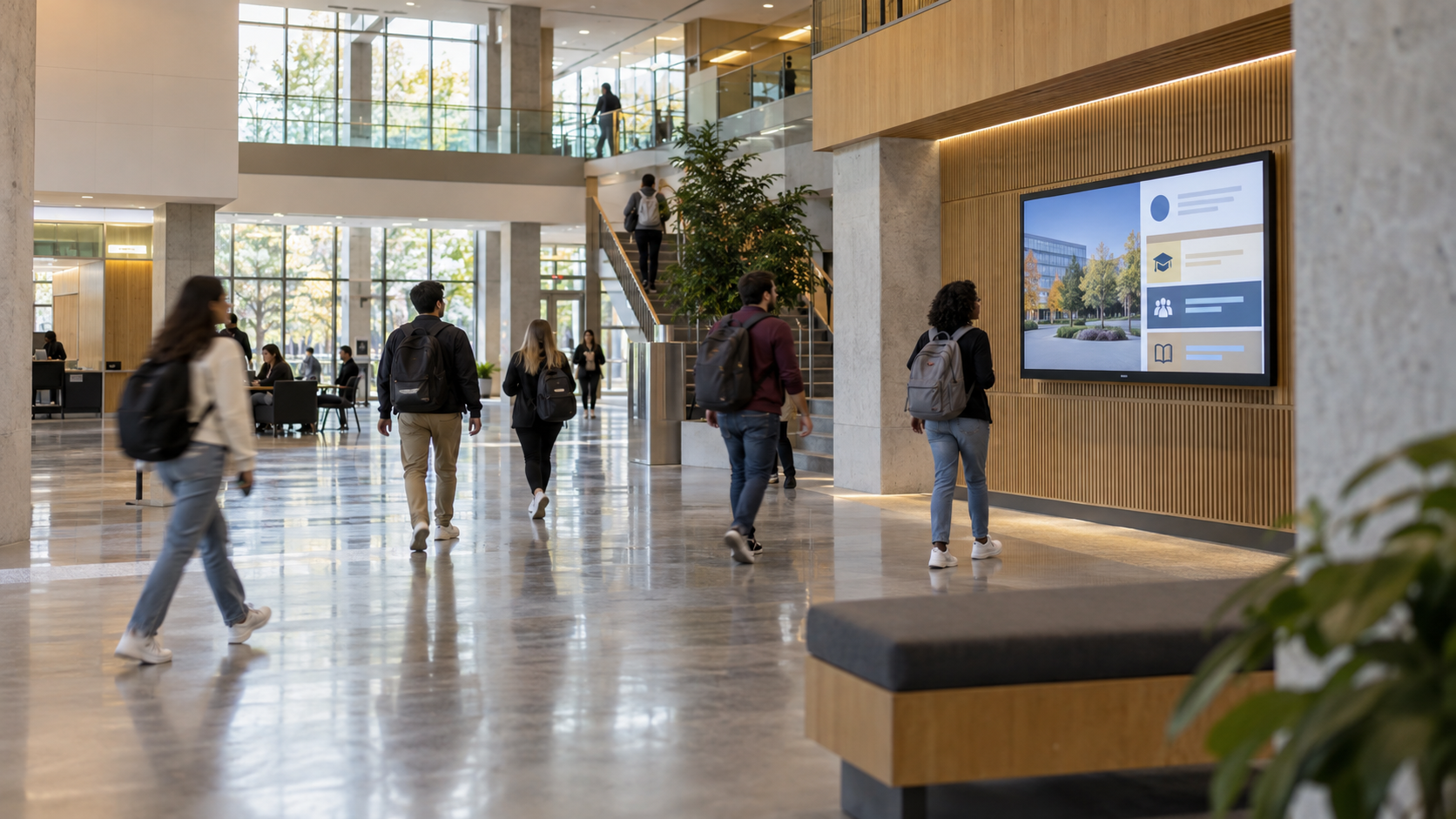
Imagine a generic university using a horizontal screen in a busy circulation area. The aim is not to keep filling the space with every available message, but to create a short sequence that responds to the different needs of people passing by. The sequence might begin with a welcome message or relevant information for the day, move on to an upcoming activity, reserve another moment for a notice that requires attention, and finish with practical information or directions. In this way, each piece of content has a clear function. This approach also makes editorial management easier. Rather than designing every publication as an isolated item, the person responsible for communications can think in terms of functional categories and decide which content should occupy each slot according to the institution's needs.
A four-part sequence for a university screen
Best practices for making educational screens easy to understand
A strong visual hierarchy helps people recognise what matters first. The heading or main message should be clearly distinct from secondary details, so that every element is not competing for attention with the same intensity. Keeping text concise is important too. A screen in a busy circulation area should not demand the same level of reading as an email or a web page. Identify the essential idea and remove anything that does not help people understand it in that context. Legibility should be assessed from the actual viewing distance. Text size, contrast, layout and the number of elements all need to work from where students and visitors will see the screen, not just from the computer used to prepare the content. The display time should match how much the audience is expected to read. The more information a piece contains, the longer it will take to absorb; if that time is not available, simplifying the message is the better option. Finally, keeping content up to date is part of effective communication. An outdated notice takes up space that could be used for useful information. Regularly reviewing what goes on screen, what stays and what should be removed helps keep the channel relevant.
From content strategy to publishing on screen
Deciding what to show is only part of the job. Once priorities have been established, the next challenge is to create, organise and publish the content that needs to appear on the screens. iMediaGO can be used to put that organisation into practice by creating, managing and publishing content on screens. The tool does not replace editorial decisions: you still need to determine first what the audience needs to know, where they should see it and how long it remains relevant. That separation is useful. Strategy establishes the hierarchy and context; the platform helps manage its execution. In this way, digital signage can remain a dynamic, organised communication channel rather than becoming a collection of digital notices.
Bring your communications to your screens
If you already know what information your audience needs and how you want to organise it, the next step is to try iMediaGO to create, organise and publish that content on your screens.