
Digital signage
Digital signage for offices: what to show on company screens
Office screens stop being a simple digital noticeboard when they combine operational information, training, culture and visitor communication. Find out what to show and how to adapt content to each space.
Why a digital noticeboard isn't enough
In many offices, important messages compete with email, meetings and internal chats. The result is that they get lost, ignored or arrive too late. A digital screen in a common area can solve part of that problem, but only if it stops working as a static noticeboard. Digital signage for offices works when it becomes a live channel combining different types of content, each with a clear purpose. In this article you'll see what to show on company screens and how to distribute that content according to the function and location of each screen.
Internal notices and information that need visibility
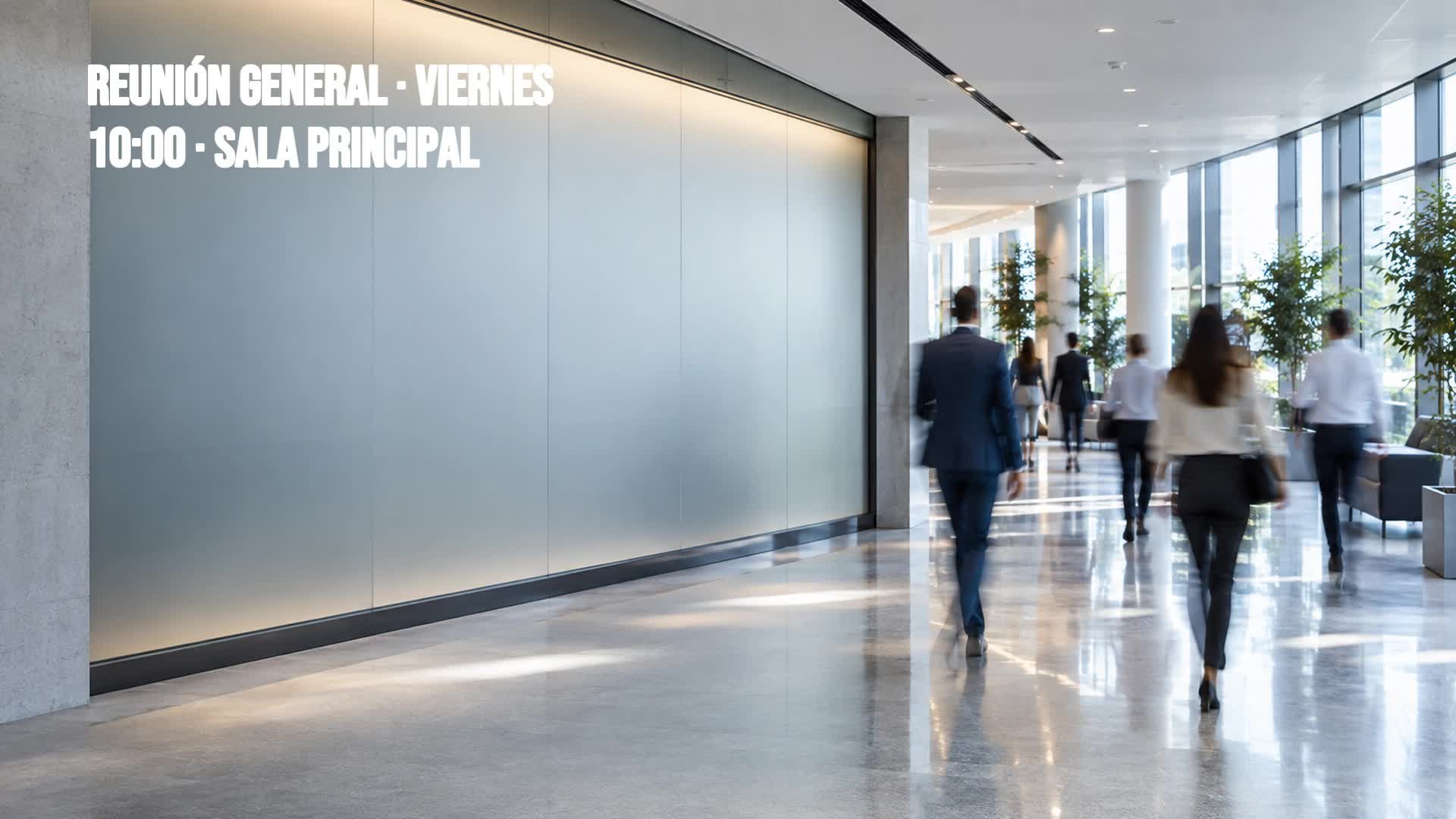
Internal notices — policy changes, system alerts, deadline reminders or the canteen menu — need a place where they don't compete with hundreds of emails. Screens in high-traffic areas, by the coffee machine or in the dining area, offer immediate and recurring visibility. The key is to keep information brief, updated and contextualised: a maintenance notice on the right floor, a security alert at the right time. This way, the screen becomes the go-to channel for operational messages, freeing up email from repetitive reminders. For example, a general meeting reminder with date and time can be shown on the main screen on the morning of the event.
Events, meetings and training
Screens also serve as a visual agenda: workshops, training sessions, team meetings, internal conferences. Showing upcoming events with time, location and registration link helps people sign up and arrive on time. During a training session, the screen can display the programme or support materials. Even outside the event, it can act as a countdown to build anticipation. The advantage over email is that the agenda is always visible and updates itself, without anyone having to forward reminders.
Company culture, new joiners and team achievements
Company culture isn't built only through big announcements; it's also built through small visible gestures. Welcoming a new team member on the entrance screen or on the relevant team's screen has an immediate impact. The same goes for work anniversaries, quarterly achievements or peer recognition. Showing the company's values or recent milestones reinforces a sense of belonging. However, this content must be balanced with operational content: not all screens need the same thing, as we'll see later.
Reception, wayfinding and visitor communication
Reception is the first point of contact for visitors, clients or candidates. A screen in that area can guide, inform and project the company's image. From a welcome message with the logo to a floor directory or a simple map, digital signage reduces friction and avoids having to ask. It can also show the company's activity or brand values. In this case, the priority is clarity and usefulness for first-time visitors, not internal communication.
Four uses in action: the NovaTech demo
Each space needs different content
The reception screen shouldn't show the same messages as the canteen screen. Each space has a different audience and a different attention span: reception is for visitors, the meeting room for those waiting, the canteen for breaks, the work area for operational reminders. Adapting the content means designing a small strategy per screen: what information adds value in that place, how often it should be updated and who is responsible for doing it. It's not about having many screens, but about each one having a clear purpose. This segmentation is what sets apart a simple digital noticeboard from a well-used internal communication network.
Manage your screen content from a single place
With iMediaGO you can create, schedule and publish content for all your office screens without depending on separate files or a technician for every change. Define what's shown in each space, update notices and events in minutes and keep your internal communication consistent. It's the way to turn digital signage into a daily work tool, not just another screen.