
Operations
Expired promotions should not stay on your screens
A temporary promotion can stop being valid while its content keeps playing. Defining its end date from the start helps keep restaurant screens aligned with what is actually available.
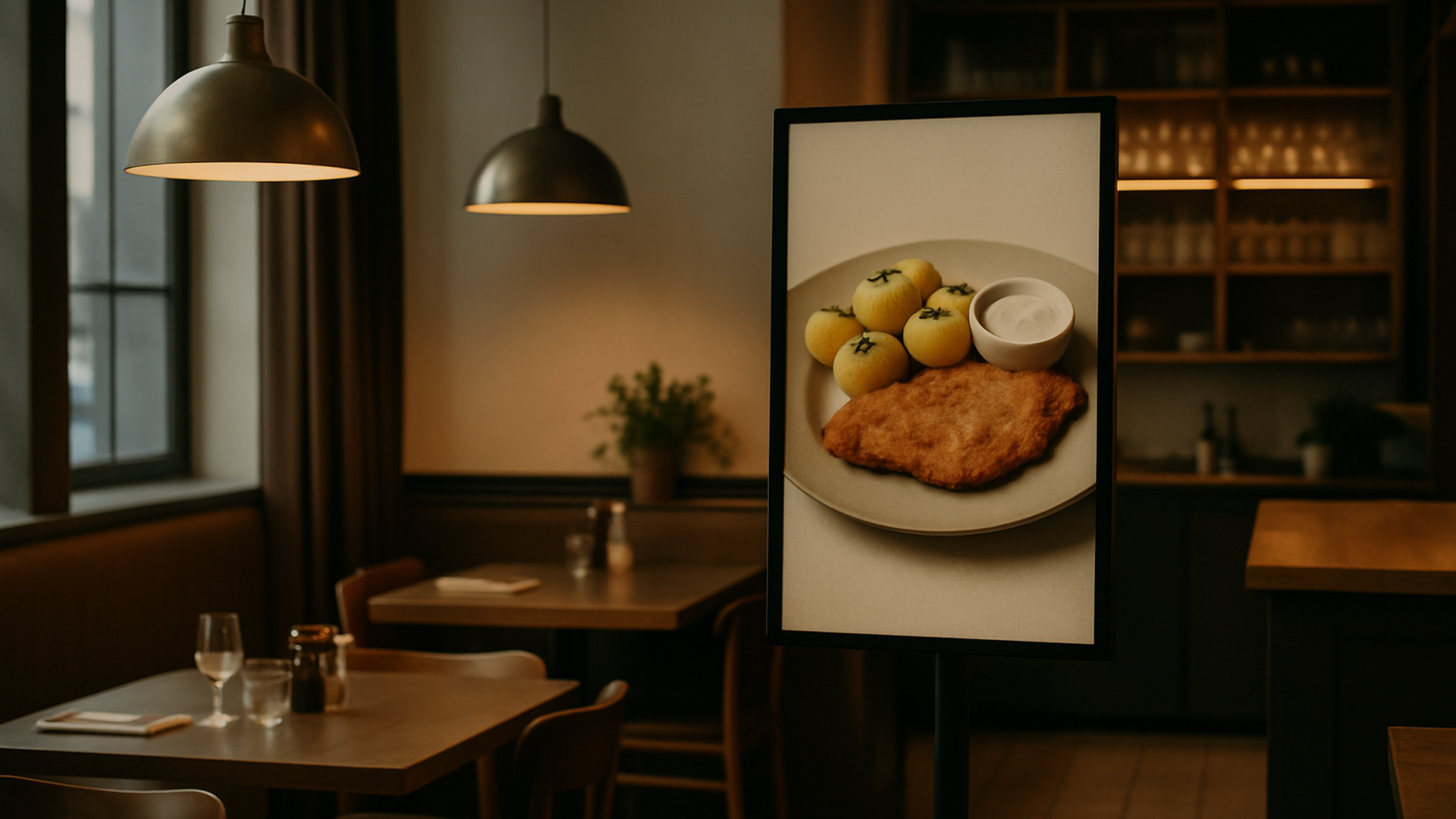
Why an old promotion causes problems
A promotion has a useful life. When it ends but its content remains on a restaurant screen, what customers see is no longer aligned with what the restaurant is currently promoting. This is especially easy to overlook when screens contain a mix of permanent content and temporary campaigns. Managing expiration as part of the campaign itself makes it easier to keep what appears on screen current.
More dates mean more opportunities to miss an update
The risk increases when several campaigns have different start and end dates. A restaurant may have permanent content alongside temporary offers, each following its own schedule. As the number of dates grows, remembering when every promotion should disappear becomes another operational task. Treating validity dates as part of content planning keeps that information attached to the campaign from the beginning.
Manual reminders are easy to miss
Relying on someone to remember that a promotion must be removed later creates an unnecessary manual dependency. The content may be prepared correctly and published at the right moment, yet still remain visible after the promotion ends if the removal step is forgotten. Defining the end date when temporary content is scheduled reduces the need to return later just to take it down.
Define the dates from the start
What to remember
- Separate temporary content from content that can remain active without a defined end date.
- Define the validity period of a temporary promotion when you schedule it.
- Do not make removing expired promotions depend only on manual reminders.
- Automating the removal of ended promotions reduces a recurring screen-management task.
Give temporary content an end date
Schedule temporary content so it disappears when it is no longer valid.