Open the URL
Open iMediaGO Web Player in a compatible browser on the device connected to your display.
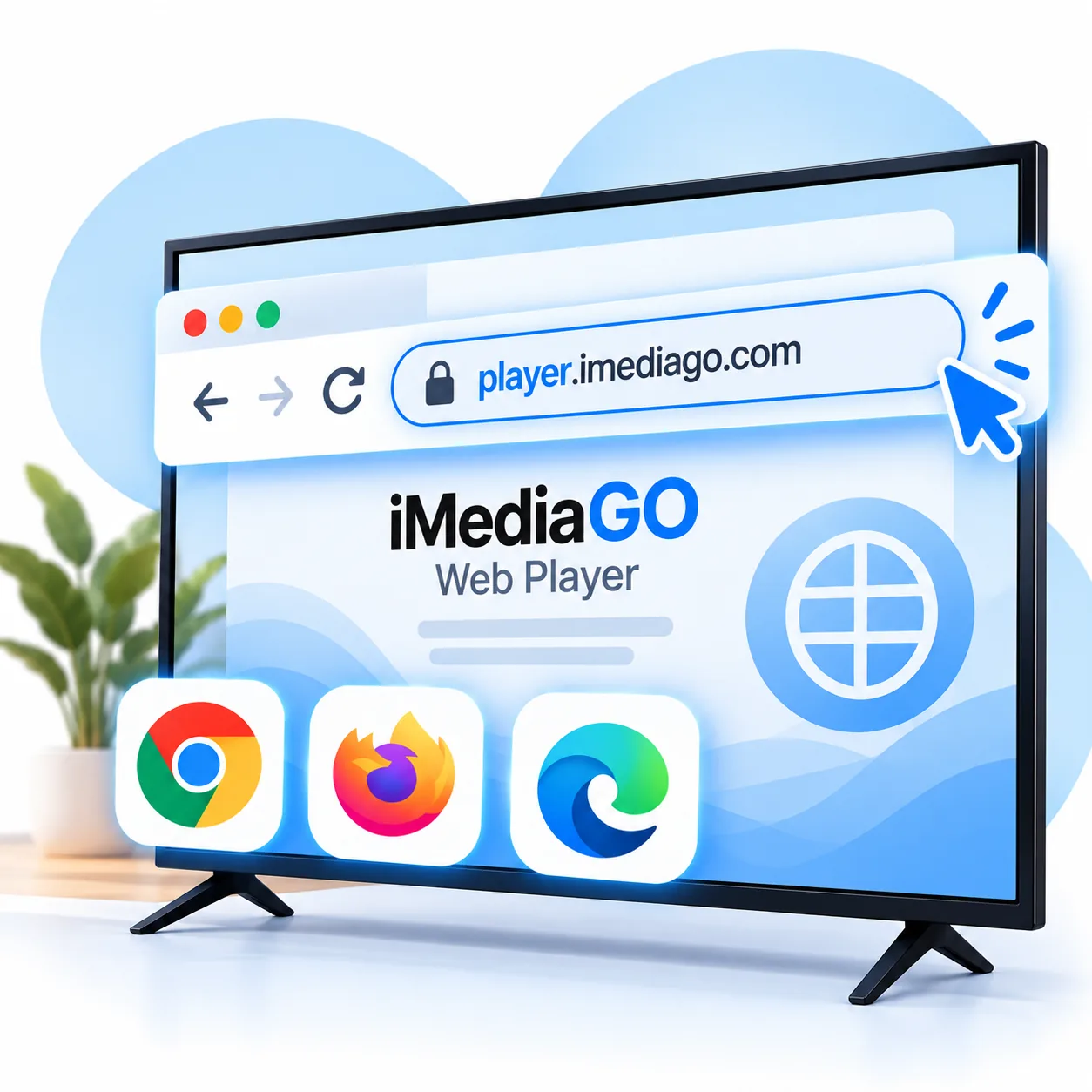

Open iMediaGO Web Player in a compatible browser, connect your screen and start displaying campaigns, images and videos. Manage your content remotely with iMediaGO, without installing additional apps or adding extra devices.
Start for free · No credit card required
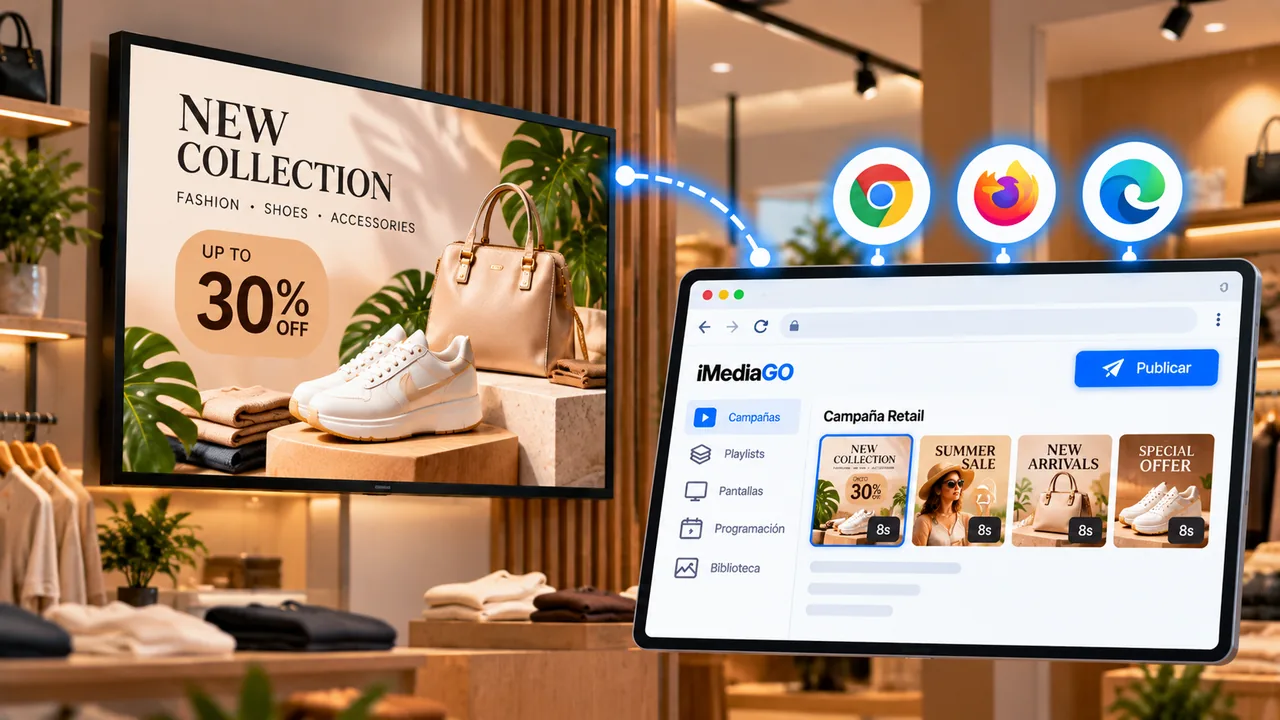
Open iMediaGO Web Player in a compatible browser on the device connected to your display.
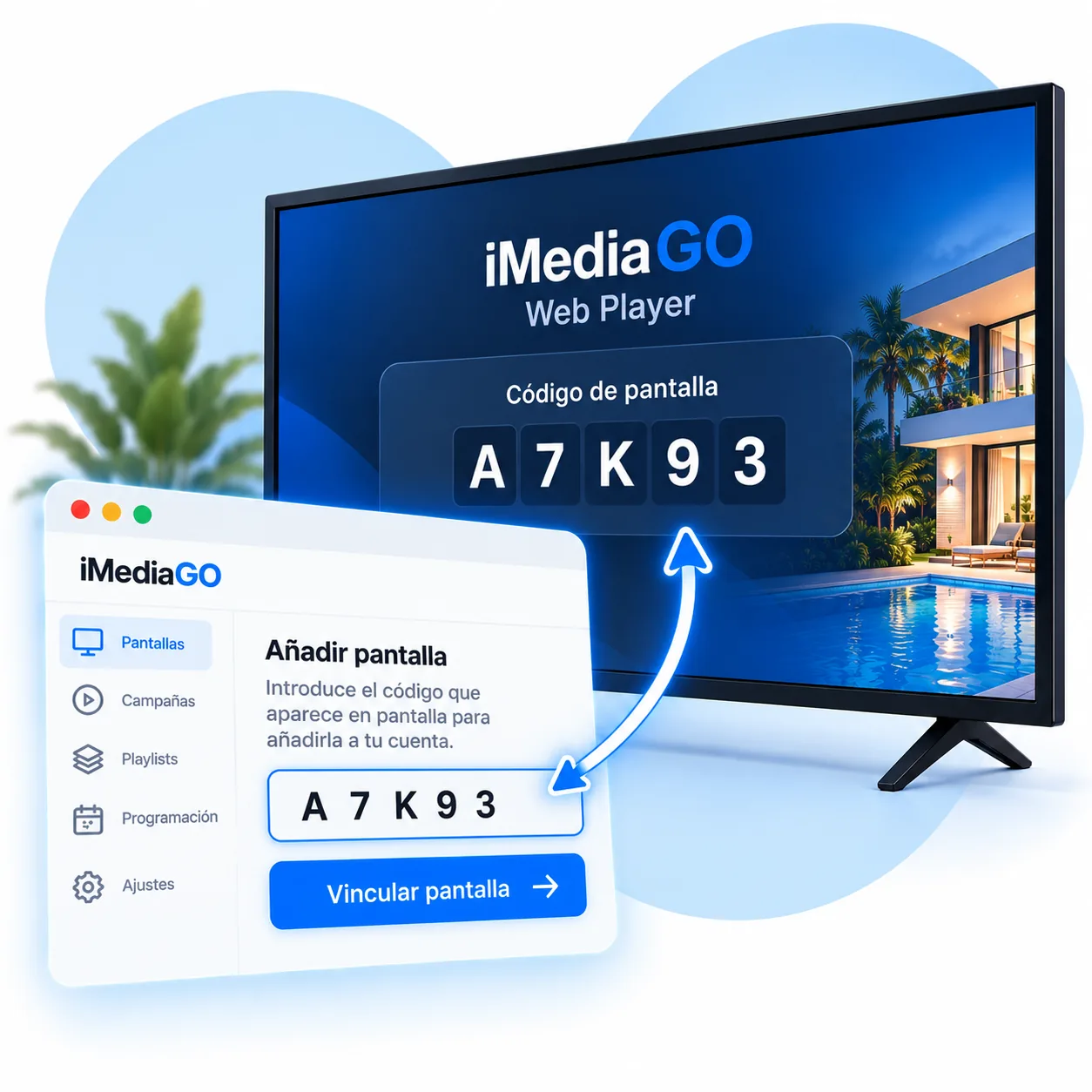
Enter the code shown on the screen in your iMediaGO account to add the display.
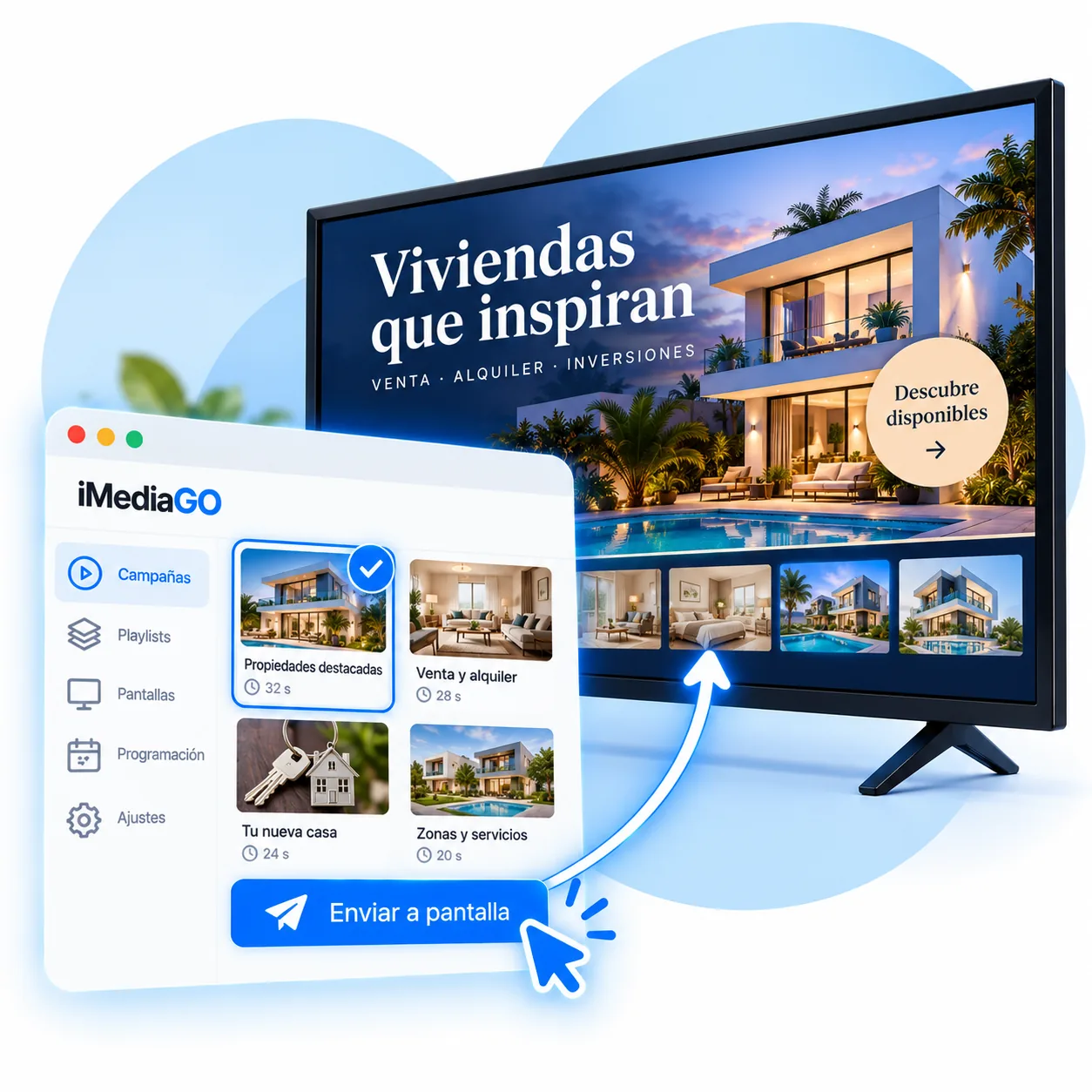
Assign a campaign or playlist to start displaying your content.
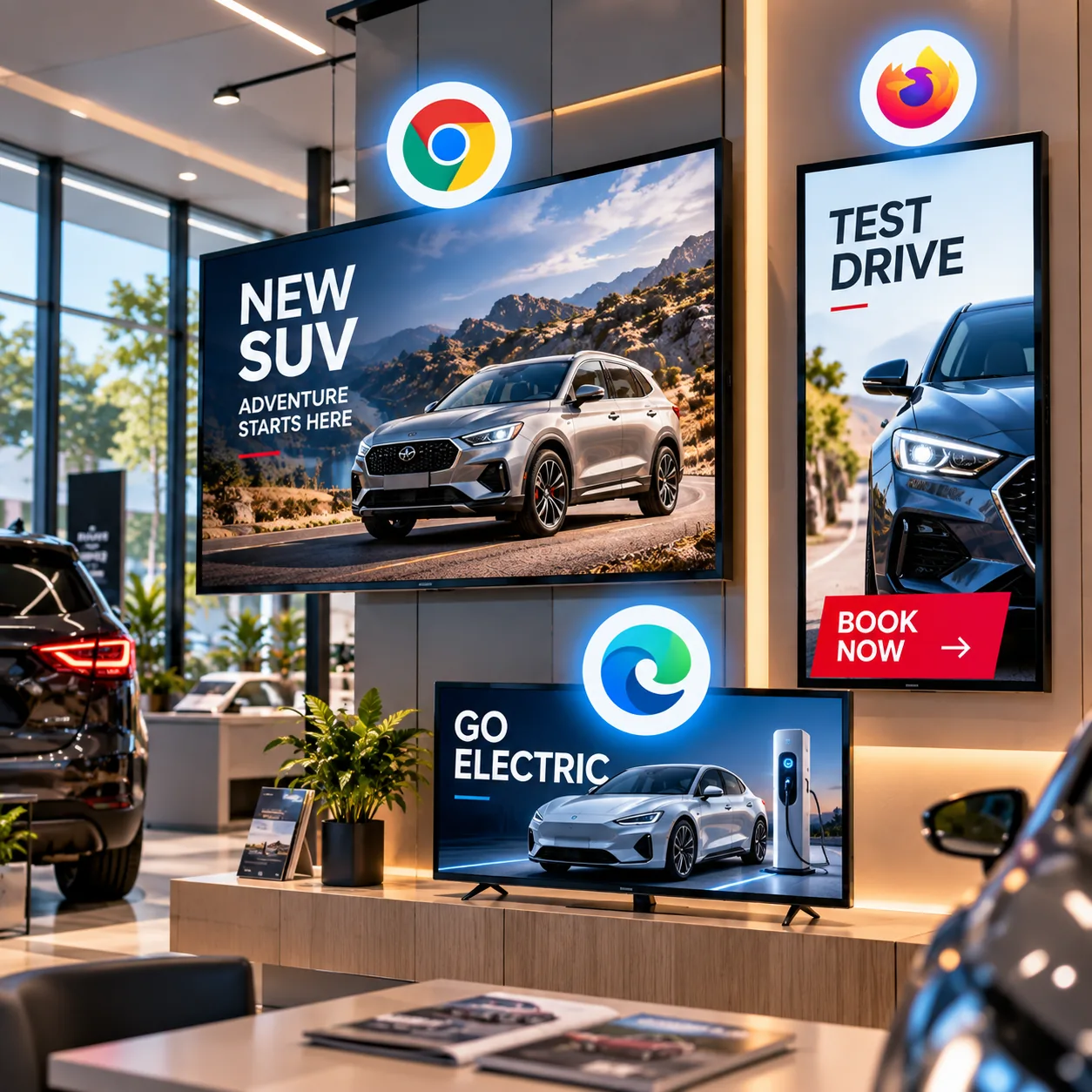
Web Player runs directly in a compatible browser, so you can use computers, mini PCs and other devices connected to a display.
Windows · macOS · Linux · Compatible Smart TVs
A simple way to make use of your existing hardware and set up another screen without installing a dedicated application.
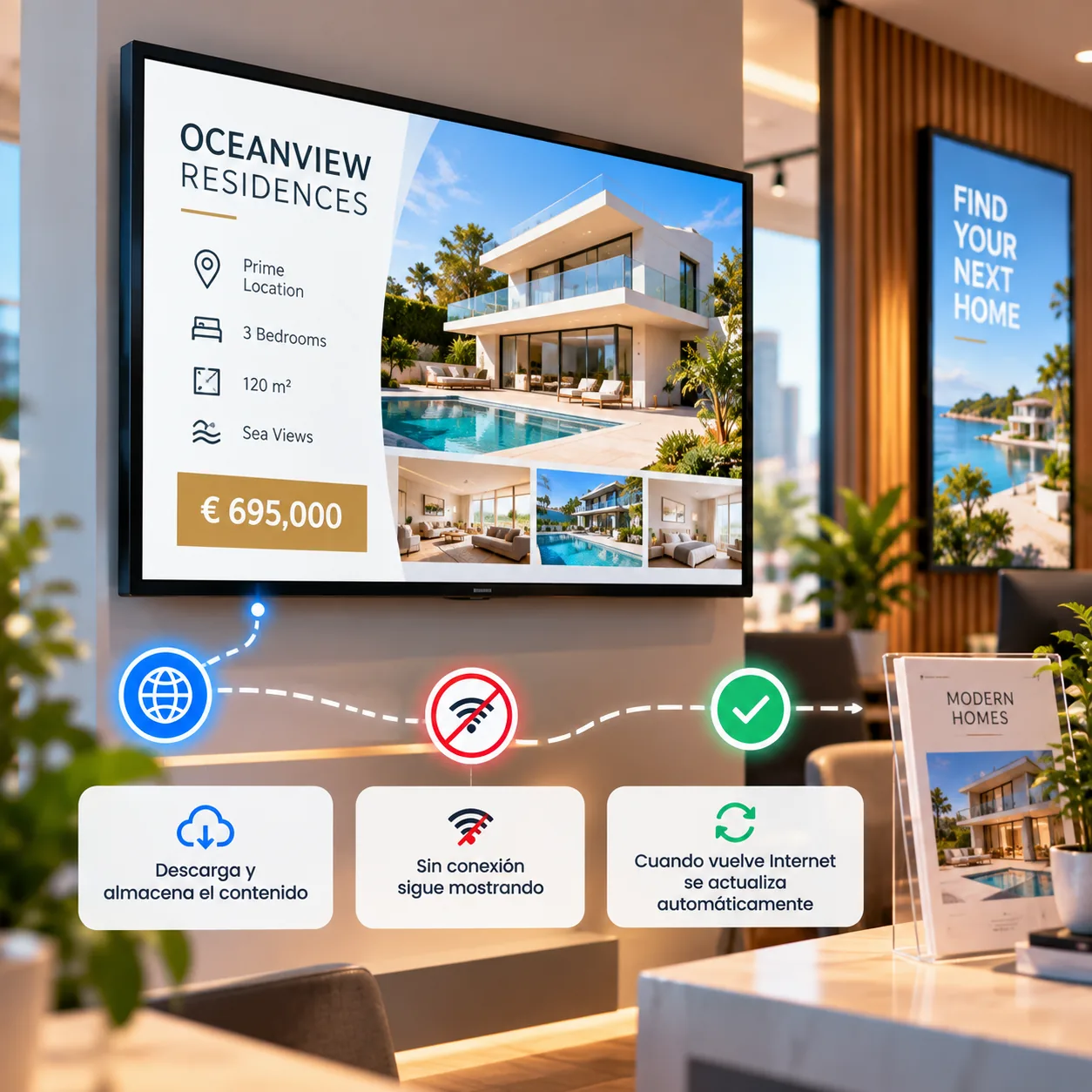
iMediaGO Web Player downloads and stores the files needed to play your campaigns locally. If your internet connection is temporarily interrupted, your screens can continue displaying downloaded content without stopping playback.
Once the connection is restored, Web Player receives content updates from iMediaGO again.
Open Web Player, connect your screen to iMediaGO and publish your content.