Choose the content
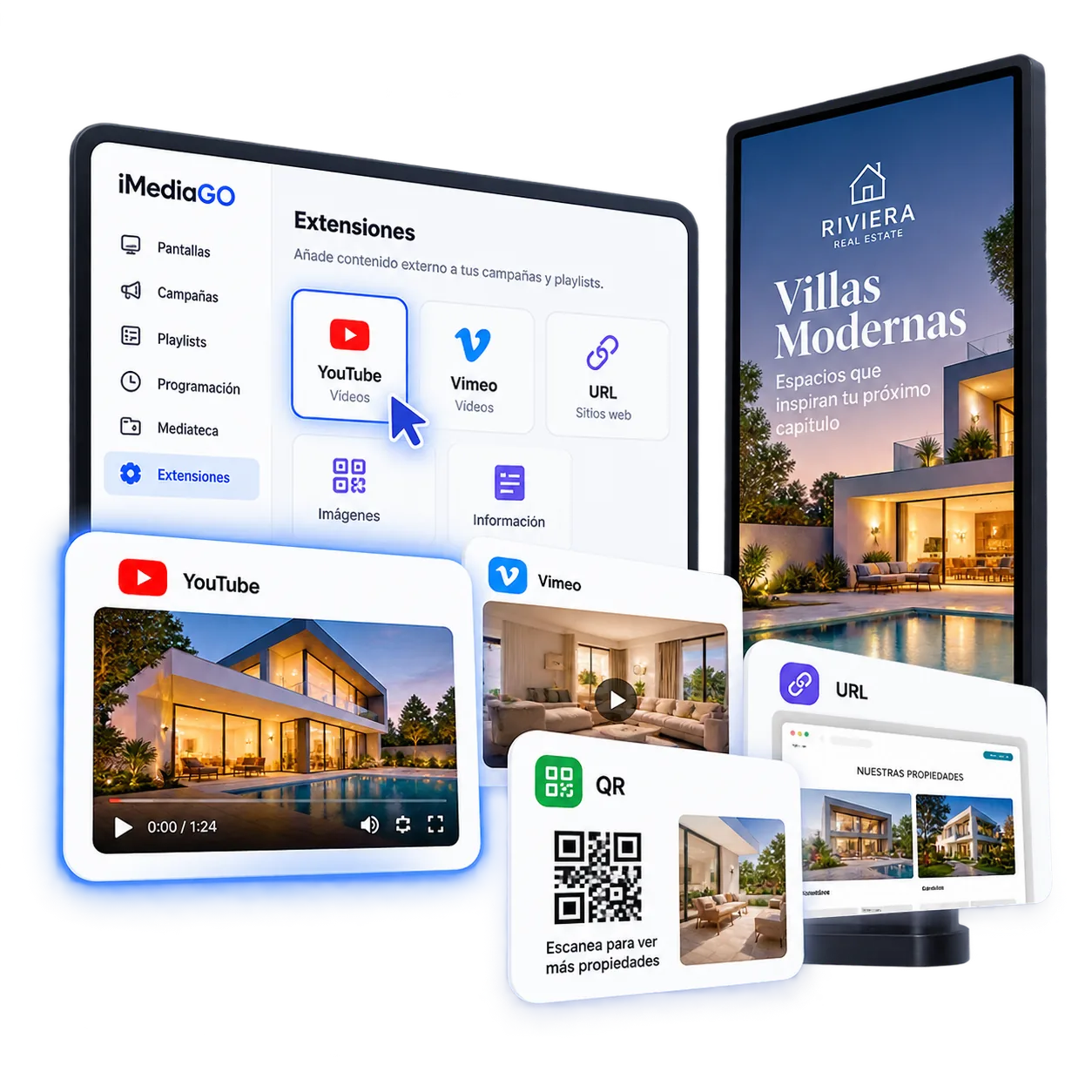
Select the extension you want to use.

Add YouTube and Vimeo videos or playlists, display compatible web pages and use QR codes to connect your screens with your customers. iMediaGO extensions help you reuse existing content, combine different sources and manage it all from one platform.
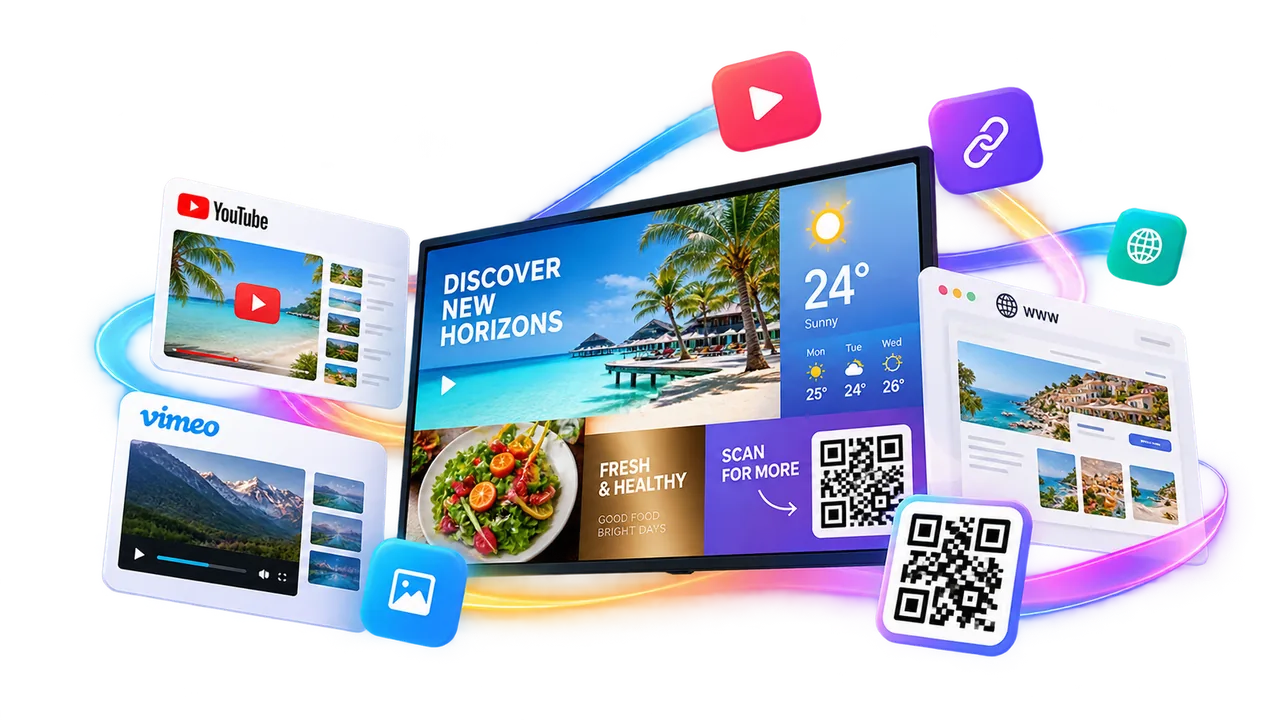
You don’t need to create everything from scratch. Use iMediaGO extensions to bring YouTube and Vimeo videos, web pages and QR codes into your digital signage content.
Combine external sources with your own campaigns to give your screens more variety while keeping content management simple.
Campaigns · YouTube · Vimeo · Web · QR · And more
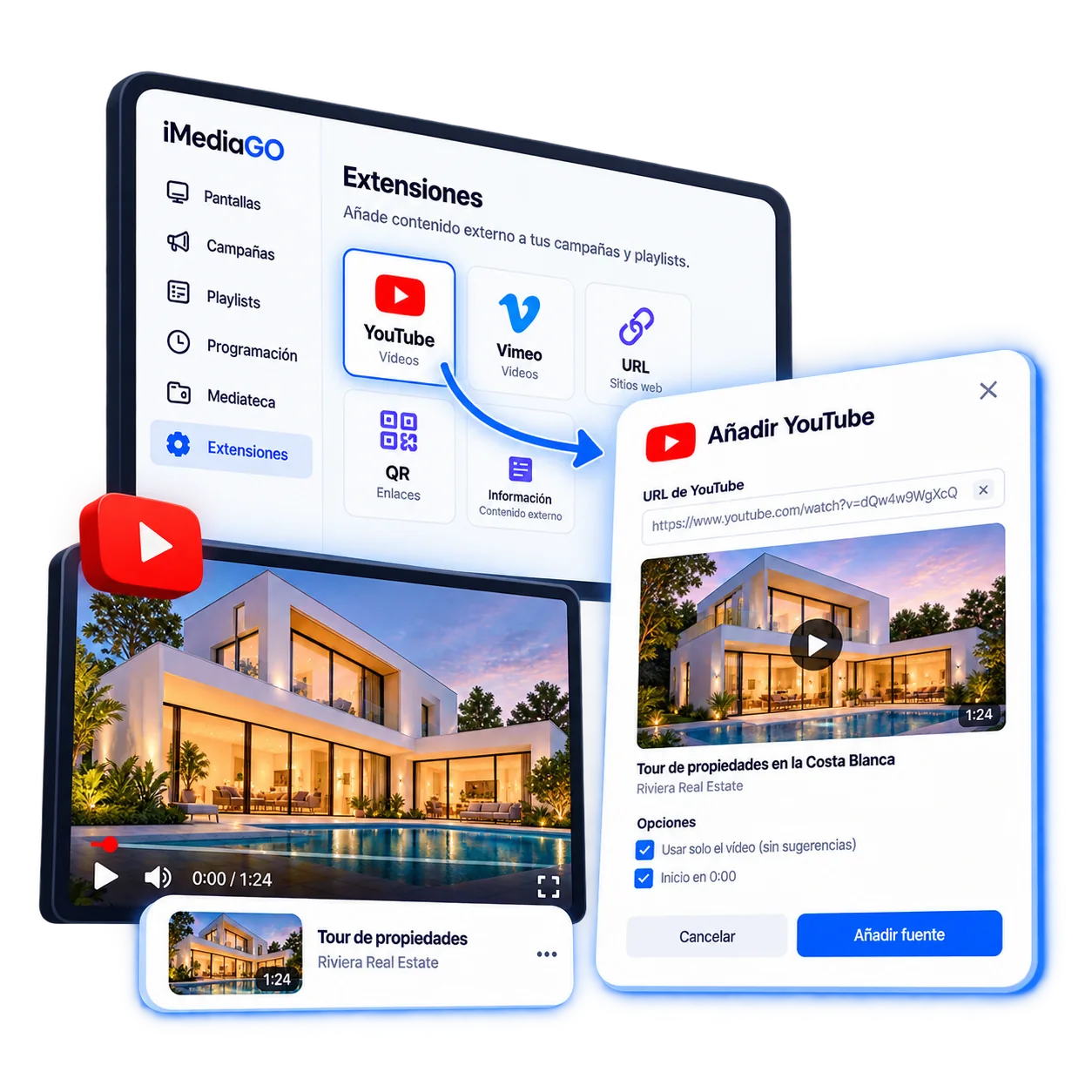
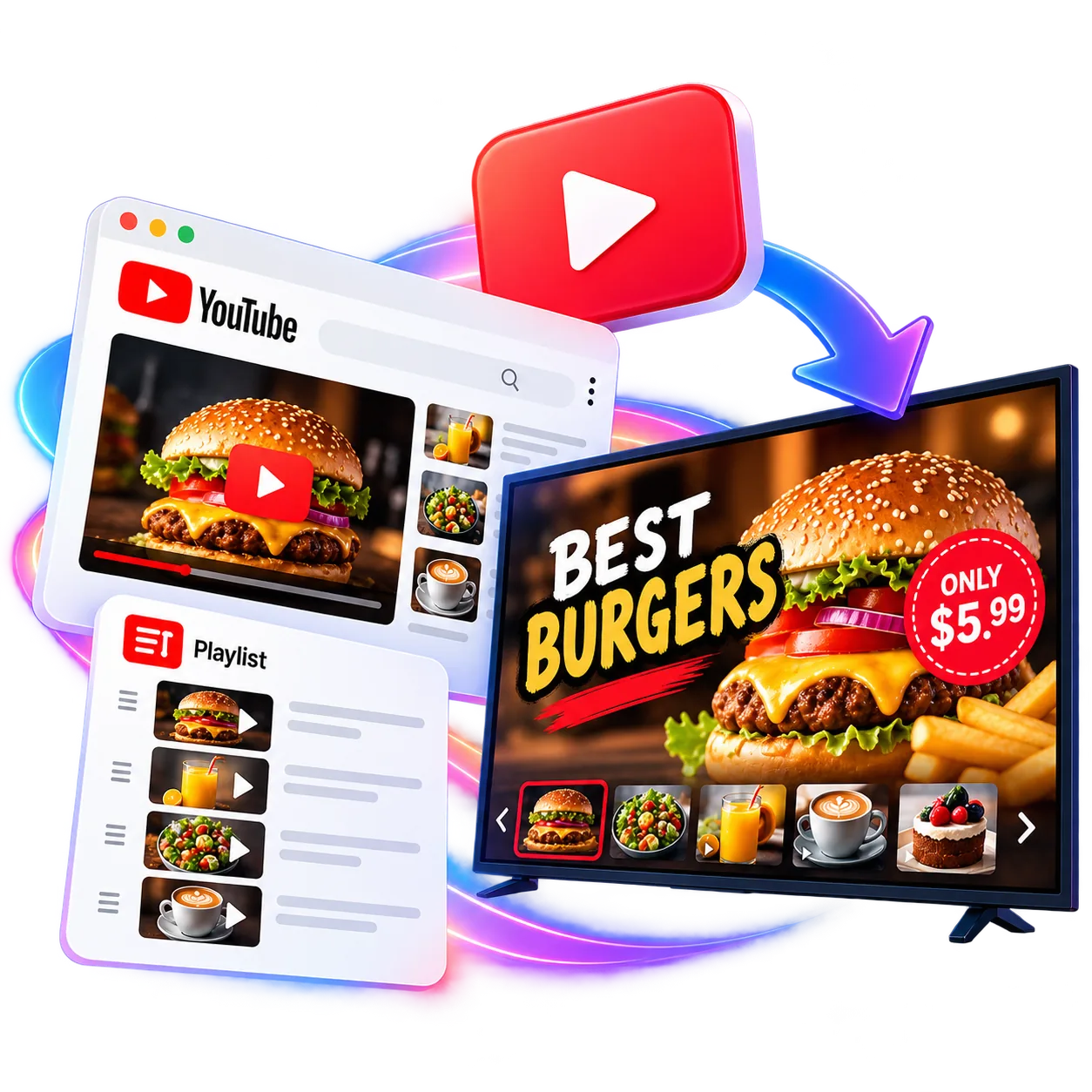
Make the most of YouTube videos and playlists to share content with your customers. Add promotional videos, product presentations, tutorials or content from your channel and display them on your digital screens.
With iMediaGO, you can include YouTube content in your campaigns and keep your screens updated without manually uploading every video.
YouTube Video · YouTube Playlist
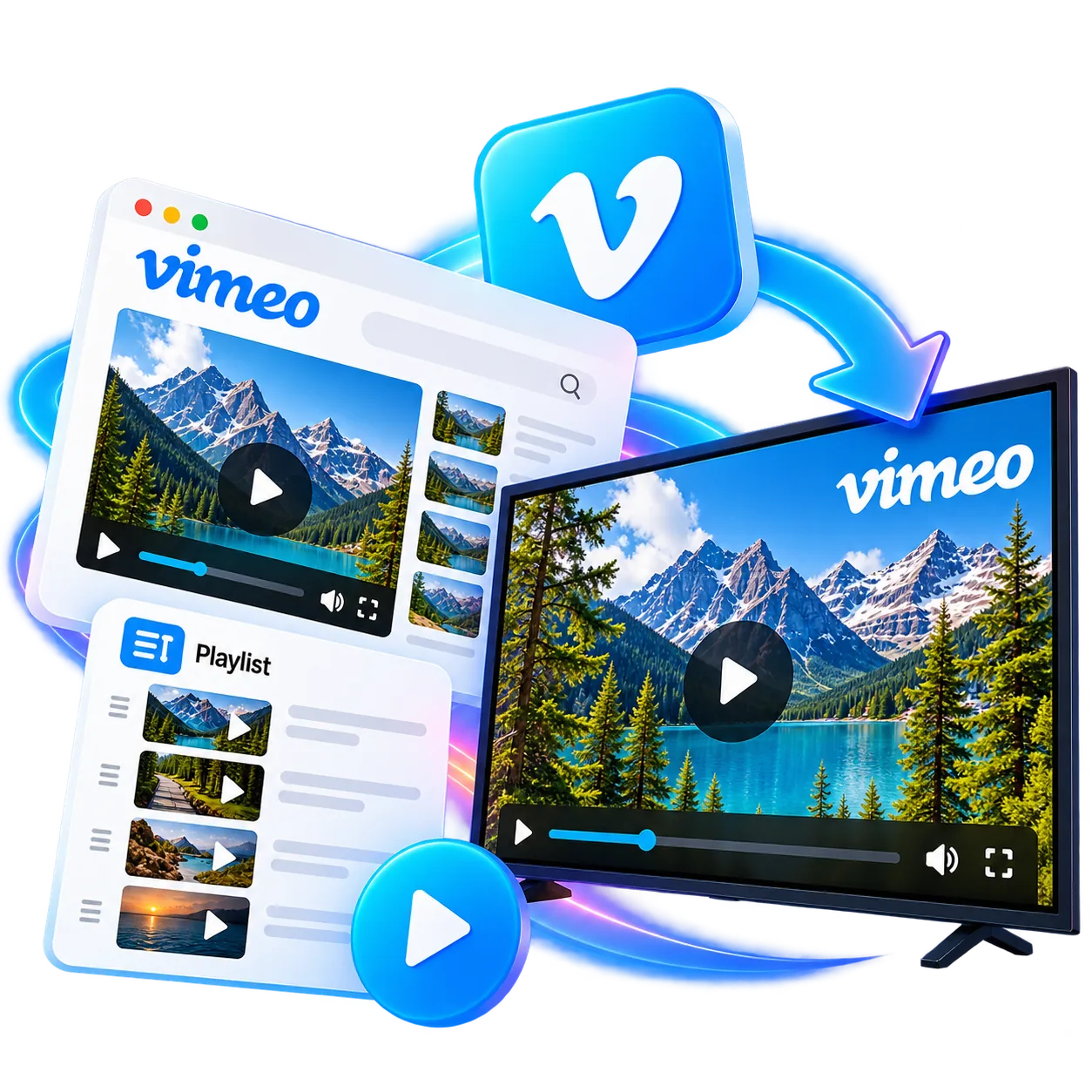
Use Vimeo videos and playlists as content for your screens.
Bring in content you already publish and combine it with everything else you manage through iMediaGO.
Vimeo Video · Vimeo Playlist
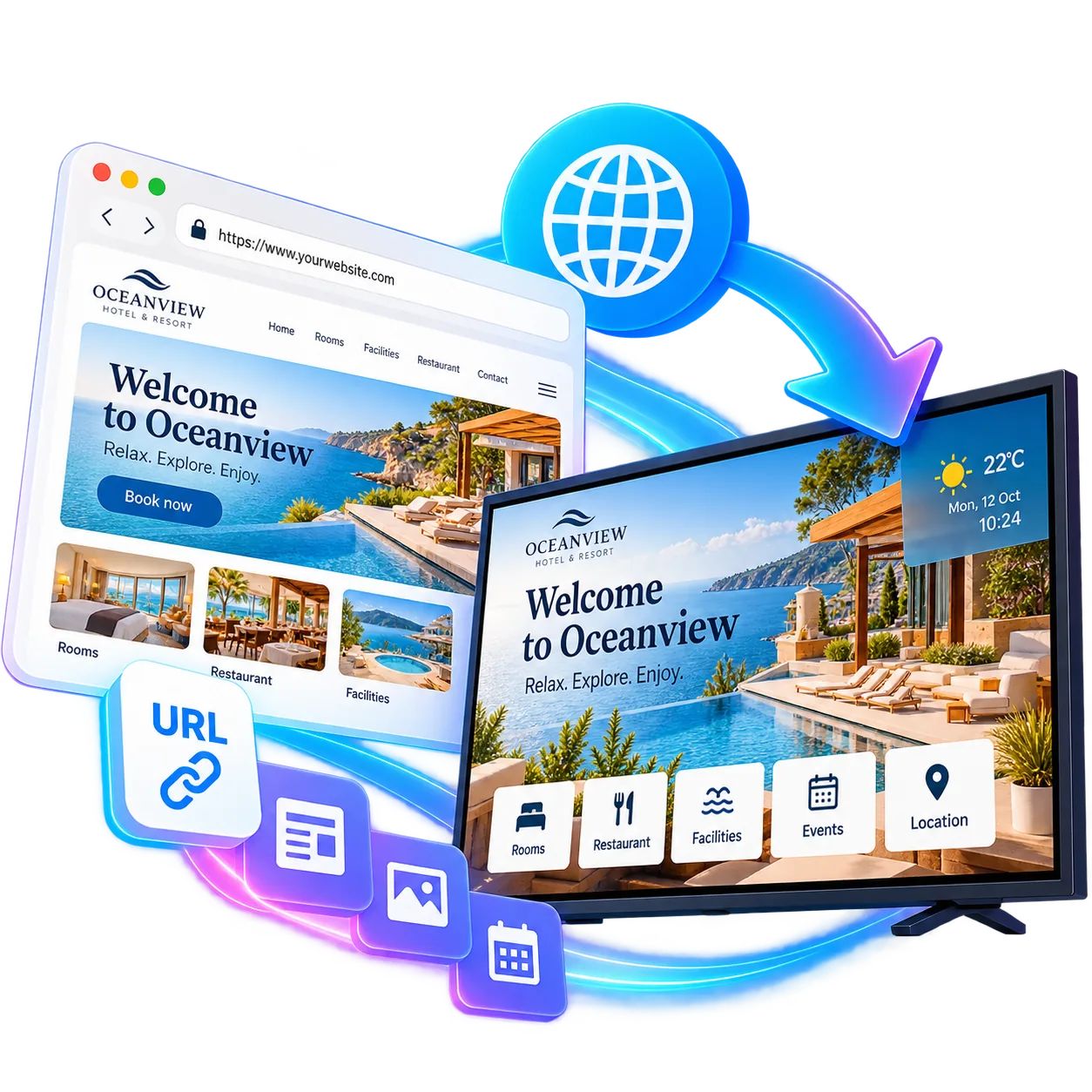
Use your existing web content to share information directly on your screens. Display catalogues, opening hours, news, information dashboards or other pages you want to highlight, without having to turn them into images or videos.
With iMediaGO, you can add compatible web pages to your campaigns and make use of information you’ve already published.
URL → Screen
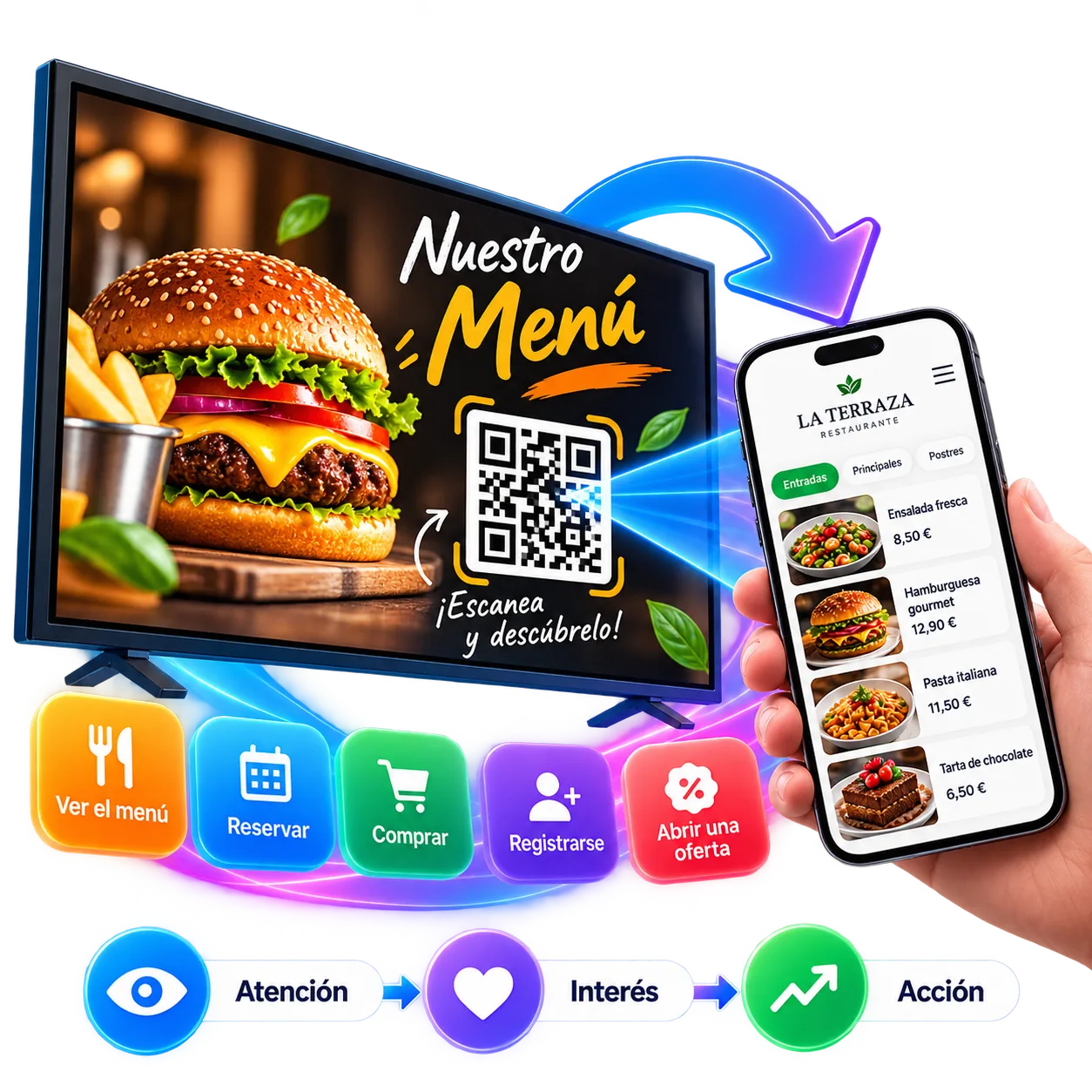
A screen can capture attention. A QR code can turn that attention into action.
Add QR codes to your screen content so customers can open relevant information or take the next step on their phones.
View the menu · Book · Buy · Sign up · Open an offer
A simple way to connect what people see on screen with the next action you want them to take.
Attention → Interest → Action
You don’t have to choose between a campaign, a video or external content.
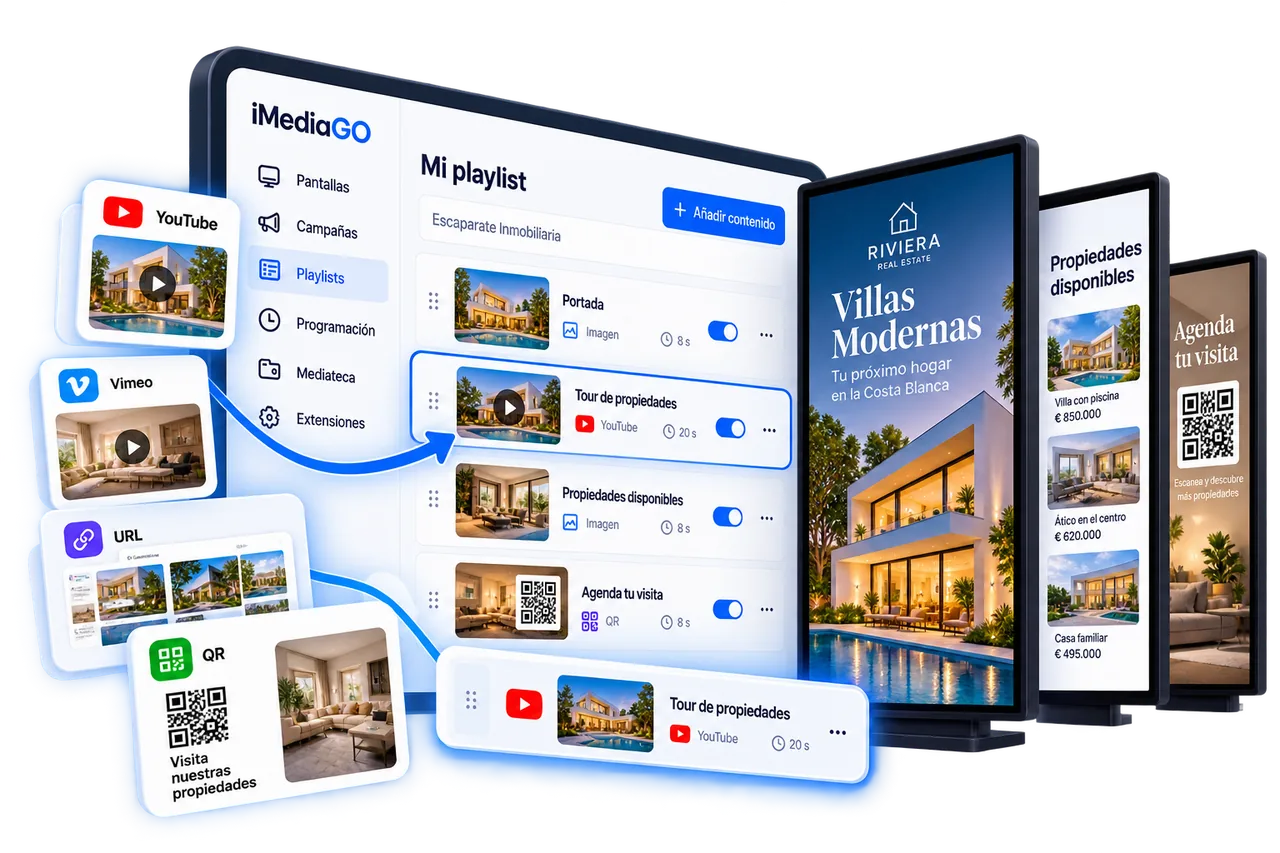
Combine campaigns, videos, your own media and external content to match what you want to communicate.
A promotional campaign can play alongside a YouTube video, your own media and other content prepared for your screens.
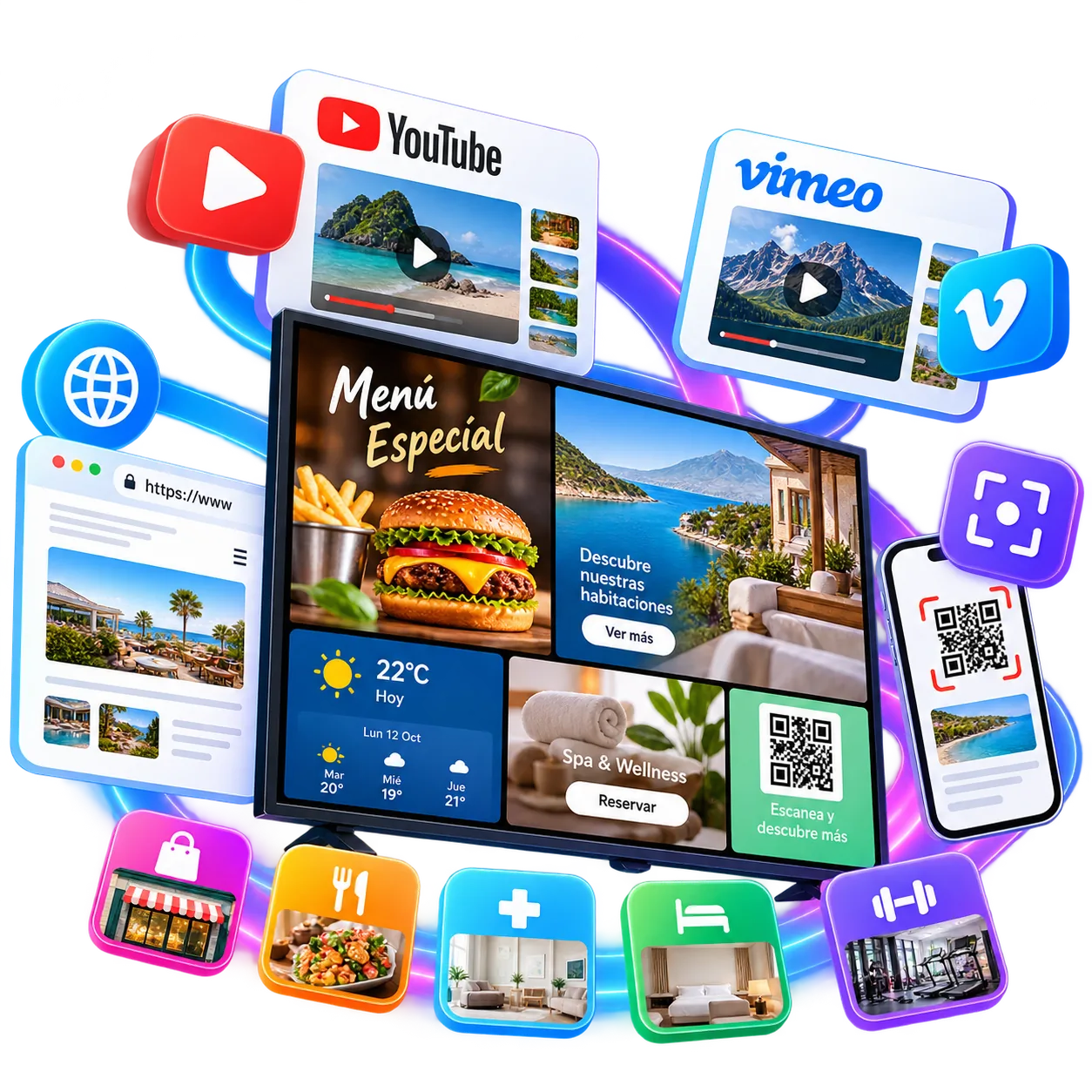
Every business has different information to share. Use iMediaGO extensions to display promotional videos, showcase products, share useful information or connect your screens with online content.
Extensions help you make better use of existing content and share useful information with customers across different business settings.
Add an extension in four steps and keep everything managed in iMediaGO.
Select the extension you want to use.
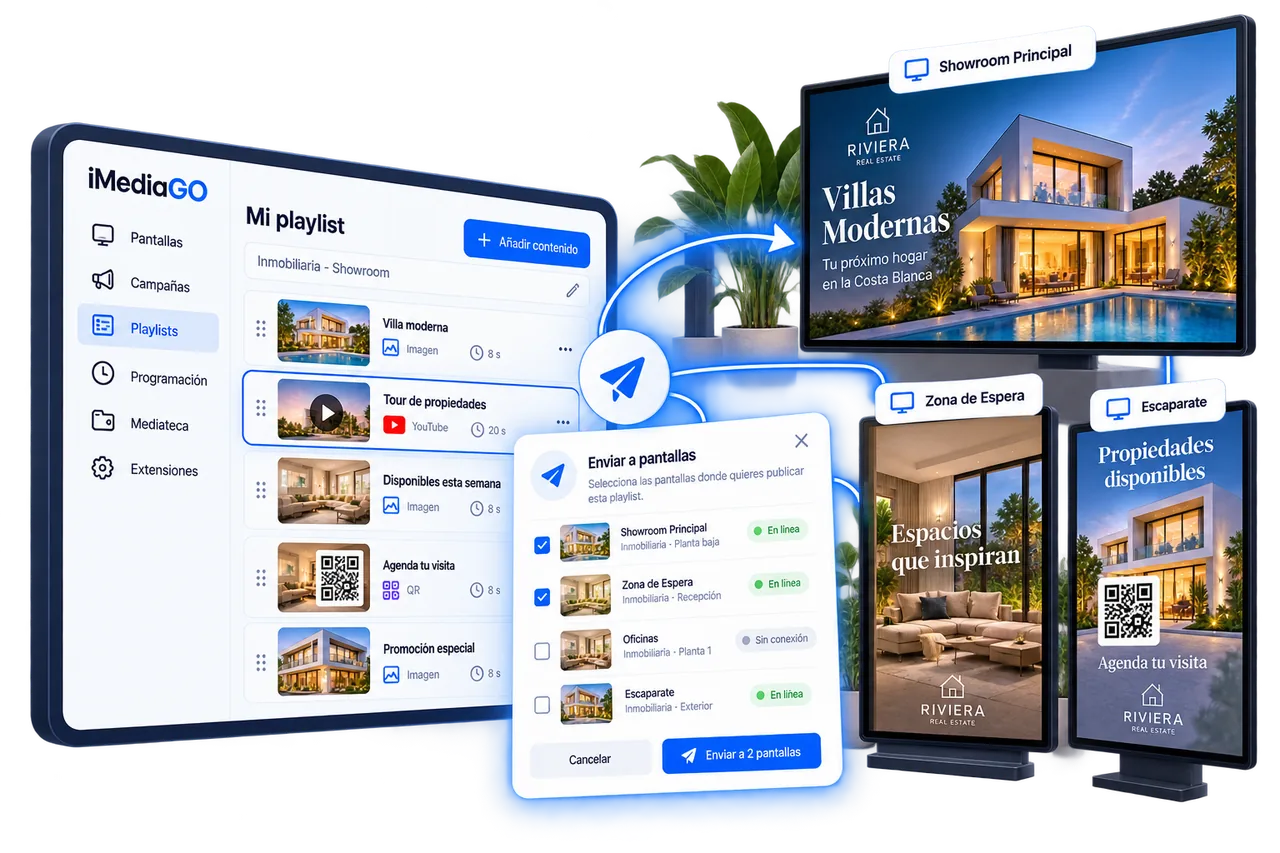
Everything stays managed through iMediaGO.
Bring YouTube and Vimeo videos, compatible web pages and QR codes to your screens alongside the content you already manage in iMediaGO.