Start with a campaign
Choose what you want to promote and let iMediaGO prepare a campaign with a visual structure ready to customize.
Open any scene in the editor and change only what you need.

Create and customize content for your digital screens with the iMediaGO visual editor. Add images, videos, text and graphic elements, fine-tune every detail and bring your designs to life with animations. Start from scratch or customize a ready-made campaign, with no design experience required.
Choose how to start, customize your design, add movement and organize content in your playlists to publish on your screens.
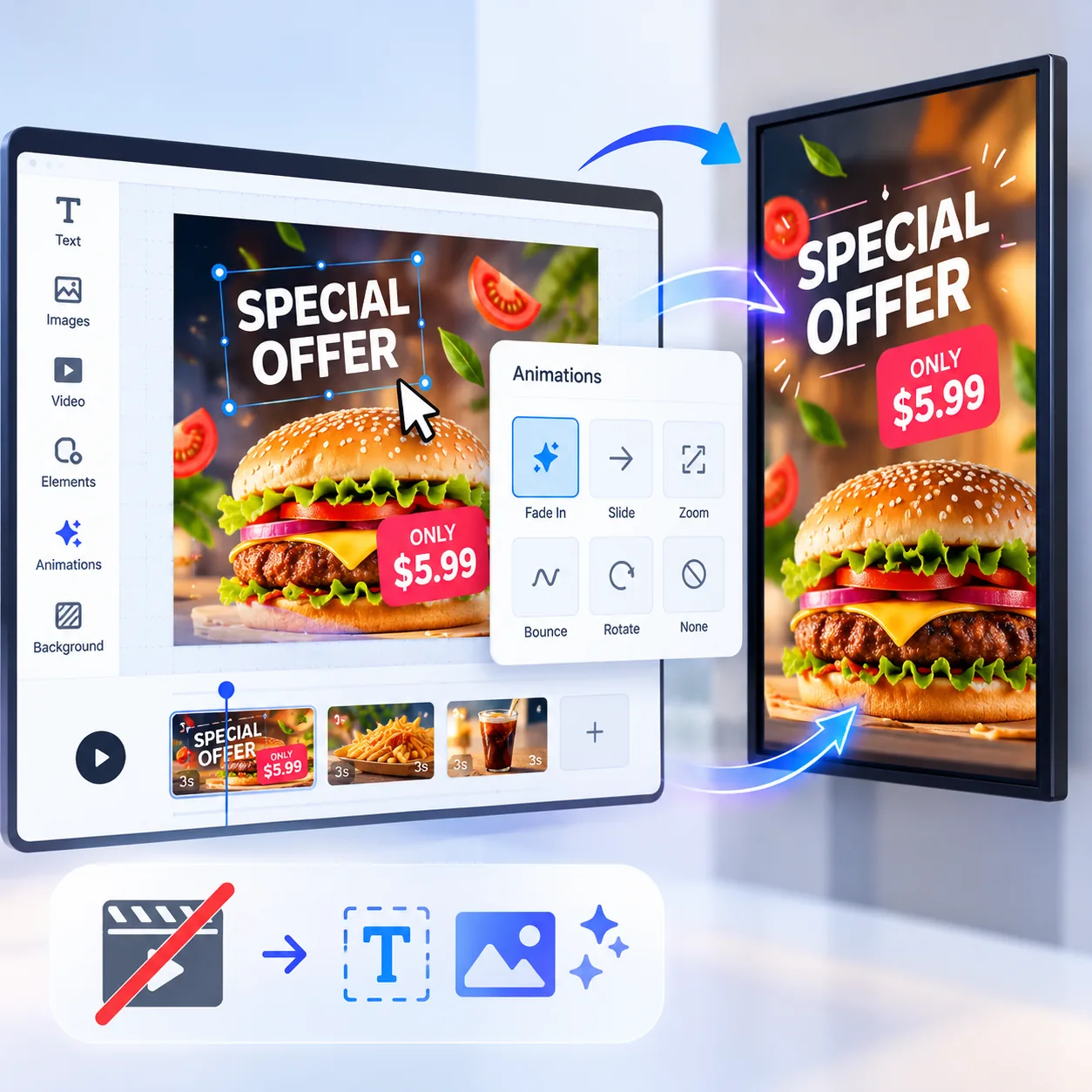
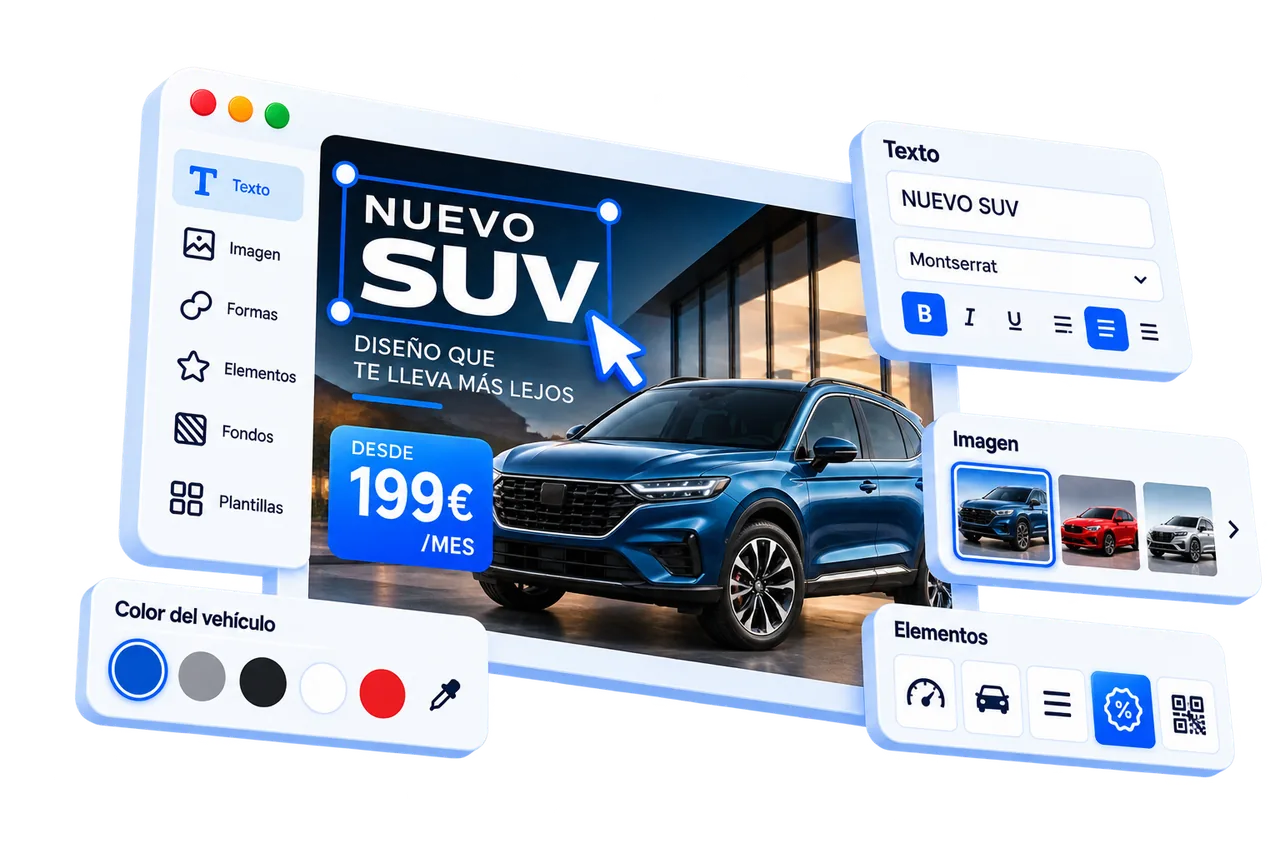
Customize your designs with the iMediaGO visual editor. Edit text, images, videos, colors and graphic elements to create content that reflects your brand and communicates your message.
Start from scratch or customize a ready-made campaign. You're in control of how your content looks on your digital screens.
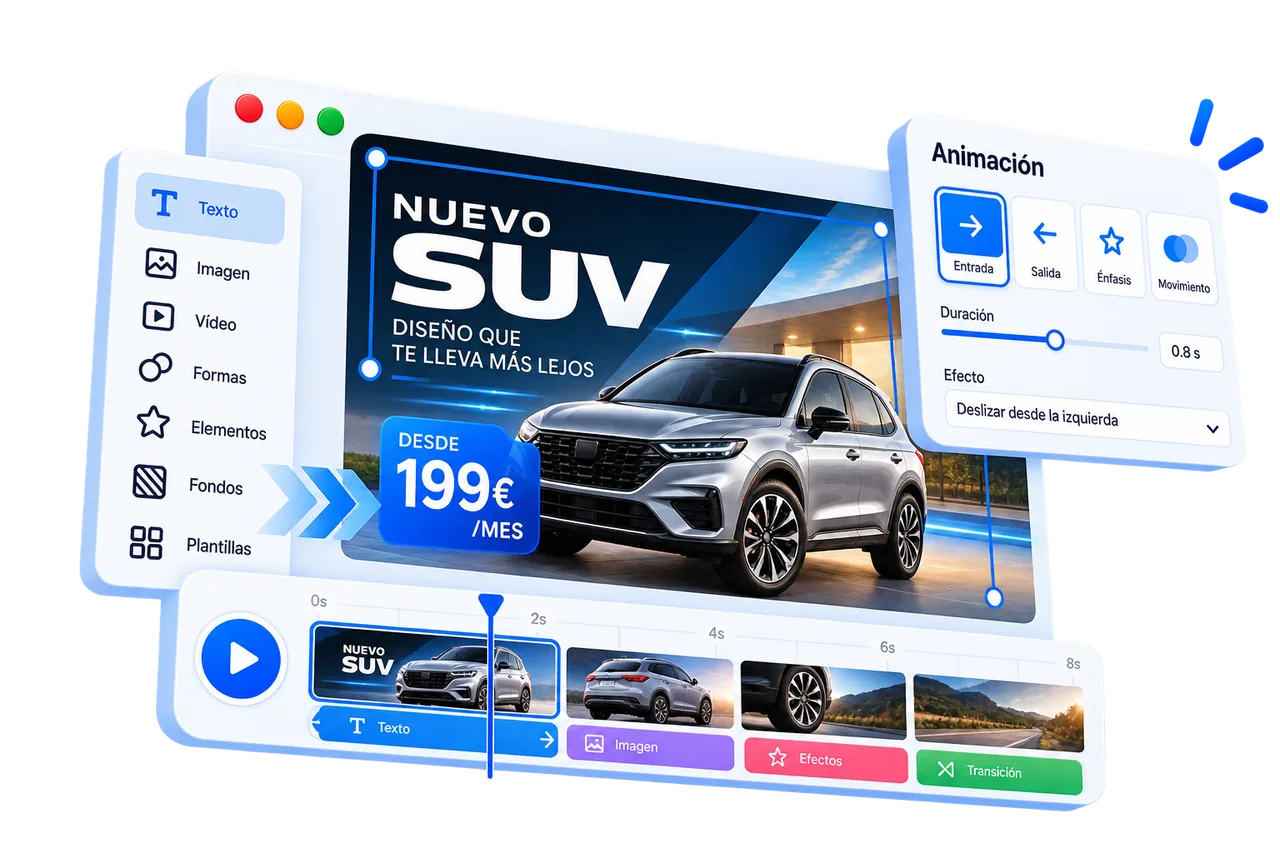
Turn a static design into animated content for your screens.
Add animations to individual elements to create entrances, movement and transitions without producing a video from scratch.
Design → Animate → Display
Bring your promotions, advertisements and messages to life without using video editing software. With the iMediaGO editor, you can animate text, images and graphic elements to create dynamic content that captures your customers' attention.
Need to change a price, special offer or message? Simply update your design without editing and exporting a new video.
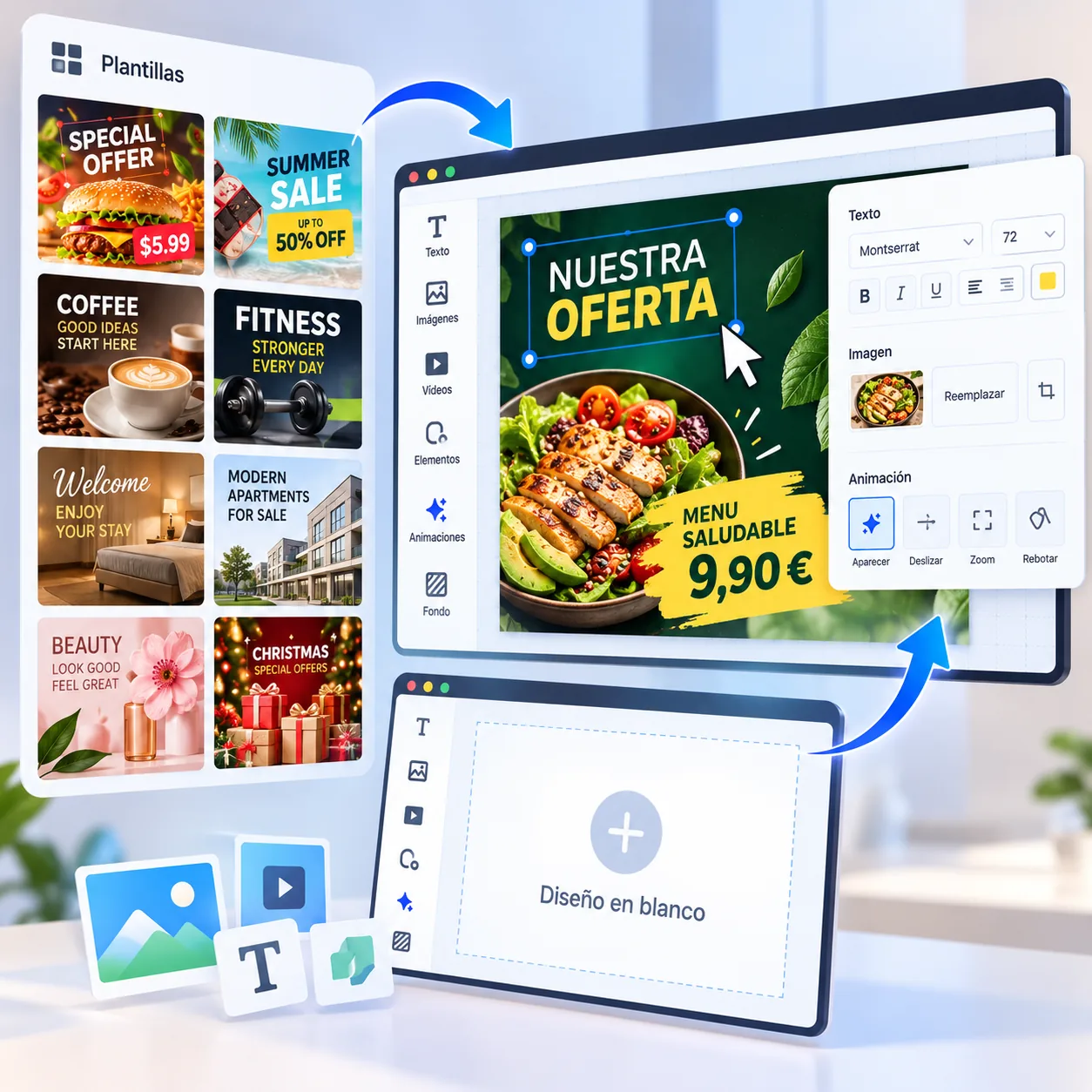
Create content your way with the iMediaGO visual editor. Start with a blank canvas, add images, videos, text and graphic elements, and arrange them to suit your design.
Want to save time? Choose a ready-made campaign and customize its design to match your brand. You decide where to start and how your finished content looks.
Choose what you want to promote and let iMediaGO prepare a campaign with a visual structure ready to customize.
Open any scene in the editor and change only what you need.
When you need more control, use the editor to adapt the composition, visual elements and movement to your idea.
Start quickly when speed matters and take control when you want to create something different.
Already have images or videos? Upload them, set the order and send them to your screens — without using the editor.
A simpler way to publish content that's ready to display.
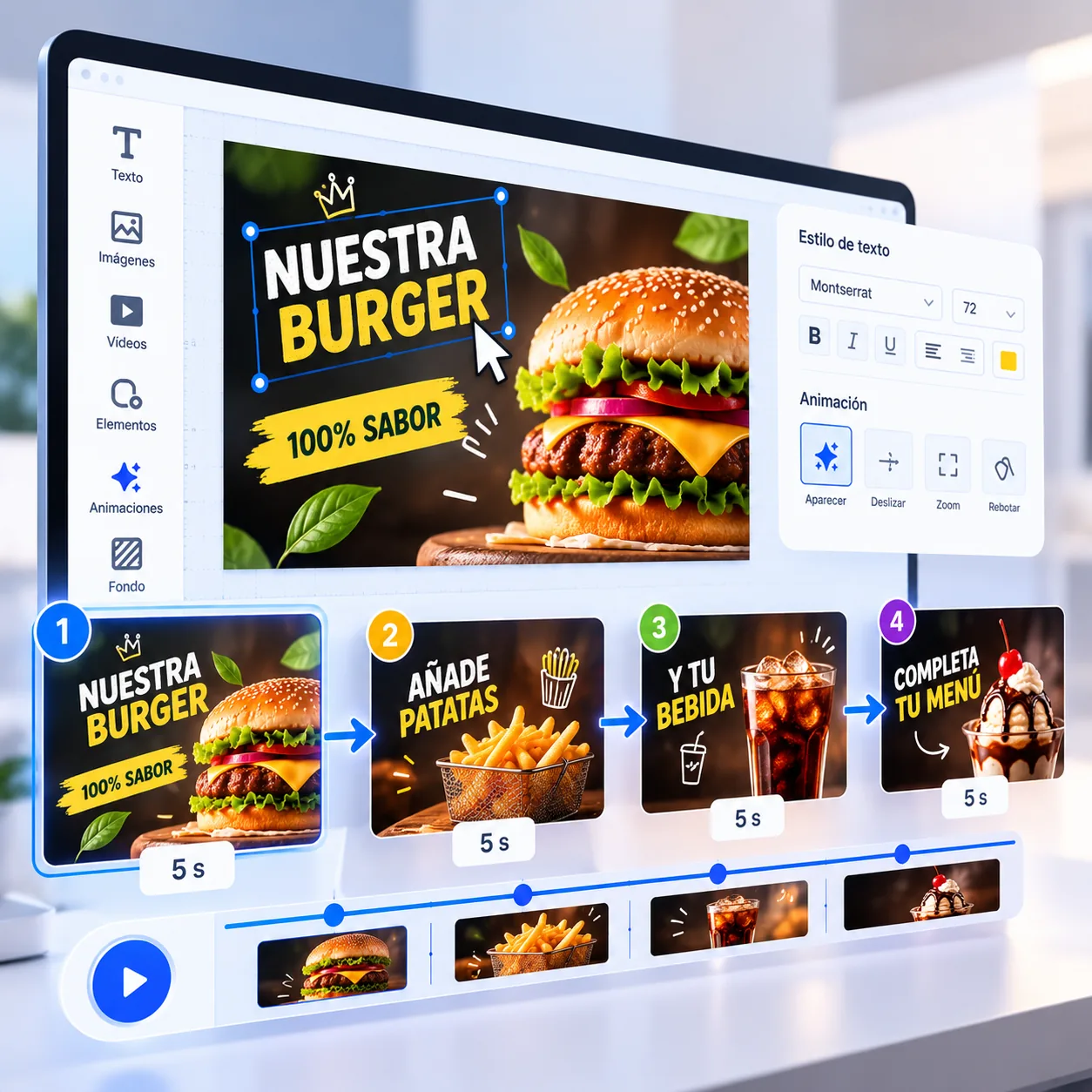
Create multi-scene content to showcase products, highlight services or share different messages on your digital screens. Customize each scene with images, videos, text and graphic elements while maintaining a consistent visual style.
Arrange your ideas into a visual sequence and make every scene contribute to your message.
Make your content fit your business.
Use your own images, product visuals, videos, text, prices and graphic elements to personalize your designs.
Start with a prepared concept and replace only what you need, or transform the entire composition.
For example, you can replace the images and colors of a prepared campaign with your brand assets, keeping visual communication consistent with your business.
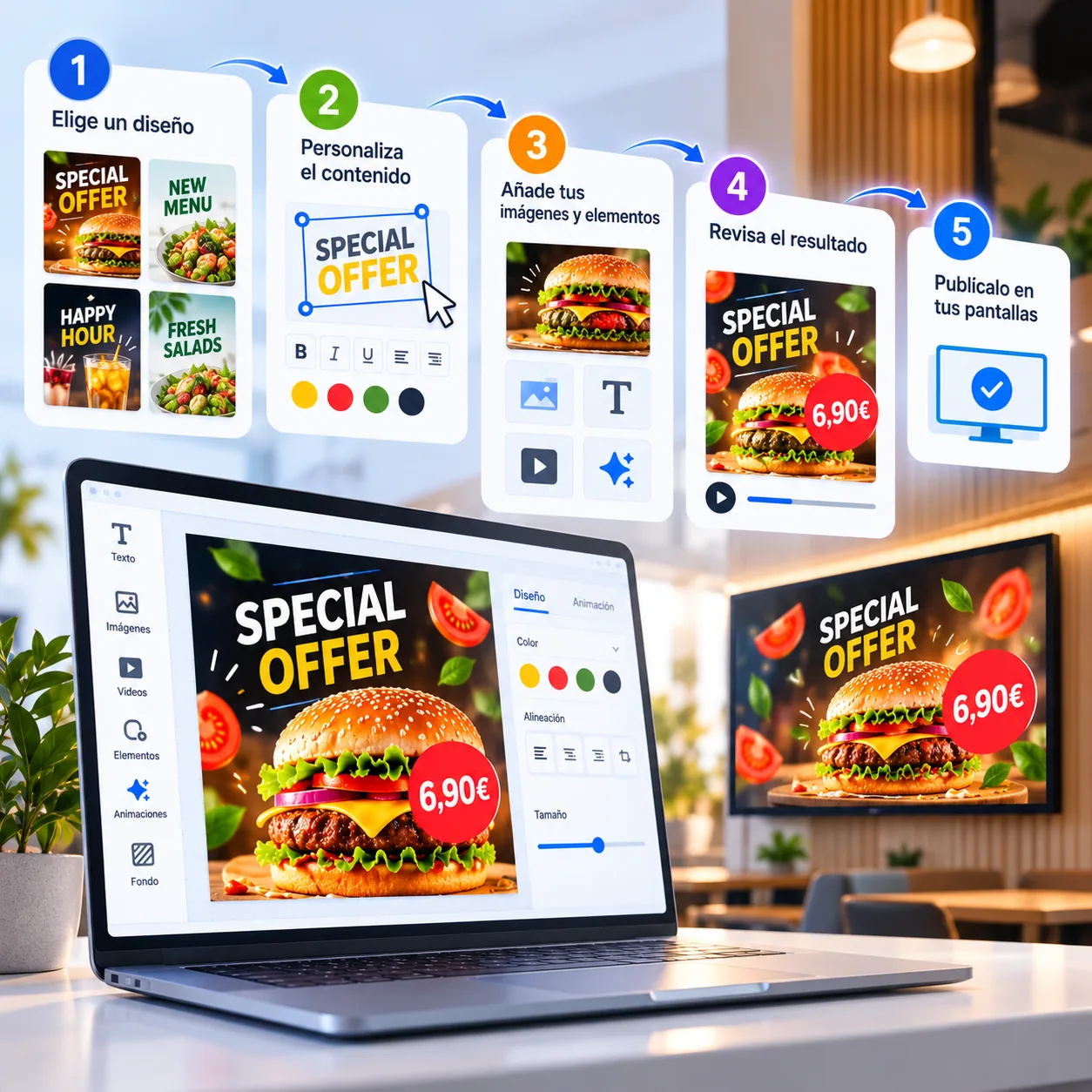
You don't need to design something, export it, move files around and then figure out how to publish it.
The editor is part of the same platform you use to organize and manage your screen content.
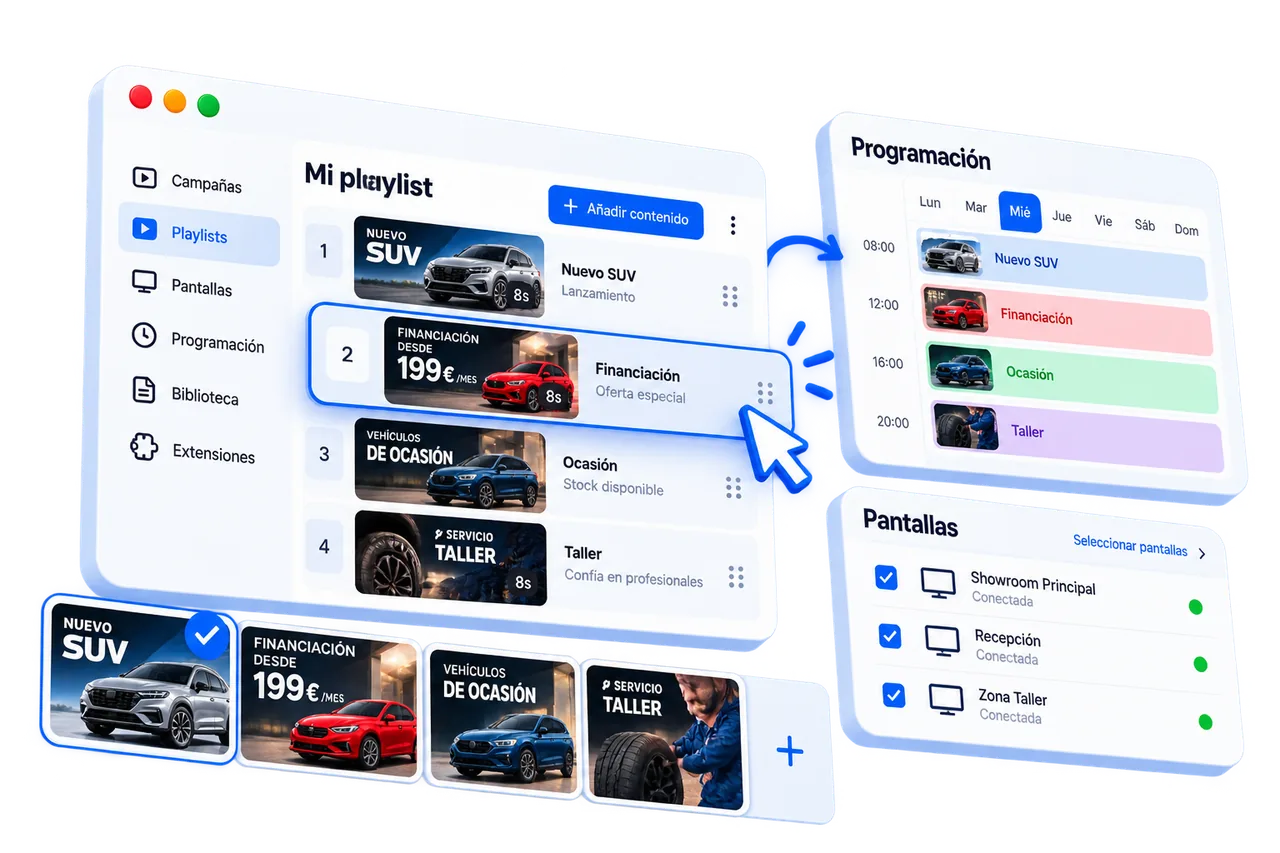
Design → Organize → Schedule → Publish
When you're ready, add your content to a playlist and decide where and when it should play.
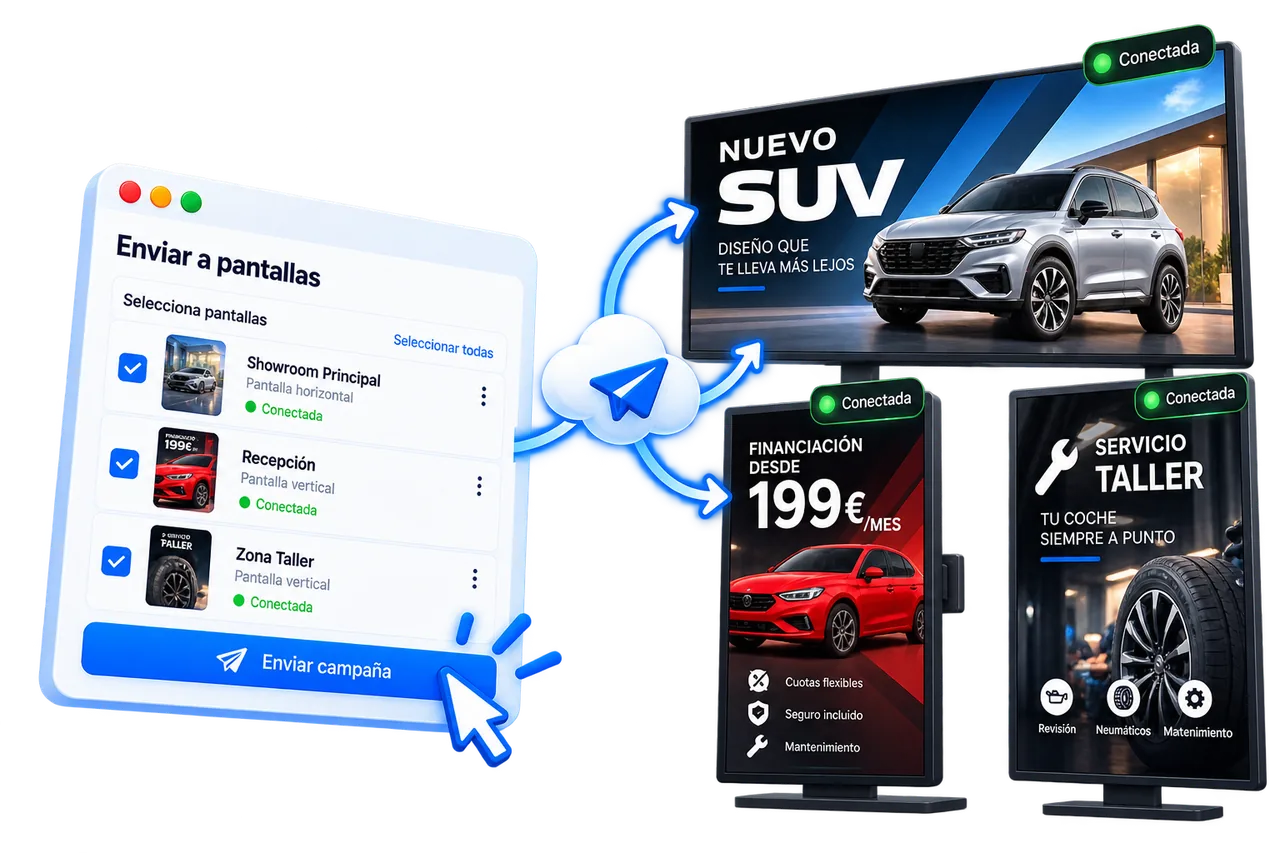
Turn your ideas into content ready to display on your digital screens. With the iMediaGO visual editor, you can create a design, customize it and prepare it for publishing, all from one platform.
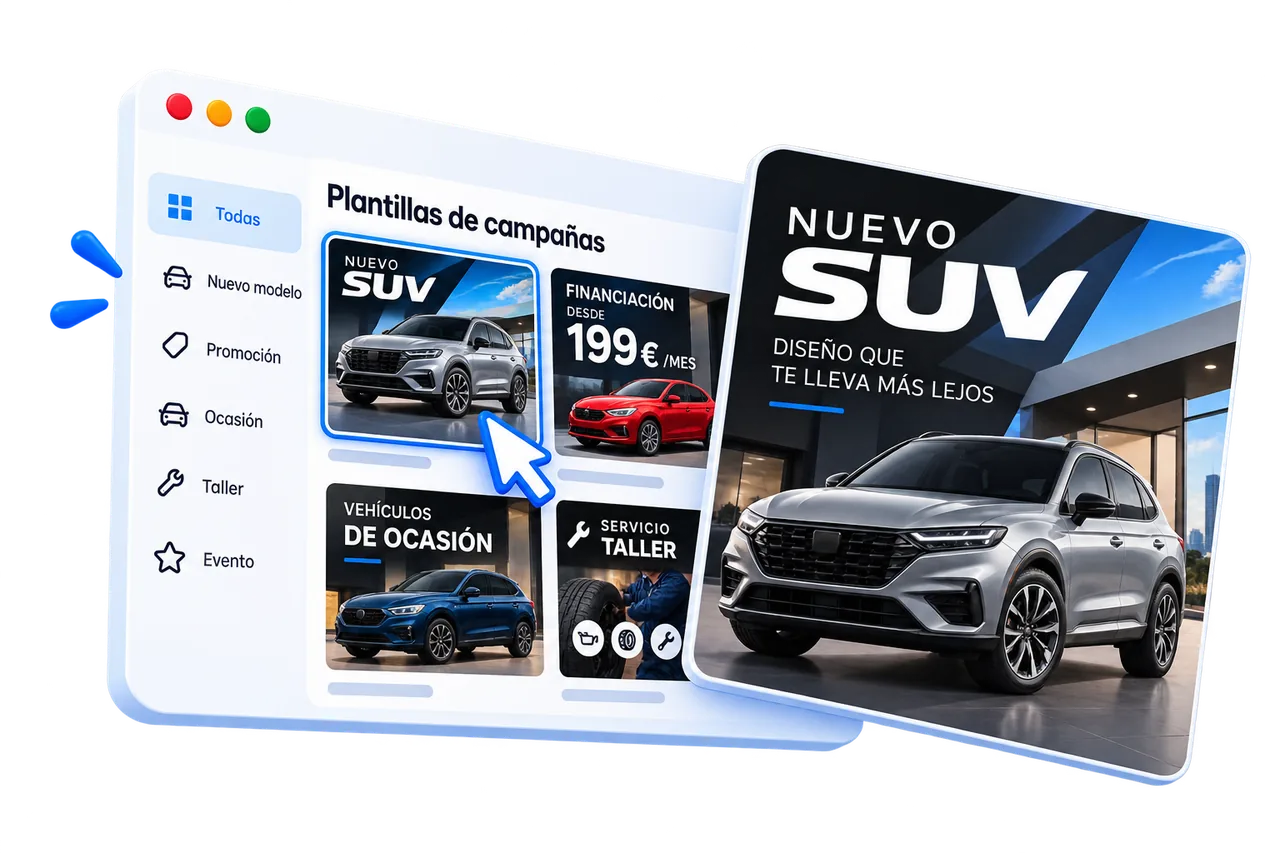
Create from scratch or choose a ready-made campaign.
Create your own designs, add animations and prepare your content for your digital screens.