
Digital signage for schools and educational institutions
Improve communication with students, teachers and visitors using digital screens throughout your educational institution. Share announcements, schedules, activities and upcoming events in real time. Create engaging visual content, publish it to your screens and keep information up to date from one central place.


No credit card required
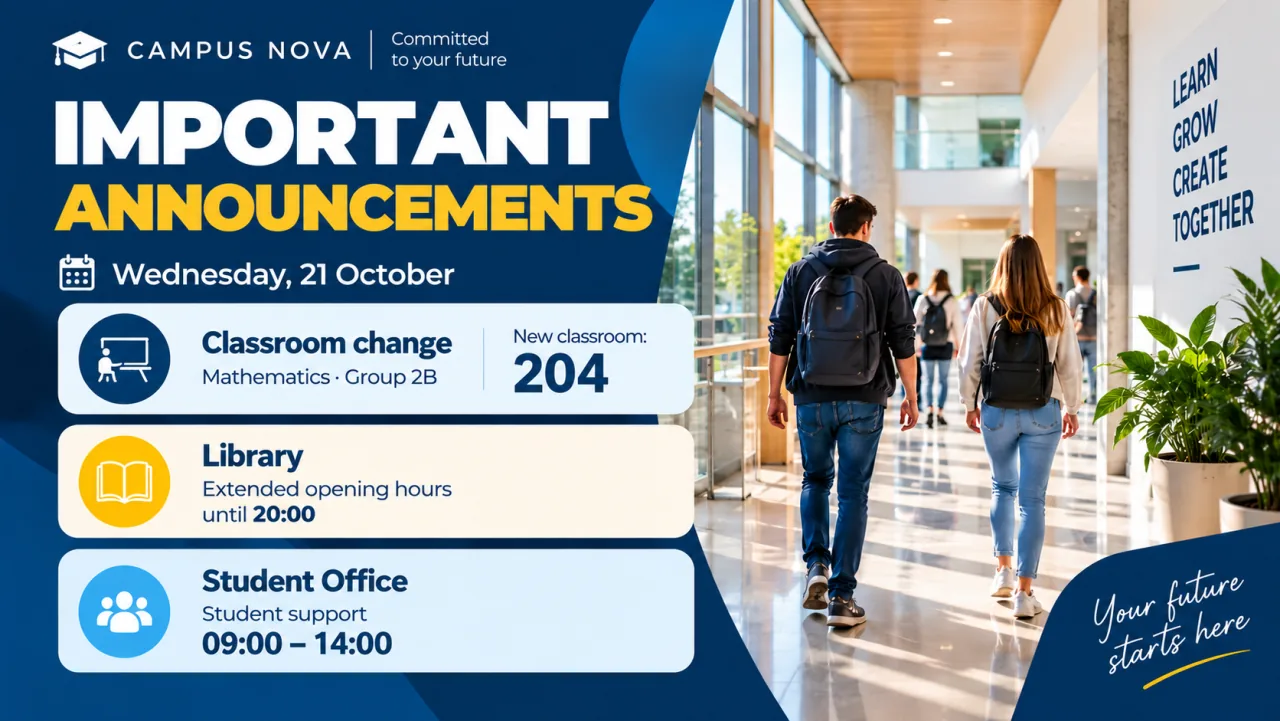
Put important notices where students and visitors are more likely to see them.
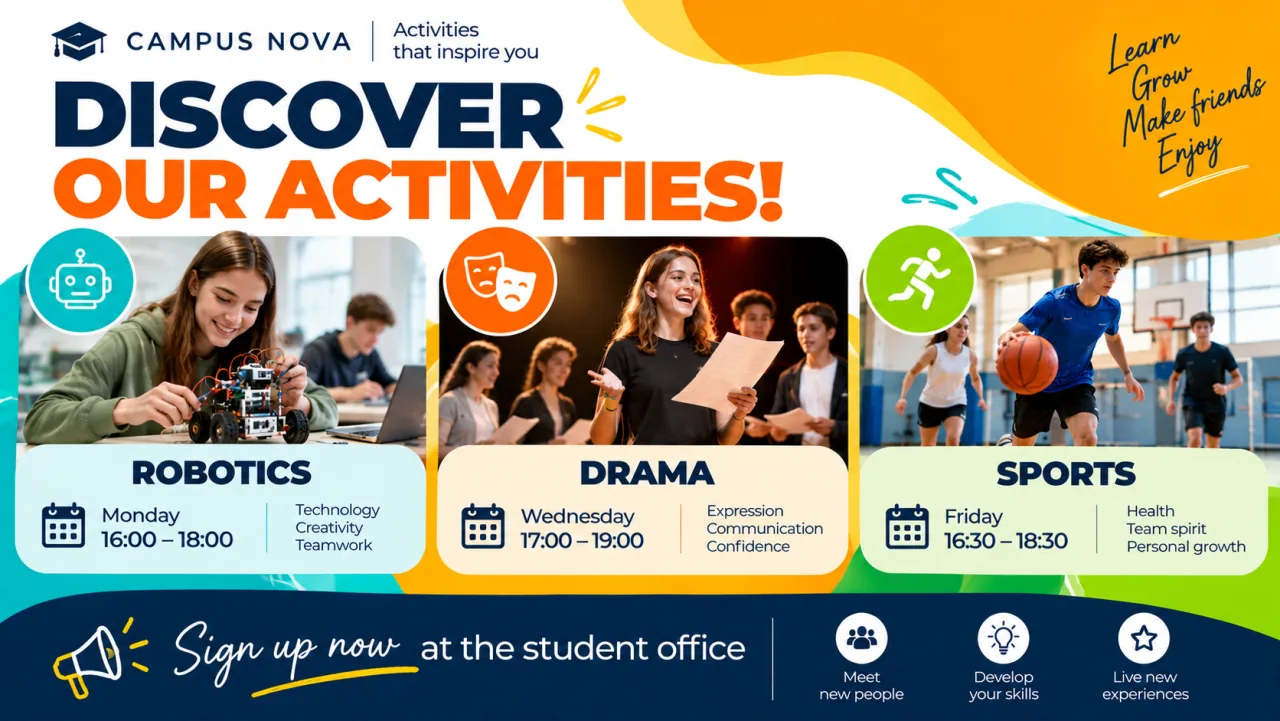
Change schedules, messages and activities without printing new signs.
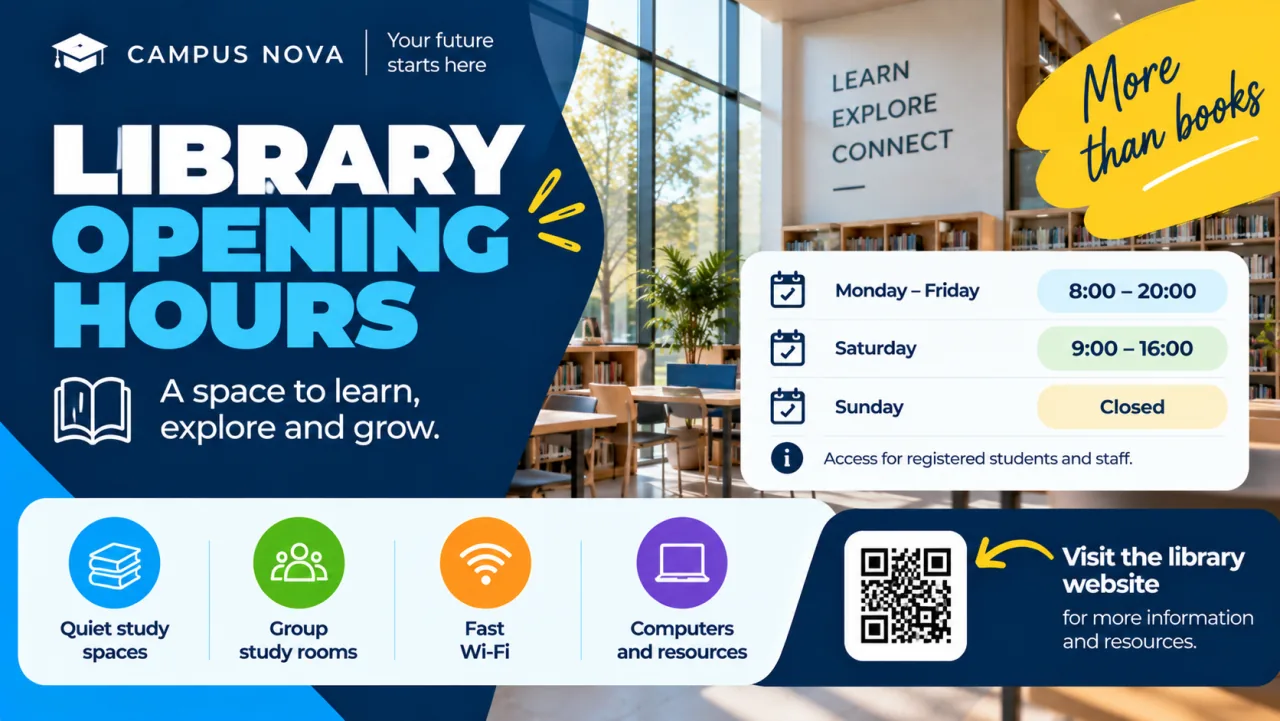
Update one or multiple screens remotely from one place.
Keep students, teachers and visitors informed
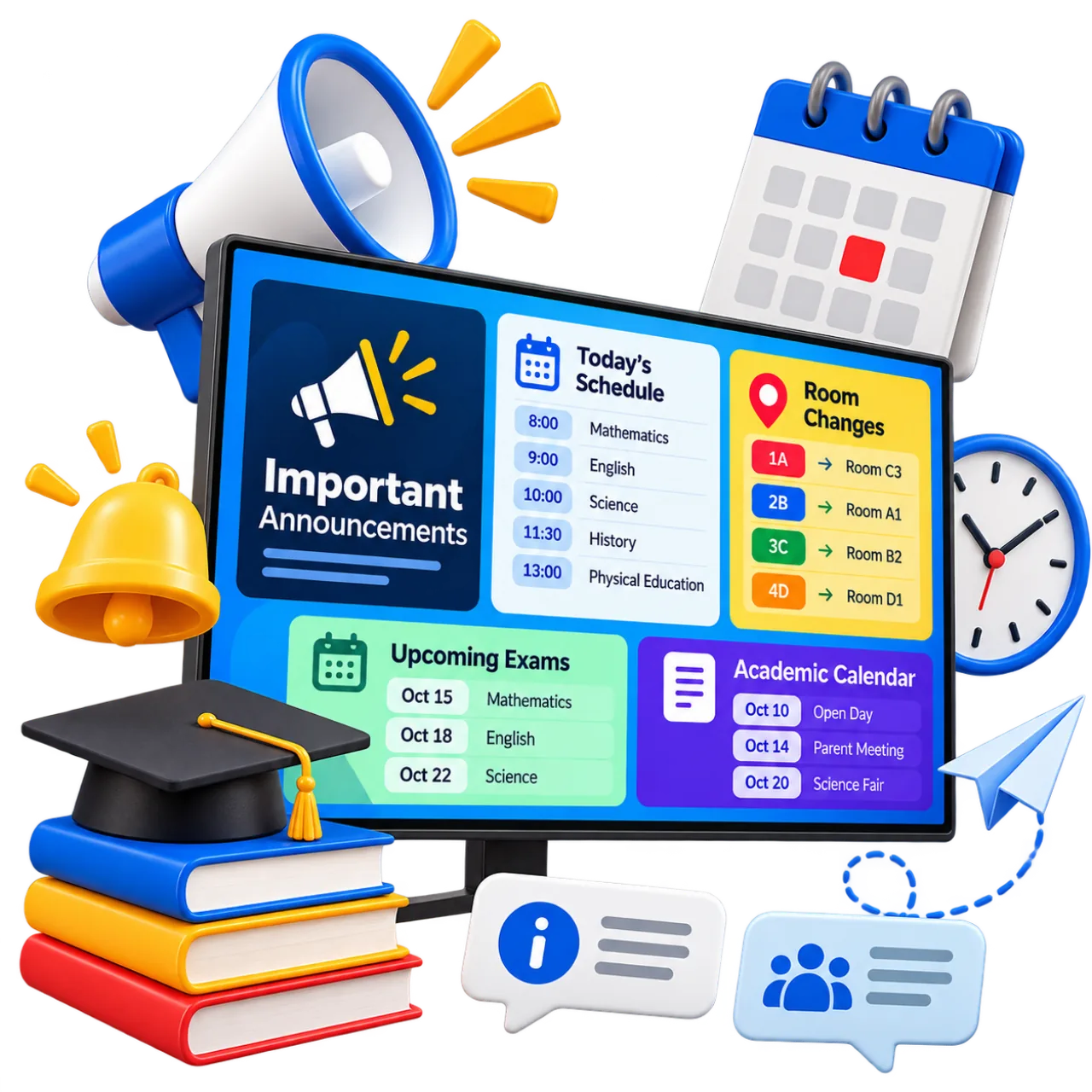
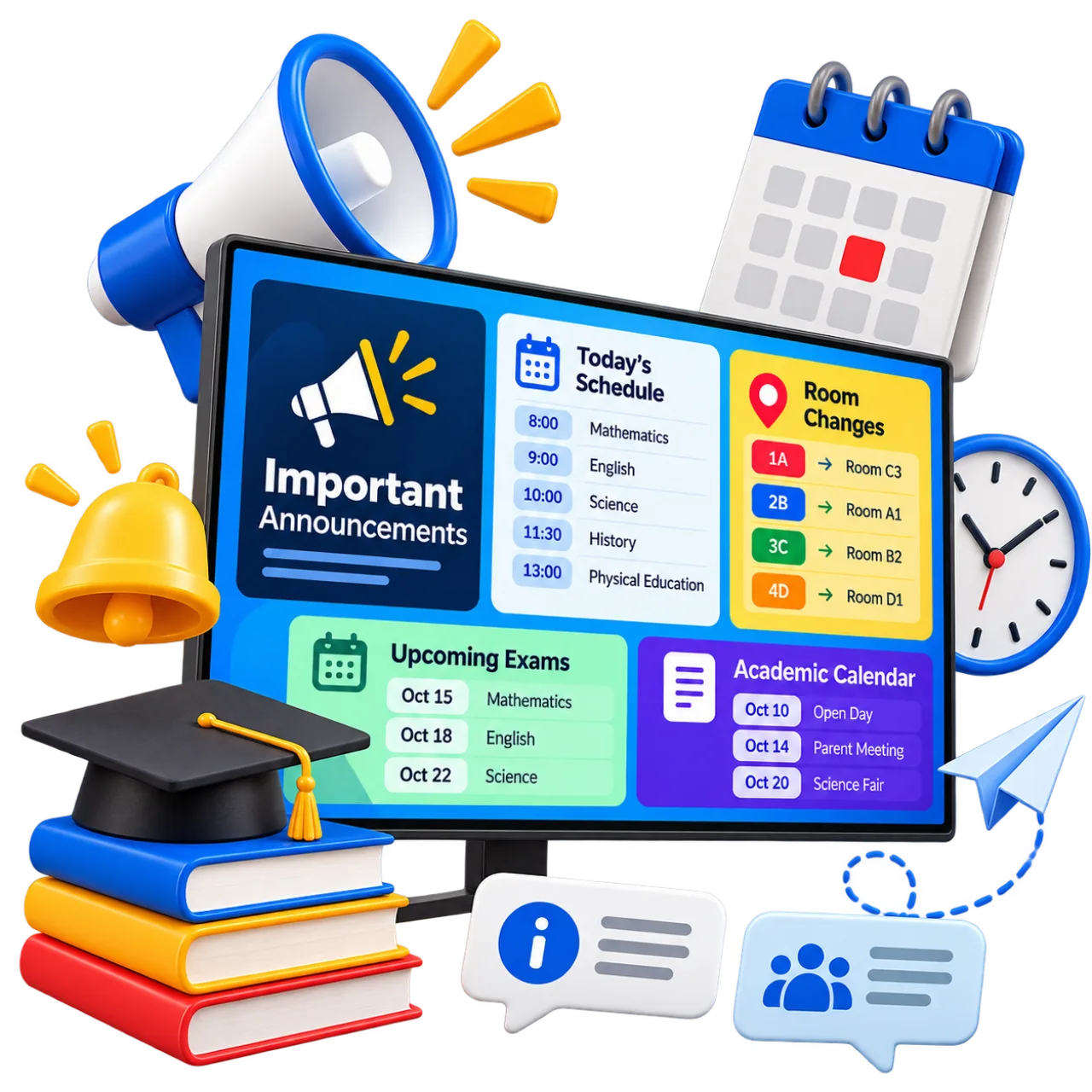
Use digital screens throughout your educational institution to share announcements, schedules and important updates. Display relevant information in reception areas, corridors, common spaces and other locations where students, teachers and visitors can easily see it.
Communicate classroom changes, timetable updates, exam dates, academic calendars and other institutional news. Complement emails and existing communication channels with clear visual messages that reach your educational community throughout the day.
Update your content whenever needed and keep information current without printing new notices or visiting each screen individually.
Discover how to create content →Promote courses, activities and educational events
Use digital screens throughout your educational institution to promote upcoming courses, workshops and events. Announce open days, enrolment periods, extracurricular activities, conferences and other initiatives for students and families.
Present dates, schedules, registration information and event details through engaging visual content. Share student achievements, educational projects and institutional news to keep your entire educational community informed and involved.
Create campaigns to promote your activities and schedule them across screens in reception areas, corridors and common spaces. Update announcements whenever needed to ensure the most relevant information is always visible.
Discover how to create campaigns →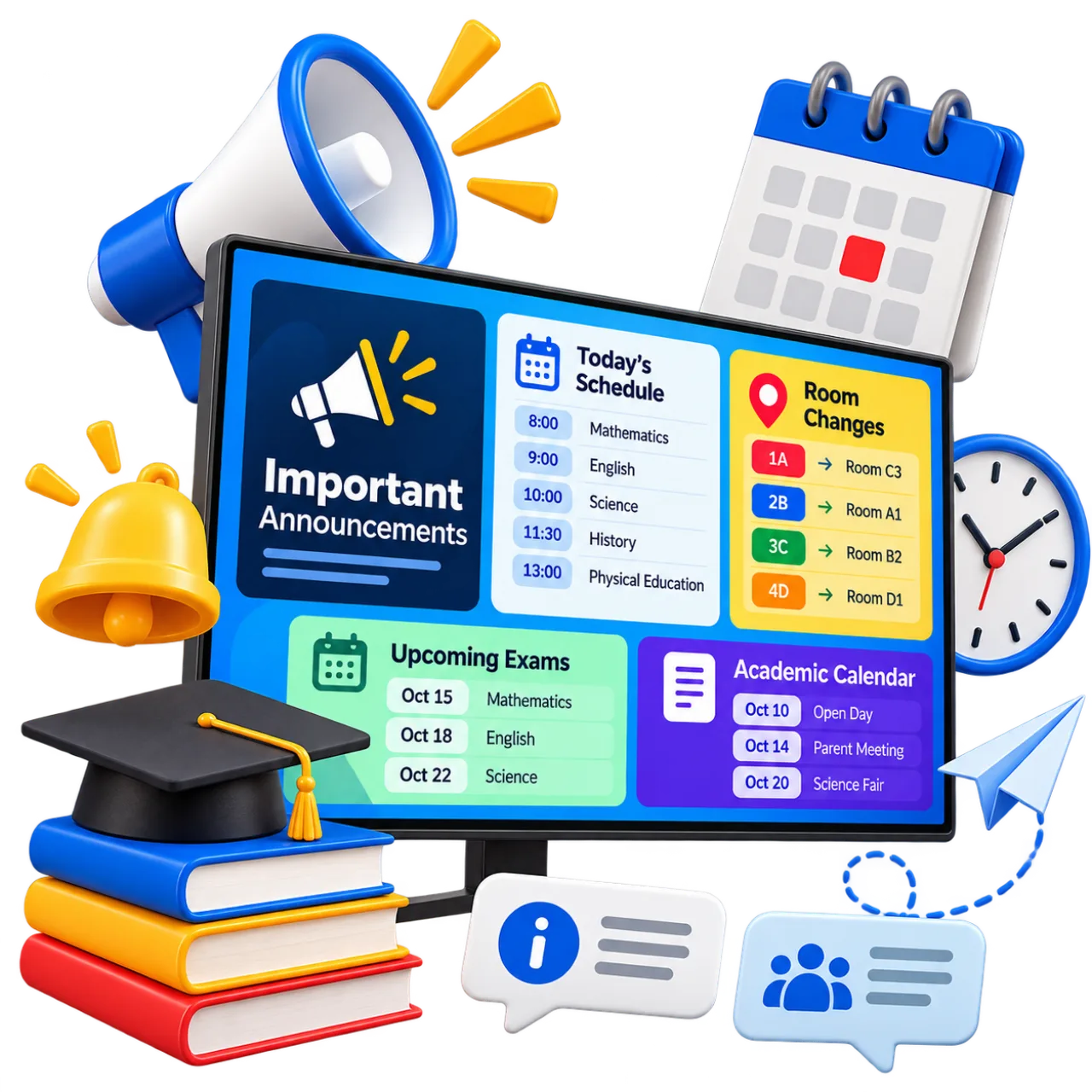
The right information in every area of your educational institution
Different areas of an educational institution have different communication needs. Use digital screens to display relevant information in reception areas, corridors, classrooms, libraries, cafeterias and other spaces throughout your facilities.
Welcome students and visitors, display timetables and announcements near classrooms, and promote courses, activities and events in common areas. Tailor content to each screen so your educational community can find the information they need in the right place.
With iMediaGO, you can manage screens across different buildings and educational facilities from one central location. Update content remotely and schedule what information appears on each screen.
Discover how to manage your screens →Schedule your content →A simpler way to manage communication at your educational institution
Keep your educational community informed without adding complexity to your team's daily work. With iMediaGO, you can create, update and organize content across your digital screens from one central place.
Create content easily
Design announcements, timetables and activity promotions using a visual editor and ready-made templates. No design experience is needed to create engaging communications for your institution.
Update information instantly
Publish timetable changes, important notices and updates to your screens without printing new posters or visiting each location.
Manage all your screens
Organize screens across classrooms, corridors, reception areas and different buildings from a single platform. Choose what information to display in each space.
Schedule your communications
Prepare announcements and event promotions in advance and decide when they should appear on your screens. Keep information relevant throughout the academic year.
Start with your first screen
Publish student information and manage your institution's content from one place.
Frequently asked questions about digital signage for education
Have questions?
Create your account and chat with us directly inside the platform. We'll help you set everything up in minutes.
No commitment • Fast support via chat
Digital signage for educational institutions
Make sure important information reaches the right place
Share notices, activities and events and keep every screen updated from one place.
No commitment • Ready in minutes