
Digital signage for government and public institutions
Improve communication with citizens using digital screens in government offices, municipal buildings, libraries and community centers. Display public notices, opening hours, upcoming events and important information. Update your content anytime and manage all your screens from one place with iMediaGO.

No credit card required
Put important information where citizens, students and visitors can easily see it.
Update opening hours, notices and activities without printing new signs.
Manage one screen or multiple buildings without updating every device manually.
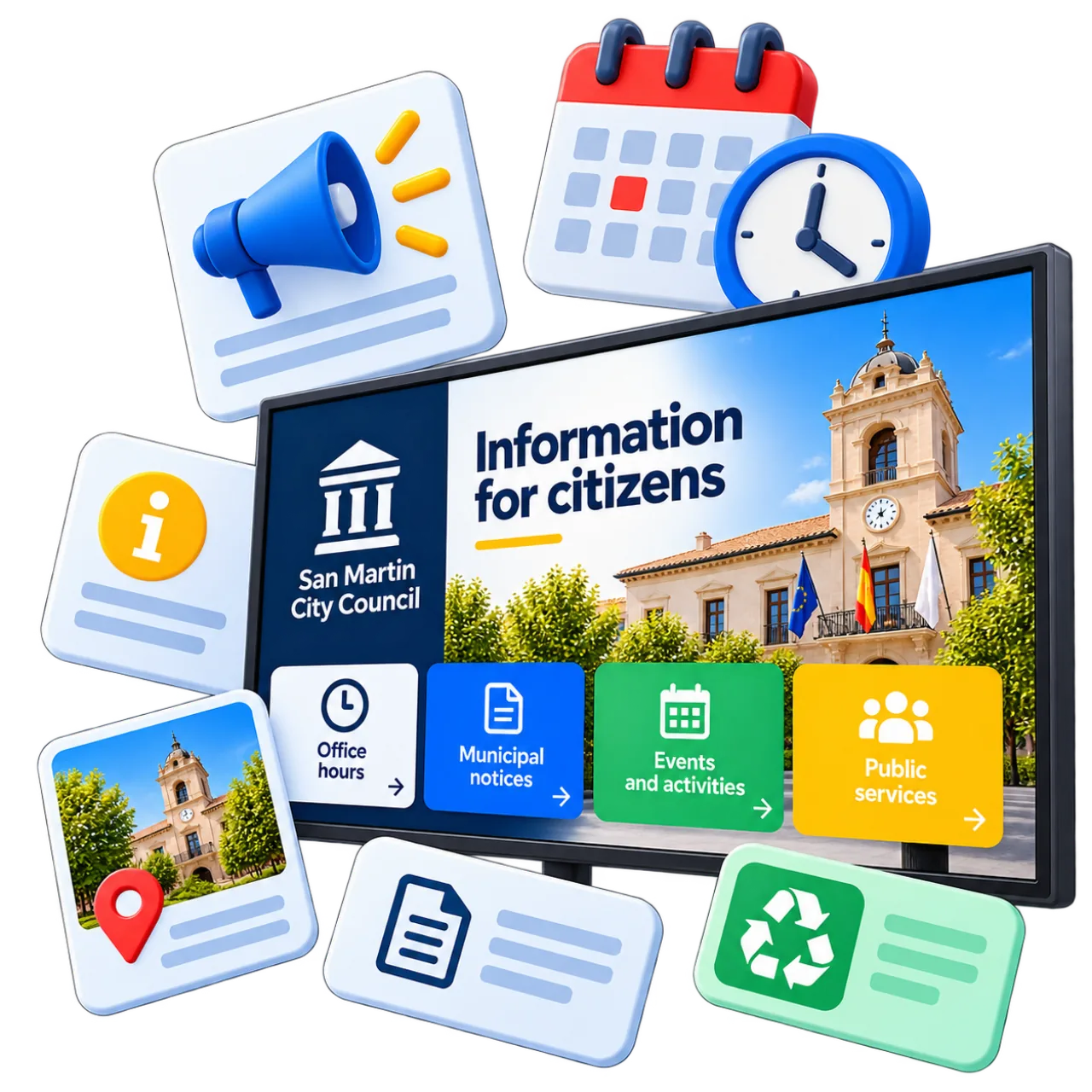
Share important information on your digital screens
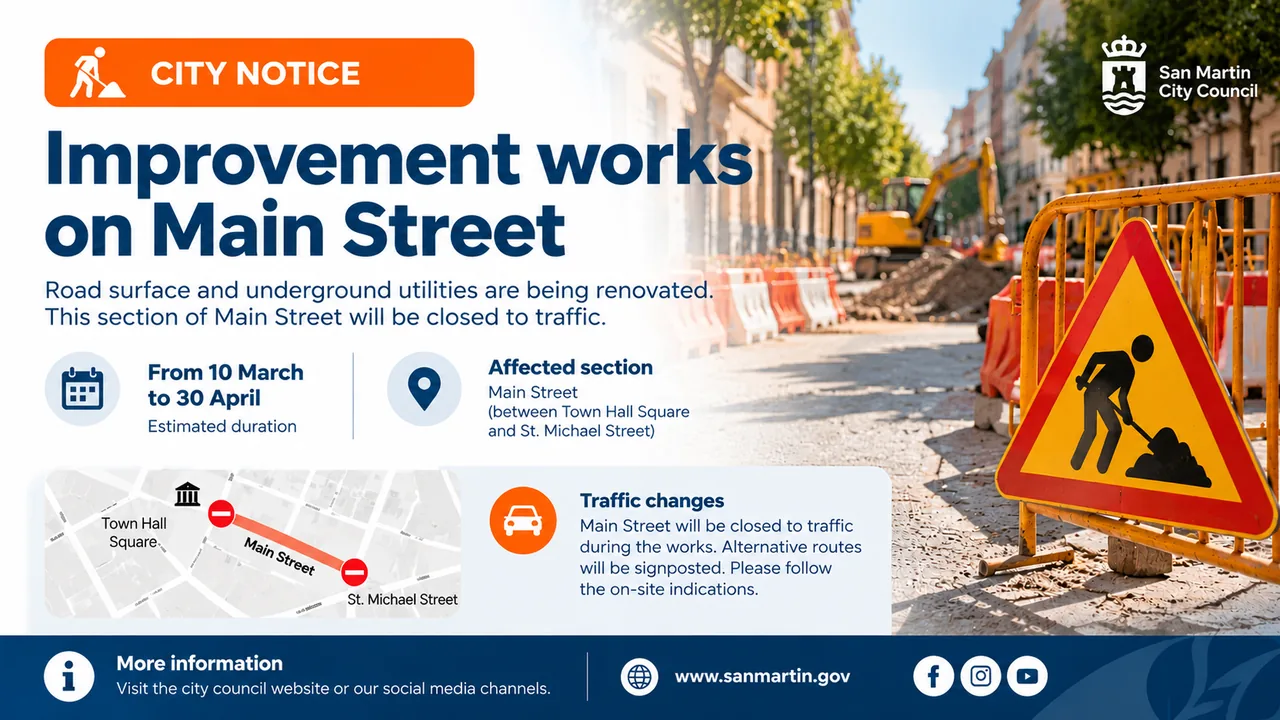
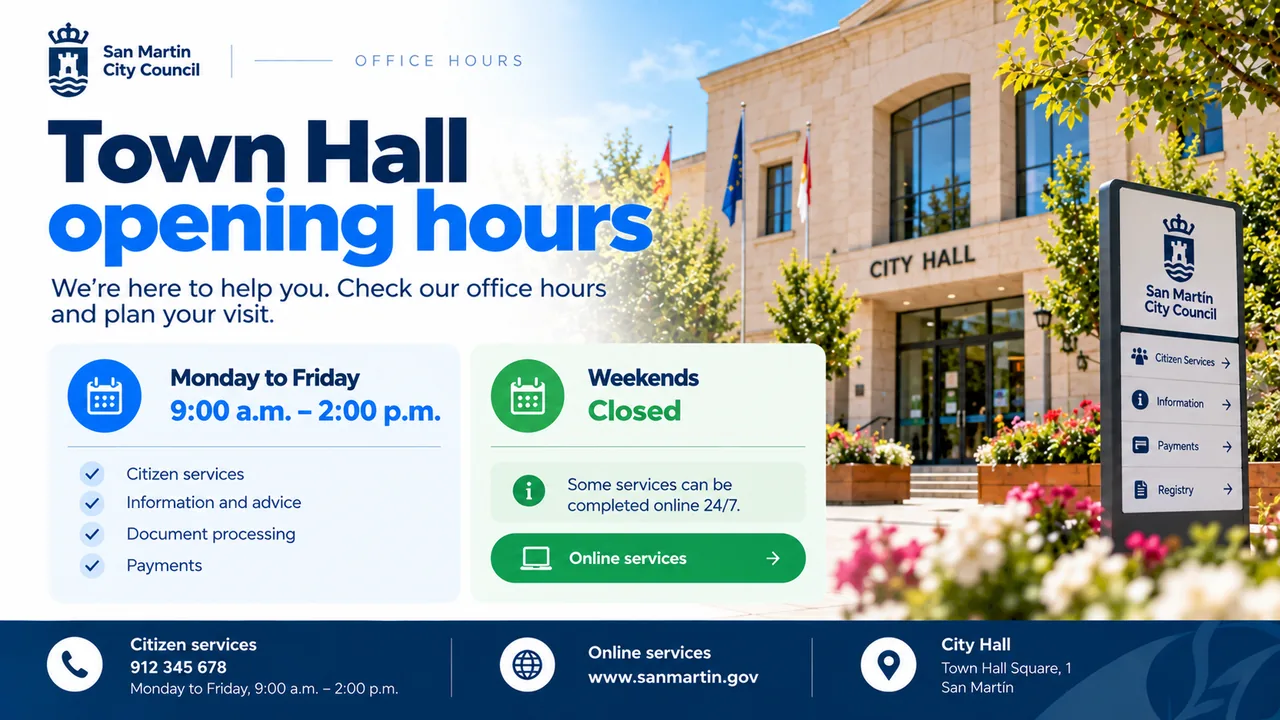
Use digital screens in government offices and public institutions to keep citizens informed. Display public notices, office hours, service updates, official announcements and other useful information.
Present information clearly using text, images and videos. Highlight important messages so visitors can easily find relevant information while waiting or moving through the building.
Update your content whenever information changes, without having to print and replace physical notices.
Discover how to create content →Promote your institution's activities and initiatives
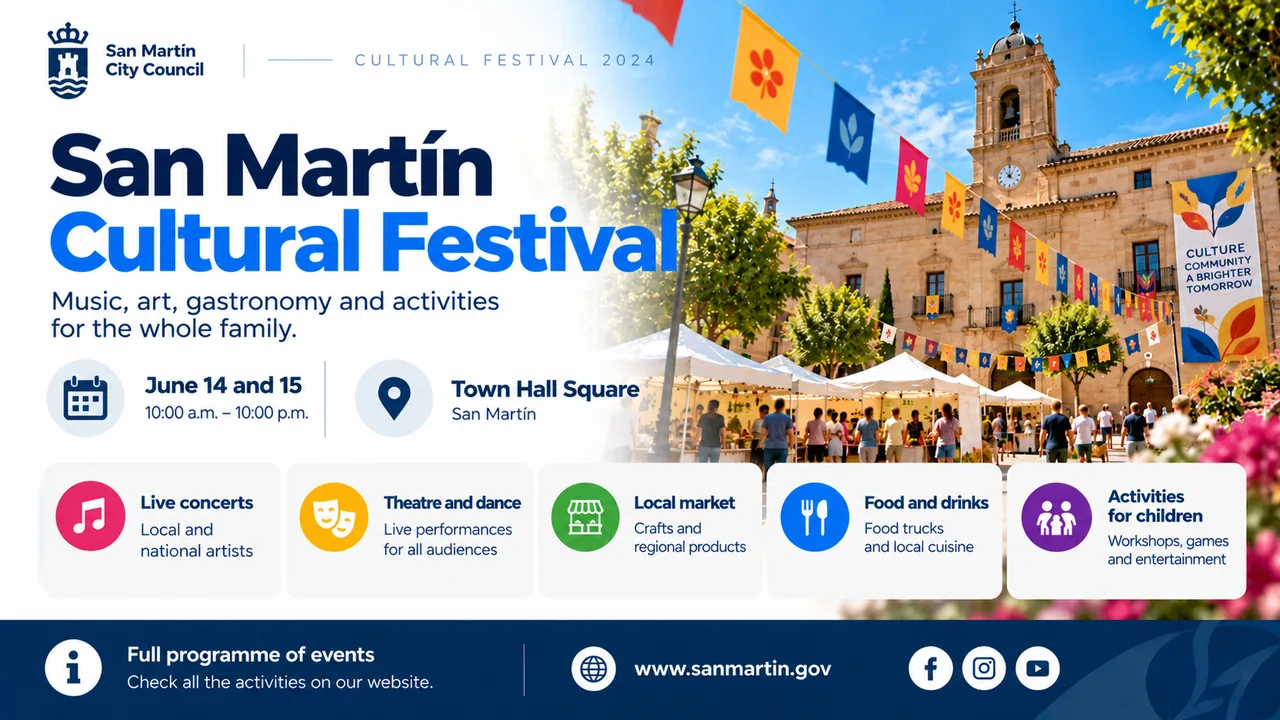
Use digital screens in government offices and public institutions to highlight cultural activities, workshops, community events and other initiatives for local residents.
Create engaging announcements with images, dates, times and locations to showcase upcoming activities. Promote exhibitions, conferences, public awareness campaigns, sporting events and initiatives organized by your institution.
Update event schedules whenever needed and keep visitors informed about upcoming activities and opportunities to participate in their community.
Discover how to create campaigns →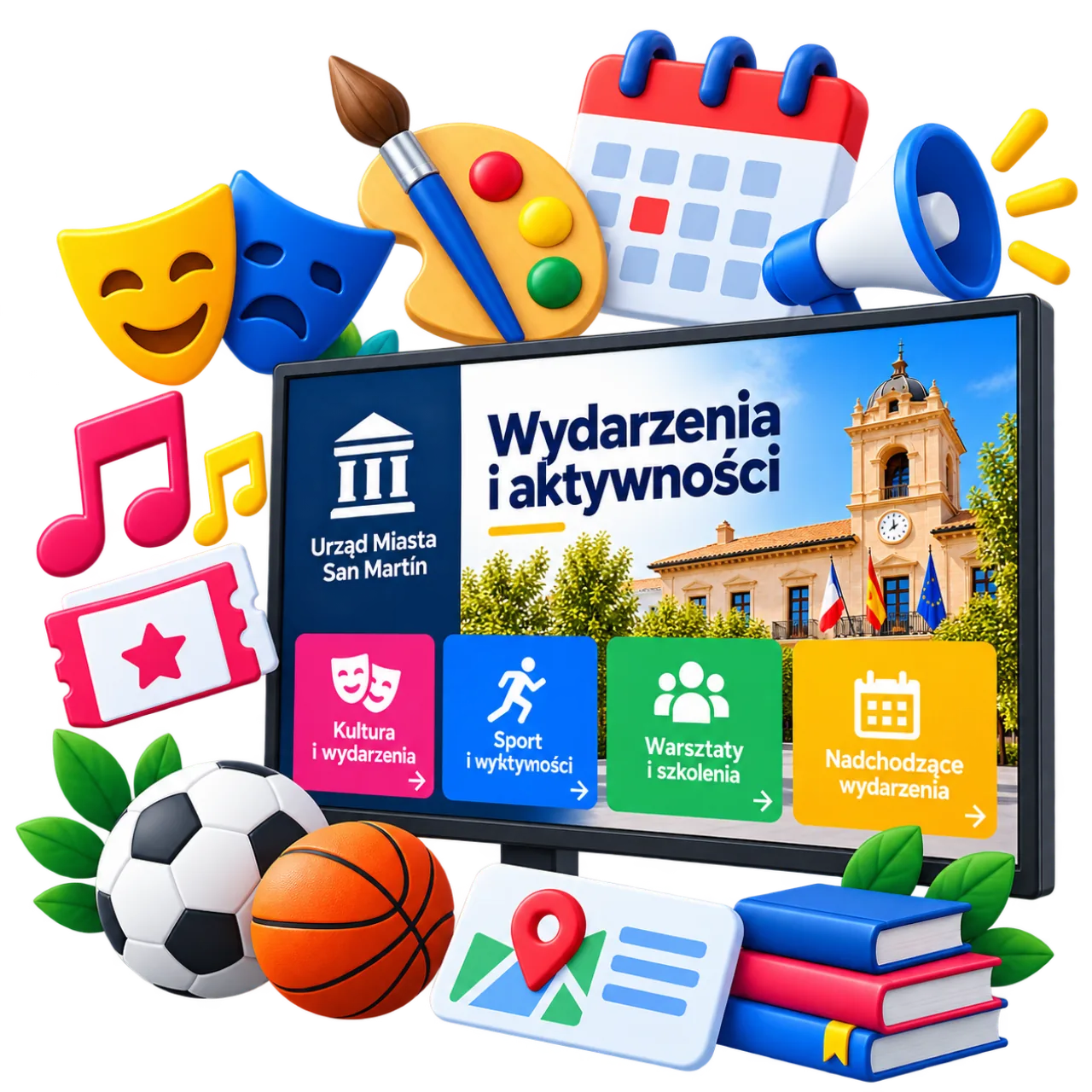
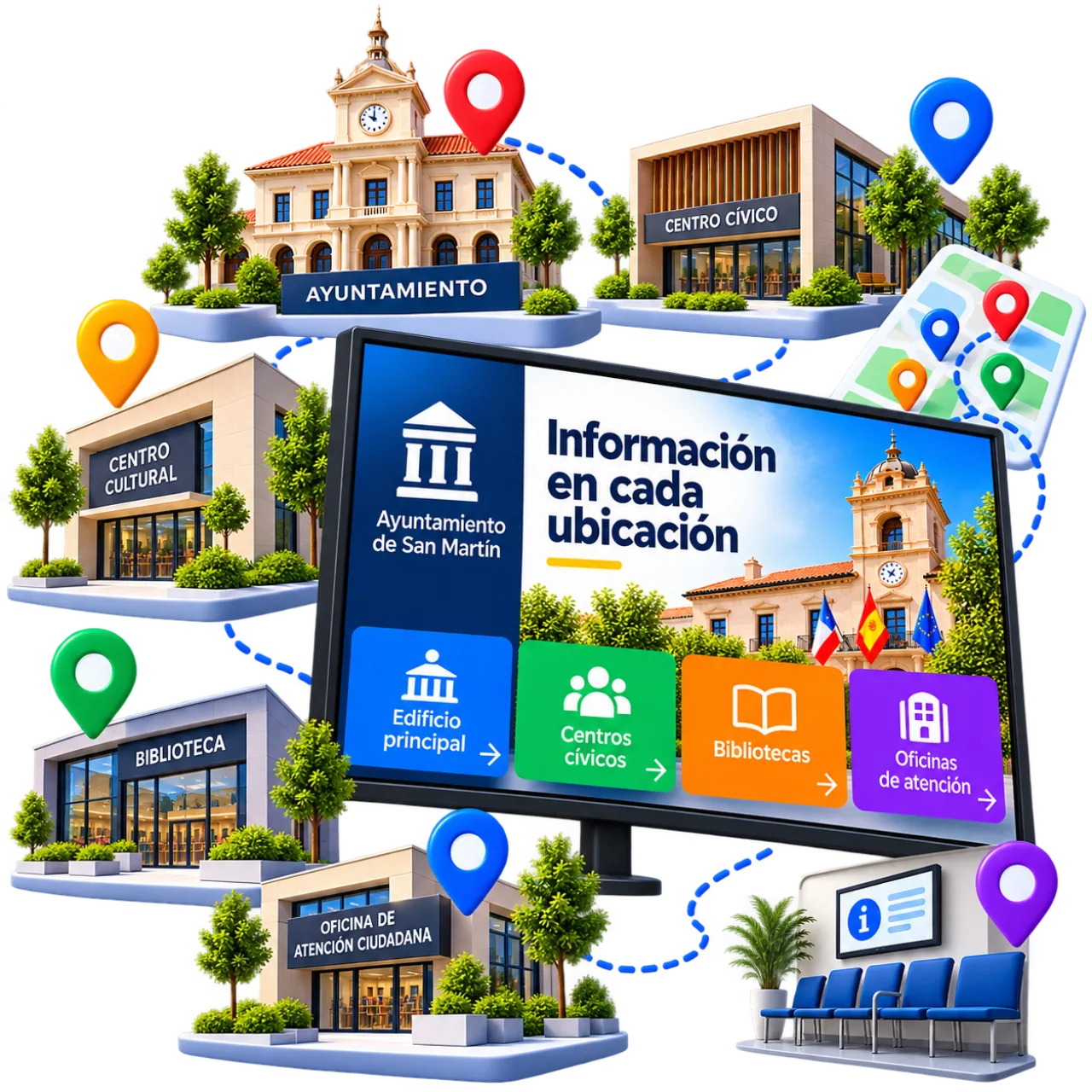
The right information in every building and location
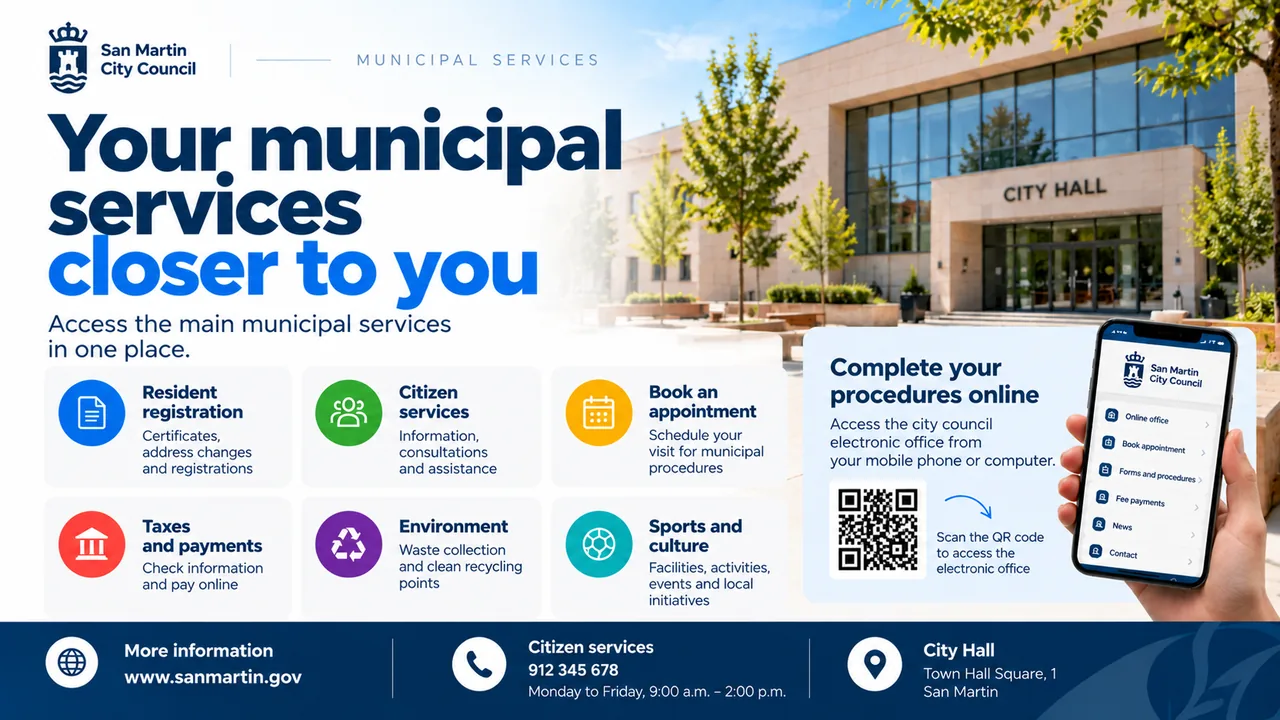
Every public building has different communication needs. Use digital screens to display relevant information based on their location, from government office reception areas to waiting rooms, libraries and community centers.
Display opening hours and public notices in citizen service offices, promote events in cultural centers or share information about municipal services in waiting areas. Tailor content to each space so visitors can easily find the information they need.
With iMediaGO, you can manage screens across multiple buildings from one place, update content remotely and schedule what appears at each location.
Discover how to manage your screens →Schedule your content →A simpler way to manage public information screens
Simplify communication across government offices, municipal facilities and other public buildings. With iMediaGO, you can create, update and organize the information displayed on your digital screens from one place.
Create content easily
Prepare public notices, announcements and informational content using iMediaGO's visual editor. Combine text, images and videos without design experience.
Update information instantly
Publish new notices, change opening hours or communicate service updates without visiting individual screens or replacing printed posters.
Manage all your screens
Control the content displayed across screens in different government buildings and public facilities from a single platform.
Schedule your communications
Plan public notices, activities and informational campaigns in advance. Choose when each piece of content should appear on your screens.
Start with your first screen
Publish information for citizens, students or visitors and keep it updated from one place.
Frequently asked questions about digital signage for government offices
Have questions?
Create your account and chat with us directly inside the platform. We'll help you set everything up in minutes.
No commitment • Fast support via chat
Digital signage for public institutions
Keep public information up to date
Create, publish and manage content across your digital screens from one place. Make communication with citizens easier.
No commitment • Ready in minutes