Connect
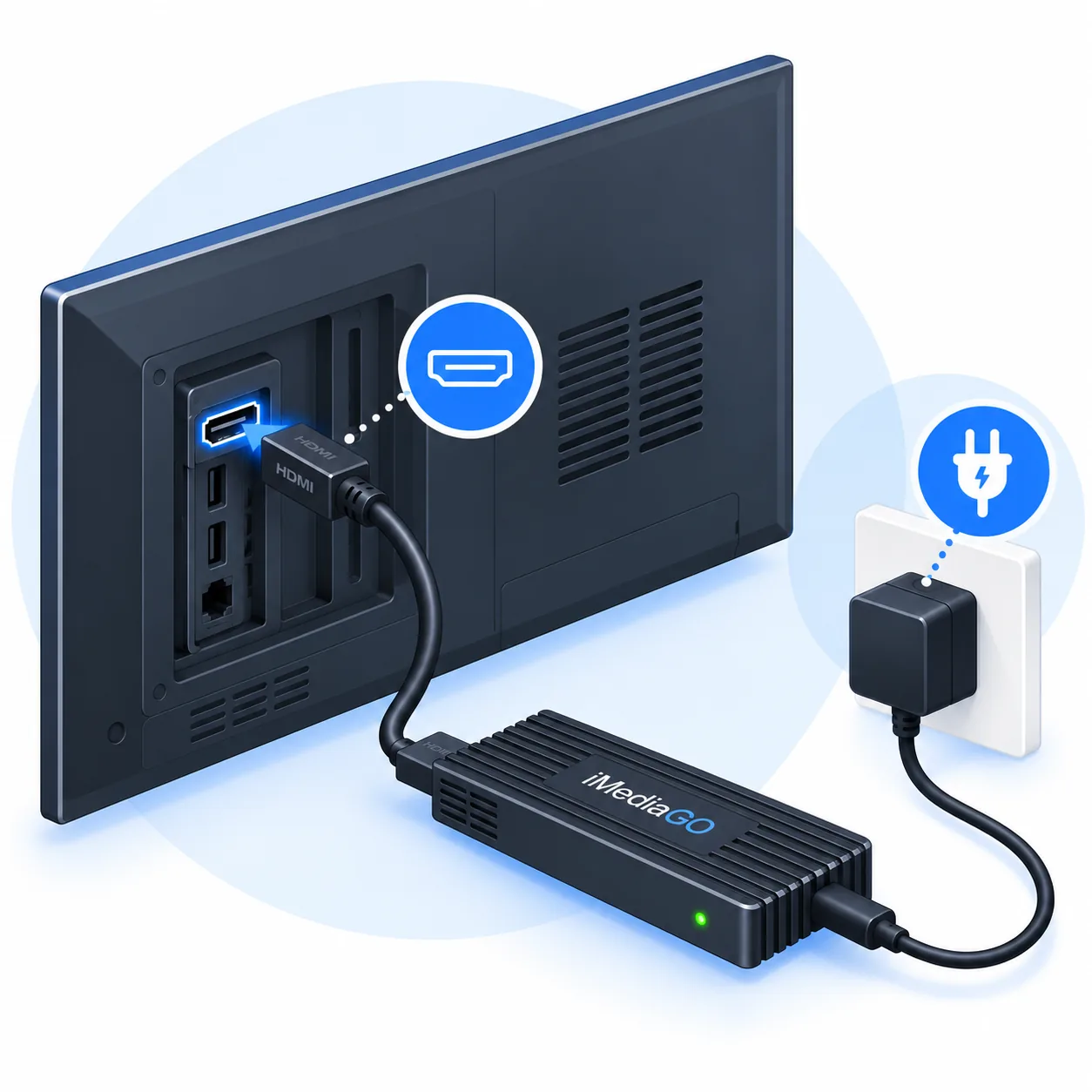
Connect the Player to your TV or monitor using HDMI and power.

Use Raspberry Pi to display campaigns, images, videos and information on your business screens. Connect iMediaGO Player to your TV or monitor via HDMI, publish content from iMediaGO and manage updates remotely — without connecting a computer to every screen.
Ready to install · Remote management · Automatic updates
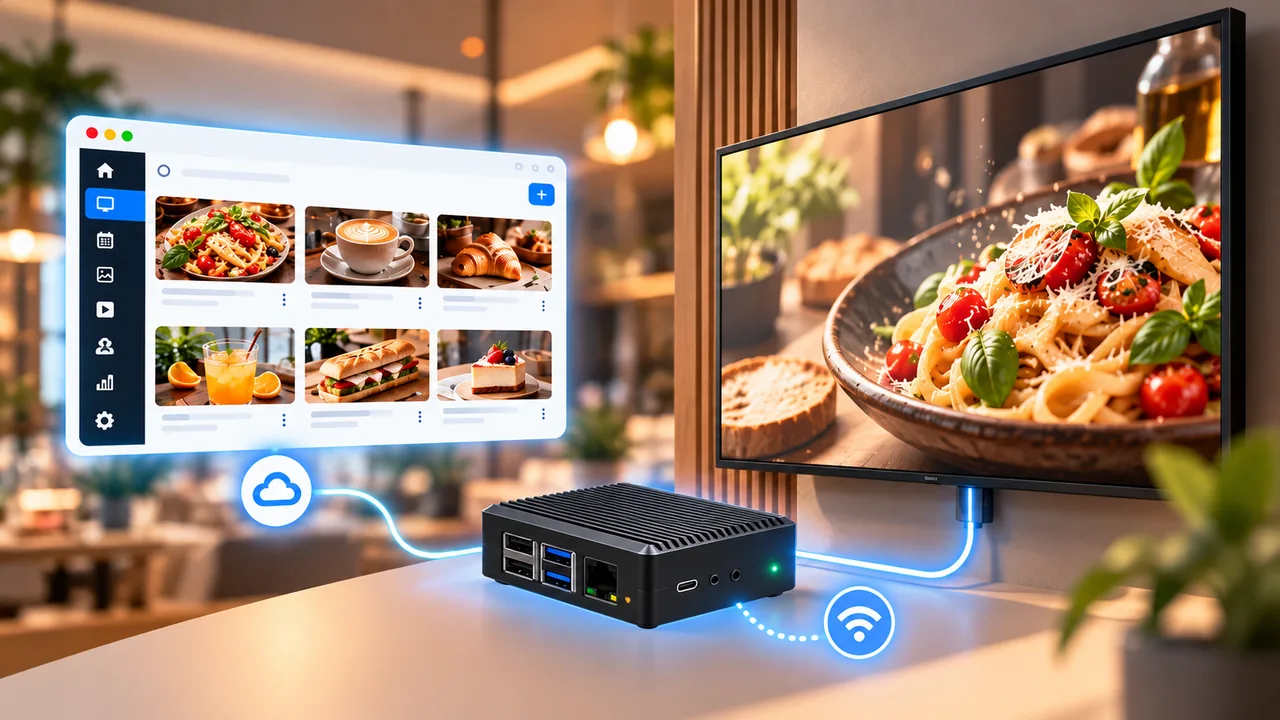
Connect iMediaGO Player to your screen, link it to your account and publish content you can update remotely.
Connect the Player to your TV or monitor using HDMI and power.
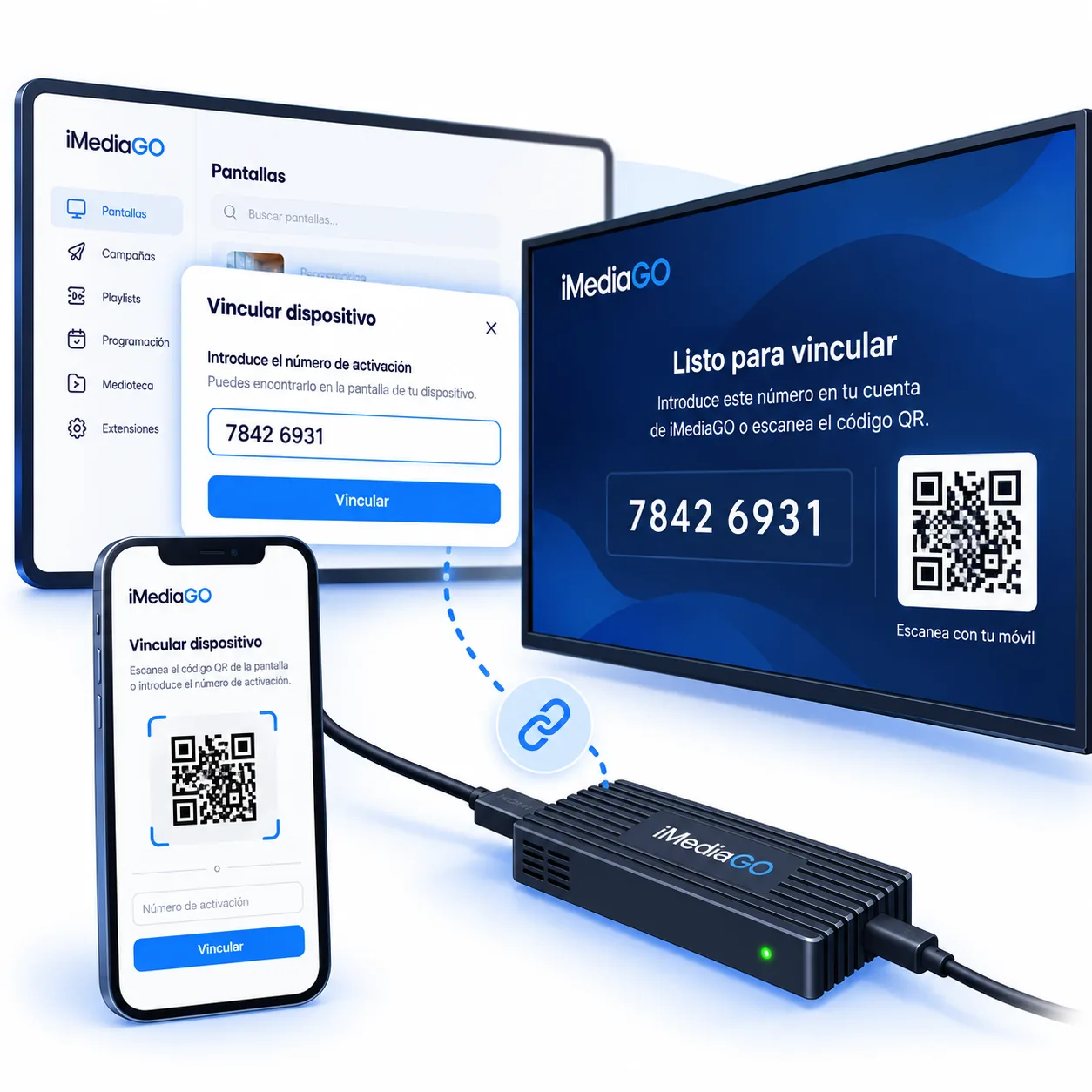
Pair the Player with your iMediaGO account to get your screen ready for content.
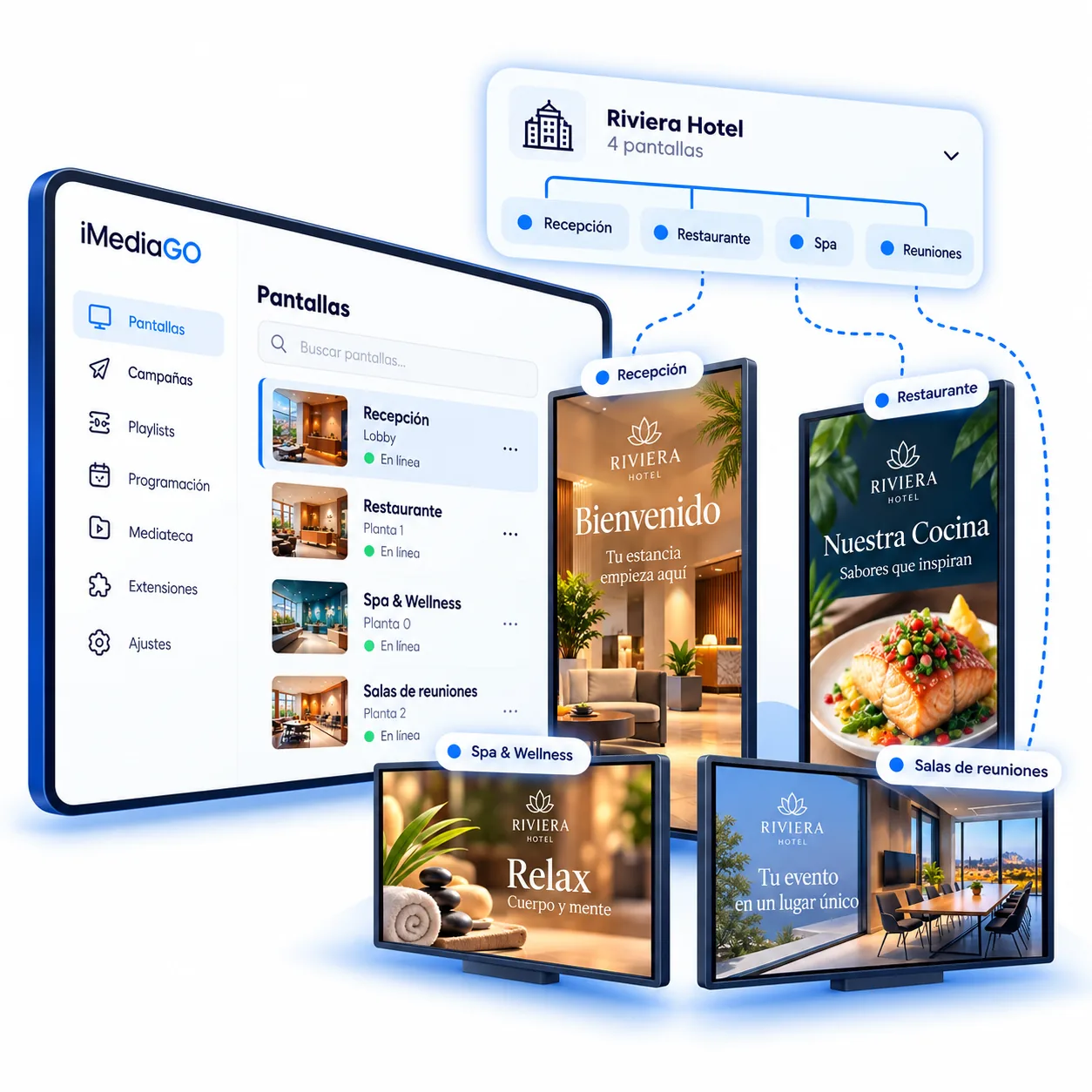
Publish campaigns, promotions, images and videos from iMediaGO. Update your content whenever you need.
iMediaGO Player comes ready for a straightforward installation. Mount it behind the screen, link it to your account and start publishing.
A ready-to-use device configured to play your content.
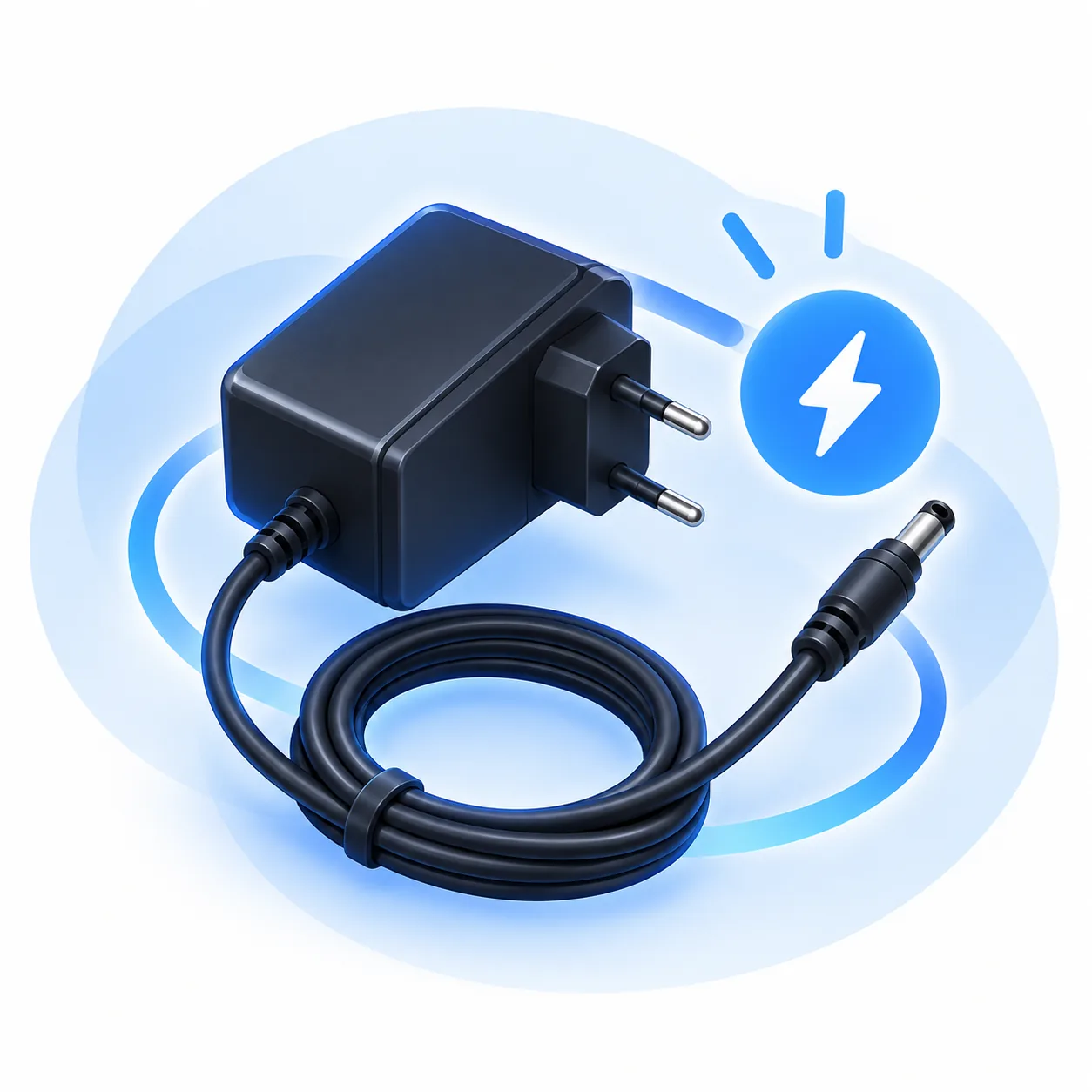
Power adapter included for a complete installation.
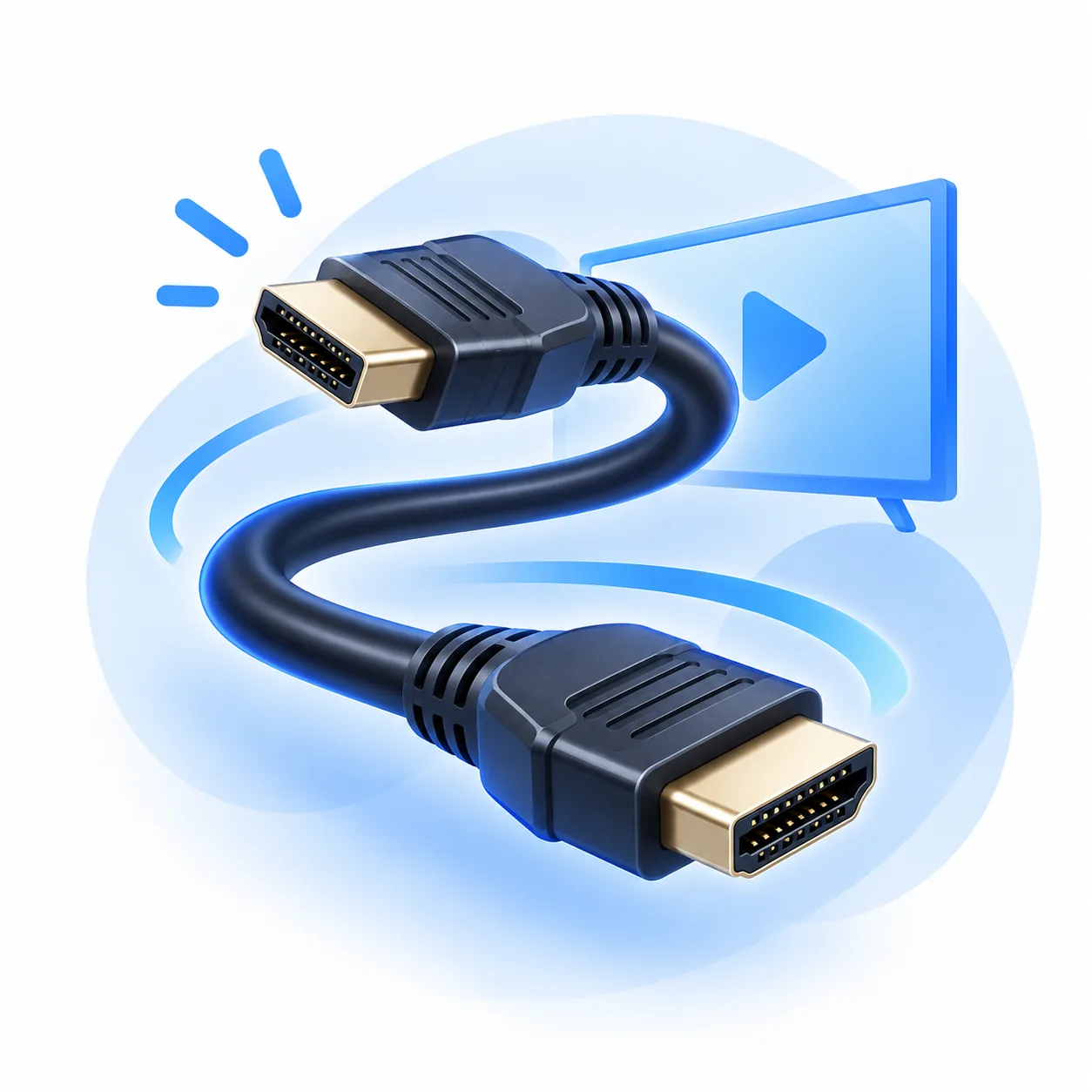
Cable included to connect the Player directly to your screen.
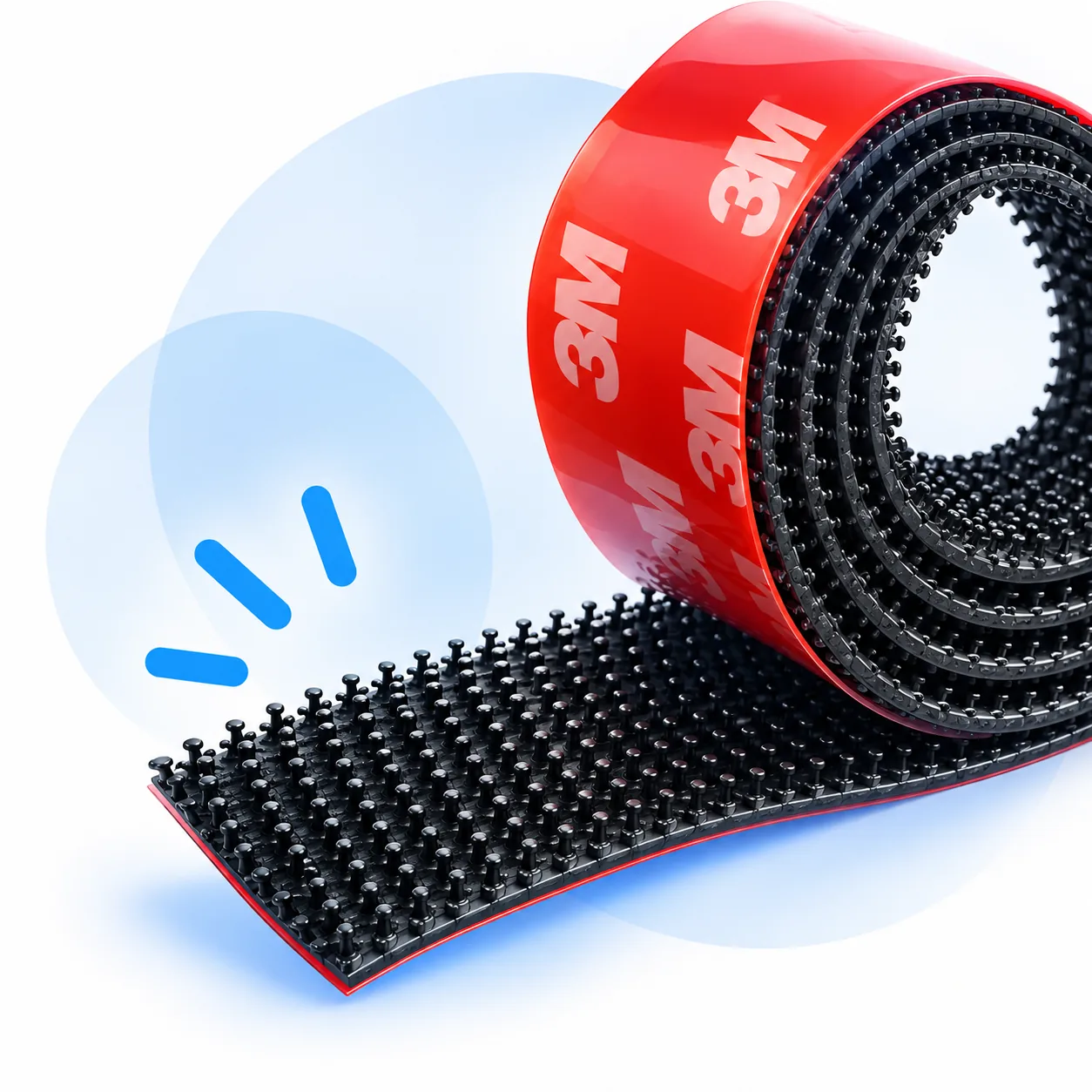
A mounting system for keeping the Player discreetly behind your TV or monitor.
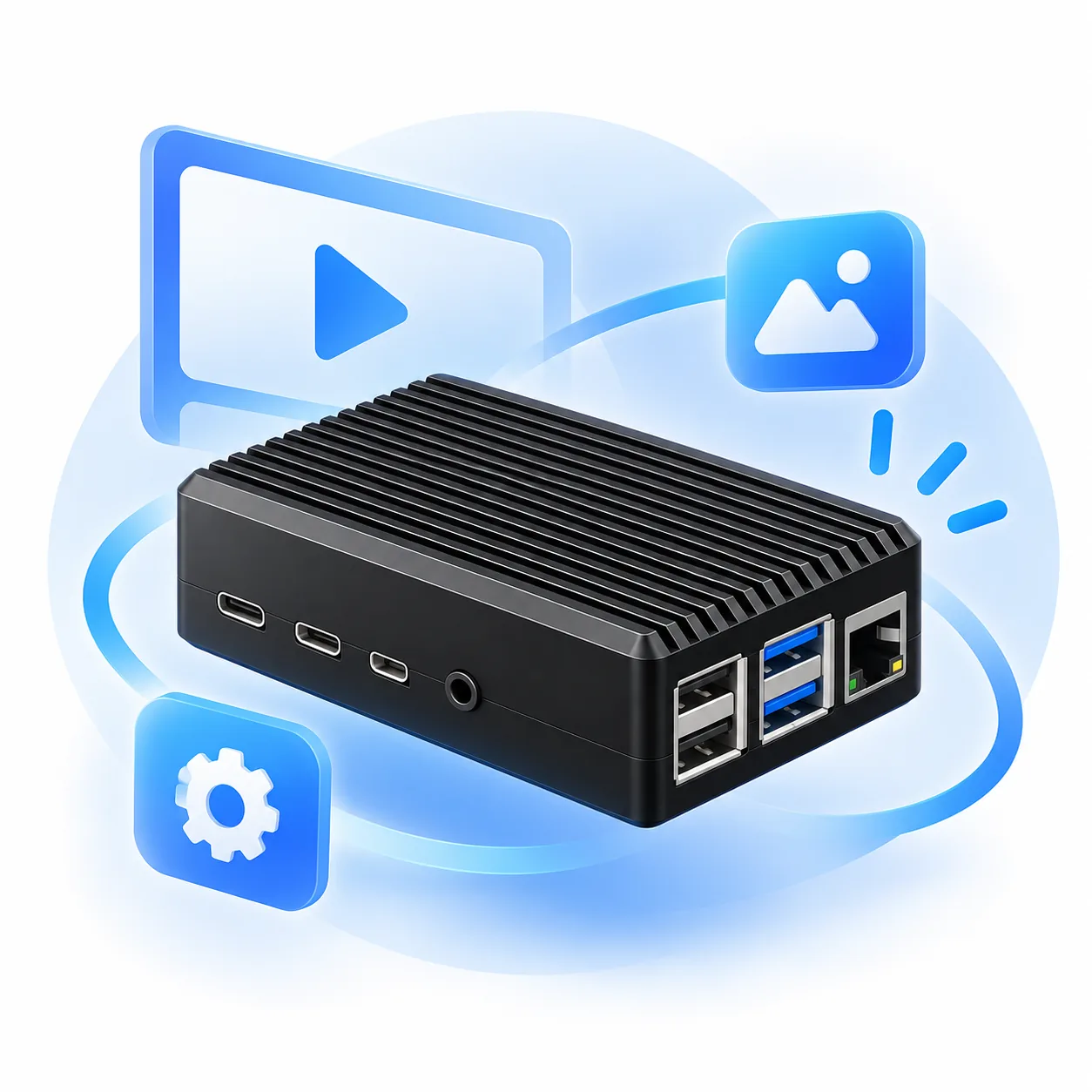
A compact Player designed for digital signage installations where stability, quiet operation and remote screen control matter.
The aluminium enclosure uses passive cooling for quiet, continuous operation.
Connect each Player to your network in the way that best suits your installation.
Set when your screens should automatically turn on and off from iMediaGO. Manage their schedules from one place, without using remote controls or visiting each screen.
Keep Player software up to date remotely, without physically accessing each device.
Power control requires a display compatible with HDMI-CEC.
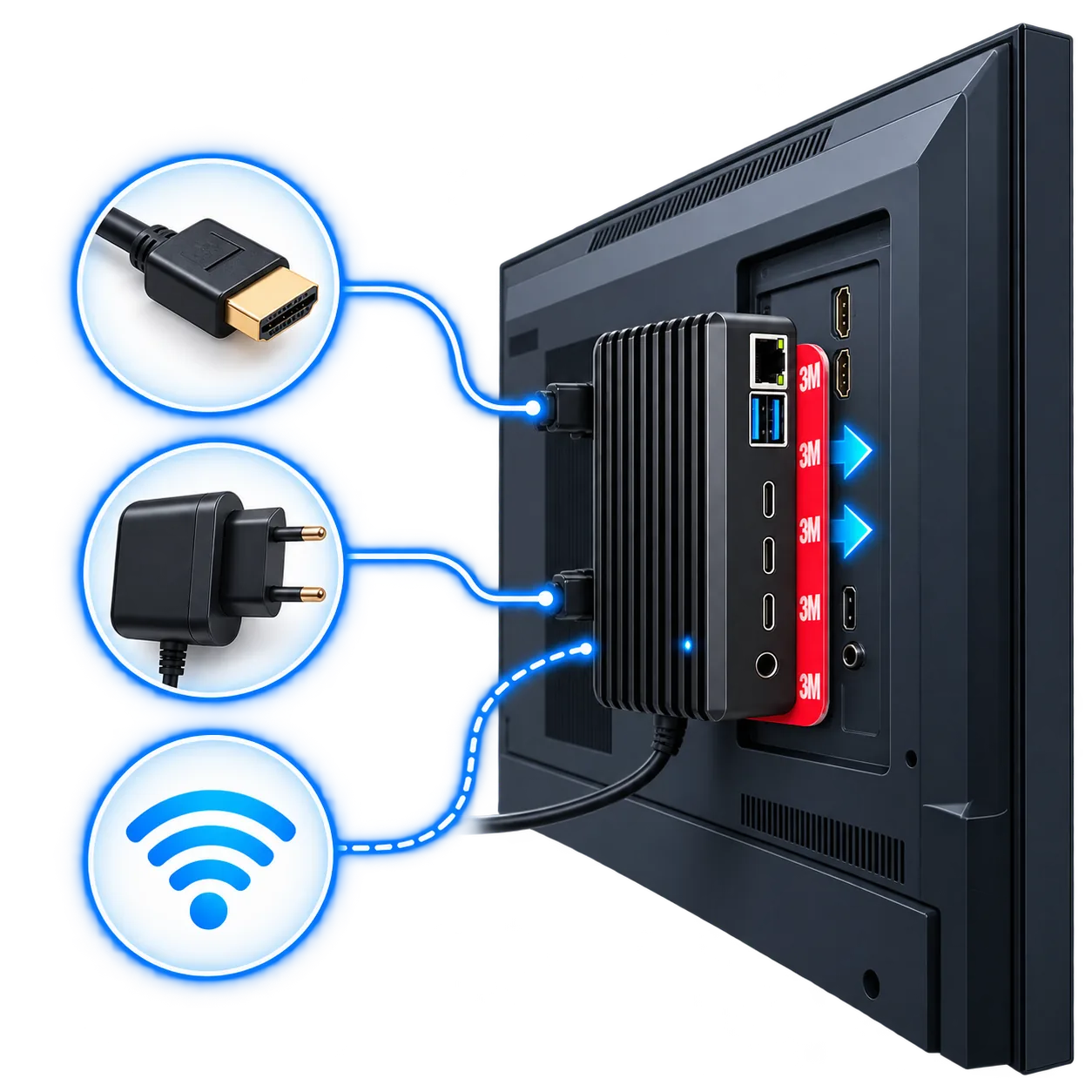
Its compact design lets you install the Player discreetly behind your TV or monitor. All you need is power, HDMI and an Internet connection.
No complex installation and no extra equipment taking up space around the screen.
You may not need another device. iMediaGO also works with other compatible hardware.
iMediaGO Player includes the hardware and accessories you need to connect your screen and get started.
Create your account, prepare your content and publish it to your screens with a ready-to-use Player.