Choose a template and make it your own
Explore ready-made templates for promotions, products, services and events. Choose a design, customize it with your own images and text, and create content for your screens without starting from scratch.

Explore iMediaGO's digital signage features to create and customize content, organize playlists, schedule playback and manage your screens remotely from one platform. Keep your content up to date and easily share promotions, services and important information with your customers.
No credit card required
Campaigns · 01
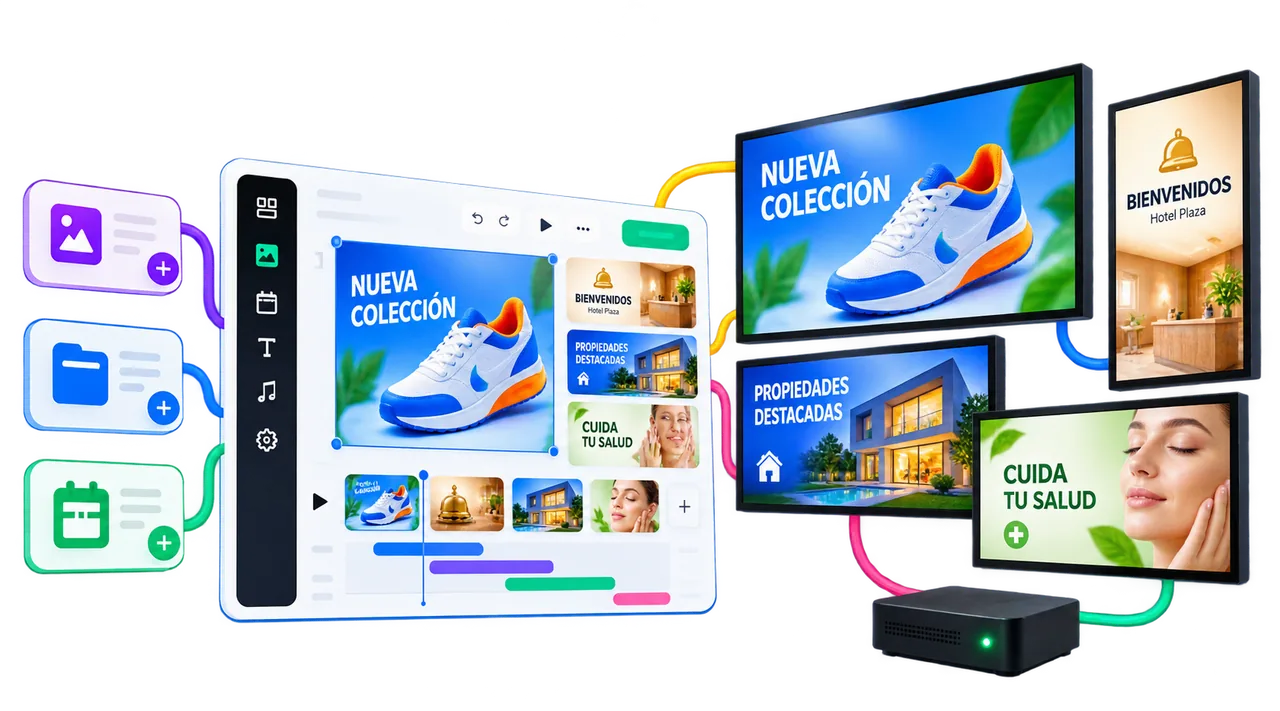
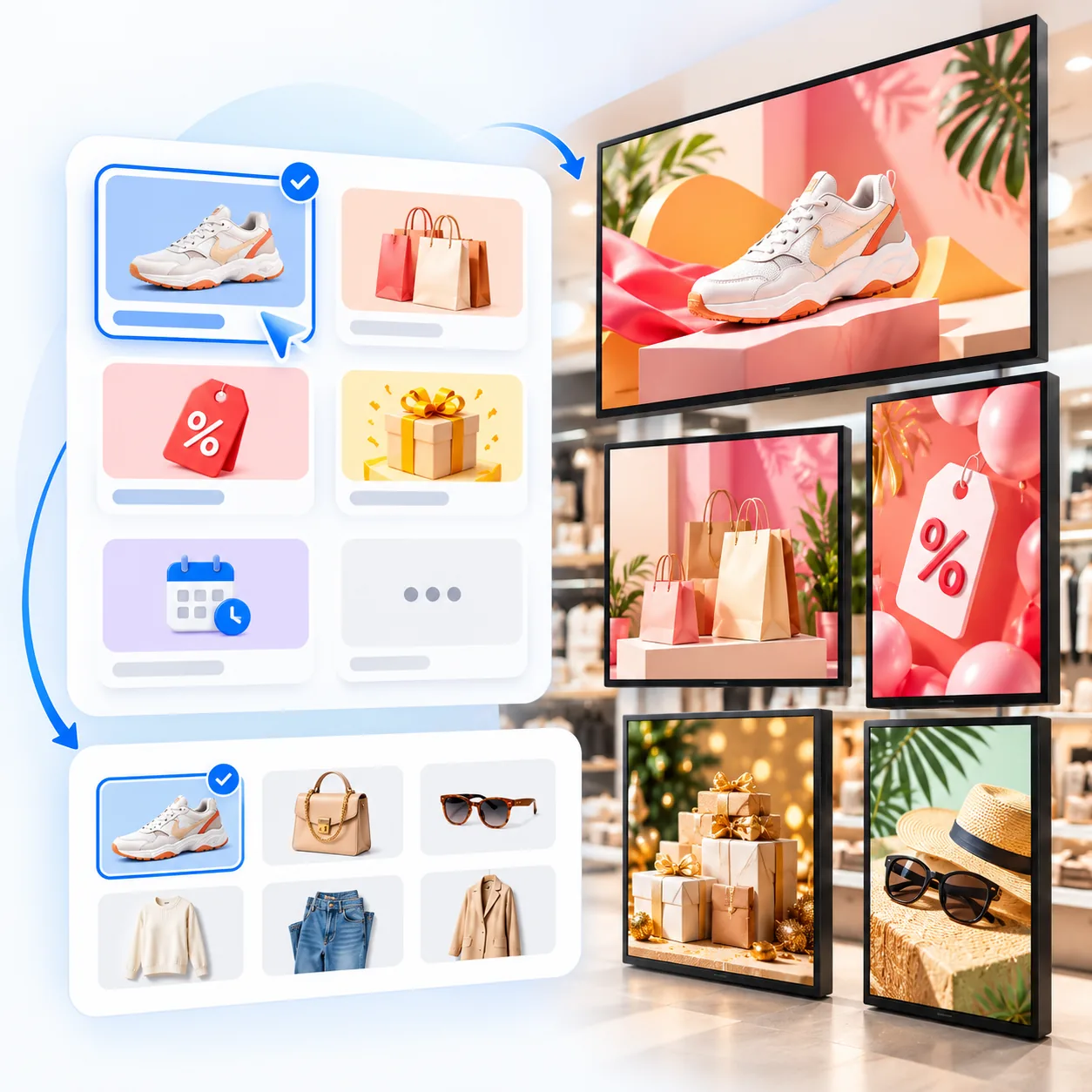
Create digital signage campaigns to promote products, highlight services, announce special offers or share news. Choose a ready-made campaign, customize it with your own content and get your message on screen without starting from scratch.
Editor · 02
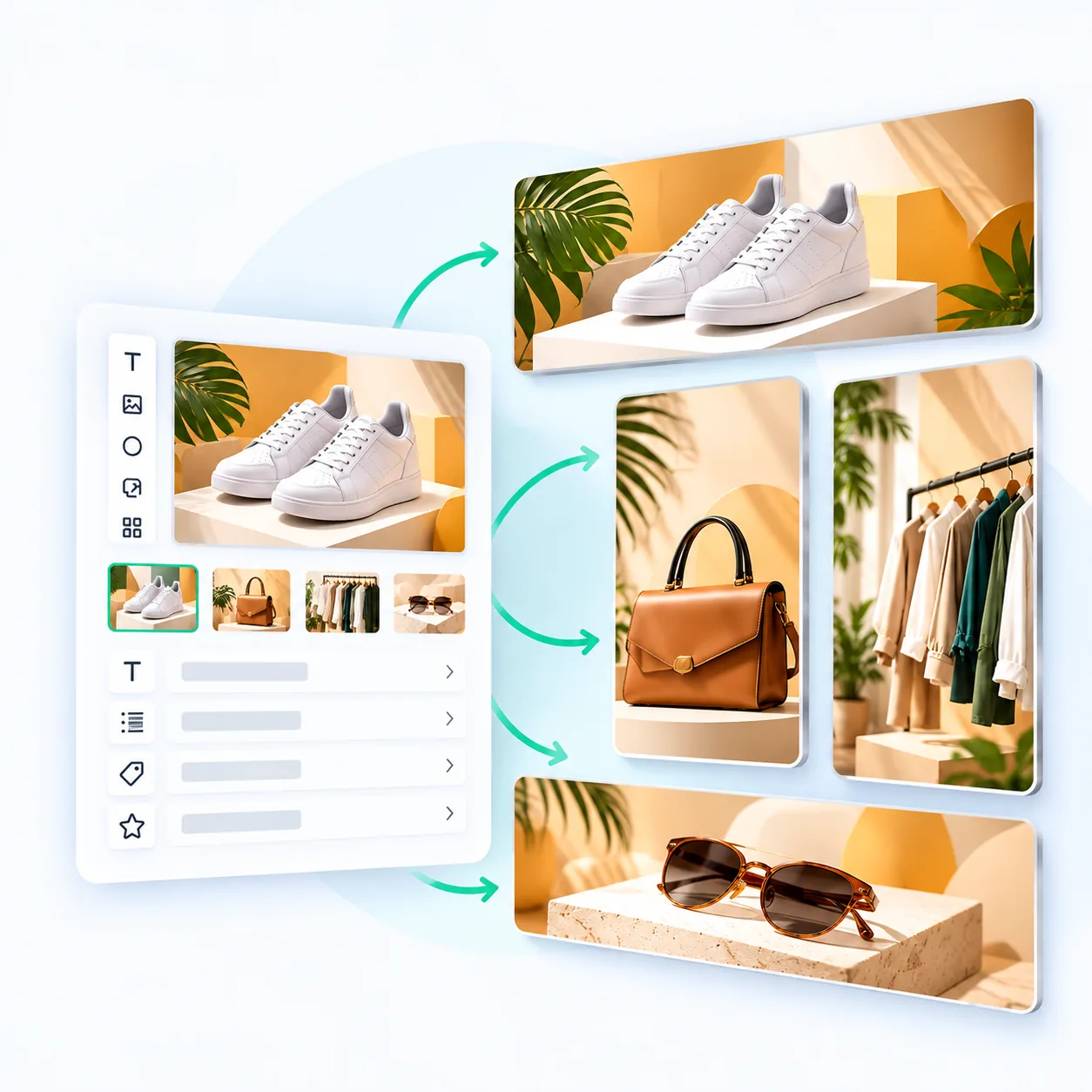
Create content for your digital screens with the iMediaGO editor. Add images, videos, text and graphic elements, customize your designs and bring them to life with animations.
Start from scratch or customize a ready-made campaign, with no design experience required.
Playlists · 03
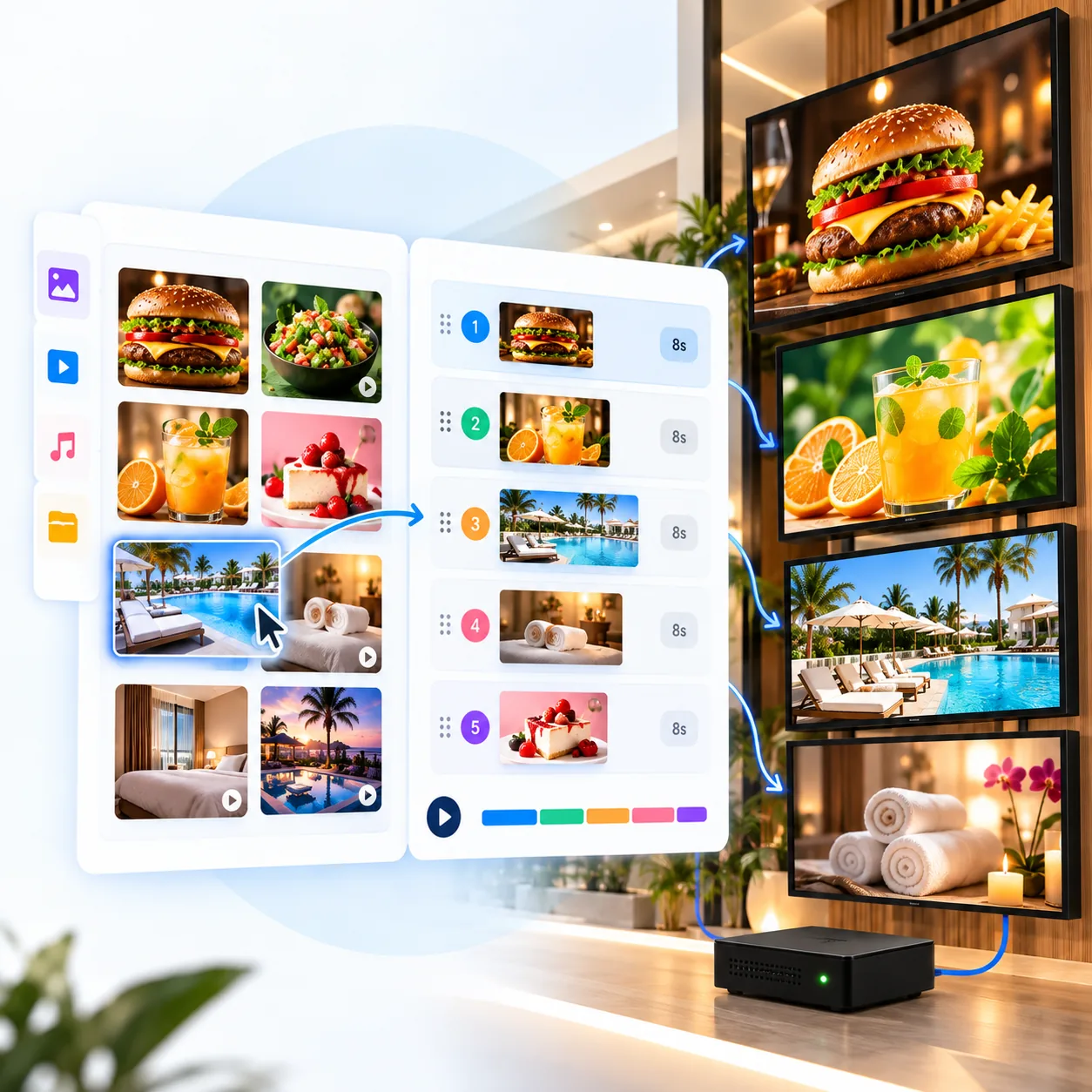
Organize campaigns, images and videos into playlists to control what appears on your screens and in what order. Combine different types of content and keep your screens playing continuously without publishing each item separately.
Update your playlists as your business needs change.
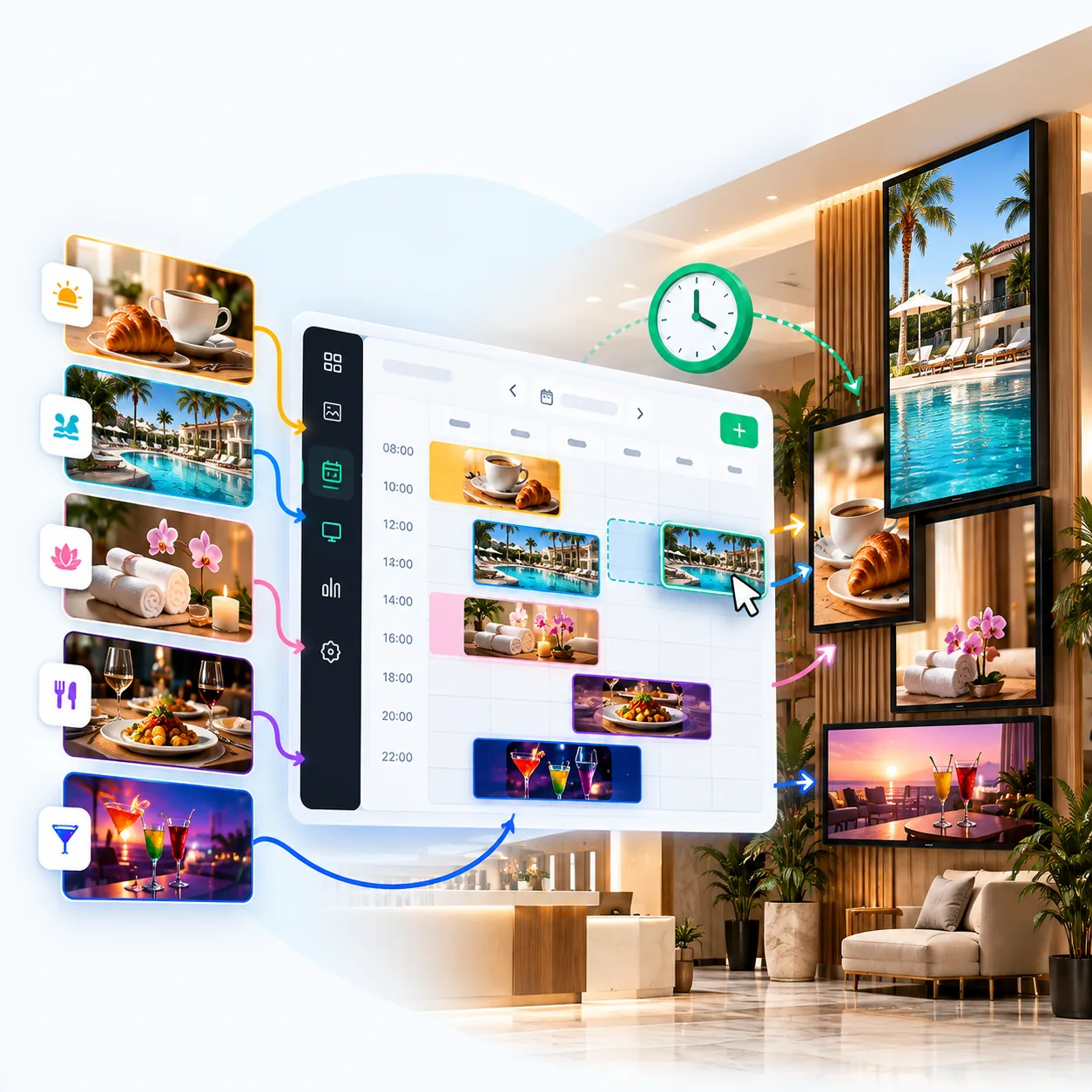
Scheduling · 04
Choose what appears on your screens and when. Schedule campaigns and playlists for specific days, selected times or defined date ranges.
Plan promotions, advertisements and announcements in advance so your screens display the scheduled content automatically.
Use iMediaGO’s ready-made templates to create content without starting from scratch, and expand what you can display on your digital screens with videos, web pages and QR codes. Discover new ways to promote your products and services, share information and connect with your customers.
Explore ready-made templates for promotions, products, services and events. Choose a design, customize it with your own images and text, and create content for your screens without starting from scratch.
Expand your digital signage content with YouTube or Vimeo videos, web pages and other online information sources. You can also add QR codes to connect what’s displayed on your screens with actions your customers can take on their phones.
Screens · 05
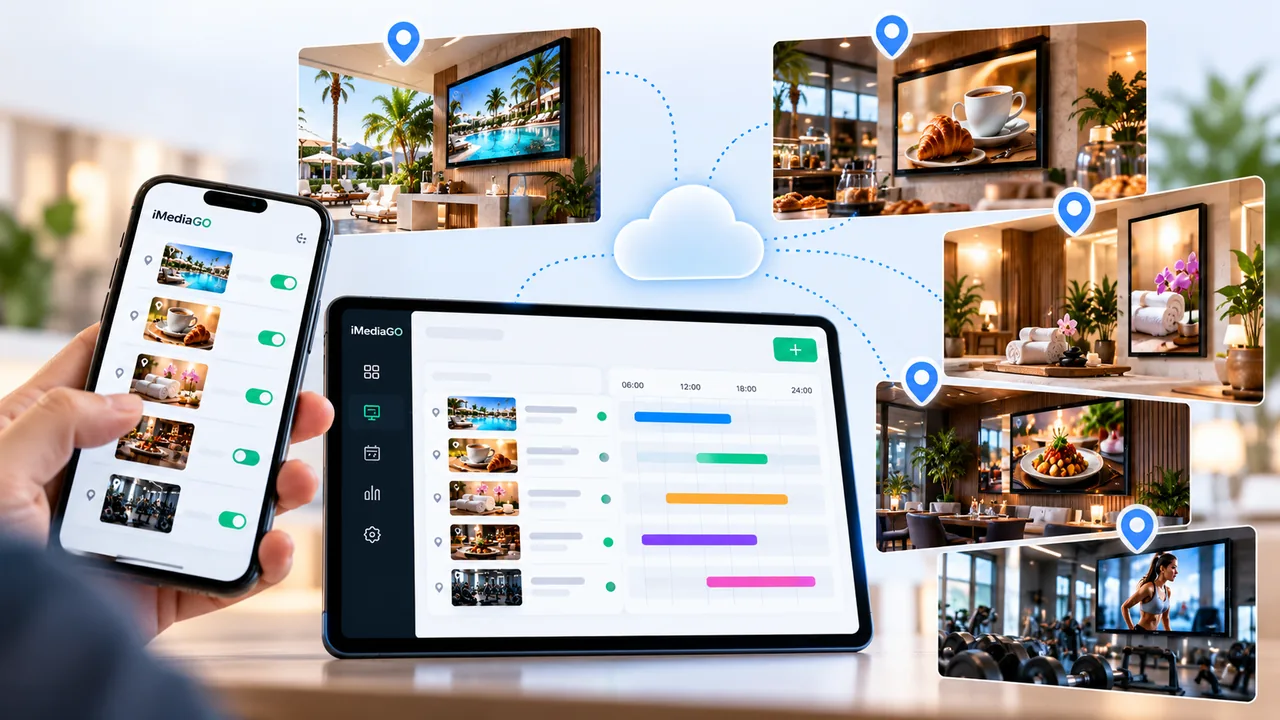
Organize your screens into groups, assign content and manage screens across different locations from iMediaGO.
For screen groups, remote updates, power schedules and multi-location management, explore the dedicated screen management features.
Player · 06
Create and organize your content in iMediaGO and display it on your business screens. Connect a compatible player to your TV and start showing campaigns, promotions and useful information for your customers. Manage everything from one platform without having to update each screen manually.
Use iMediaGO Player or a compatible device to play your campaigns on screen. Choose from different playback options depending on your business needs and the devices you already have.
Send content to your connected screens and update it remotely whenever you need to. Change promotions, highlight new products or share information without connecting a computer or USB drive to your TV.
Create your first campaign, organize your content and publish it to your screens with iMediaGO.
No credit card required