
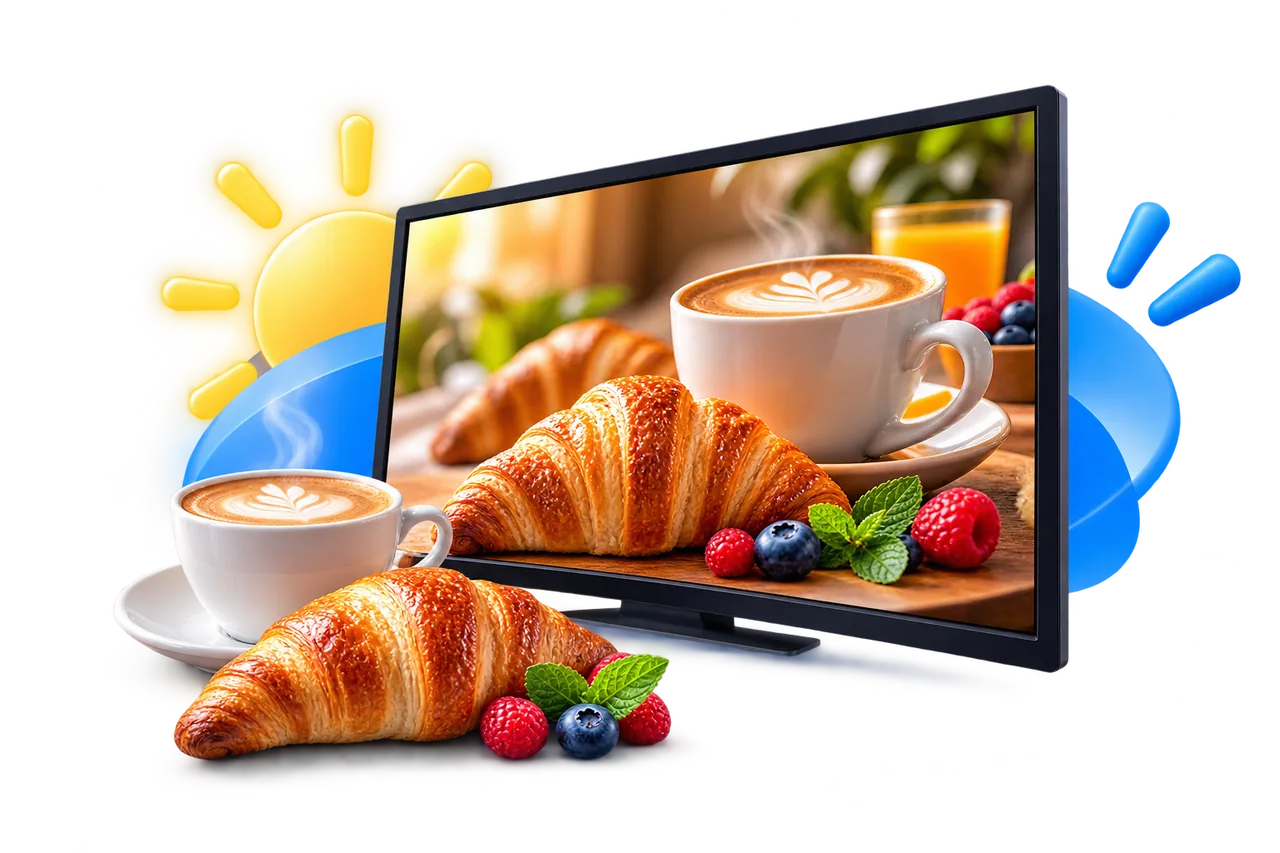
08:00–11:00
Back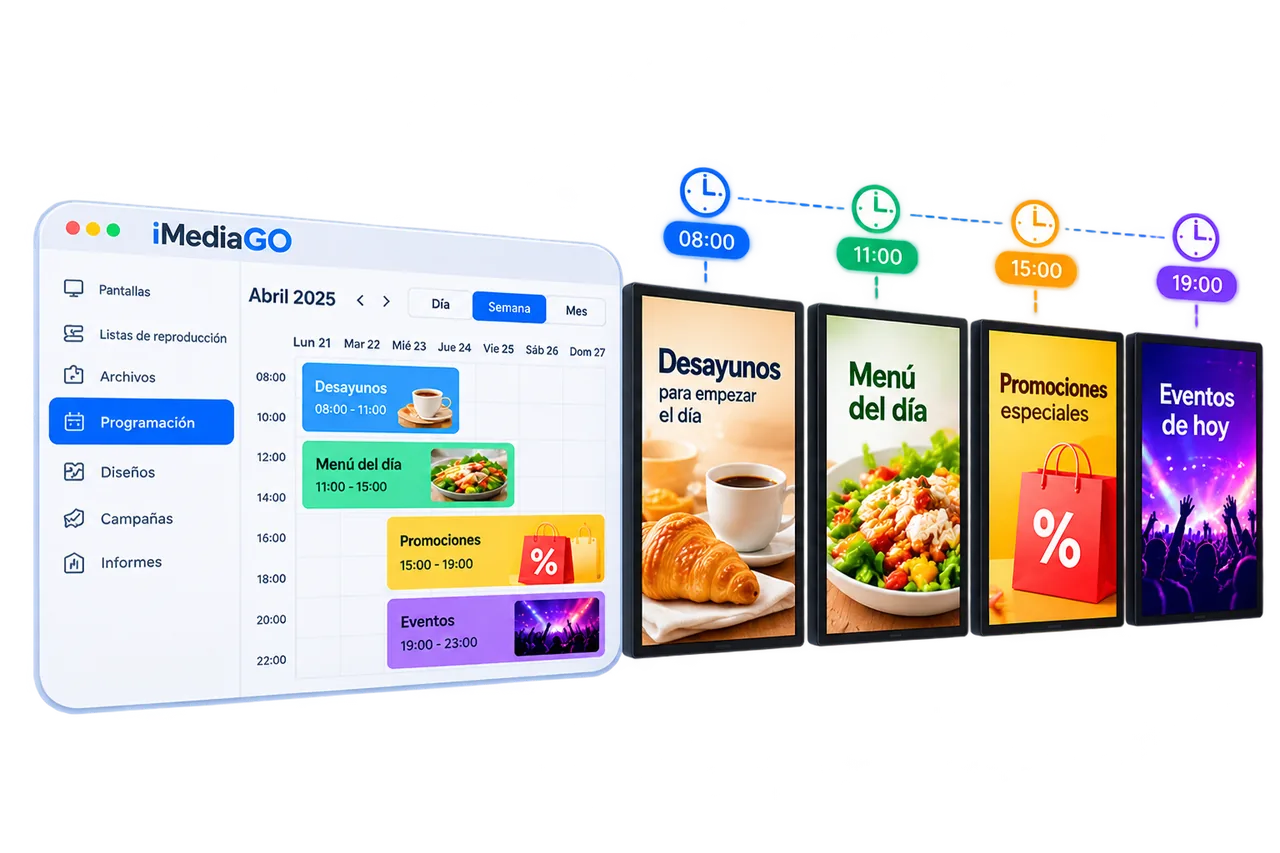
Schedule content for your digital screens
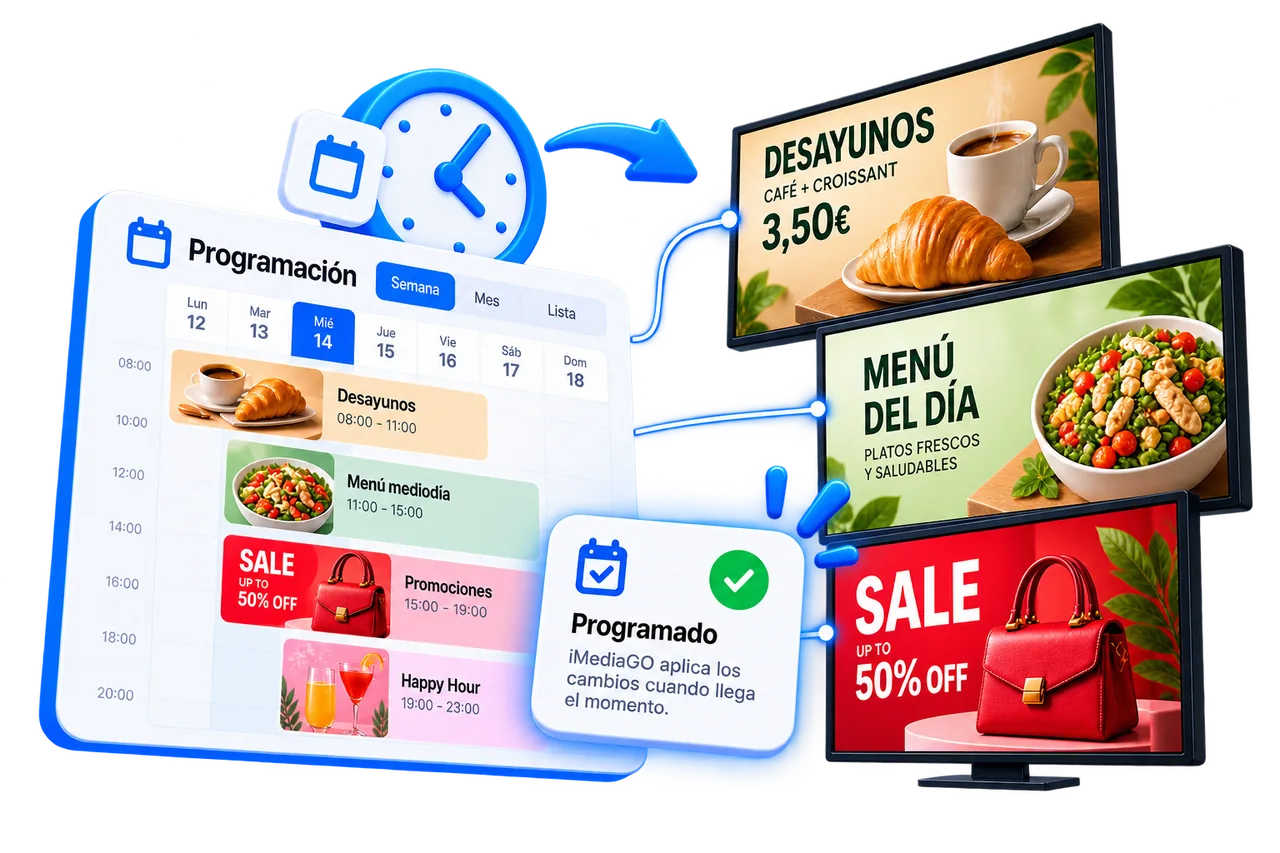
Choose when your content appears on your digital screens. With iMediaGO, you can schedule playlists by day, time and date, prepare campaigns in advance and automate content changes without having to update your screens manually.
Show the right content at the right time
Match your screen content to your business schedule. Show promotions during busy hours, share useful information at specific times or display campaigns when they're most relevant.
With iMediaGO, you can prepare different content in advance and let it play automatically according to your schedule.
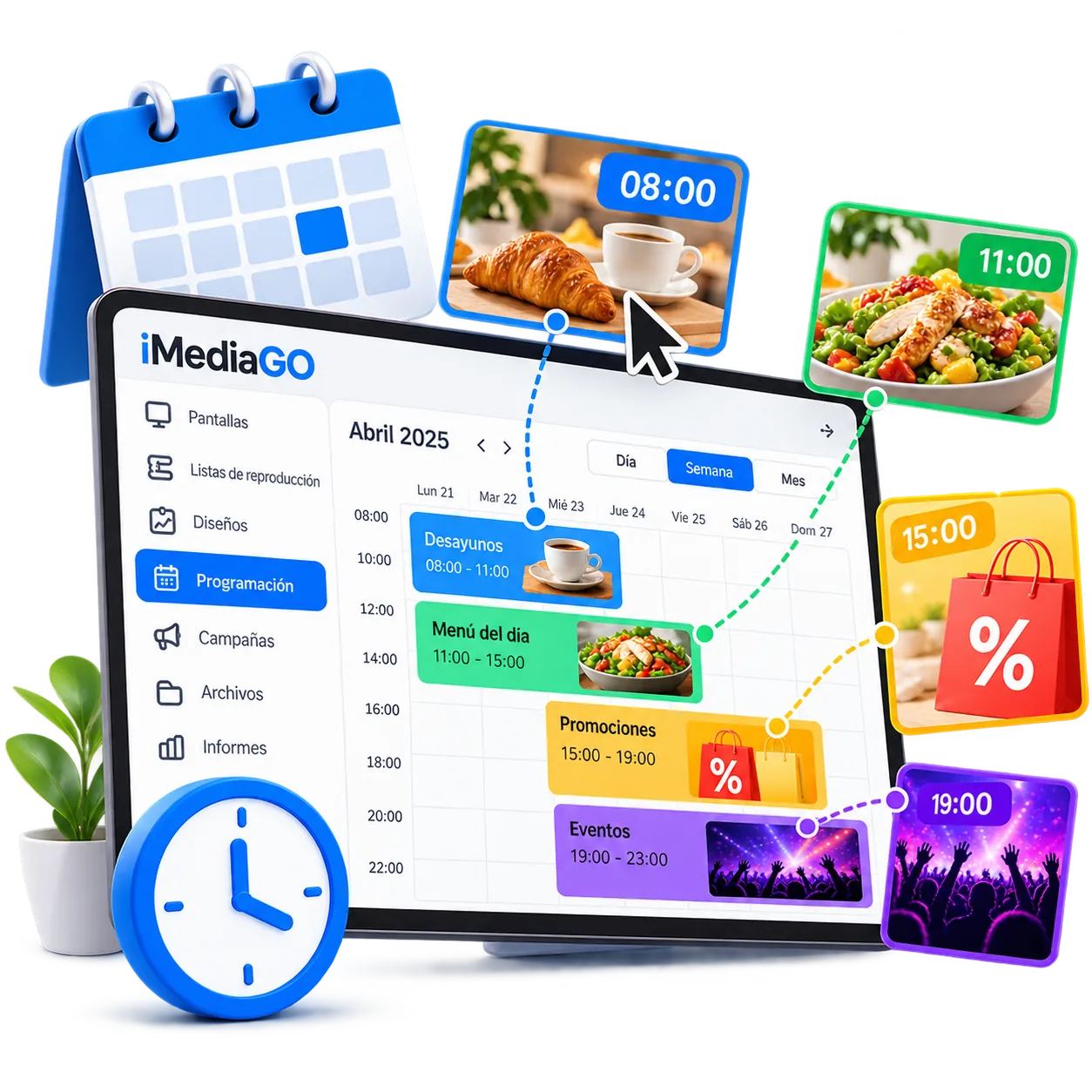
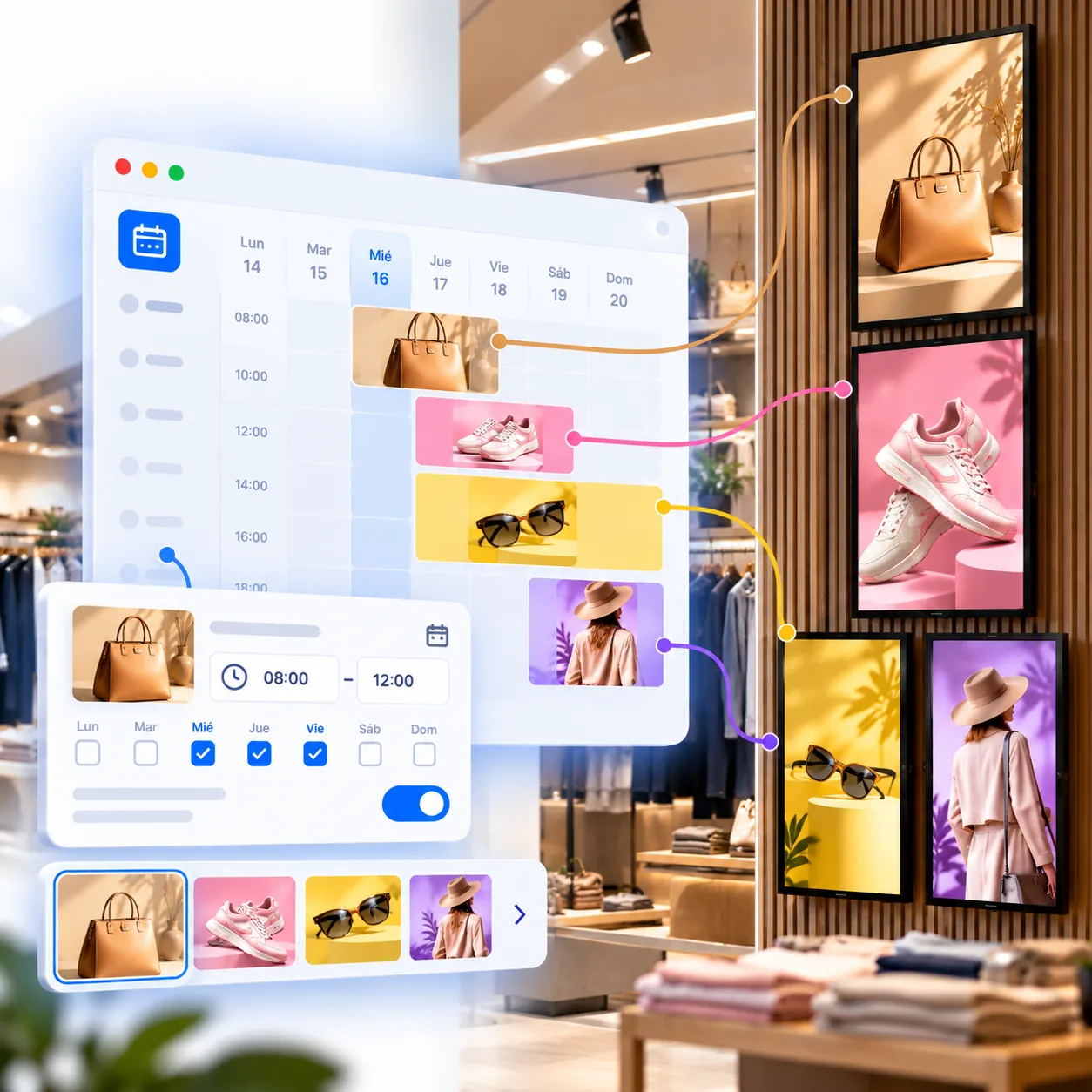
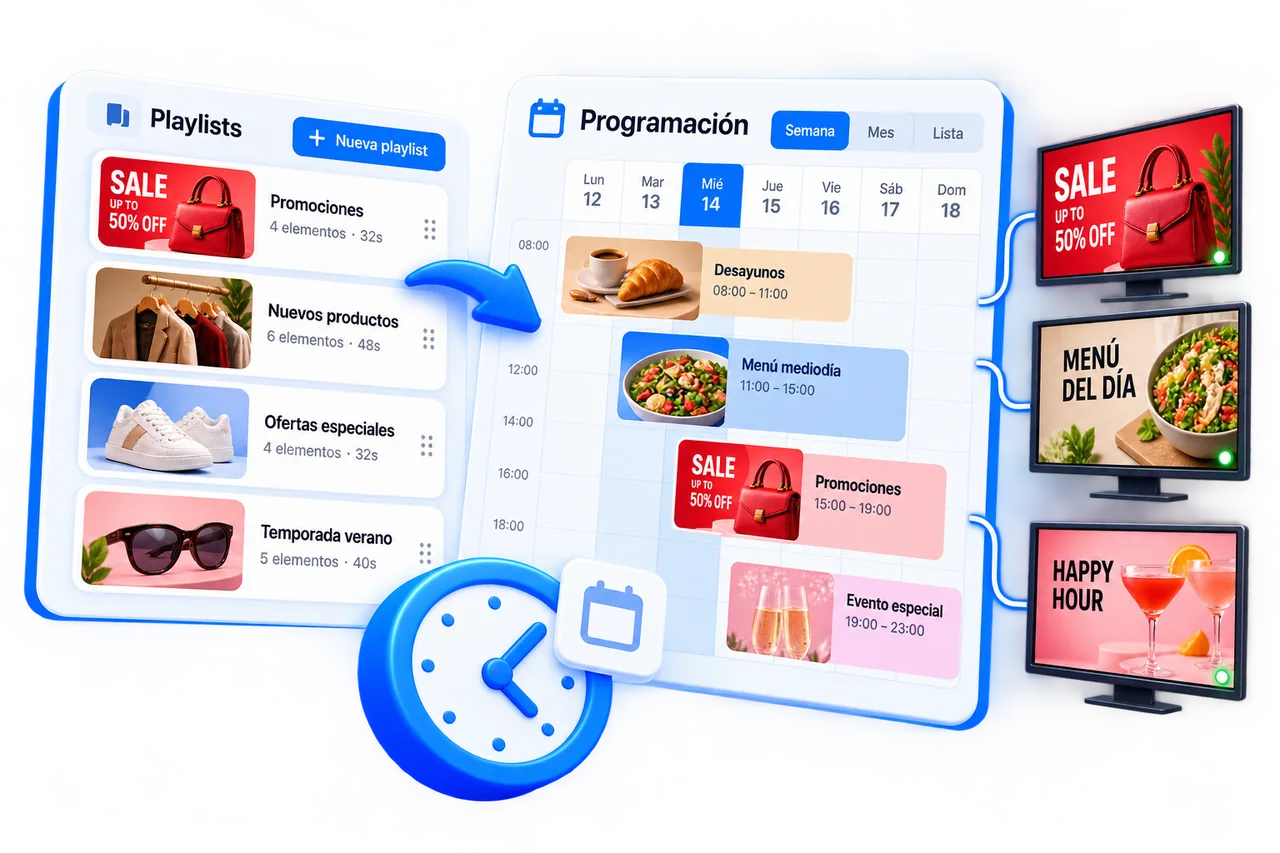
Organize your content with a visual calendar
See and manage your digital signage schedules in a visual calendar. Check what's planned, when each playlist will appear and how long it is scheduled to remain active.
Adjust dates and playback times in one place, without editing each piece of content individually.
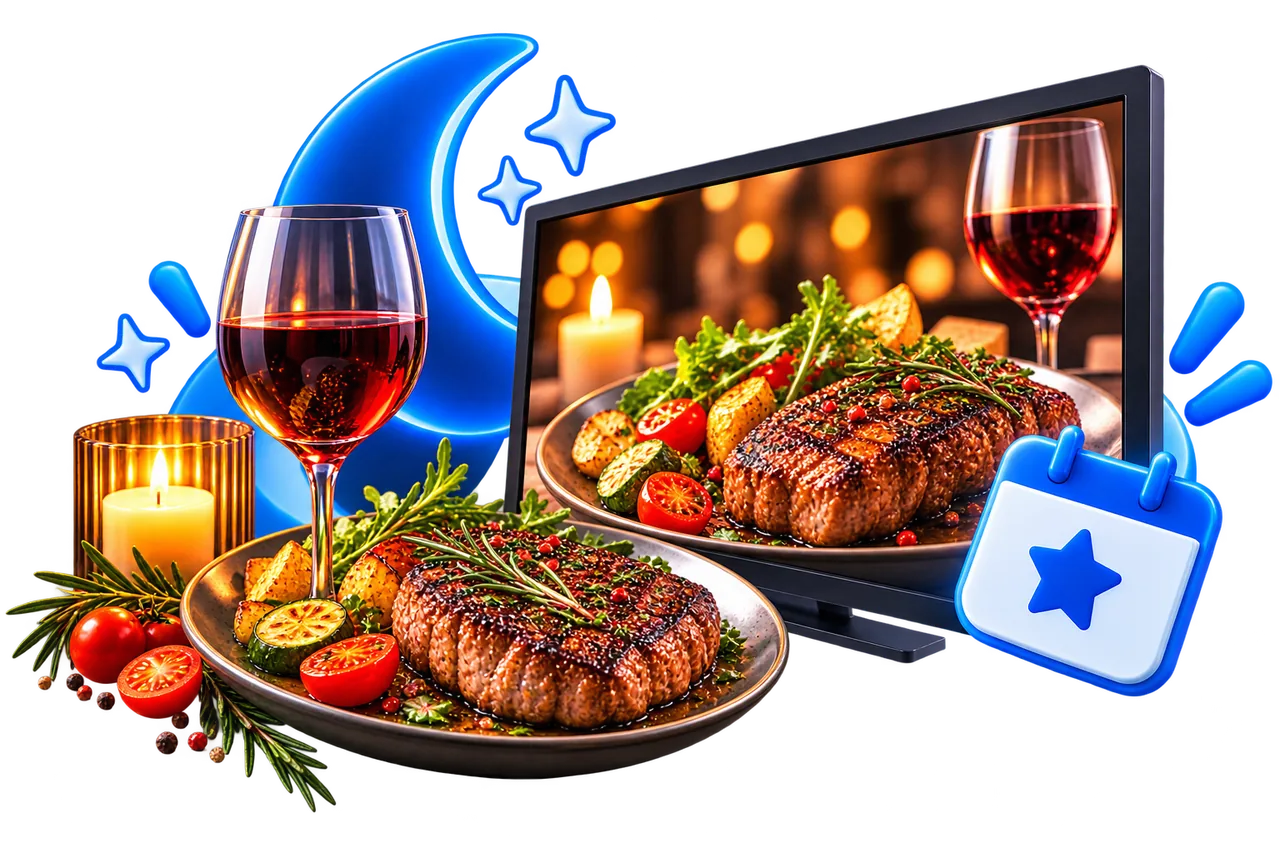
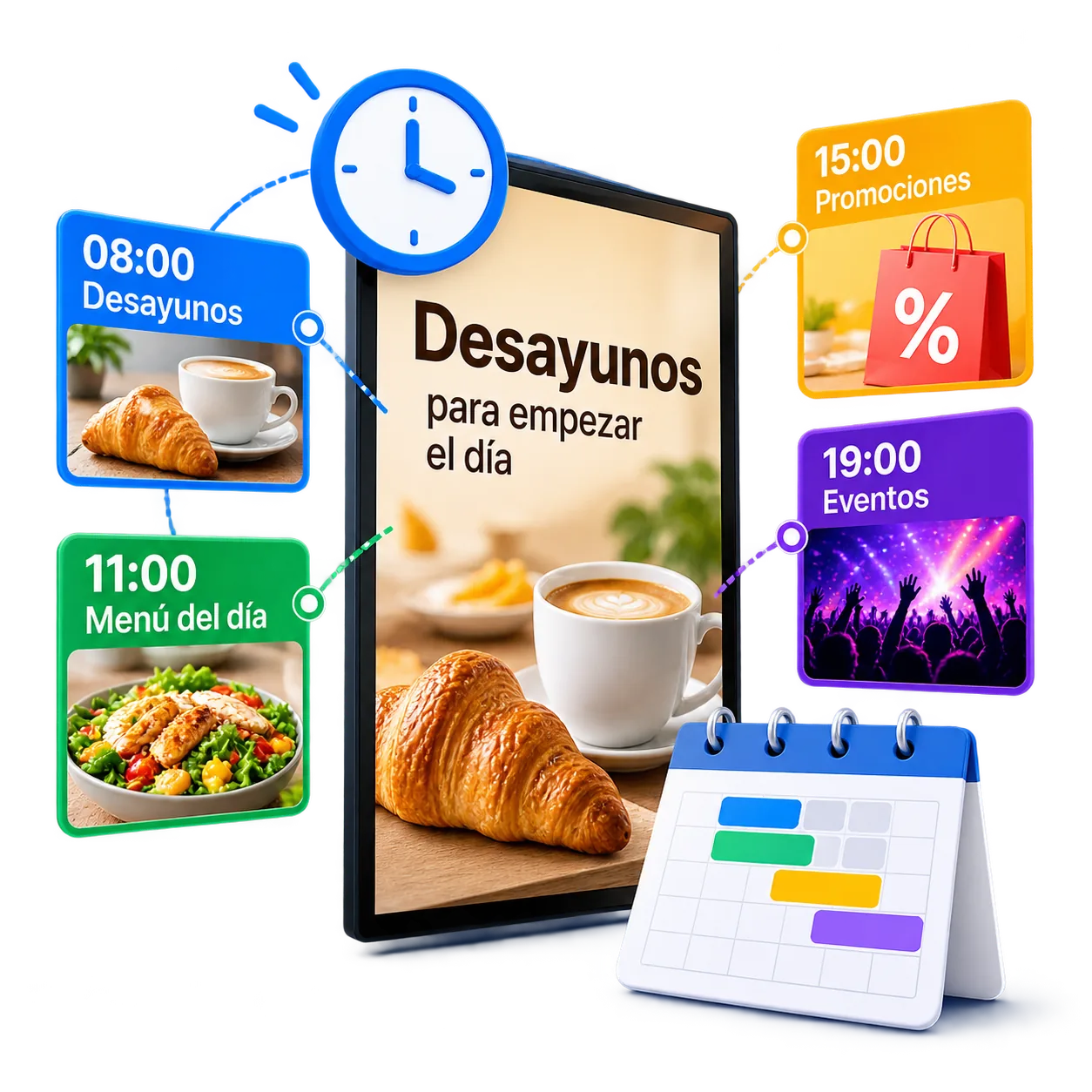
Adapt your content to different times of day
Display different content on your digital screens depending on the time of day. Highlight selected products in the morning, promote services in the afternoon or show specific information whenever you need it.
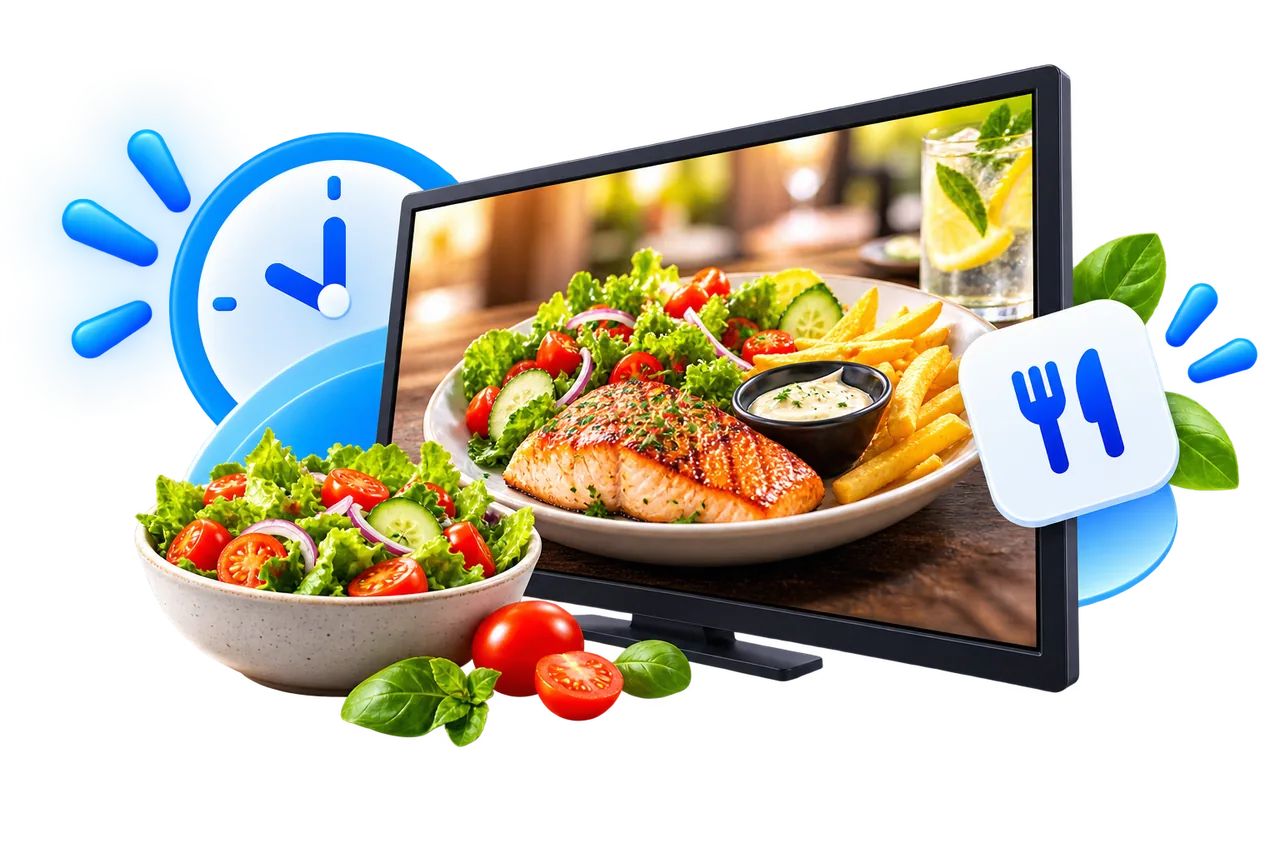
11:00–16:00
Daily menu

16:00–19:00
Special promotion
19:00–23:00
Dinner and events
With iMediaGO, you can schedule your playlists for different time slots and let the content change automatically, without manually updating your screens.
Prepare your campaigns in advance and schedule their launch
Plan upcoming promotions, product launches or events without waiting until the day they need to appear. With iMediaGO, you can prepare your content in advance and schedule the date and time it will start playing on your digital screens.
Your campaigns will automatically start at the scheduled time, without having to publish them manually.
Keep expired promotions off your digital screens
Set an end date and time for your promotions, campaigns or temporary announcements. With iMediaGO, you can schedule when content should stop appearing on your digital screens, without having to remove it manually.
This helps prevent expired offers, past events or outdated information from continuing to appear on your screens.
Schedule content across one or multiple screens
Organize when content appears on a single digital screen or coordinate schedules across multiple screens with iMediaGO. Use the same schedule for different screens or adapt it to the needs of each one.
Manage content across different locations from one place, without having to visit or manually update each screen.
Organize your content and choose when to display it
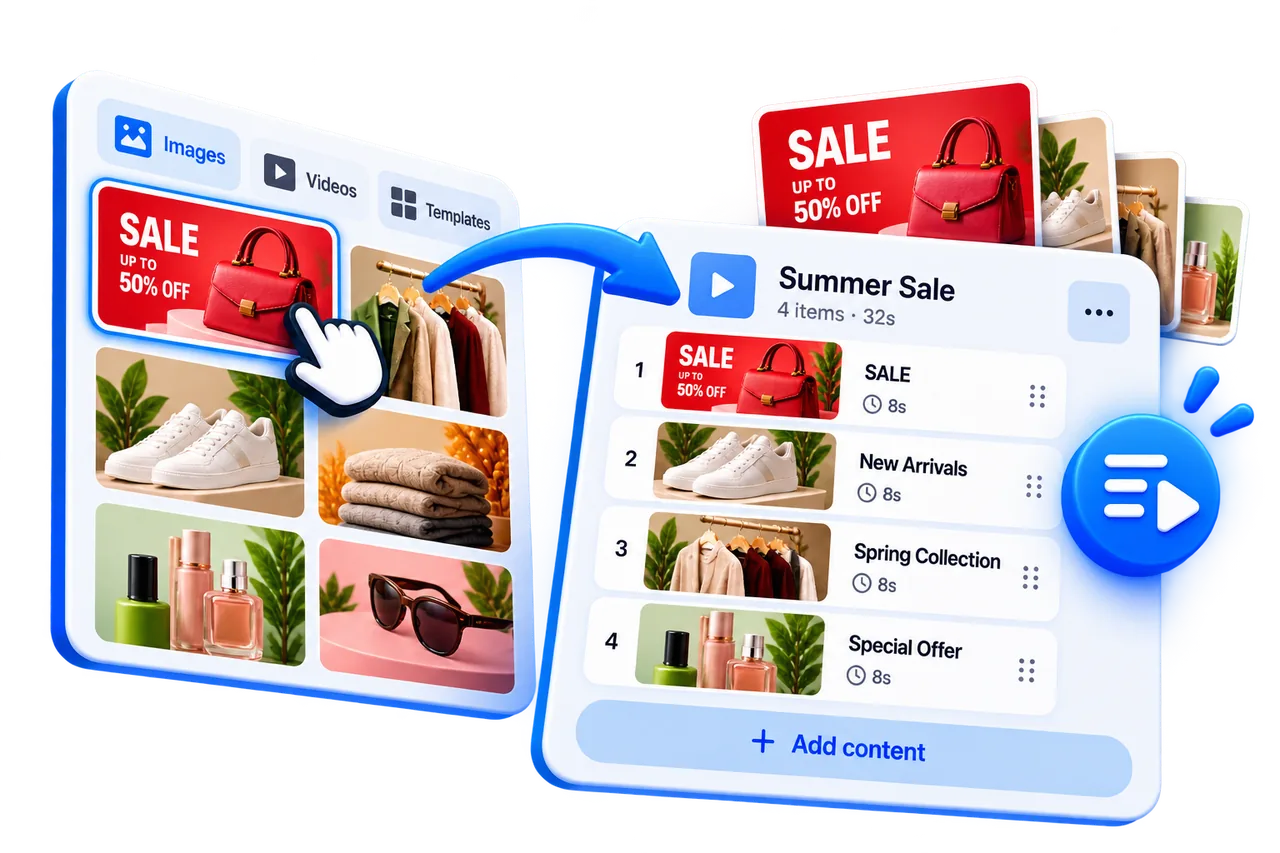
First, bring your campaigns, images and videos together in playlists. Then, use iMediaGO scheduling to choose which days and times they should appear on your digital screens.
This way, you can prepare your content once and schedule it to play automatically according to your business needs.
Schedule your content in just a few steps
Prepare what you want to display, choose when it should appear and let iMediaGO automatically play it on your digital screens.

Select your content
Choose the playlist you want to schedule for your screens.
Frequently asked questions
With iMediaGO, you can schedule when playlists play on your digital screens. Select the content you want to display, set the days, times or dates, and let iMediaGO manage playback automatically.
Get your screen content ready ahead of time
Organize your playlists, choose when they should play and prepare your content for scheduled playback.