
Digital signage for offices and businesses
Improve internal communication with digital screens across your workplace. Share announcements, company news, events and important information with employees and visitors. Create, publish and update your content from one place with iMediaGO, without the hassle.


No credit card required
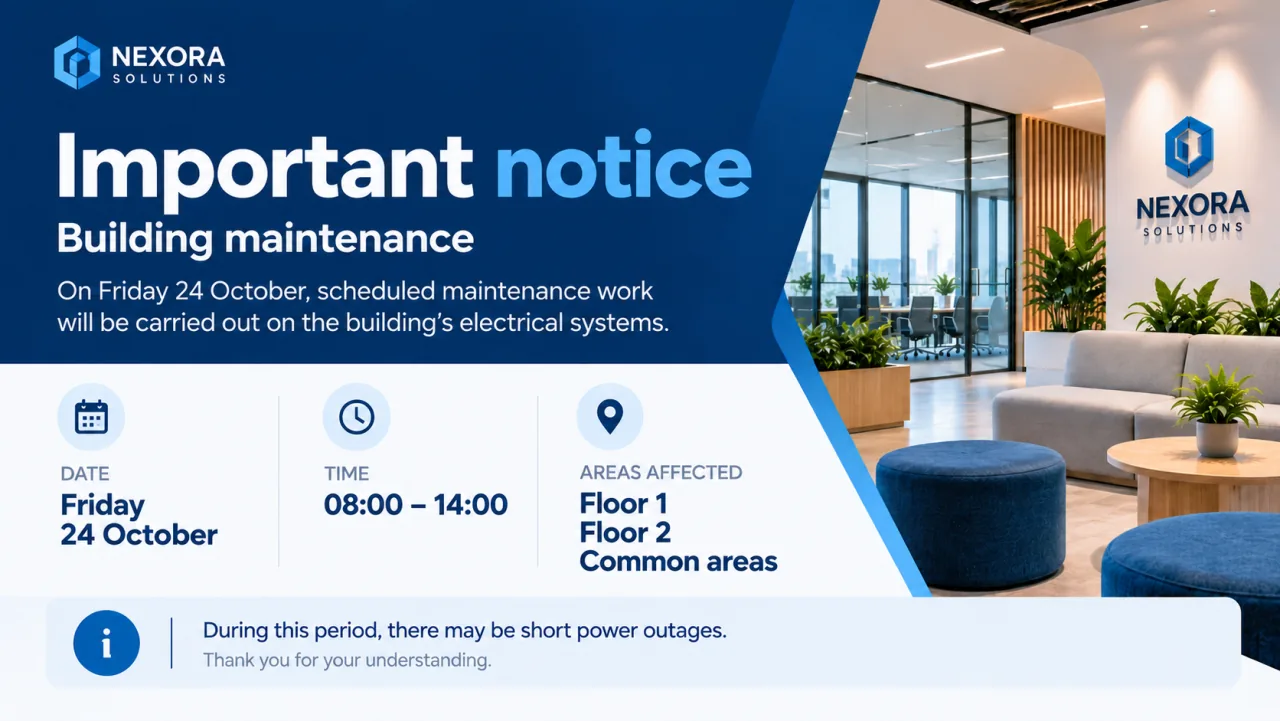
Put important messages in the spaces where employees and visitors can see them.
Update notices, events and company news without printing new signs.
Publish content remotely to one or multiple screens.
Improve internal communication with digital screens
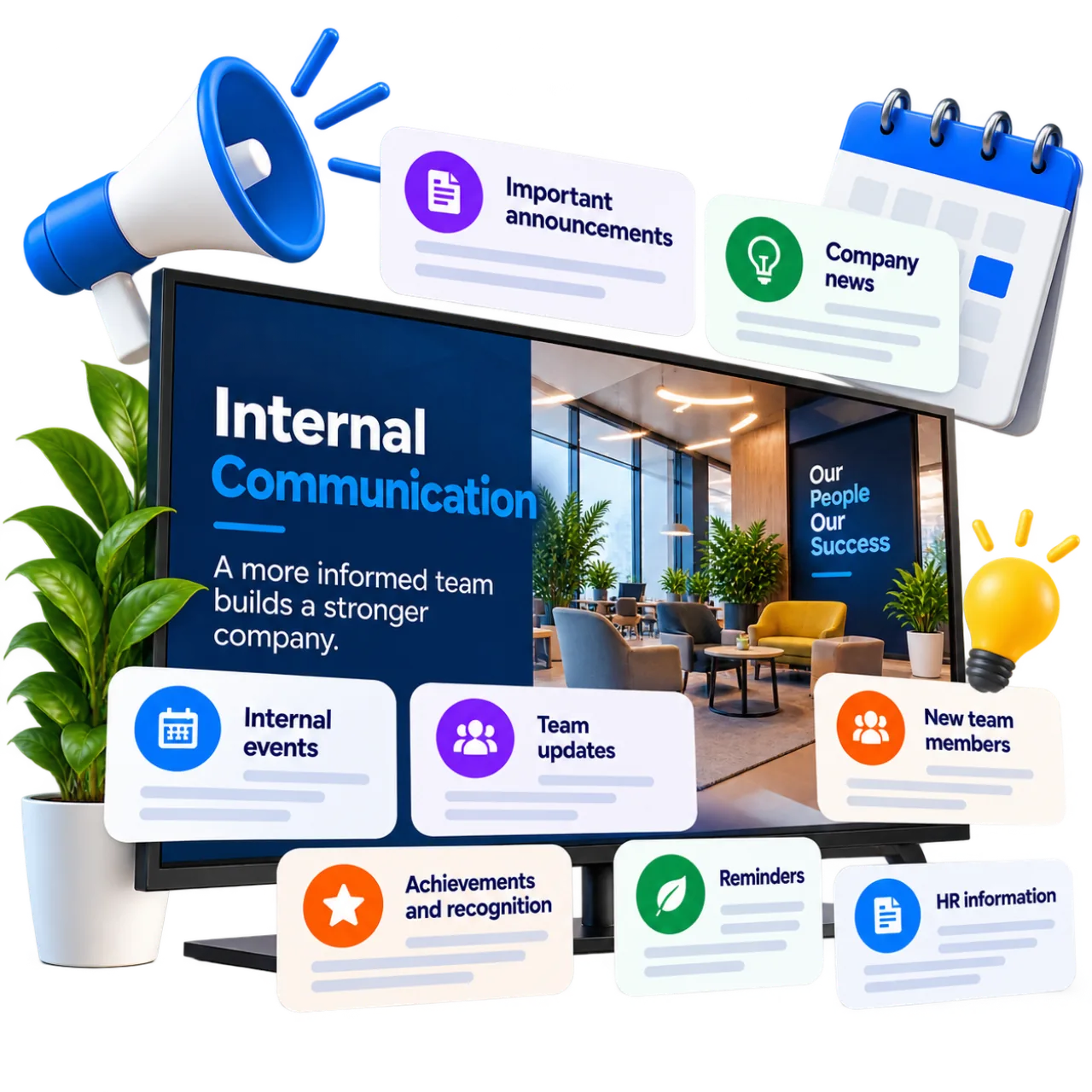
Use digital screens throughout your office to keep employees informed about what’s happening across your company. Share internal announcements, company updates, reminders and important messages in places where they’re easy to see.
Display relevant information in reception areas, shared spaces, break rooms and other workplace locations. Complement emails and internal communication tools with visual messages that keep your team informed throughout the working day.
Update your content whenever needed and keep information up to date without printing posters or relying on individual messages.
Discover how to create content →Share company events, news and team achievements
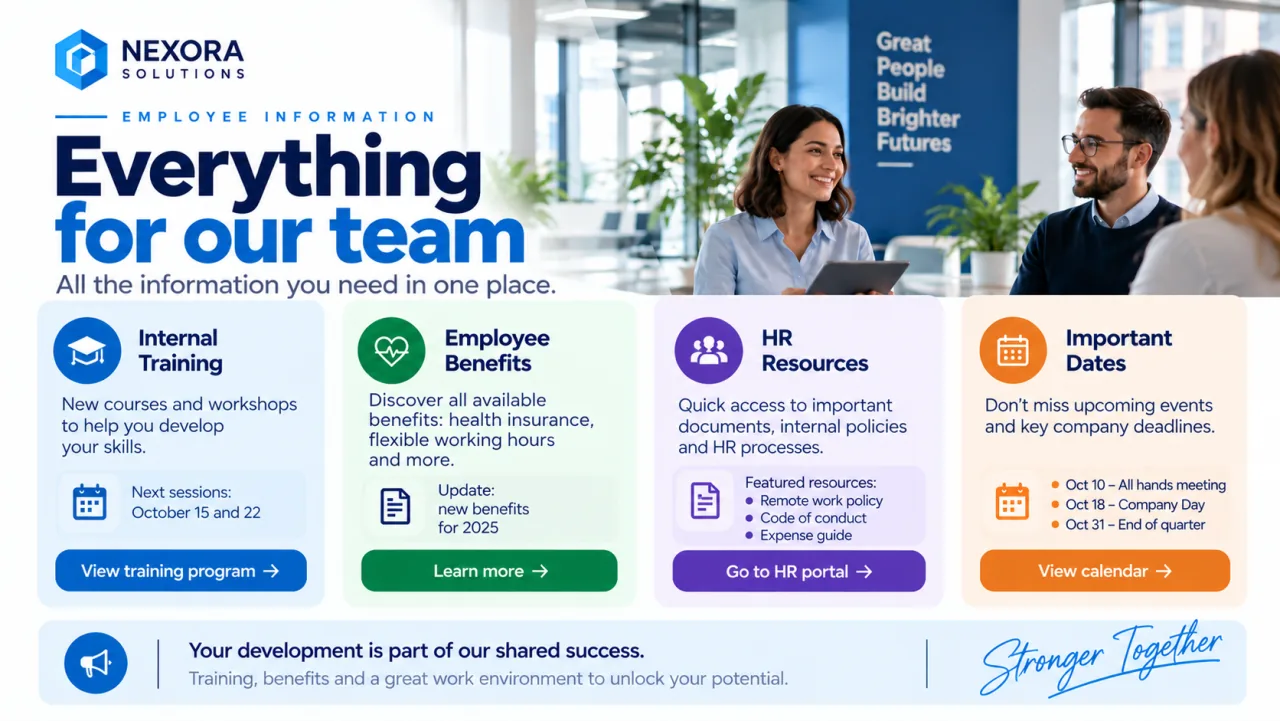
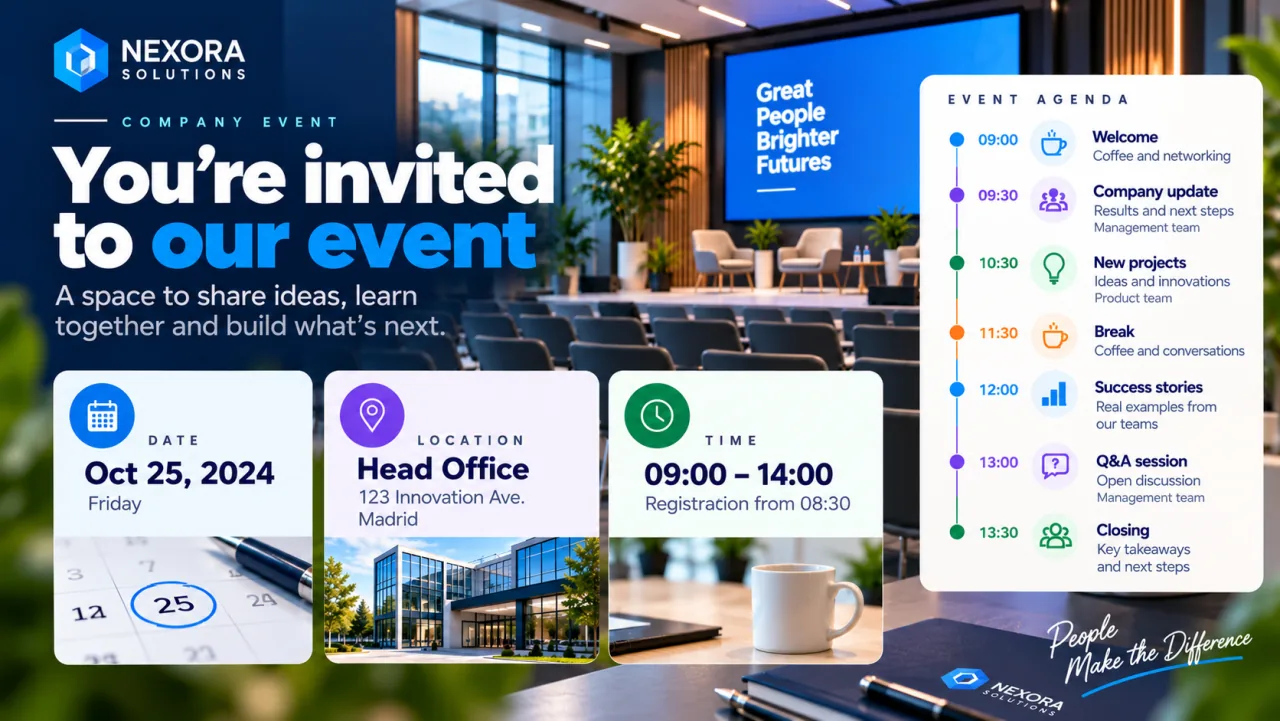
Use digital screens throughout your office to highlight company activities and keep employees informed about what’s happening across your organisation. Promote corporate events, training sessions, team gatherings and other workplace initiatives.
Welcome new team members, celebrate achievements and recognise employee contributions. Create engaging visual content with images, dates and messages that help employees stay connected and strengthen your company culture.
Update event schedules whenever needed and use screens in shared spaces to make sure company news reaches your entire team.
Discover how to create campaigns →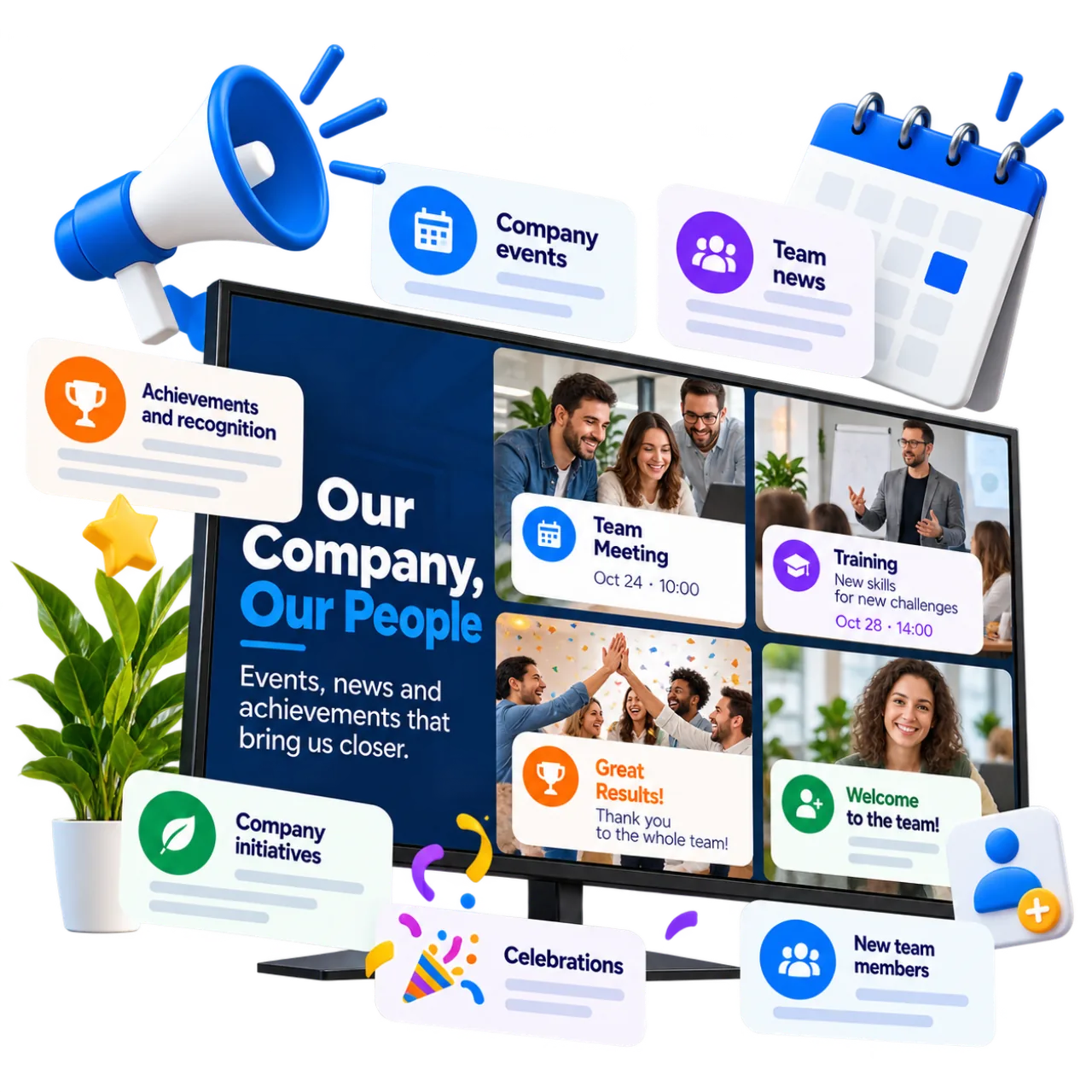
Manage digital signage across all your offices from one place
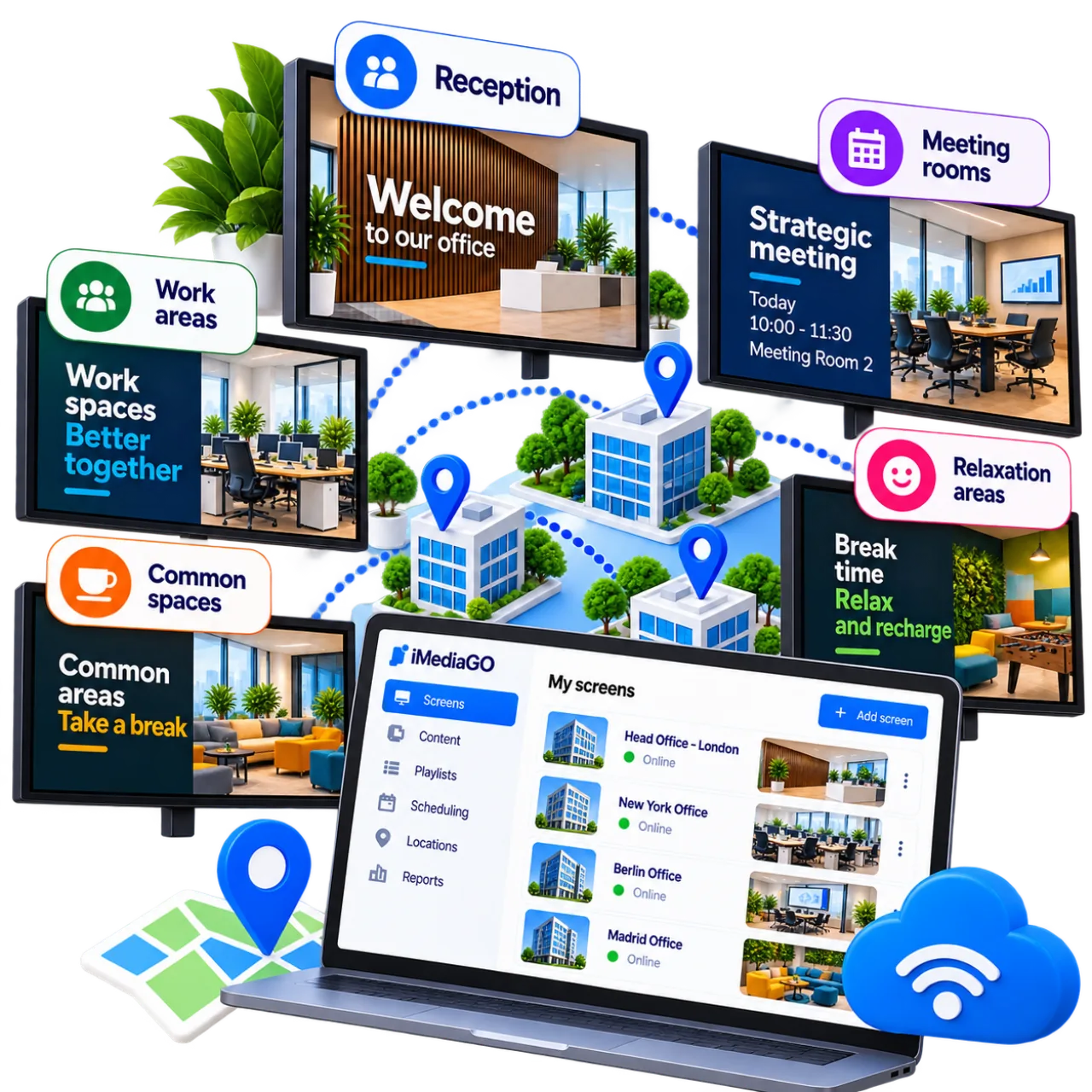
Every workplace has different communication needs. Use digital screens to display relevant information based on their location, from office reception areas and meeting rooms to shared spaces and break rooms.
Welcome visitors at reception, share internal announcements in work areas and promote company events in communal spaces. Tailor content to each screen so employees and visitors can easily find the information they need.
With iMediaGO, you can manage digital screens across multiple offices and business locations from one place, update content remotely and schedule what appears on each screen.
Discover how to manage your screens →Schedule your content →A simpler way to manage your corporate digital screens
Create and publish content for your company’s digital screens without the hassle. With iMediaGO, you can keep office communications up to date, organise different messages and manage all your screens from one place.
Create content easily
Design announcements, notices and internal communications with an intuitive visual editor. Combine text, images and videos without needing design experience.
Update information instantly
Publish company news and change messages on your screens whenever needed, without visiting each device or replacing printed posters.
Manage all your screens
Control digital screens across different offices, departments and business locations from one platform. Choose what content appears at each location.
Schedule your communications
Organise your content and decide when it should appear. Prepare announcements, campaigns and corporate messages for different times of the day.
Start with your first screen
Publish information for your team and keep your workplace screens updated from one place.
Frequently asked questions about digital signage for offices and businesses
Have questions?
Create your account and chat with us directly inside the platform. We'll help you set everything up in minutes.
No commitment • Fast support via chat
Digital signage for companies
Turn your screens into an active communication channel
Keep employees and visitors informed and manage content across all your screens from one place.
No commitment • Ready in minutes