Campaigns
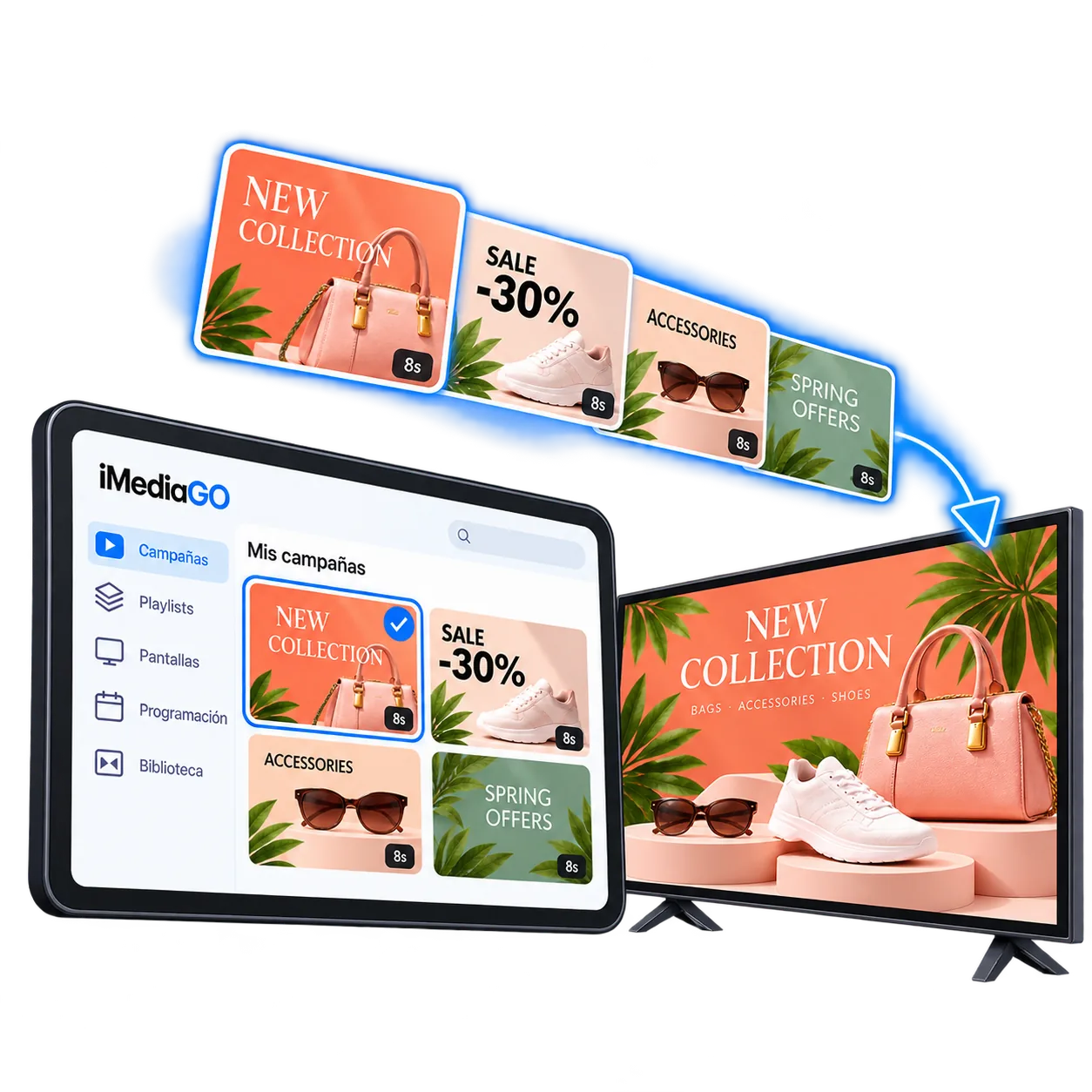
Display promotions, products, services and business information through visual campaigns created in iMediaGO.

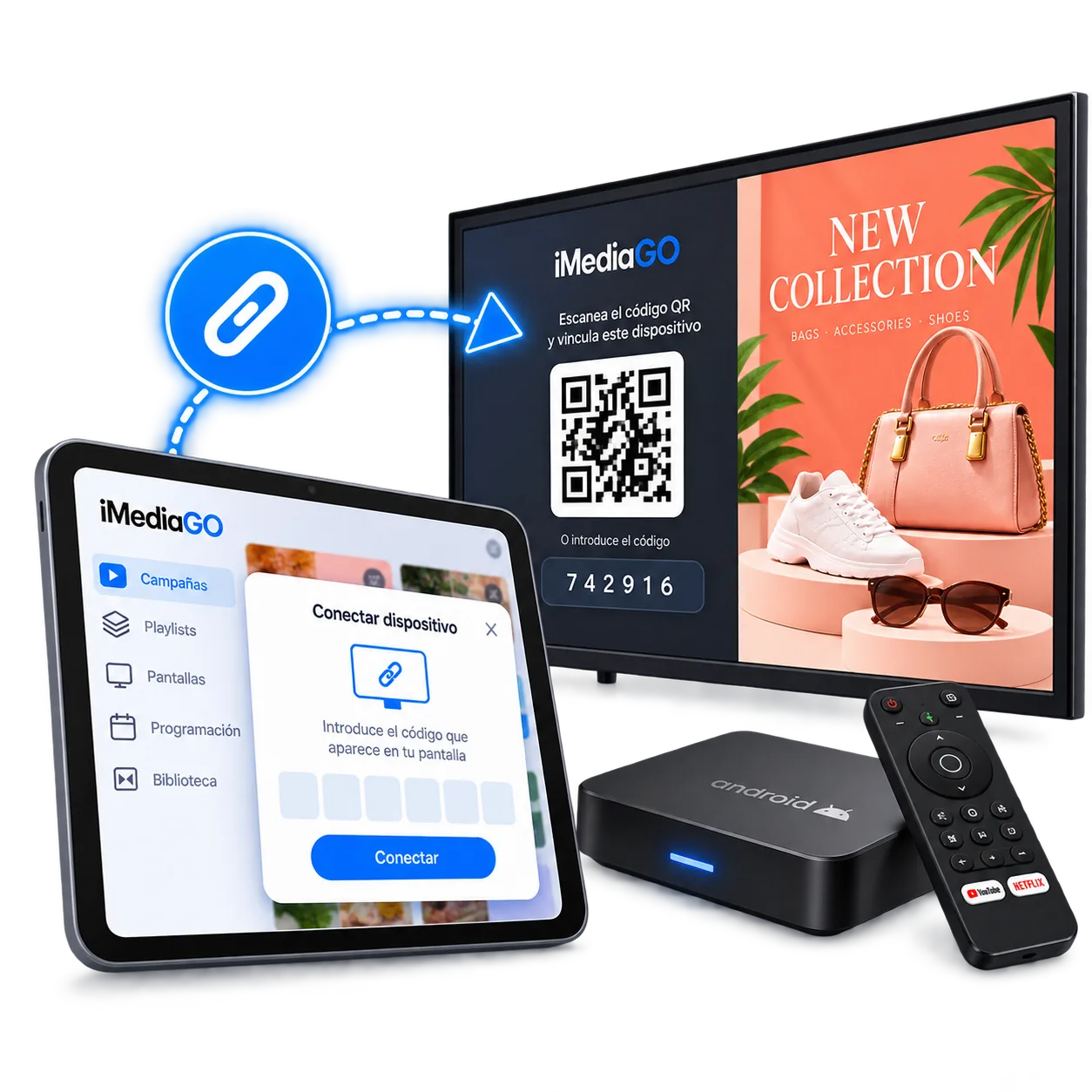
Display campaigns, images and videos on your screens with iMediaGO Player and a compatible Android device. Install the app, connect your device and manage your content remotely through iMediaGO.
Use a compatible Android TV, tablet or Android media player to create your own digital signage setup.
Easy setup · Remote management · Automatic updates
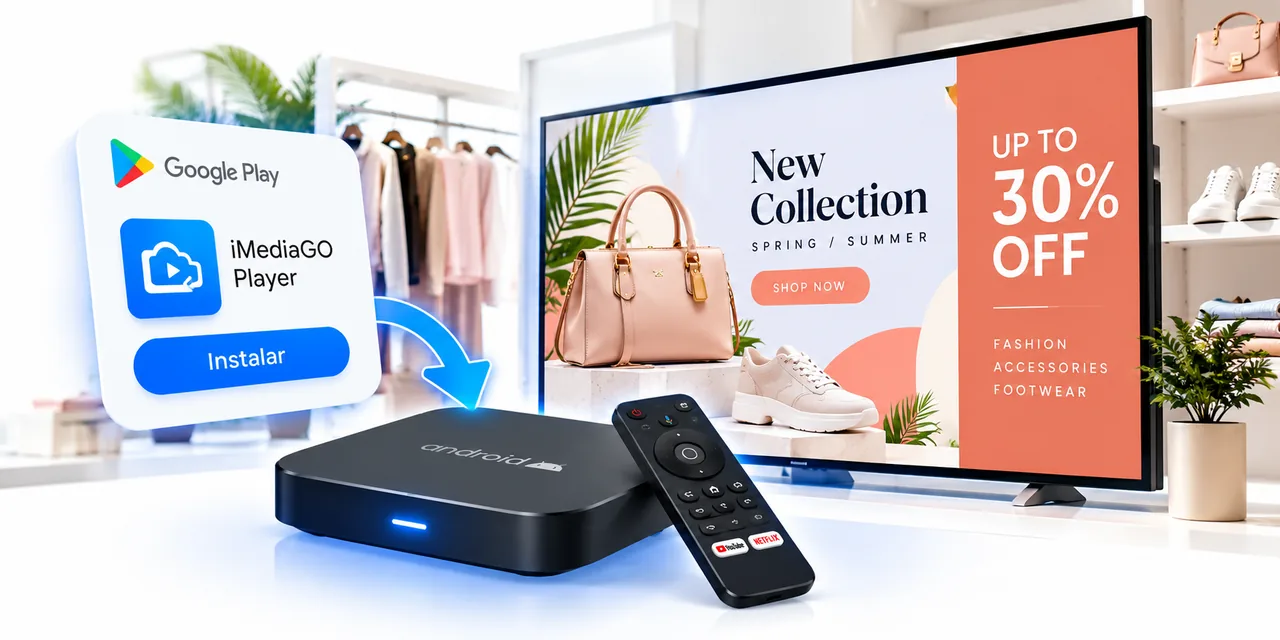
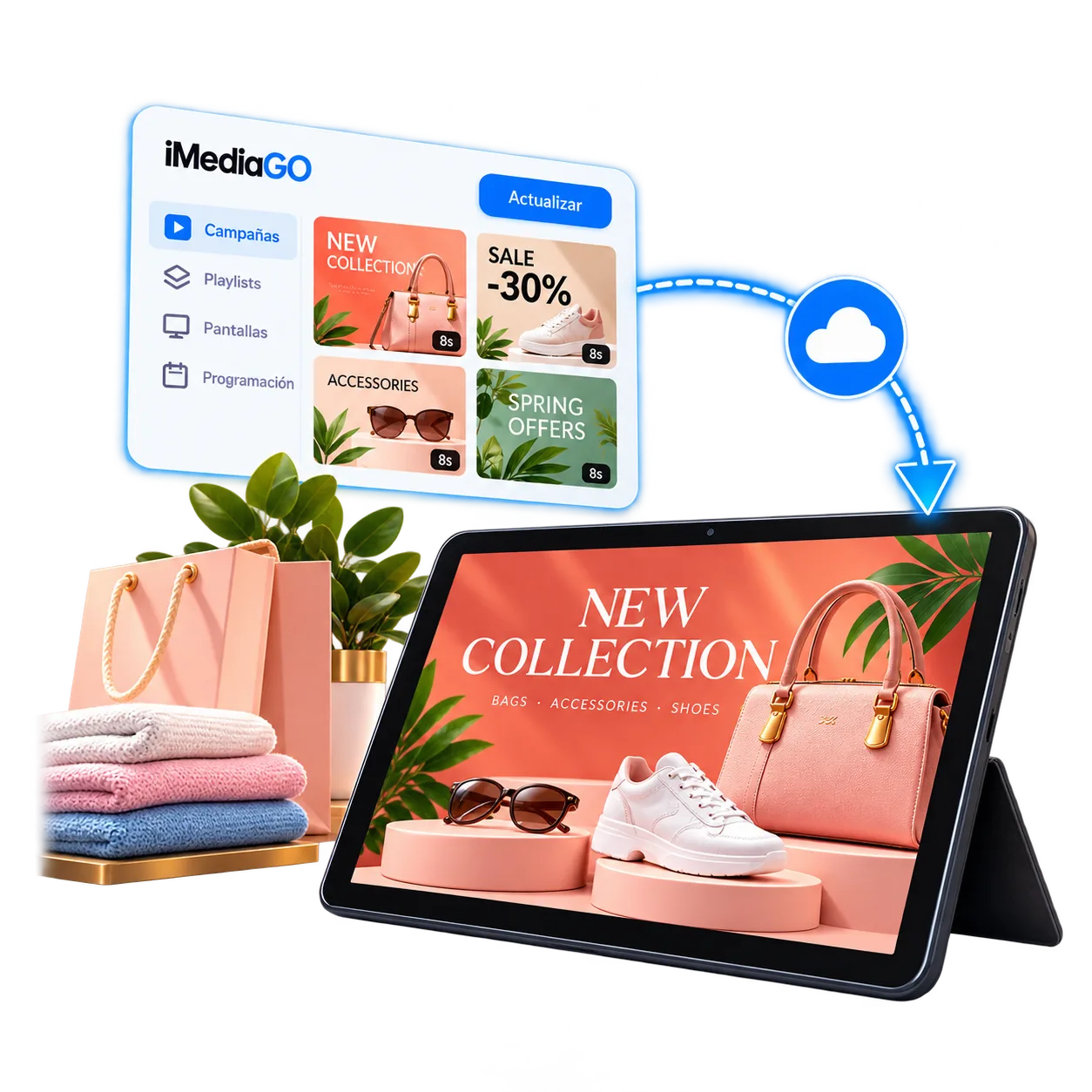
Connect a compatible Android device to iMediaGO to display campaigns, images and videos on your screens. Organize content, schedule playback and manage updates remotely from one platform.
Display promotions, products, services and business information through visual campaigns created in iMediaGO.
Combine campaigns and other content into playlists to keep relevant information playing on your screens.
Choose when each piece of content appears and organize playback around your business hours.
Update the content on your Android devices from iMediaGO without having to visit each screen.
No complicated setup required.
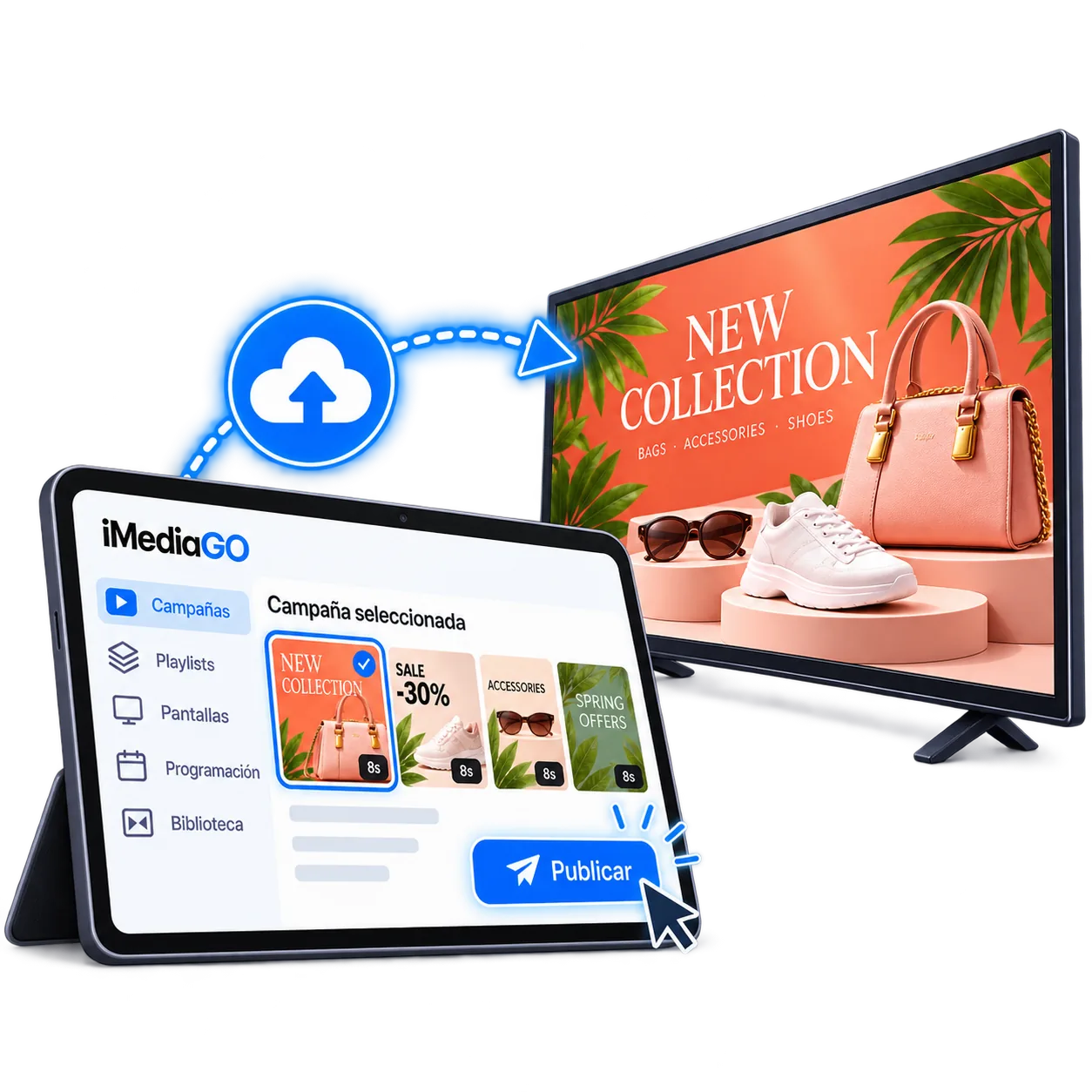
Get the app from Google Play or install it directly using the APK.
Need to change a promotion, publish a new campaign or update information for your customers?
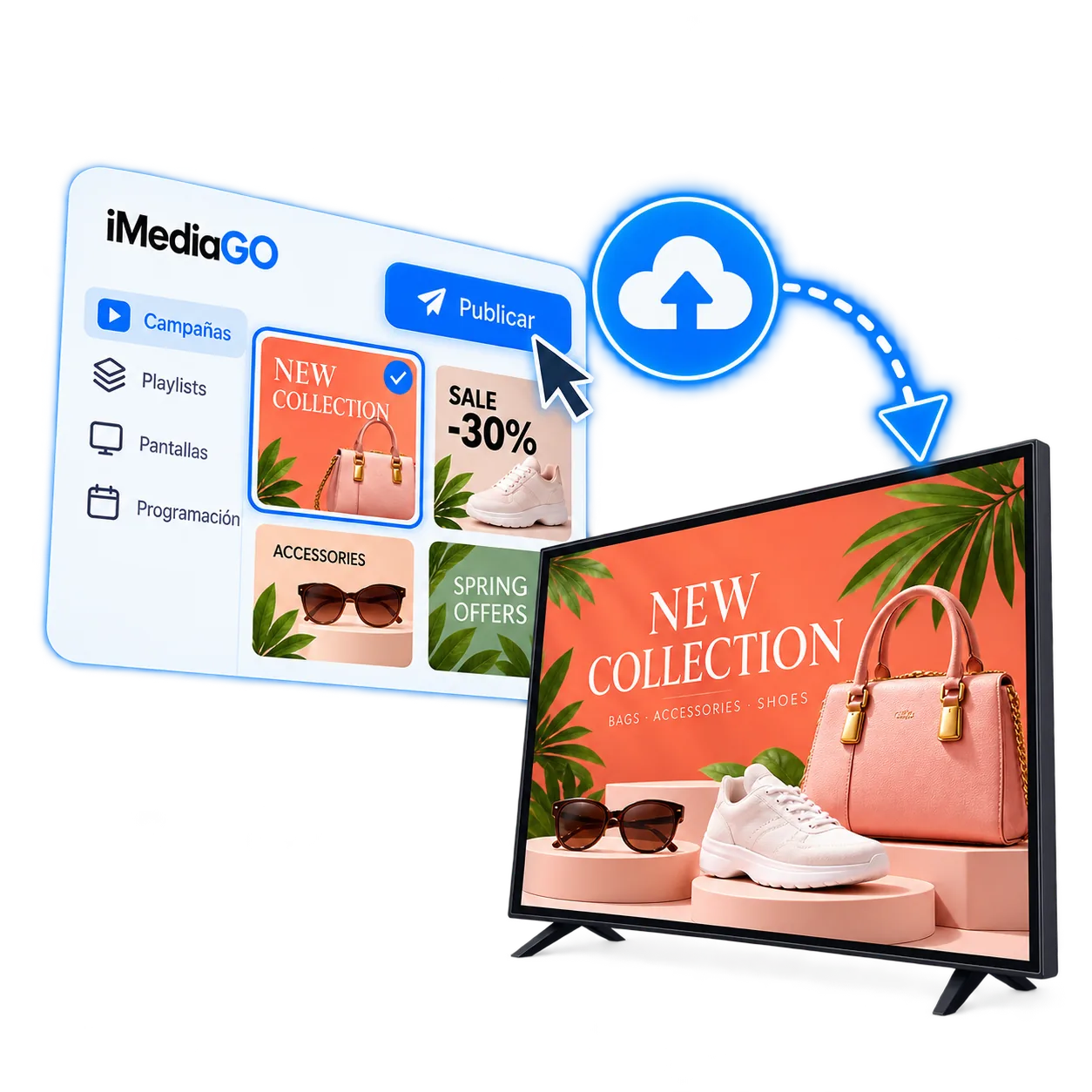
Manage the content displayed on your Android devices remotely through iMediaGO. Update campaigns and information without visiting each screen, whether you're using one display or several.
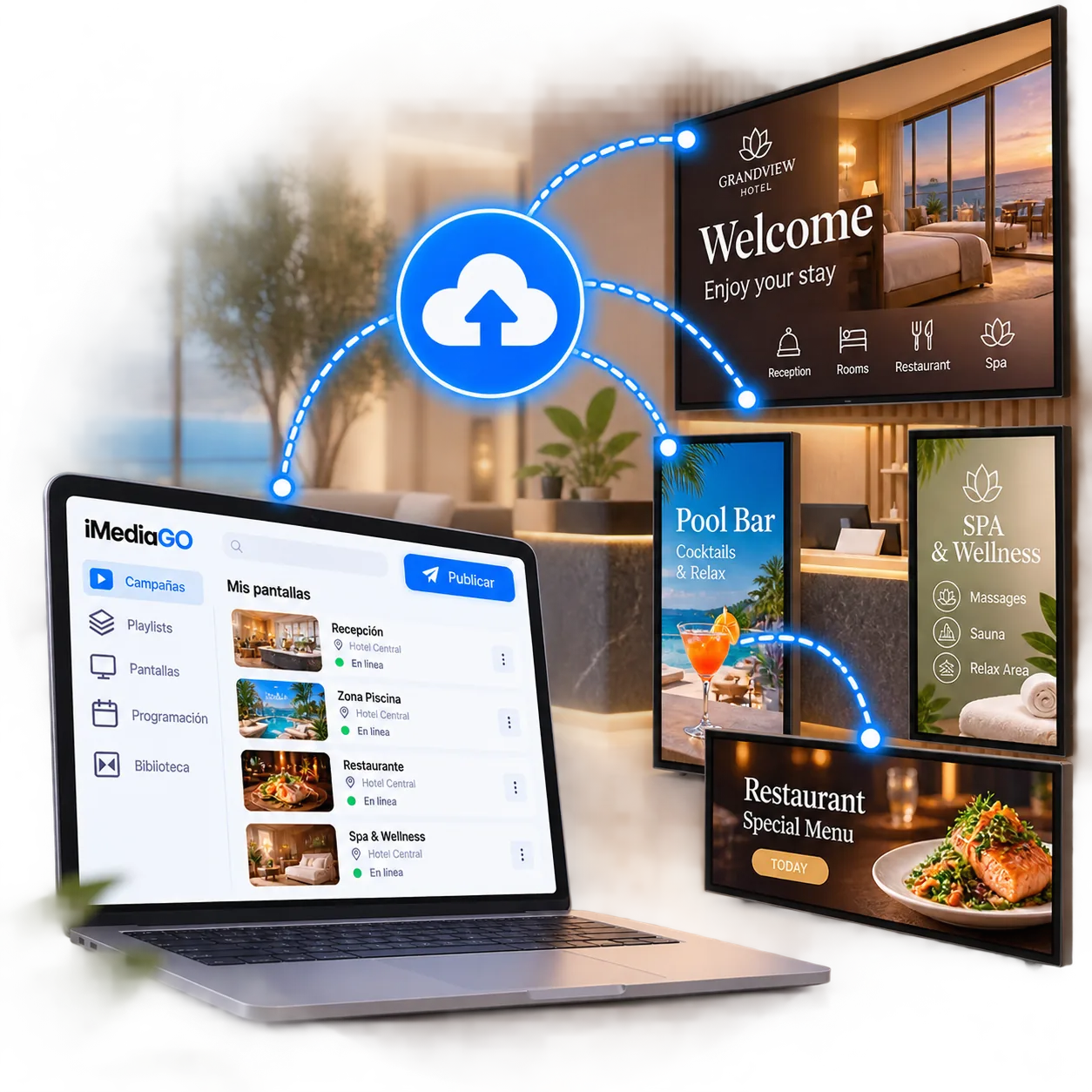
Use iMediaGO Player in the format that works best for each space.
Use an Android device connected to a TV or monitor to display your digital signage content.
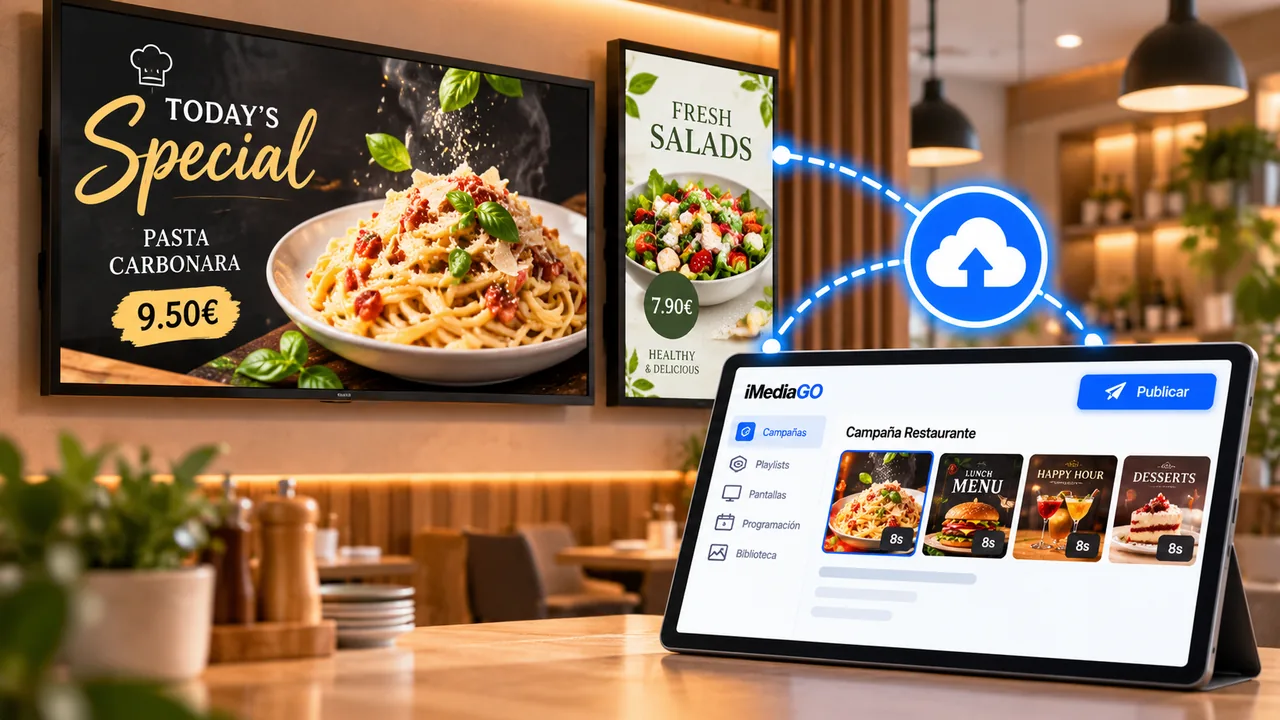
Install iMediaGO Player directly on compatible devices and manage the content through the platform.
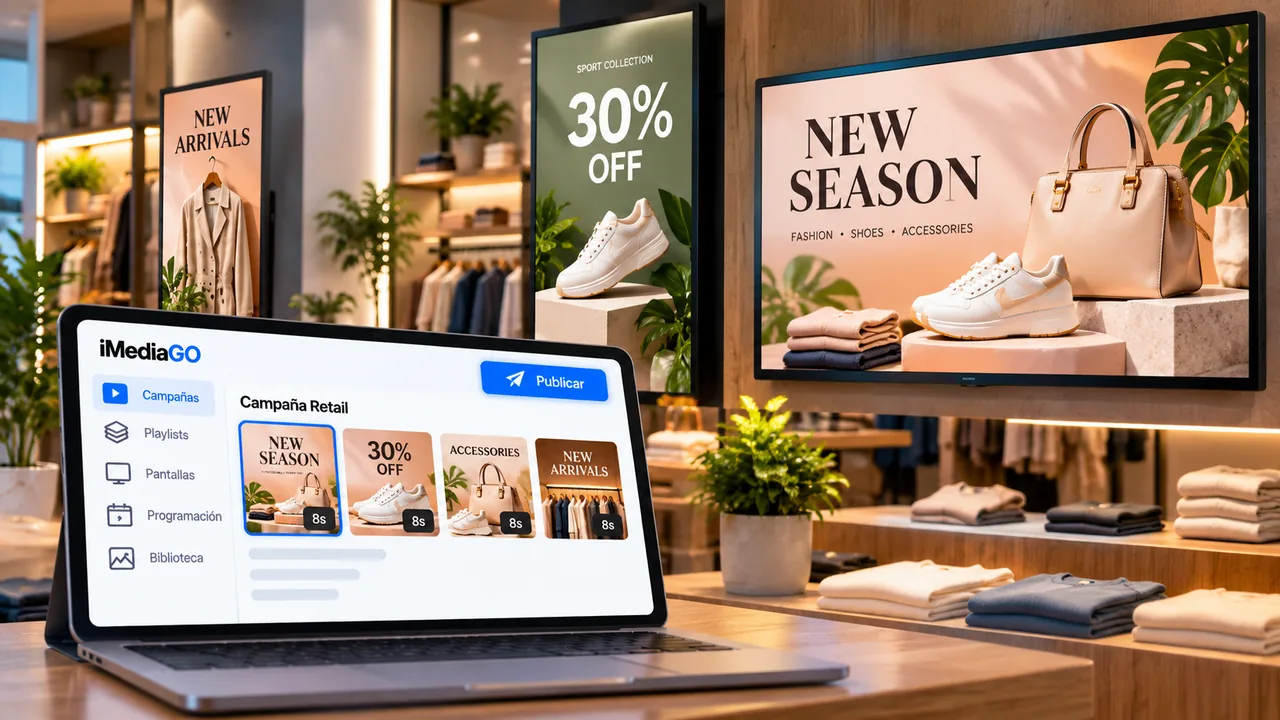
Use a compatible Android tablet as a standalone digital display for counters, reception areas or points of sale.
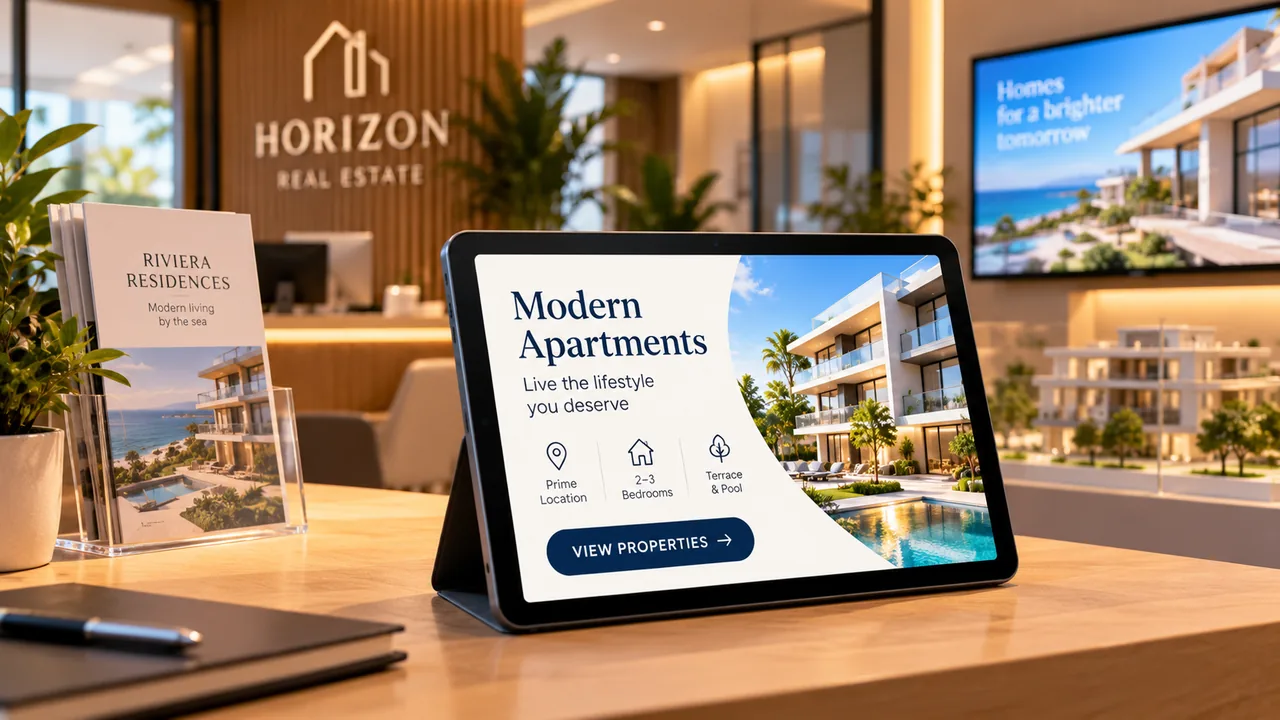
One platform for managing different types of screens.
You don’t need a large TV to display promotions, showcase services or share information with your customers.
Place a compatible Android tablet on a counter, at reception or at a point of sale and use it as a compact digital display. With iMediaGO, you can publish campaigns and update their content remotely, without making changes directly on the tablet.
The easiest way to install iMediaGO Player on compatible Android devices and keep the app up to date.
Get it on Google PlayPrefer a direct installation or using an Android device without Google Play? Download the iMediaGO Player APK and install it directly on a compatible Android device.
Install iMediaGO Player on a compatible Android device, connect it to your account and manage your screen content remotely through iMediaGO.