iMediaGO Logo
Back

Create campaigns for your screens in minutes

Choose what you want to promote and create a complete campaign for your screens. Products, offers, combos, events and more, with designs ready to customise and publish.

Campaigns built around a clear goal

It’s not just about making a good-looking slide.

iMediaGO combines multiple scenes into a campaign designed to capture attention, introduce what you’re promoting, reinforce the offer and encourage action.

Attention → Product → Offer → Action

A complete, consistent campaign built for digital screens.

Choose what you want to promote

Start with your goal, not a blank canvas.

Choose a campaign type and iMediaGO prepares a structure designed around what you want to communicate.

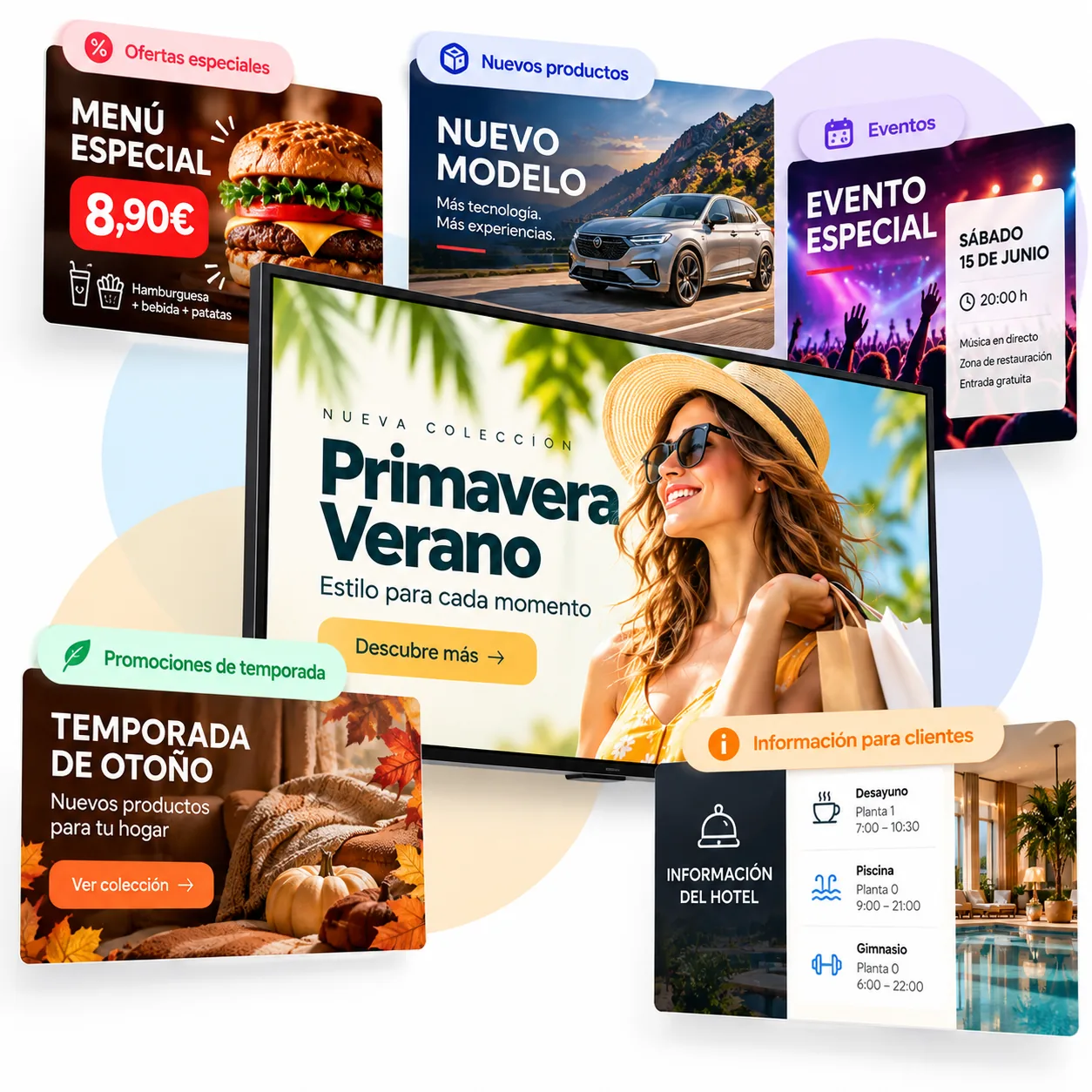
Featured product

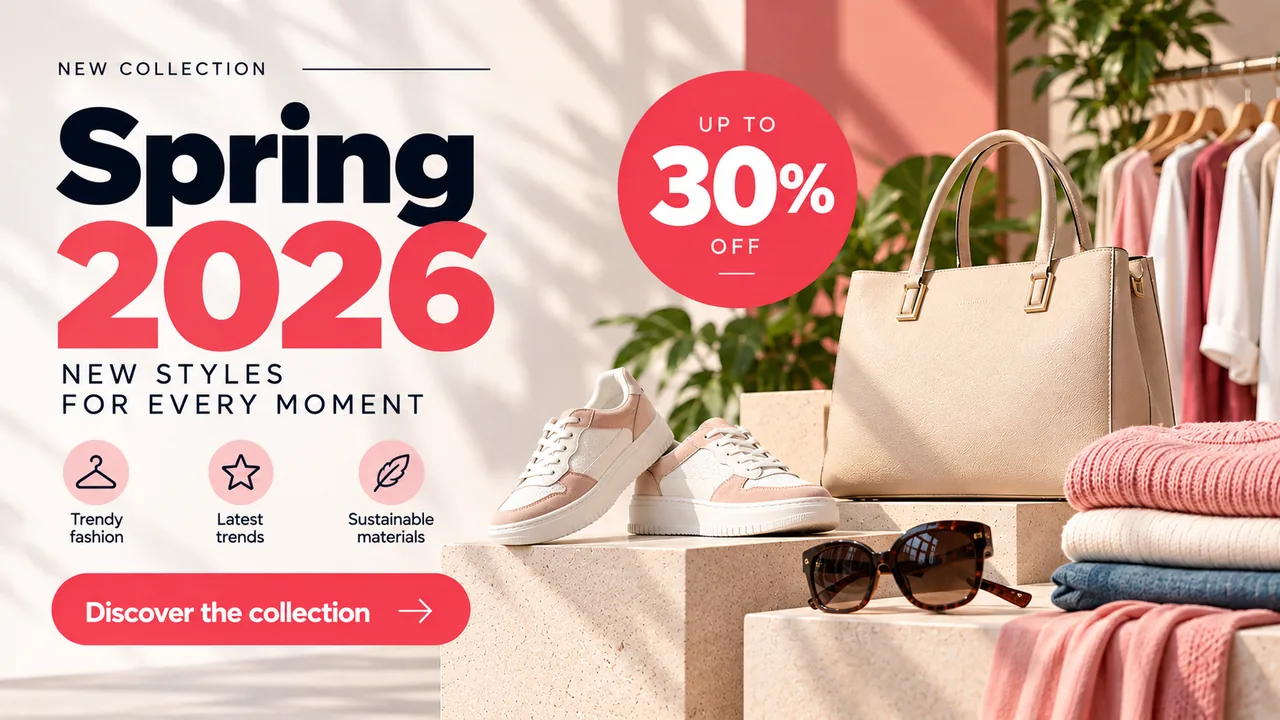
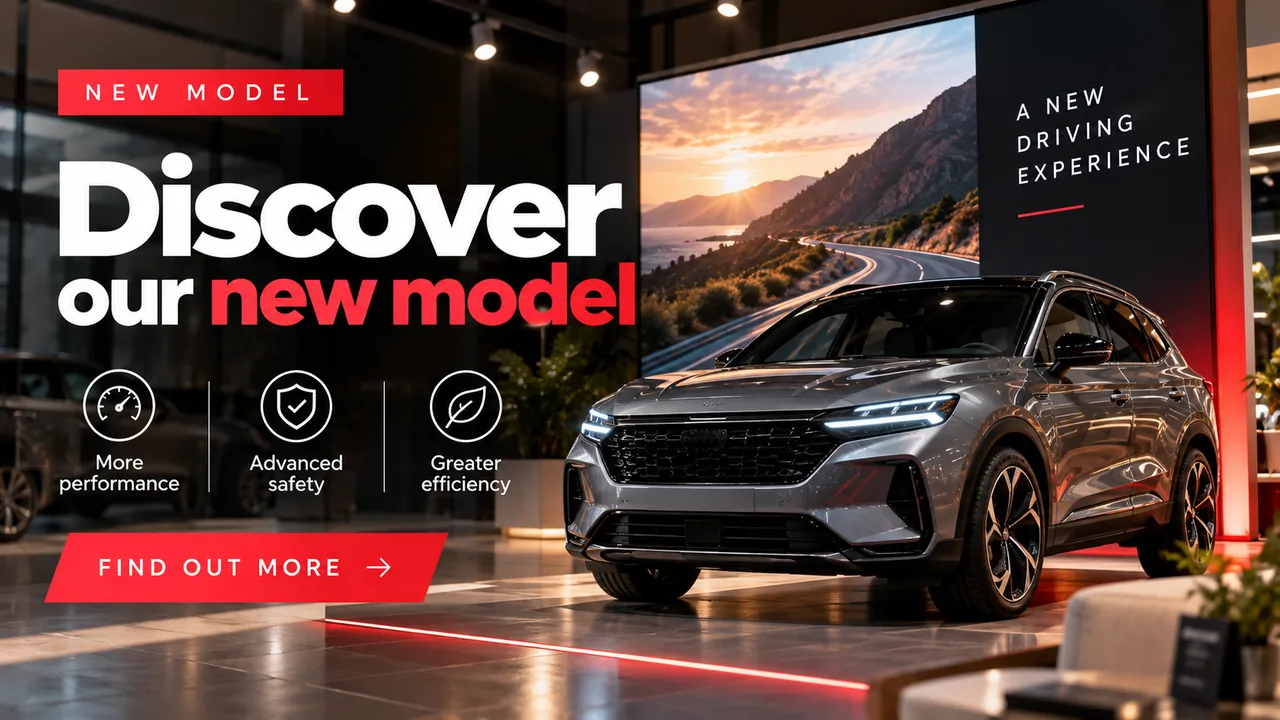
Put the spotlight on a dish, product or service you want customers to notice.

Combo

Bring several products together in an offer that is attractive and easy to understand.

Offer

Promote discounts, special deals and limited-time promotions.

Event

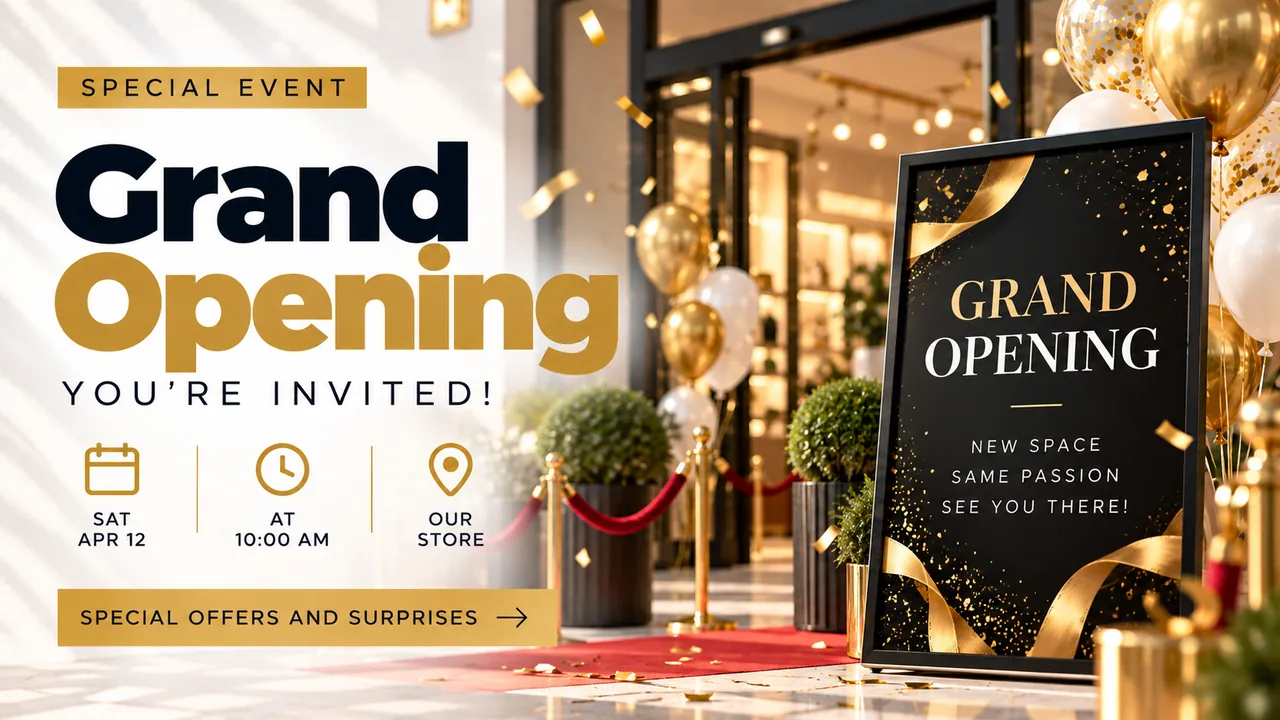
Promote live music, activities, matches, special sessions or upcoming events.

Menu

Present dishes, prices and daily specials in a clear, visual format.

Promotion

Create campaigns for launches, new arrivals and specific promotional activities.

Campaigns made for your type of business

You don’t need to browse hundreds of templates to find something that fits.

iMediaGO adapts campaigns to your type of business and what you want to promote.

For restaurants, you can start with campaigns designed for restaurants, fast food, pizzerias, bars and cafés, ice cream shops or daily menus.

Other industries get campaigns built around their own products, services, promotions and communication needs.

One campaign. Different ways to present it.

Like the content but want a different visual direction?

Apply different design variants and change how your campaign looks without rebuilding it from scratch.

Keep the message and objective. Change how you present them.

Customise only what you need

Your campaign comes prepared, but it remains fully yours.

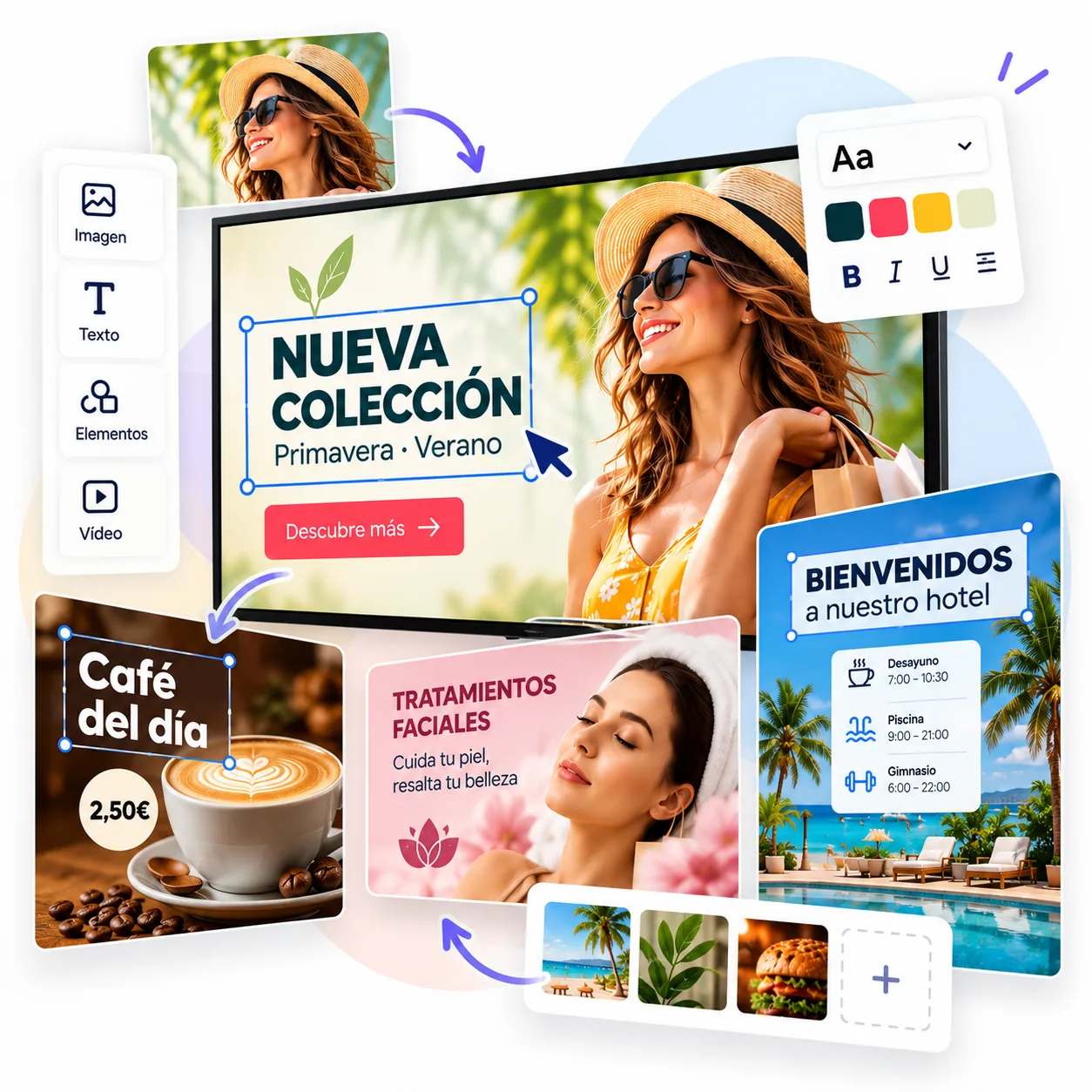
Change text, prices, products, images, colours or layouts in the iMediaGO editor. Make a quick adjustment or customise every detail.

Instead of starting with design, you start with a campaign that already has a structure.

From an idea to your screens

01

Choose your goal

Select the product, offer, event or content you want to promote.

02

Choose a campaign

Pick a campaign prepared for your business and objective.

03

Customise it

Adjust the content, change the design or apply another variant.

04

Publish

Send your campaign to one or multiple screens directly from iMediaGO.

Decide when your campaign should appear

Publishing is only the beginning.

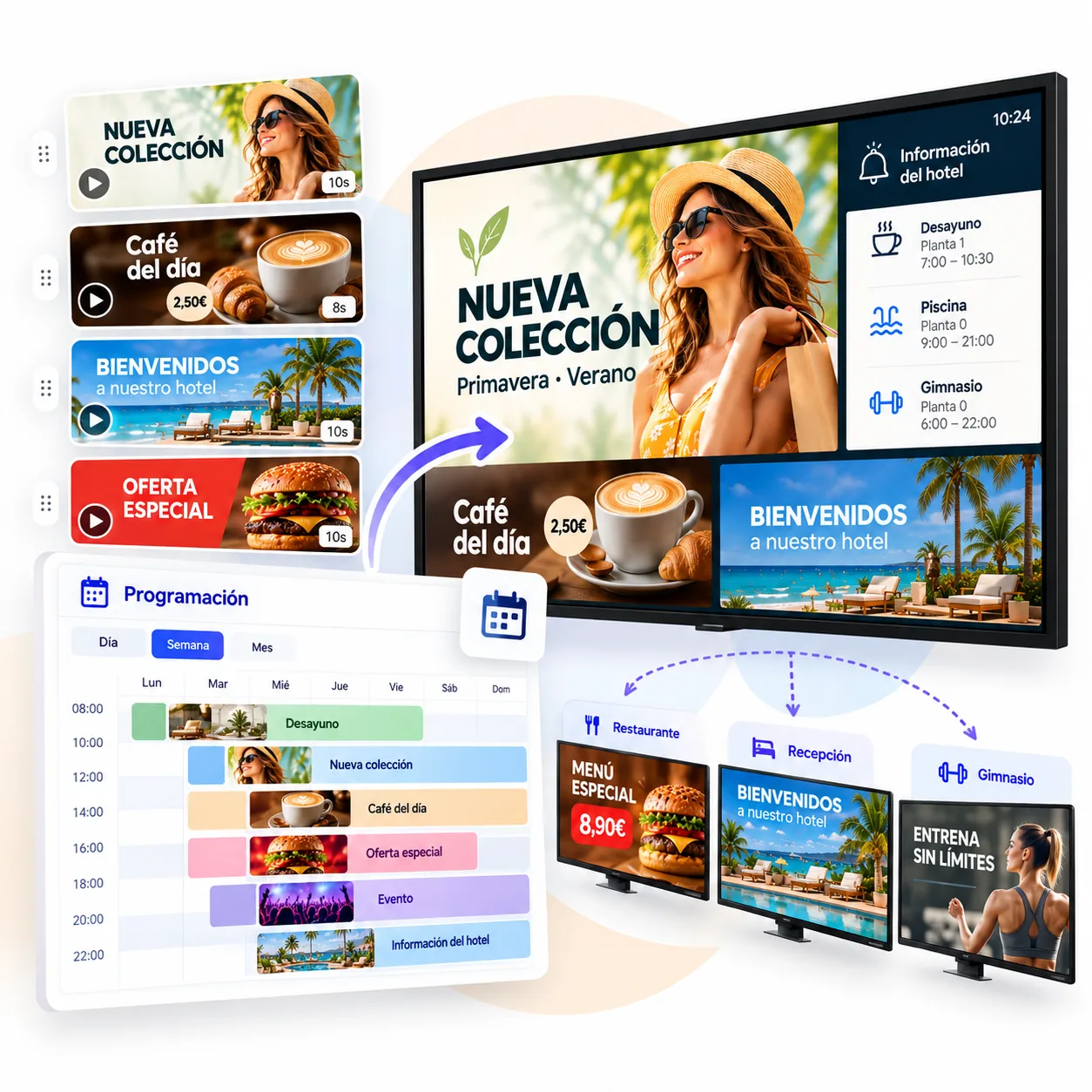
Add campaigns to your playlists, schedule when they should appear and set an expiration date so finished promotions automatically stop showing.

Prepare today what customers should see tomorrow, over the weekend or during a specific promotion.

Preguntas frecuentes

A digital signage campaign is a set of content designed to promote a product, service, event, offer or other message on digital screens. In iMediaGO, a campaign can include multiple scenes that work together as one consistent message.

Turn an idea into a campaign ready to display

Choose what you want to promote, customise your campaign and publish it to your screens.