Education
Digital signage in education: clear communication for students and visitors
From finding a classroom to understanding an important announcement, clear information helps students and visitors navigate a school, college or university. Explore how to prioritize messages, choose content for different campus locations and create four practical types of digital signage content: welcome messages, wayfinding, student notices and event announcements.

What information do students and visitors actually need?
A school, college or university has many different messages to communicate. Students may need classroom updates, visitors may be looking for reception, and the wider campus community may want to know about upcoming activities. Each message has a purpose, but not every message deserves equal prominence.
Effective digital signage in education starts with a simple question: what does someone need to know at this location? Consider who will see the screen, what they need to do next and which details will help them get there.
Make the key message visible
Lead with the information people are looking for, whether it is a room number, a new location or an important announcement. Keep supporting details secondary.
Consider the audience
Students who know the campus may need less explanation than first-time visitors. Use familiar language and include additional directions where they genuinely help.
Group related information
Keep directions, academic notices, activities and general announcements clearly distinguished. This makes each type of information easier to recognize.
Write for quick understanding
Use concise headings, short explanations and easy-to-find details. Someone walking through a busy corridor should not need to read a long paragraph.
How to make campus messages clear at a glance
Clear communication is not about fitting more text onto a screen. It is about making the most useful information easy to spot. If a lecture moves to another room, show the new location prominently and keep the reason for the change secondary.
Strong headings, readable typography, sufficient contrast and a clear visual hierarchy make messages easier to scan. Each element should support the main purpose rather than compete for attention.
Three principles for better campus communication
One main message
Give each communication a clear purpose. Separate unrelated instructions instead of forcing them into a single crowded layout.
Relevant context
Include the building, floor, room, entrance or meeting point when that information helps someone act.
Recognizable details
Present dates, times and locations consistently so essential information is easy to find.
Match the message to the campus location
A message that works at the main entrance may be less useful outside a classroom. Think about the questions people are likely to have in each location, then choose screen content that helps answer them.
Visitors arriving at reception may need directions and a welcome message. Students moving between teaching areas may benefit from room updates. Shared spaces can highlight activities, events and information relevant to campus life.
Entrances and reception
Welcome messages, building directions, visitor information and clear points of contact.
Corridors and teaching areas
Classroom locations, academic notices, room changes and practical information for the day.
Libraries and shared spaces
Campus activities, community events, educational initiatives and shared announcements.
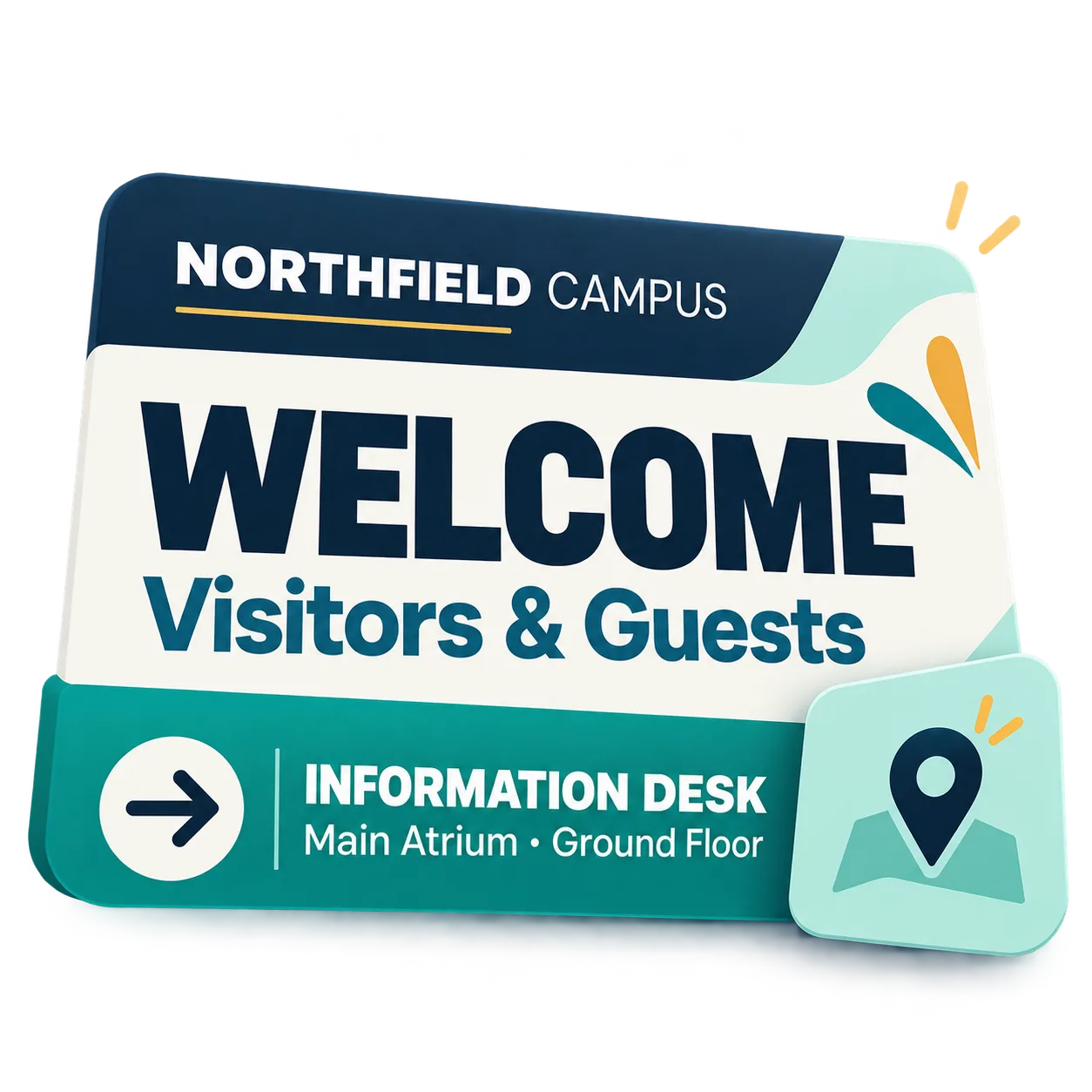
Welcome messages: help visitors feel oriented from the start
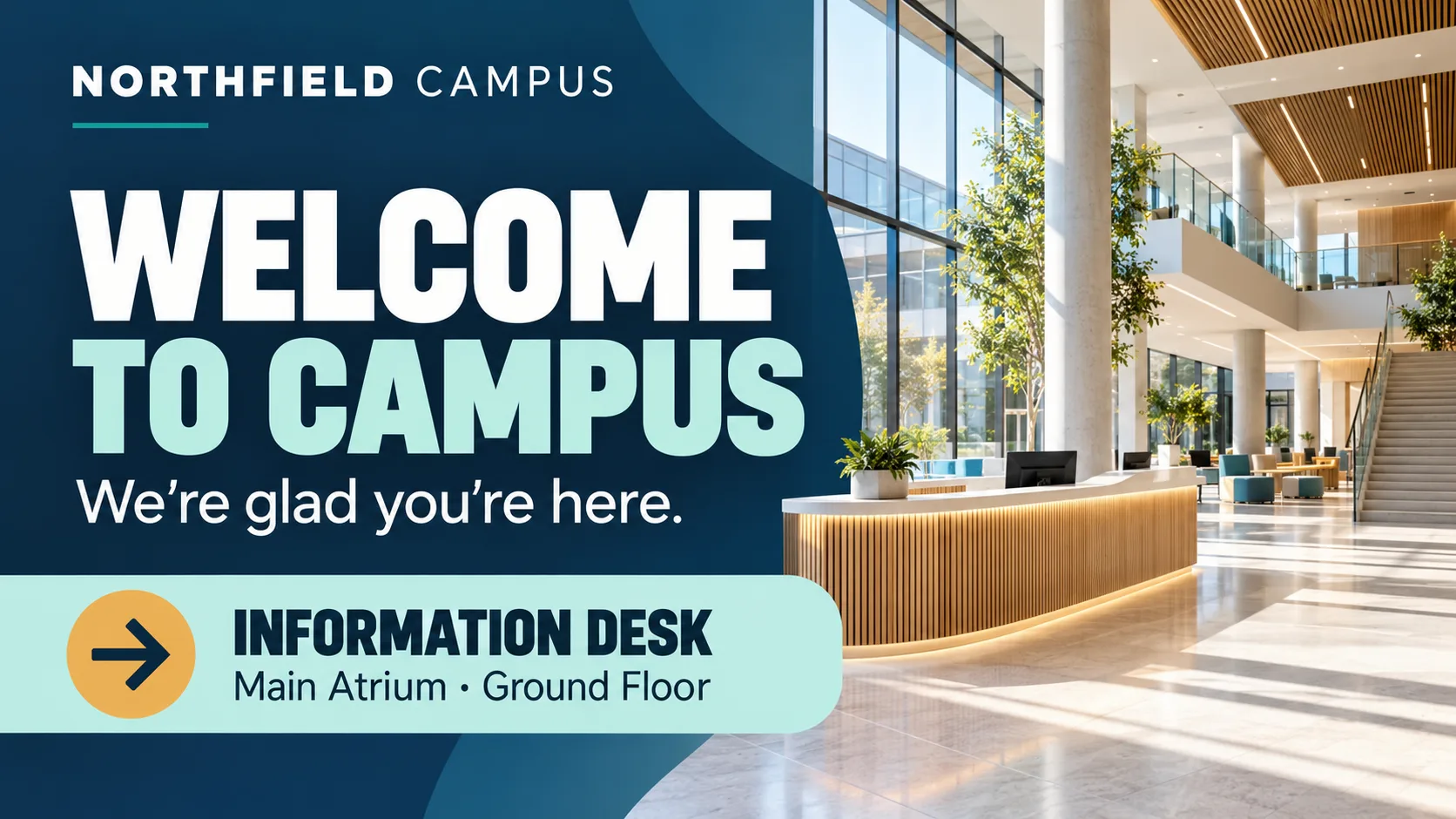
During an open day, visitors need to know they have arrived at the right place and where to go next. Combine a friendly welcome with a clear direction, such as where to find the information desk, rather than overwhelming them with institutional details.
At the fictional NORTHFIELD CAMPUS, a welcome display could greet visitors and point them toward the information desk. Its purpose is to make the first step simple, not to describe everything the institution offers.
Wayfinding: make destinations easy to find
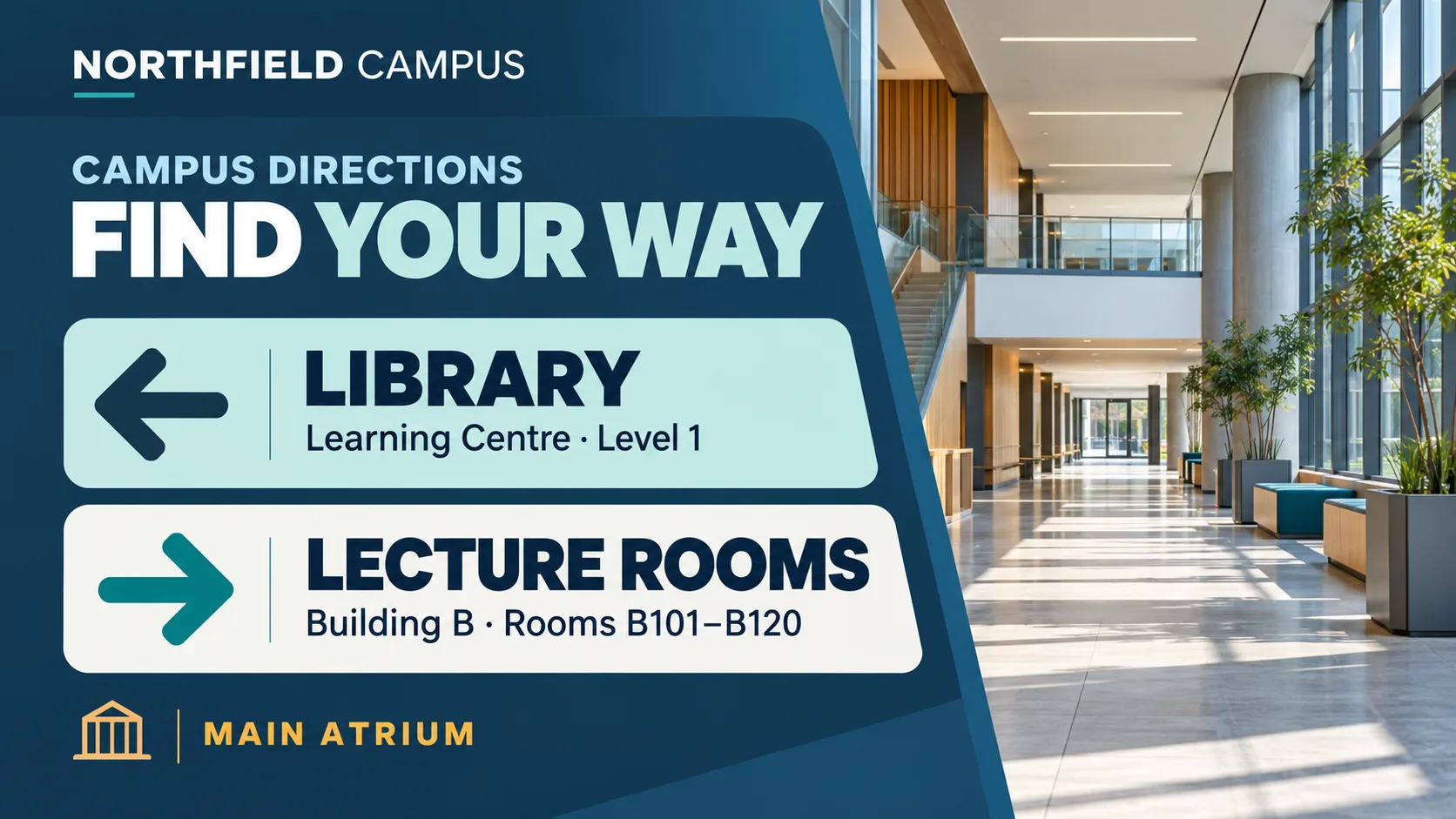
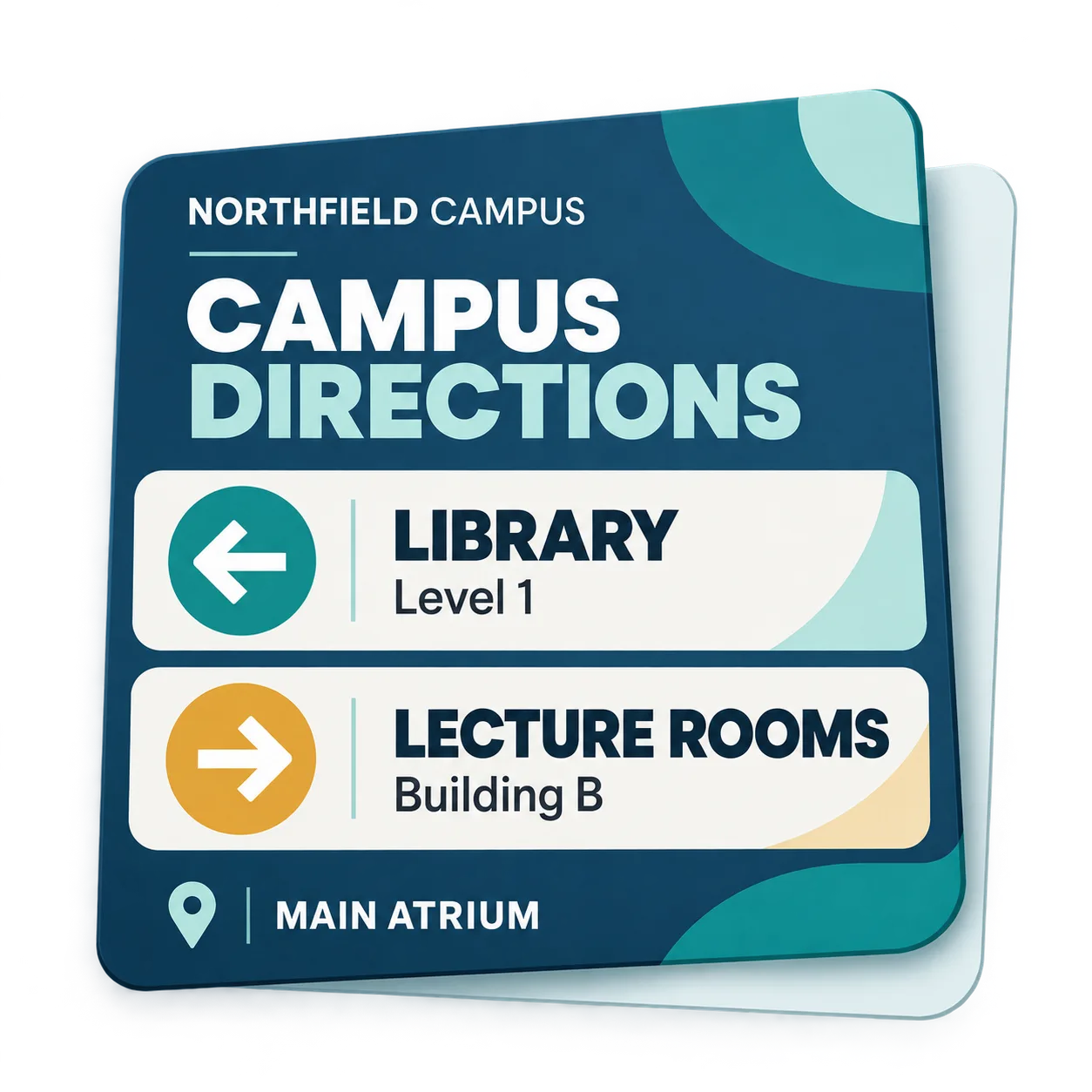
Students and visitors looking for a room or building need directions they can follow quickly. Use recognizable destination names, clear directional cues and only the supporting details needed to reach the right place.
A NORTHFIELD CAMPUS example could point toward the library and teaching rooms in a particular building. Keeping destinations distinct and naming locations consistently can reduce unnecessary detours and repeated requests for directions.
Student notices: put important changes first
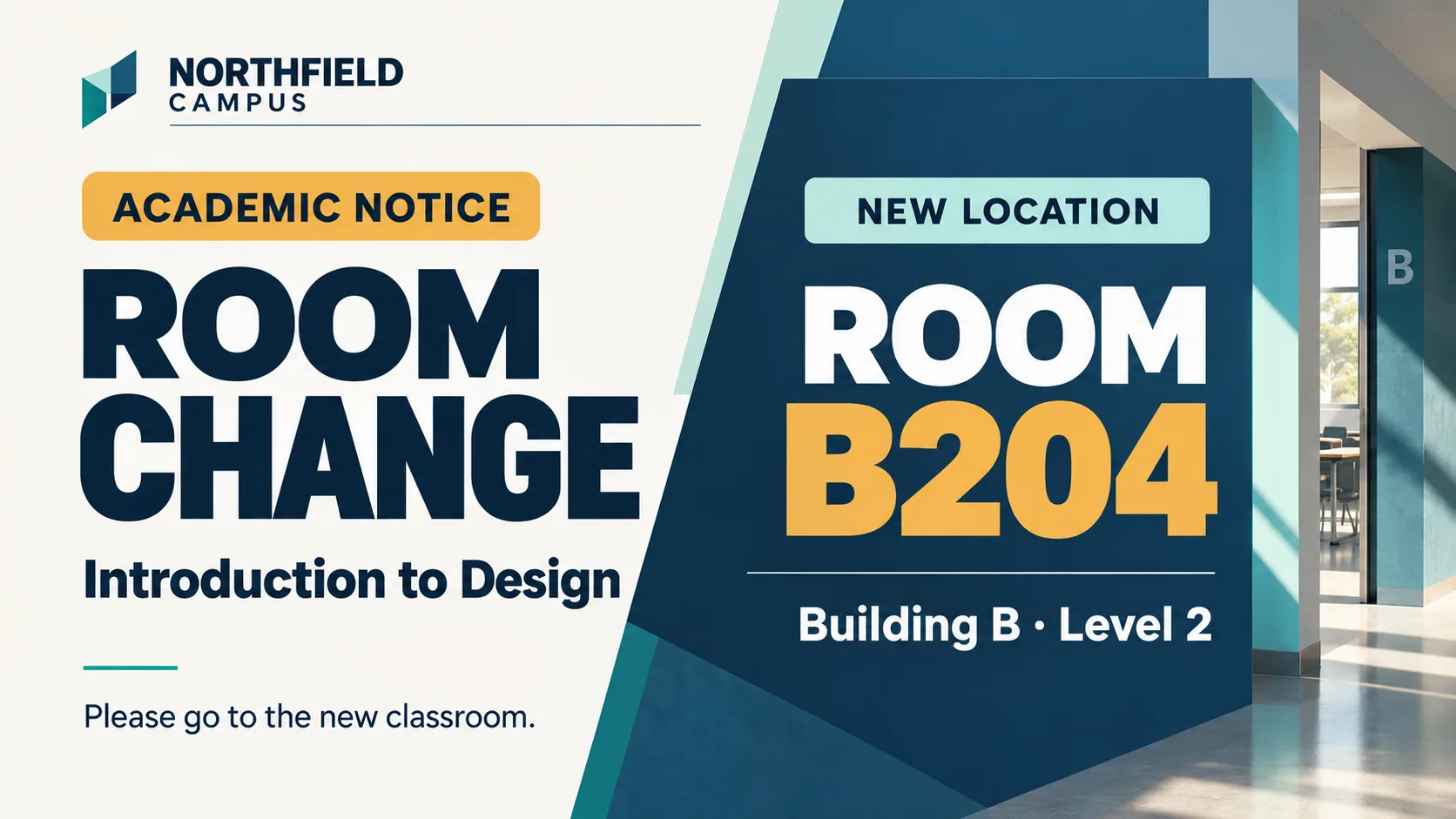
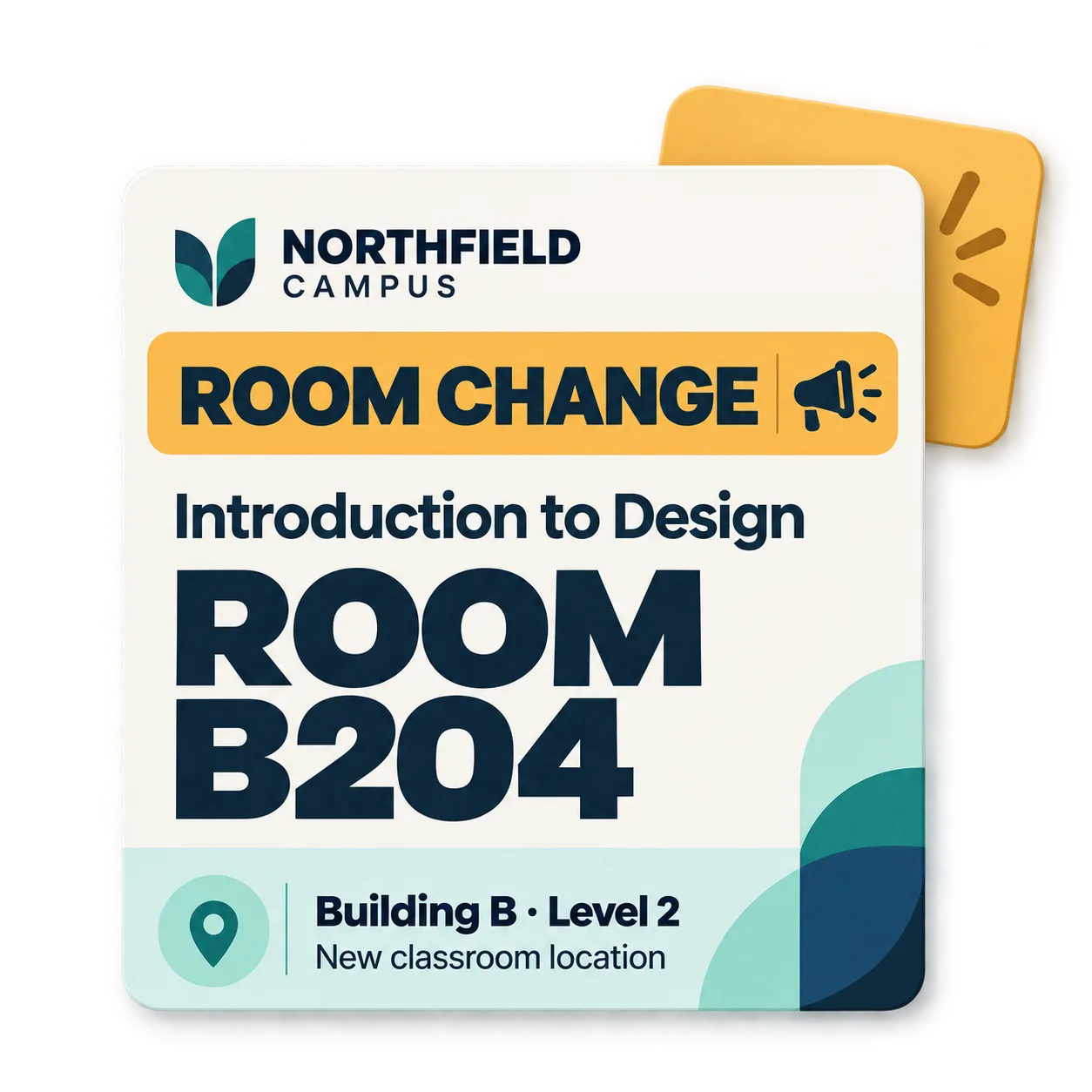
When a class moves to another room or an activity changes, put the update first. A useful student notice should answer three questions: what has changed, who is affected and where should they go or what should they do next?
A fictional NORTHFIELD CAMPUS notice could announce a classroom relocation. The new room number should be the most prominent detail, supported by the course or class name. A lengthy explanation would only make the essential information harder to find.
Campus activities: turn interest into useful information
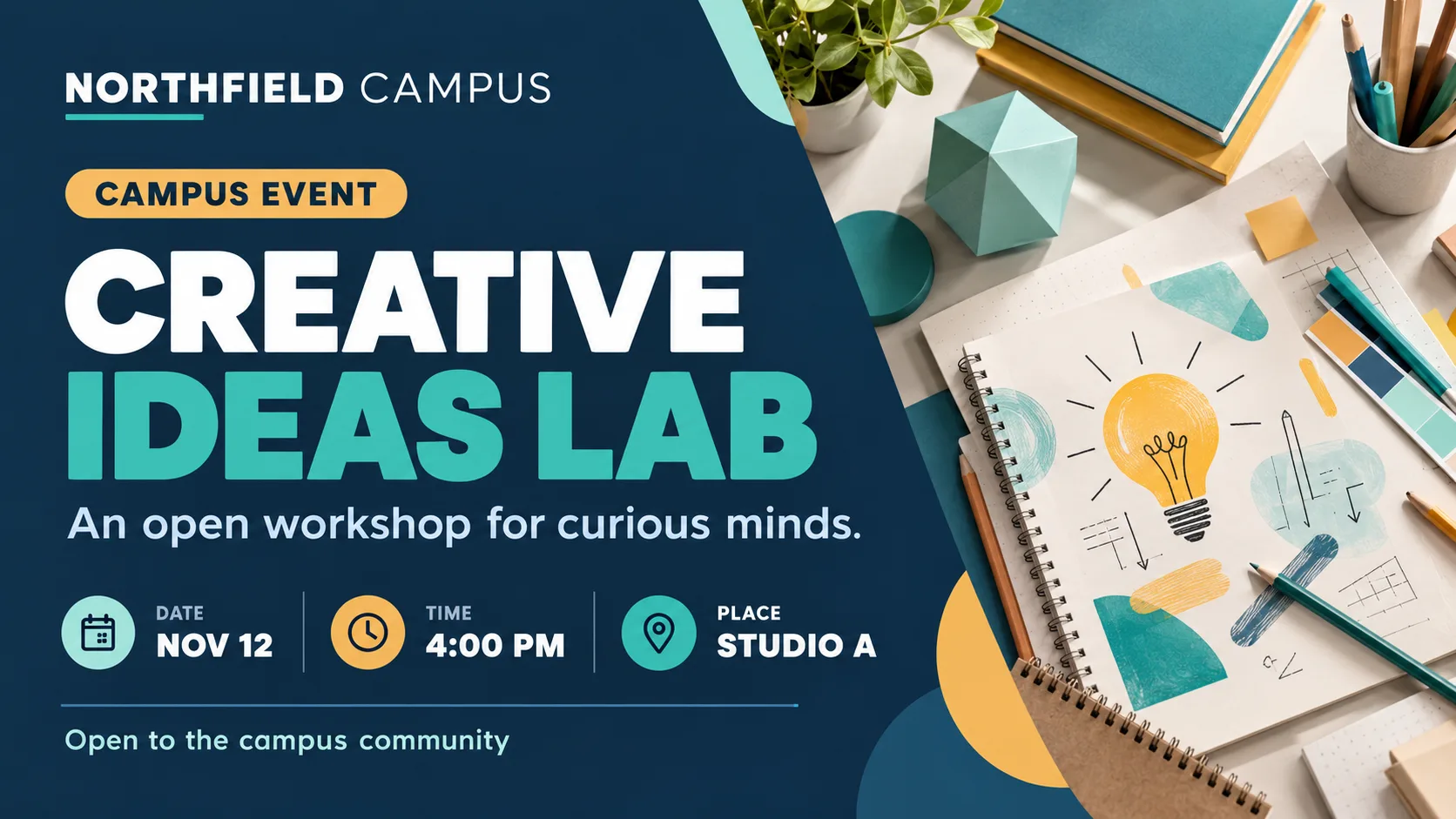
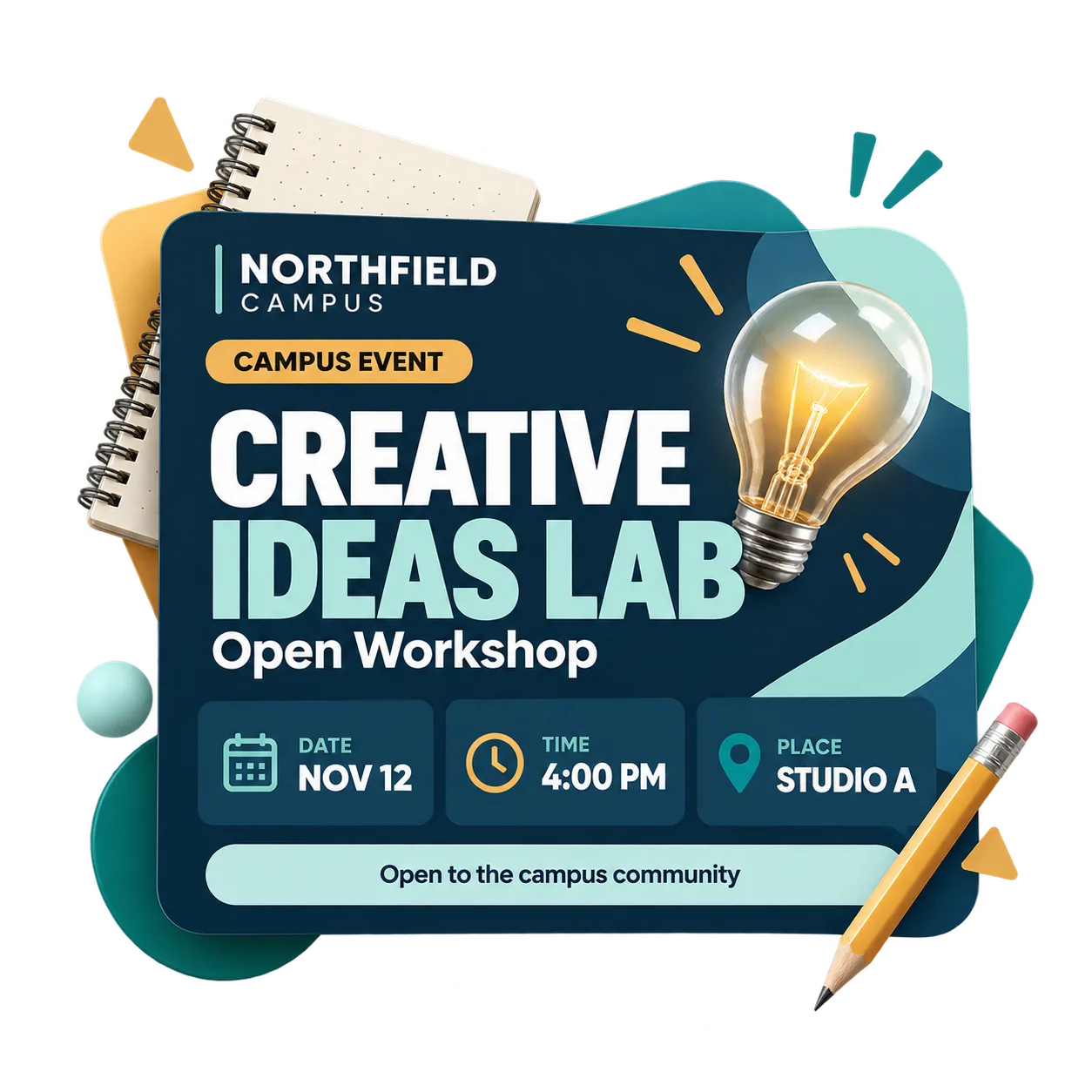
A workshop, lecture or student event needs more than an engaging title. Show what the activity is, when it takes place and where to find it, so people can decide whether it is relevant to them.
A NORTHFIELD CAMPUS event example could feature a community gathering with its name, date, time and venue clearly presented. This helps students and visitors decide whether the activity is relevant to them without searching for essential details.
Best practices for readable educational messages
Useful screen content often comes from removing unnecessary information. Long headlines, repeated explanations and competing visual elements can make even an important announcement difficult to understand.
Before displaying a message, check whether someone unfamiliar with the situation can understand its purpose, find the essential details and know what to do next. If they need to read it twice, consider simplifying the wording or layout.
Three questions to ask before displaying a message
Is the message clear?
The headline communicates the main point without relying on a lengthy explanation. Supporting details remain secondary.
Is the location clear?
Building names, room references and directions make sense to visitors as well as regular students.
Are the details complete?
Dates, times, rooms and other practical information are readable, consistent and unambiguous.
From clearer messages to better campus communication
Useful campus communication starts with choosing the right information. Welcome messages help visitors find their bearings, wayfinding content guides people to destinations, student notices highlight changes and event announcements make campus activities easier to discover.
These four examples offer a starting point for planning screen content across entrances, teaching areas and shared spaces. The next step is to match each message to the people and locations it needs to serve.
To explore how these ideas could work at your institution, discover iMediaGO's digital signage solution for education and learn more about its applications across educational spaces.
Frequently asked questions
Make important campus information easier to understand
Discover how iMediaGO can help bring clearer, more useful communication to the spaces where students and visitors need it.
Latest articles
Where to Place Digital Signage Screens in a Leisure Centre
Digital Signage for Auto Repair Shops: What to Show at Reception, in Waiting Areas and at Vehicle Collection

What to Show on Restaurant Screens: 4 Practical Ideas
How to Design an Easy-to-Read Digital Restaurant Menu
Sunday Family Menu: How to Present an Offer Worth Sharing