
Leisure centres
Digital signage for leisure centres: what to display on your screens to sell more
Learn how to use your leisure centre screens to promote activities, experiences, food and drink, and schedules, and turn them into decision points during the visit.
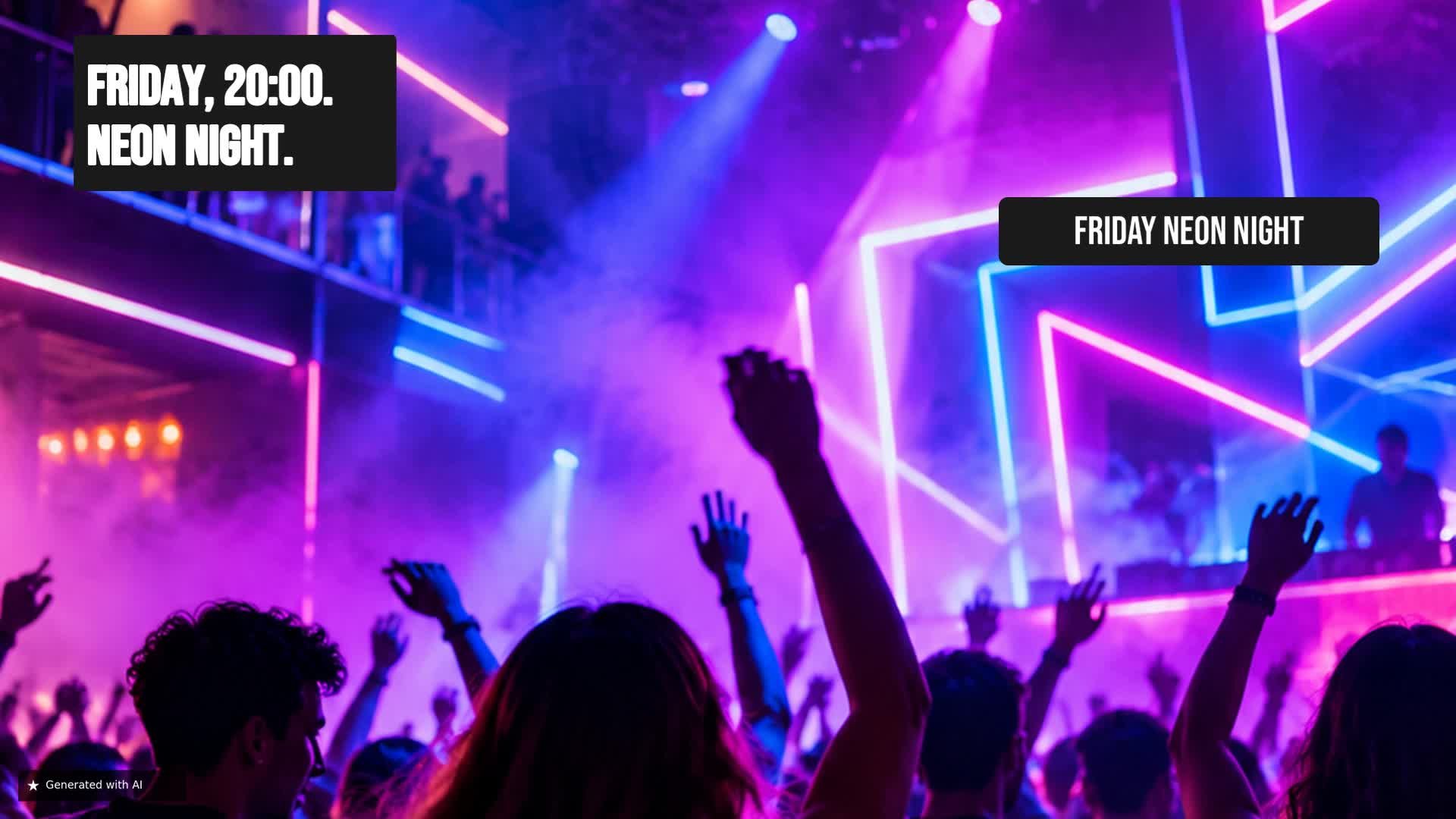
A screen can do much more than advertise an activity
When a customer enters a leisure centre, they are already predisposed to have fun, try activities and consume. There is no need to convince them to have a good time; what they need is to discover clear options and decide what to do at each moment. Digital screens can accompany this journey: showing a specific activity, suggesting a birthday booking, reminding them that food is available or highlighting upcoming events. Instead of just advertising, each screen becomes a visual guide that helps the visitor make quick and attractive decisions.
Make the activity you want to promote visible
Imagine you want to fill the bowling lanes on Friday night. A screen at the entrance or in the waiting area can show a specific proposal: 'Bowling Night' with a clear price of €12 per person. The key is simplicity: a suggestive image of the atmosphere, the name of the activity and the visible price. There is no need to saturate with long texts; the visitor must understand in two seconds what is offered, how much it costs and when they can enjoy it. This type of direct communication turns the screen into a showcase that drives the activity you choose to prioritise.
Promote complete experiences, not just activities
Birthdays and celebrations are an excellent opportunity for screens. Instead of just showing one activity, you can highlight a complete package: 'Birthday Package' from €19.90 per person. The screen can communicate the idea of a fuss-free celebration, with images of children and families enjoying themselves, and a message that invites them to ask at reception or book. This type of content appeals to the emotional and practical decision: parents are looking for a simple solution for a special event. Screens allow the experience to be presented as something tangible and attractive.
Make the most of the visit to increase spending
While visitors are playing or waiting their turn, it is the perfect time to stimulate food and beverage consumption. A screen in the seating area or near the lanes can show a 'Burger Combo' with burger, chips and a drink for €14.90. The message is simple: 'Fancy a bite to eat? We have just what you need.' Showing appetising images and clear prices can increase the average spend without being intrusive, because it arrives at a time when the customer is receptive and has time to decide.
Use screens also to guide the next decision
In addition to promotions, digital signage can provide useful information that makes the stay easier. A screen with the day's activity schedule — for example, bowling at 6pm, laser tag at 7:30pm and karaoke at 9pm — helps visitors plan their time and decide whether to stay a little longer or come back another day. This informative function builds trust and improves the experience, because the customer does not have to find an employee to know what options they have. The screen becomes a non-intrusive communication channel that organises the offer.
Don't show the same thing on all screens
Each area of the centre serves a purpose and the content should be adapted. At reception, the screen can welcome visitors and show the main promotions, as well as birthday packages. In activity areas, it is worth highlighting the activity taking place and the drinks or snacks available. In the dining area, the logical thing is to boost combos and desserts. In waiting rooms or corridors, the day's schedule and event reminders work well. This segmentation by location and context avoids overwhelming the customer and ensures that each message arrives at the most opportune moment.
From one-off promotion to content scheduling
The true value of digital signage appears when it is planned. It is not about putting up a single promotion and leaving it fixed, but creating a schedule that combines commercial campaigns and useful information. For example, in the morning you can show birthday packages to capture bookings, in the afternoon highlight the meal deal, and at night give prominence to Bowling Night. A centralised management tool allows you to update content in minutes, without having to print posters or travel to each screen. This way, your communication is always aligned with the day's objectives and with the interests of the visitors.
Examples of content for your screens
Turn every screen into a decision point
Screens in a leisure centre are not a simple technological adornment; they are a tool to accompany the visitor throughout their journey: discover, book, consume and decide what to do next. With well thought-out content for each area and moment, every screen becomes a decision point that drives activity, improves the experience and increases spending. iMediaGO helps you create, organise and publish this content easily, so you can focus on what you do best: providing fun to your customers.
Start using your screens strategically
Create, organise and publish content for your leisure centre screens with iMediaGO. Start today and turn every screen into a decision point.