
Digital Signage for Medical Practices
Digital signage for medical practices: what to show in reception and waiting room
The screens in a medical practice are most useful when they respond to the patient's context. Learn to differentiate reception and waiting room content to inform, guide and support without overwhelming.
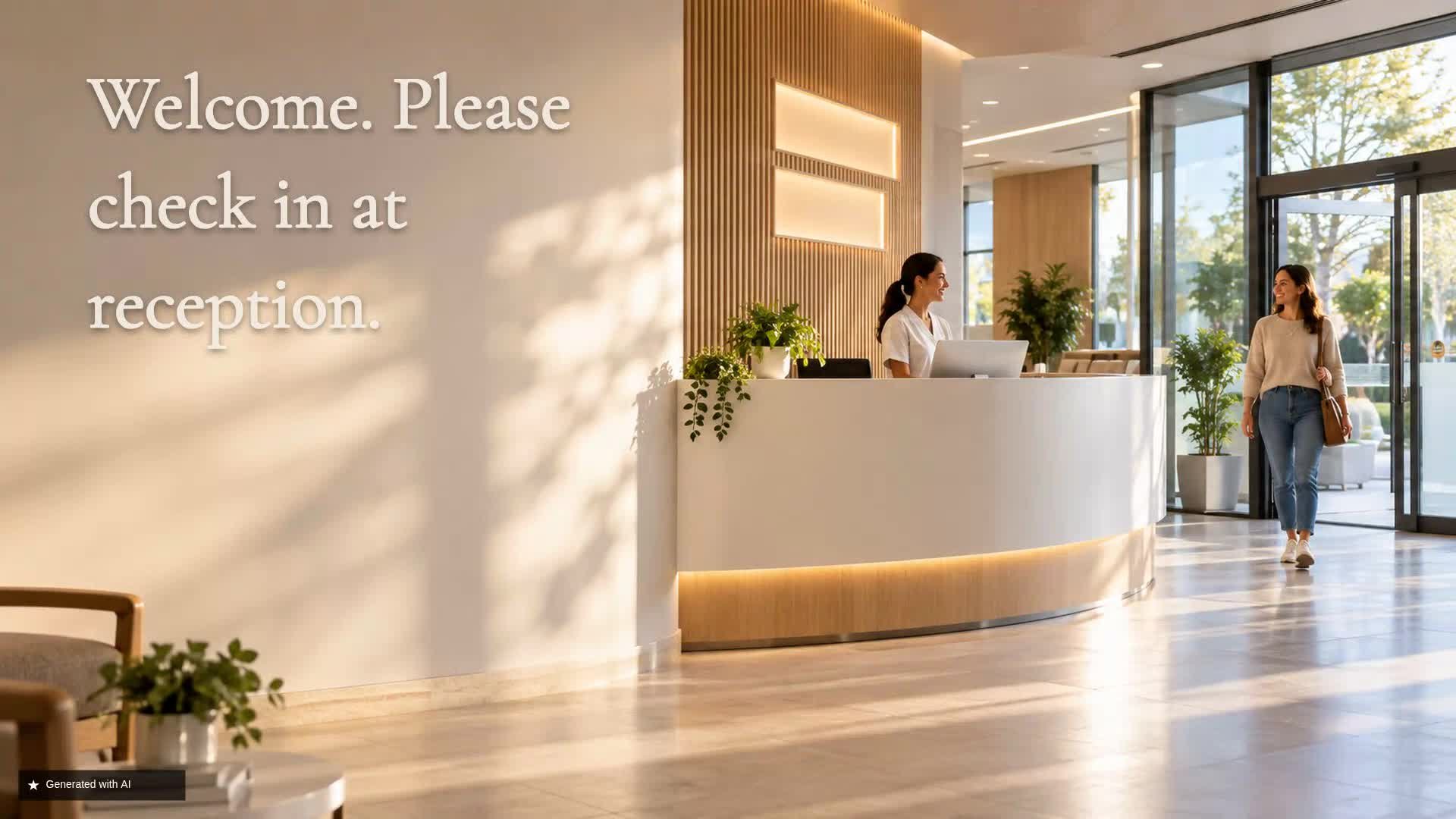
Reception and waiting room don't need to show the same thing
In a medical practice, visual communication changes depending on the patient's moment. At reception, the priority is to resolve practical questions: where am I, what should I do, who do I speak to. In the waiting room, the patient is already settled and the screen can help prepare for the visit, provide information about services or reduce uncertainty.
Using the same content in both spaces dilutes the message and misses the opportunity to be useful at each point of the journey. Differentiating the messages allows each screen to fulfil a specific function and improve the overall experience.
At reception: start with practical information
The reception screen should answer the patient's immediate questions. Brief and clear messages: welcome, opening hours, reminder to have documentation ready, indication to go to the desk.
Avoid long texts that no one will read while walking or standing. Prioritise one or two ideas per screen and use legible typography. Do not assume integrations with appointment systems; general orientation validated by the practice itself is enough.
Help the patient find their way
Directions should be visual and direct: arrows, consistent colours, area names. If the practice has several floors or corridors, the screen can reinforce physical signage.
Show, for example: reception desk, waiting room, consulting rooms, toilets. Use a simple map if possible, but don't overload. Orientation is more effective when repeated calmly and without abrupt interruptions.
Prepare the patient for their appointment
Before going into the consultation, the patient may need general reminders: fasting, bringing current medication, arriving 10 minutes early. Only include instructions that the healthcare professional has previously authorised and that apply to most patients.
Avoid giving specific clinical recommendations or assuming everyone must do the same. The screen does not replace direct communication with the medical team; it only supports it.
Turn the waiting room into a space for useful information
The waiting room is a moment of pause. Content can be more relaxed: information about the practice, professionals, services, general health education. Intersperse short pieces to avoid overwhelming.
Do not turn the screen into a loop of self-promotion; combine practical value with institutional presentation. If the patient is going to spend several minutes, a rotation of 3 to 5 messages with an appropriate duration works better than a single prolonged advert.
Use the screen for health education
Health education in the waiting room is useful if the content is clear, visual and from reliable sources. It can cover general habits, prevention, correct use of medication, explanation of common tests.
Ensure everything has been reviewed by healthcare professionals and avoid categorical statements or individualised advice. The screen should invite patients to ask their doctor about any concerns, not to self-diagnose.
Present doctors and specialists clearly
Patients appreciate knowing who will care for them. Present each professional with name, specialty and perhaps a brief note about their training or areas of interest, always with factual data provided by the practice itself.
Avoid empty adjectives or promises of results. A professional photo, name and specialty are sufficient. This content can rotate in the waiting room and help humanise the practice.
Communicate available services without overcrowding the screen
If the practice offers several services (e.g., general medicine, paediatrics, nutrition), communicate them contextually. Group by blocks and give each a limited time.
Do not try to show all services at once; the patient will not remember anything. Use one message per service with a clear sentence and a simple image. The priority is to inform, not to sell.
Adapt health campaigns to the time of year
Seasonal campaigns can remind patients about vaccination, summer prevention or back-to-school check-ups, always with general and reviewed messages. These pieces can be scheduled to appear on certain dates and then automatically removed.
Do not make unauthorised medical claims or promise results; simply remind patients of the availability of services or useful information.
Make the wait more informative
Waiting time is perceived better when there is relevant and varied content. Intersperse practical information, health education and presentation of the team. Update content frequently to prevent regular patients from always seeing the same thing.
Do not promise reduced waiting times; instead, offer a friendlier and more useful experience.
What information should not dominate the screen
Avoid long blocks of text, small print, outdated content, repetitive advertising and sensitive messages. Do not show patient data or confidential information.
Medical messages should be prudent and never replace professional consultation. Also do not overuse promotions or service adverts; the shared screen in a healthcare environment should prioritise clarity and respect for the patient.
Practical example: organise content between reception and waiting room
Manage your practice's screens with iMediaGO
With iMediaGO you can organise, schedule and update the content on reception and waiting room screens from a single place, without technical complications.