
Hotel Digital Signage
Hotel reception digital screens: what to show before, during and after check-in
A reception screen is most useful when its content changes with the guest context: it guides before check-in, supports information during arrival, and presents relevant services after registration.
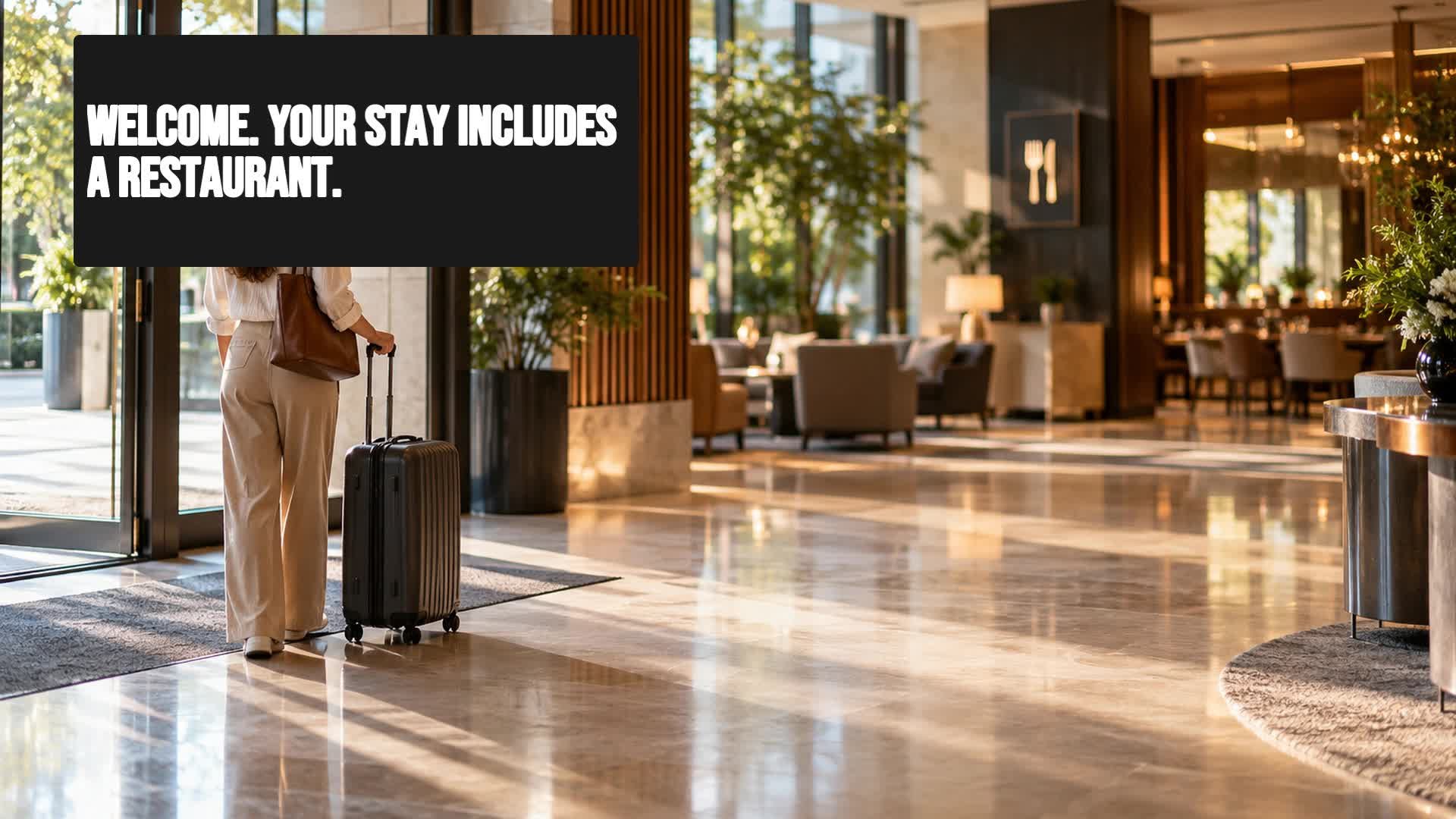
The reception doesn't need to show the same thing all day
A hotel reception draws attention and creates very different information needs depending on the stage of the stay. A guest who has just arrived is not looking for the same things as one who has already checked in or is on their way to the restaurant.
If the reception screen repeats the same loop of messages continuously, it quickly loses relevance. The content no longer responds to what the guest needs at each moment and becomes visual noise.
Organising what the screen shows around the guest journey allows each message to arrive at the right time. Before check-in, during registration, and after arrival, the screen can take on different roles and complement staff attention.
Before check-in: guide guests from the first moment
When a guest arrives at the hotel, they usually have immediate questions: where reception is, what the opening hours are, how to connect to the Wi-Fi, or what the weather is like. The reception screen can answer these needs even before they reach the desk.
Clear welcome content, basic directions and practical information reduce uncertainty and speed up arrival. For example, you can show a welcome message with the hotel name, a notice about the documentation required for check-in, or a reminder of current safety measures.
The important thing is to keep the information brief and scannable. Lengthy text on a reception screen is not read; it is ignored. One main sentence and two or three visual supports are enough to guide without overwhelming.
During check-in: show what guests need to know right now
While the guest is waiting or completing registration, the screen can display operational information that complements the front desk staff's attention. It is not about replacing people, but about providing visual support for the messages already being communicated.
For example, you can present breakfast times, the location of rooms, included services, or the steps to access the Wi-Fi. If the hotel has a spa, gym or swimming pool, the screen can indicate how to book or check availability.
This content must be synchronised with what the receptionist is explaining. If the screen shows a different time than the one the staff member just mentioned, it creates confusion. Therefore, it is advisable to review and update these messages frequently.
After check-in: turn the reception into a discovery point
Once registered, the guest will pass through reception several times during their stay. Those visits are opportunities to discover services they may not know about or have not considered.
The screen can present the dining options, the day's activities, the hotel's spaces, or local experiences. For example, a hotel with a terrace can show the cocktail menu in the afternoon, or a hotel with a spa can remind guests of treatment times.
The goal is not to sell aggressively, but to inform and facilitate access to what the hotel already offers. A clear, visual message with a simple call to action such as "ask at reception" or "book here" can encourage guests to try something new.
Tailor content to each time of day
Guest needs change throughout the day. In the morning it is useful to show the breakfast time and location; at midday, lunch options or activities; in the afternoon, information about the spa or excursions; in the evening, dinner offers or events.
Scheduling the screen by time slots keeps content relevant without needing manual intervention every few minutes. You can start with a simple schedule: three or four blocks a day and some fixed general orientation messages.
There is no need to complicate management. Just identify the key moments of the day and assign a main content to each. Gradually you can add more slots or specific messages, based on guest response.
Key moments for the reception screen
What to avoid on a reception screen
A reception screen loses effectiveness when it is overloaded with text, shows outdated information, or mixes too many messages without a clear hierarchy. Guests only glance at it for a few seconds, so the content must be understood at a glance.
Avoid long paragraphs, small fonts, low-contrast colours, and excessive distracting animations. It is also not advisable to play audio automatically in reception areas, as it can be annoying.
Another common mistake is leaving the same content for weeks without review. If a schedule changes, a service is cancelled, or an activity has already passed, the screen must be updated immediately. Outdated information damages guest trust.
Manage reception content with iMediaGO
To keep this type of communication updated without spending too much time, it is worth having a tool that allows you to create, schedule and publish content easily.
iMediaGO lets you organise reception screen messages according to the guest journey stage, change content when necessary, and schedule time slots without physically touching the screen.
In this way, the reception stops showing the same thing all the time and becomes a communication point that adapts to each guest's context.
Manage reception content with iMediaGO
Organise, schedule and update what your hotel screens show easily, and tailor each message to the guest's moment.