Offices & Businesses
Digital signage for offices: what to show on company screens
Office screens can make important information easier to notice and understand. The key is choosing content that matters: from internal updates and training opportunities to company culture and visitor information, with messages tailored to each part of the workplace.



What makes office screen content useful?
Displaying information is not enough. To support everyday workplace communication, each message needs a clear audience, a specific purpose and a location where people are likely to notice it.
An operational update may need immediate attention. A training announcement needs enough context for employees to decide whether it is relevant. A welcome message should make sense to someone visiting the company for the first time.
Before creating content, ask three questions: who needs to see it, what should they understand and where will it be most useful? These decisions help make office screens informative without overwhelming people with unnecessary messages.
Four types of content to show on office screens
Internal notices and updates
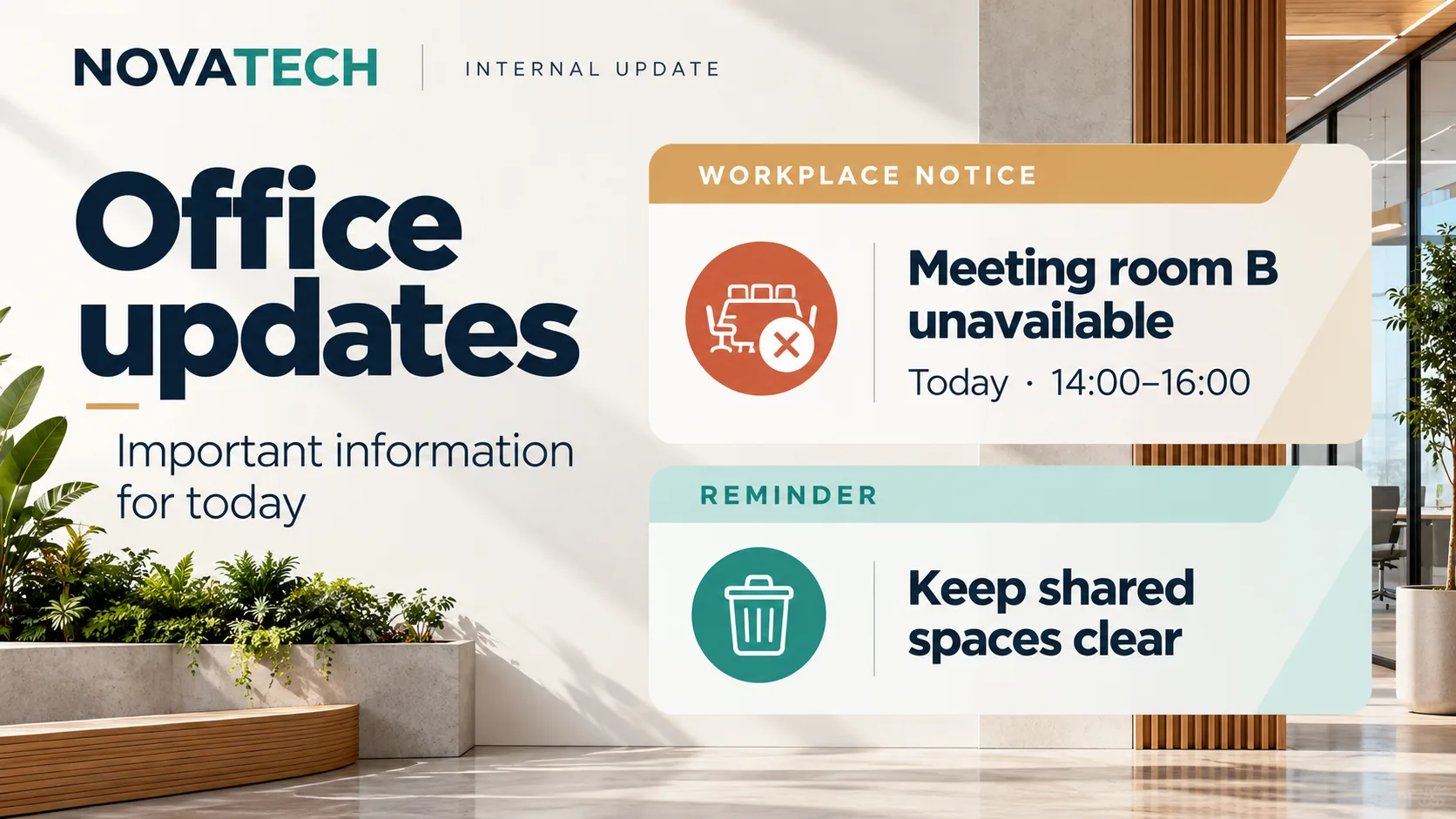
Share schedule changes, reminders, service information and workplace announcements. Focus on short, specific messages that employees can understand quickly.
Events, meetings and training
Highlight internal sessions, team gatherings, workshops and learning opportunities. Include the essential details so employees know what is happening and when.
Company culture and achievements
Introduce new colleagues, celebrate team milestones and share company initiatives. Choose meaningful stories that strengthen a sense of belonging without filling screens with generic announcements.
Reception and visitor information
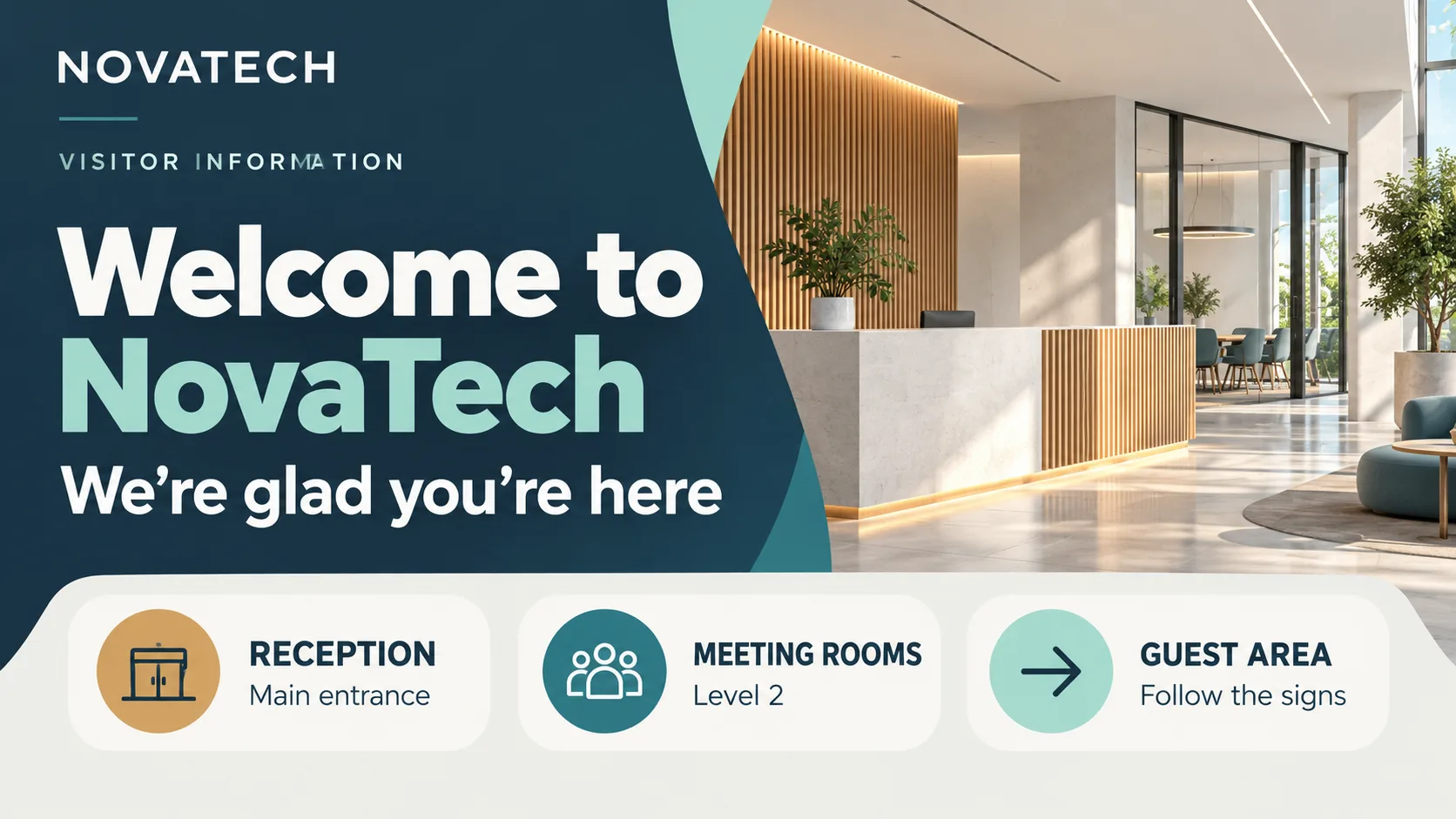
Welcome guests, provide general directions and share practical information for people arriving at the office. Keep messages clear and avoid displaying internal communications intended only for employees.
Match every message to its audience and location
Employees
Prioritize operational information, relevant updates, learning opportunities and company news. Keep company-wide messages separate from updates intended for specific teams.
Visitors
Provide welcoming, practical information that people can understand without knowing the organization. Reception screens should help visitors find their way, not reproduce the employee noticeboard.
Context and location
Adapt message length, tone and priority to the surroundings. Corridors call for updates people can understand at a glance, while waiting areas allow more time for detailed information.
Notices, events and training: useful information at the right moment
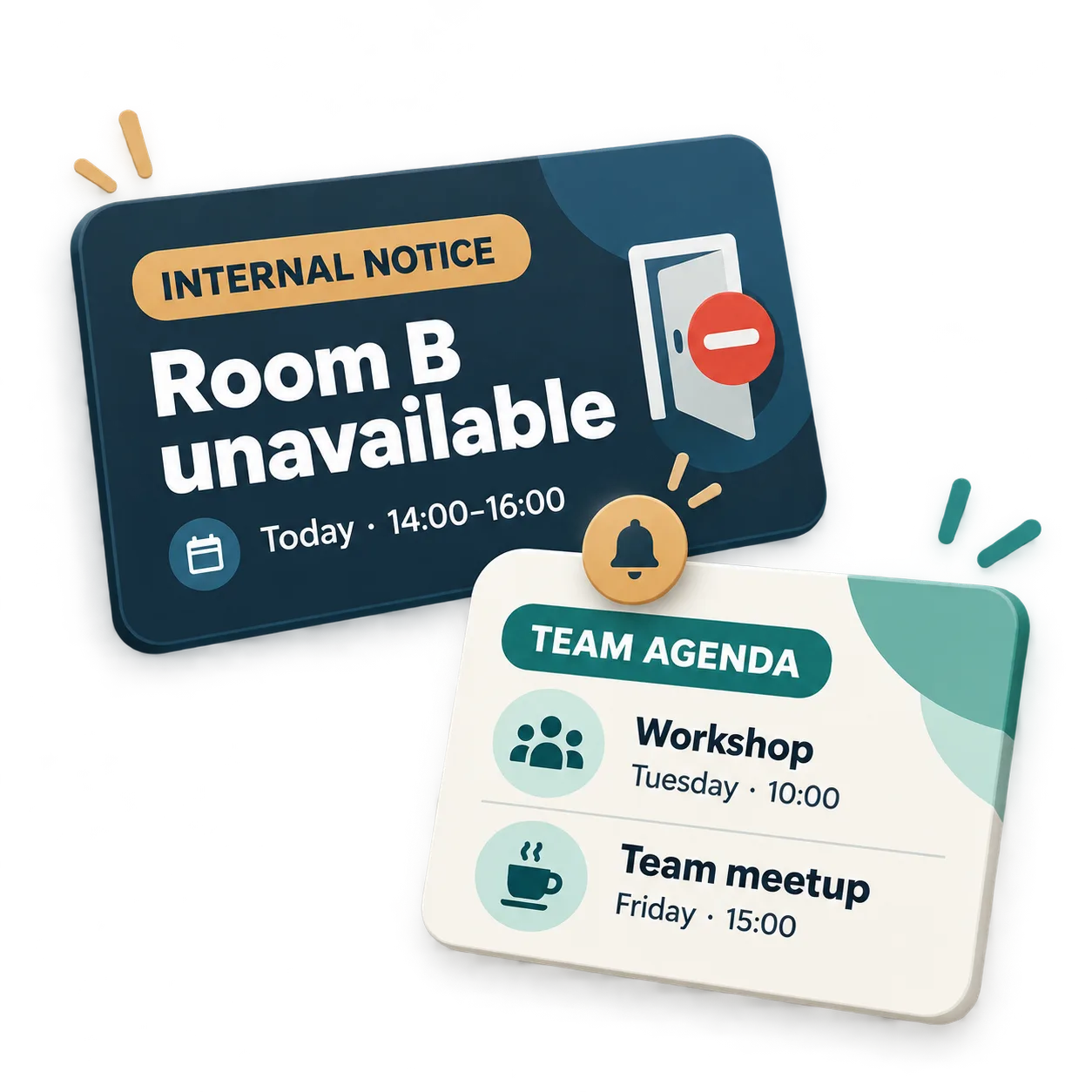
Internal notices work best when they communicate a specific change. Updated opening hours for a shared facility, a workplace service announcement or a team reminder should be easy to understand at a glance. If a message requires lengthy instructions, use the screen for the key point and direct employees to their usual internal channels for the details.
Events and training opportunities need a different approach. Alongside the session title, explain when it takes place, who it is for and why it might be relevant. A screen in a shared area can encourage participation without replacing the full invitation.
At the fictional NovaTech office, for example, daily operational notices might appear alongside a schedule of workshops and team meetings. The important distinction is between information requiring immediate attention and opportunities people may choose to join.
Company culture and visitor communication: different audiences, different messages
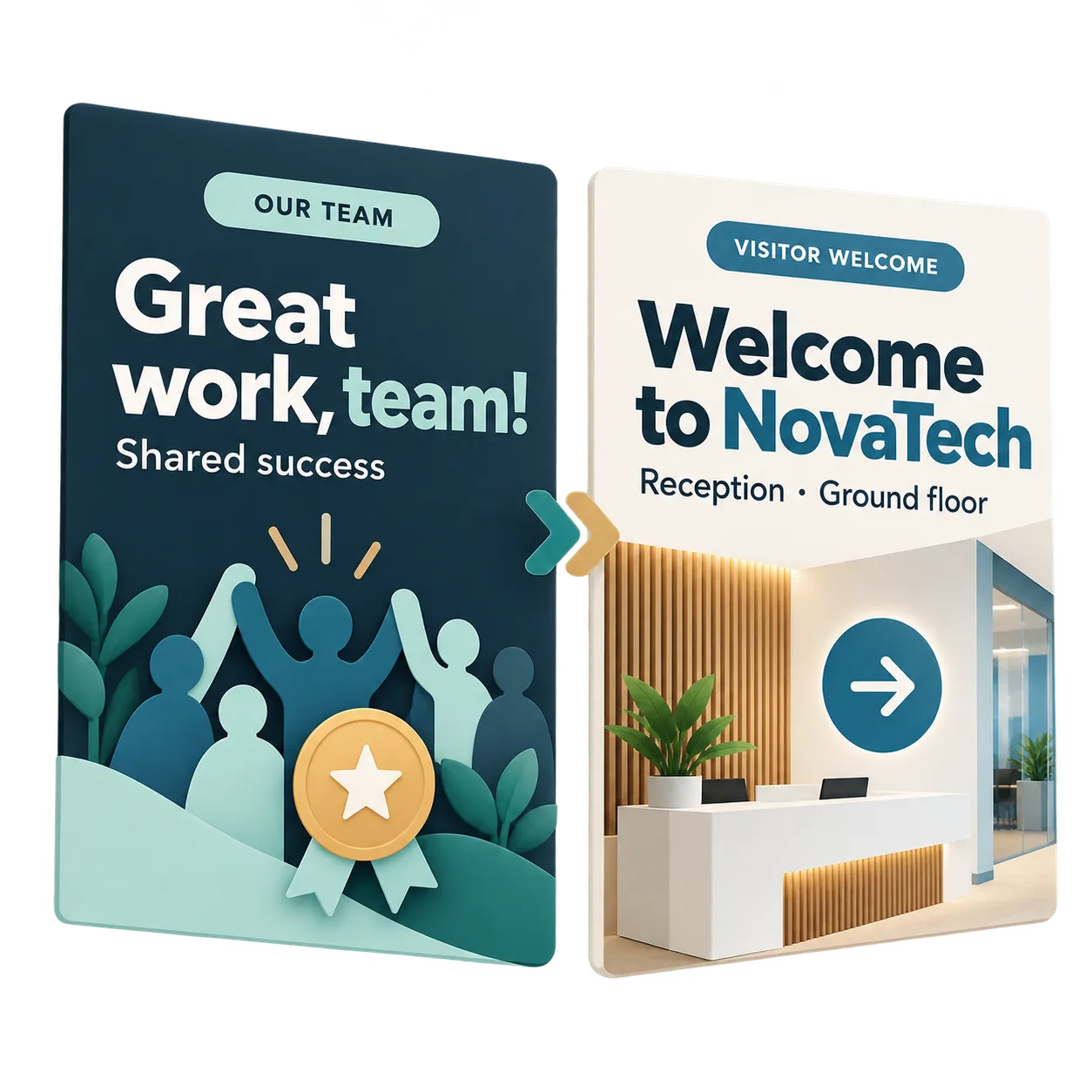
Office screens can also make the people behind a company more visible. Welcoming new colleagues, recognizing shared achievements and highlighting internal initiatives can bring everyday team activity into focus. Specific stories and genuine milestones are more meaningful than a constant stream of generic congratulations.
Reception serves a different purpose. Visitors need to understand where they are, where to go and which information is relevant to their visit. Messages should be welcoming, straightforward and accessible to people unfamiliar with the organization.
NovaTech can maintain a consistent visual identity across these communications without displaying identical content everywhere. A new colleague announcement belongs naturally in an employee area, while reception should prioritize wayfinding and visitor guidance.
What to display in each area of the office
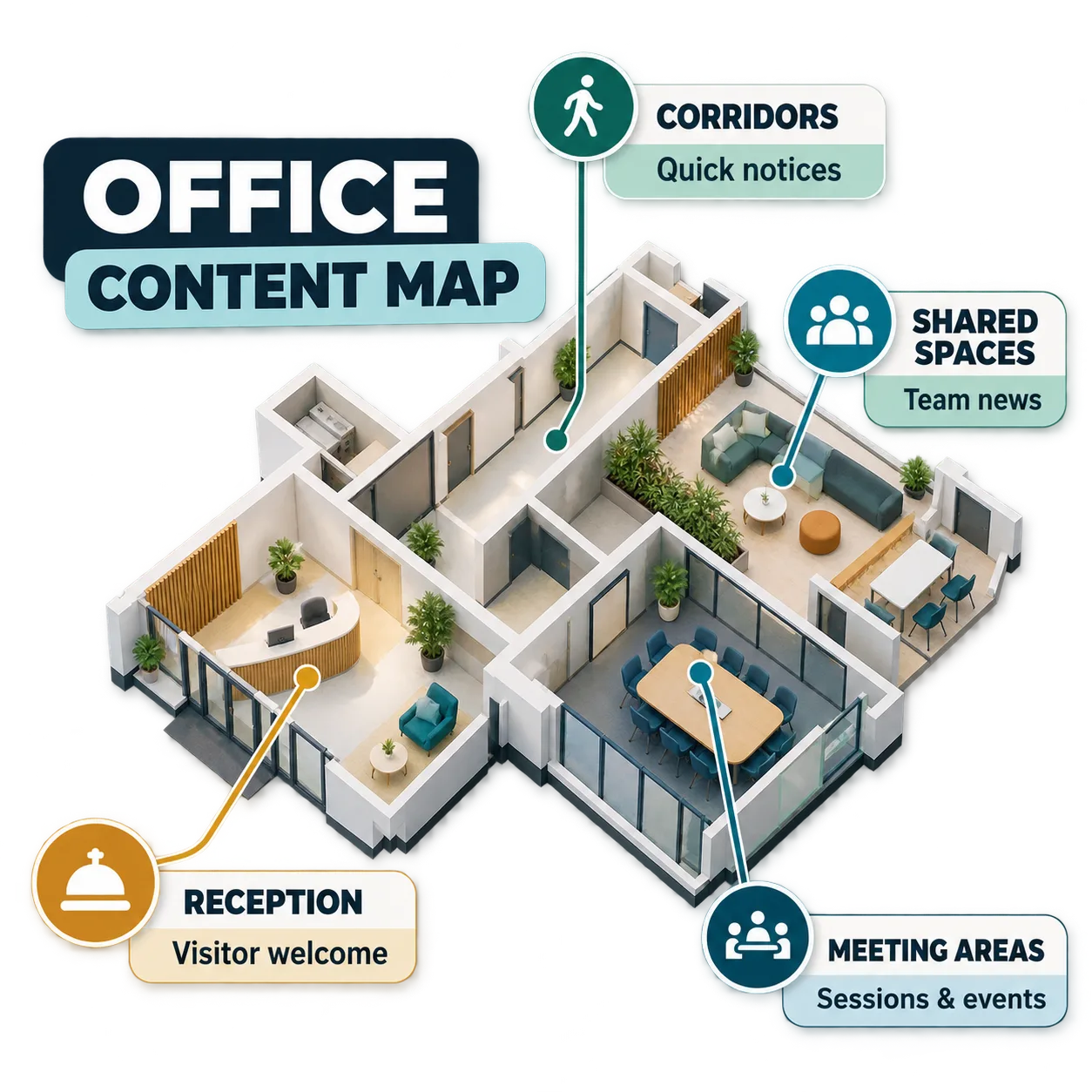
People interact with information differently depending on where they are. At reception, screens should help visitors find their way. In corridors and other high-traffic areas, prioritize brief announcements, upcoming activities and messages people can understand in just a few seconds.
Shared spaces, including break areas and communal zones, can combine practical updates with learning opportunities, team initiatives and company culture. Near meeting rooms, directions and scheduled activities may be more useful than repeating general company announcements.
Content selection should also account for privacy and relevance over time. Avoid displaying sensitive internal information in areas accessible to visitors, and remove announcements when they are no longer relevant. A timely, well-placed message is generally more useful than a screen crowded with competing information.
Choosing the right content is the first step. Once you know what each area needs to communicate, explore how to bring those messages to your workplace screens with iMediaGO's digital signage solution for offices, created for corporate environments.
Frequently asked questions about office screen content
Bring the right workplace messages to the right screens
You now have a clearer idea of what to share with employees and visitors. Discover how iMediaGO can help you bring those messages to different areas of your office.
Latest articles
Where to Place Digital Signage Screens in a Leisure Centre
Digital Signage for Auto Repair Shops: What to Show at Reception, in Waiting Areas and at Vehicle Collection

Digital signage in education: clear communication for students and visitors
What to Show on Restaurant Screens: 4 Practical Ideas
How to Design an Easy-to-Read Digital Restaurant Menu
Sunday Family Menu: How to Present an Offer Worth Sharing