Public Administration
Digital Signage for Public Administrations: What to Show on Your Screens
Make public information easier to find and understand. Explore practical content ideas for digital screens in municipal offices and government buildings, from service notices and community events to wayfinding and public awareness campaigns.


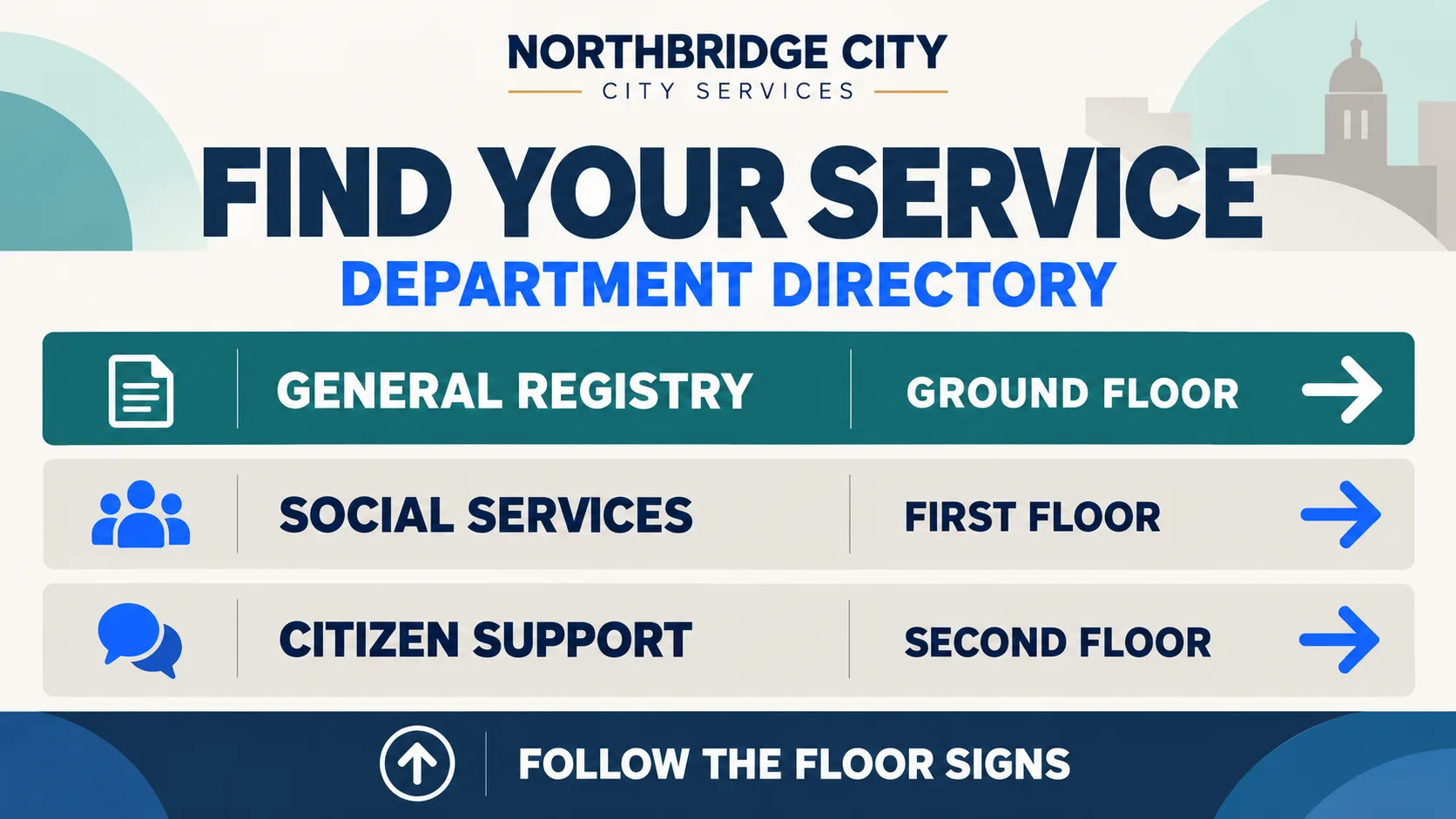

What should government buildings show on digital screens?
Visitors to a municipal office may need to check opening hours, find a department or learn about a local event. Clear information on digital screens can help them find what they need without searching through printed notices or asking at reception.
Digital signage in public administration buildings can make essential information easier to access. Match each message to where visitors are most likely to need it: service notices at entrances, directories near access points, community events in waiting areas and public awareness campaigns in shared spaces.
Four types of content that make public screens more useful
Different spaces serve different information needs. These four content categories provide a practical starting point for public-sector communication.
Public notices
Highlight changes to opening hours, temporary closures, service disruptions and important updates affecting visitors.
Community events
Promote cultural activities, workshops, public events and opportunities for residents to get involved.
Visitor wayfinding
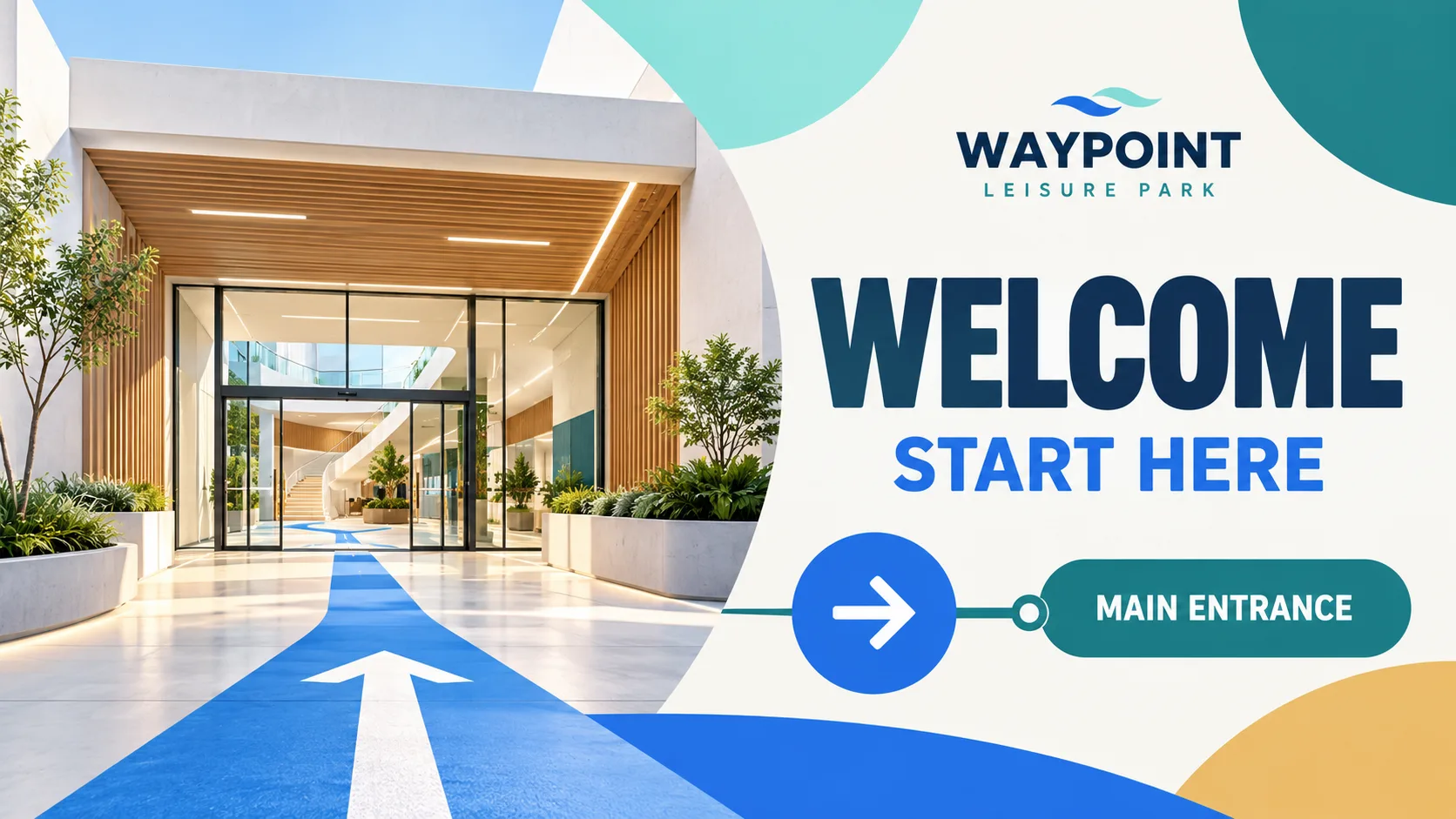
Help people locate departments, floors, service counters and public facilities within government buildings.
Public campaigns
Share information about recycling, sustainable transport, civic participation and community initiatives.
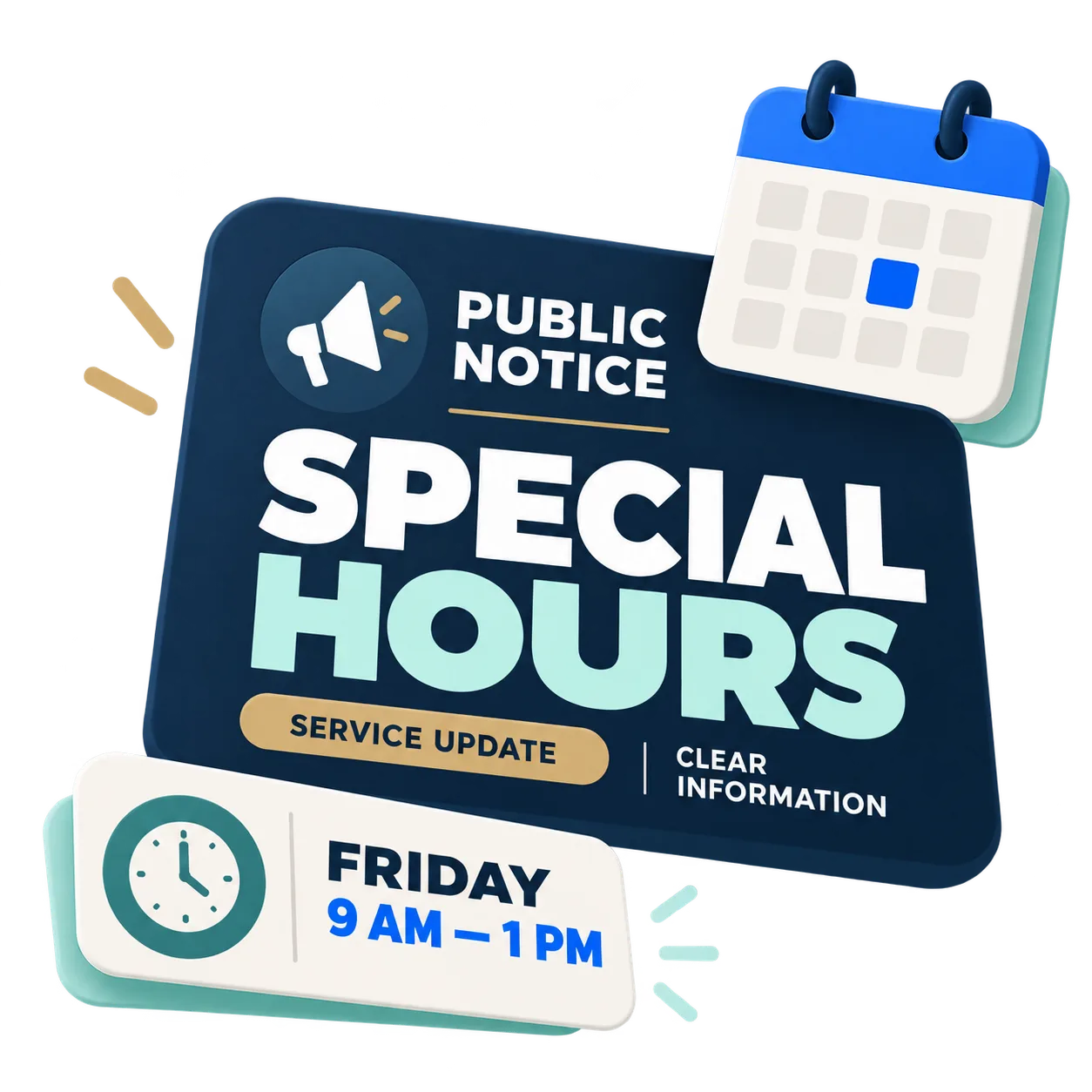
Public notices people need to see
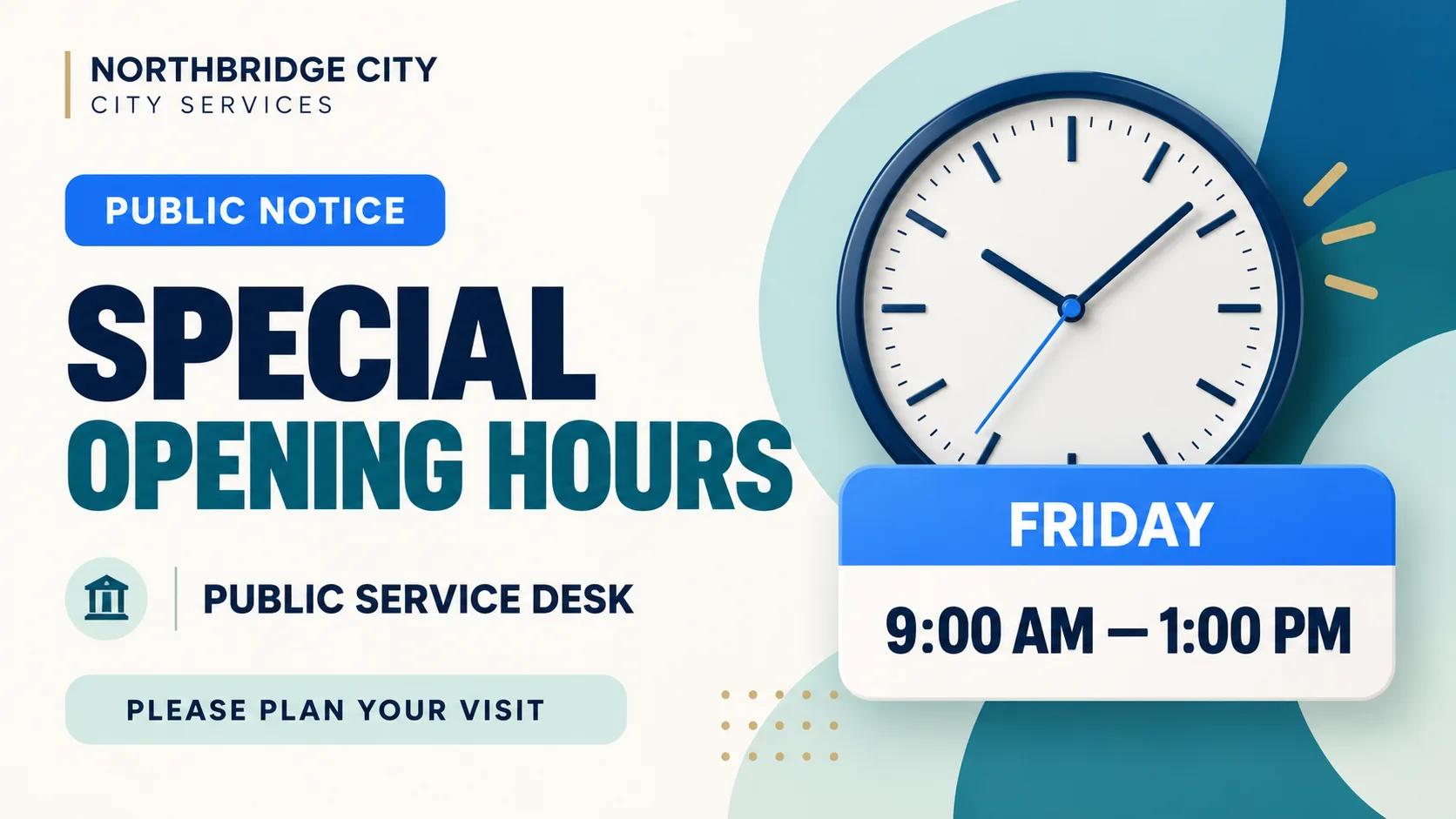
Changes to service hours, temporary closures and unexpected disruptions can affect a visitor’s plans. Displaying these updates near the entrance helps people understand what has changed before reaching a service counter.
An effective notice explains the change, who it affects and when it applies. For example: “PUBLIC SERVICE HOURS · FRIDAY 9 AM–1 PM”. A visible date and a short, direct message make the information easier to understand.
Give community events the visibility they deserve
Local councils, libraries and community centres organise activities that residents may miss if they are announced only online or on noticeboards. Digital screens offer another way to bring these events to people's attention when they visit public facilities.
A useful event graphic should make the activity, date, time and venue immediately visible. For example: “PHOTOGRAPHY WORKSHOP · THURSDAY 6 PM · COMMUNITY CENTRE”. Keeping these details prominent helps visitors decide whether the event is relevant to them.

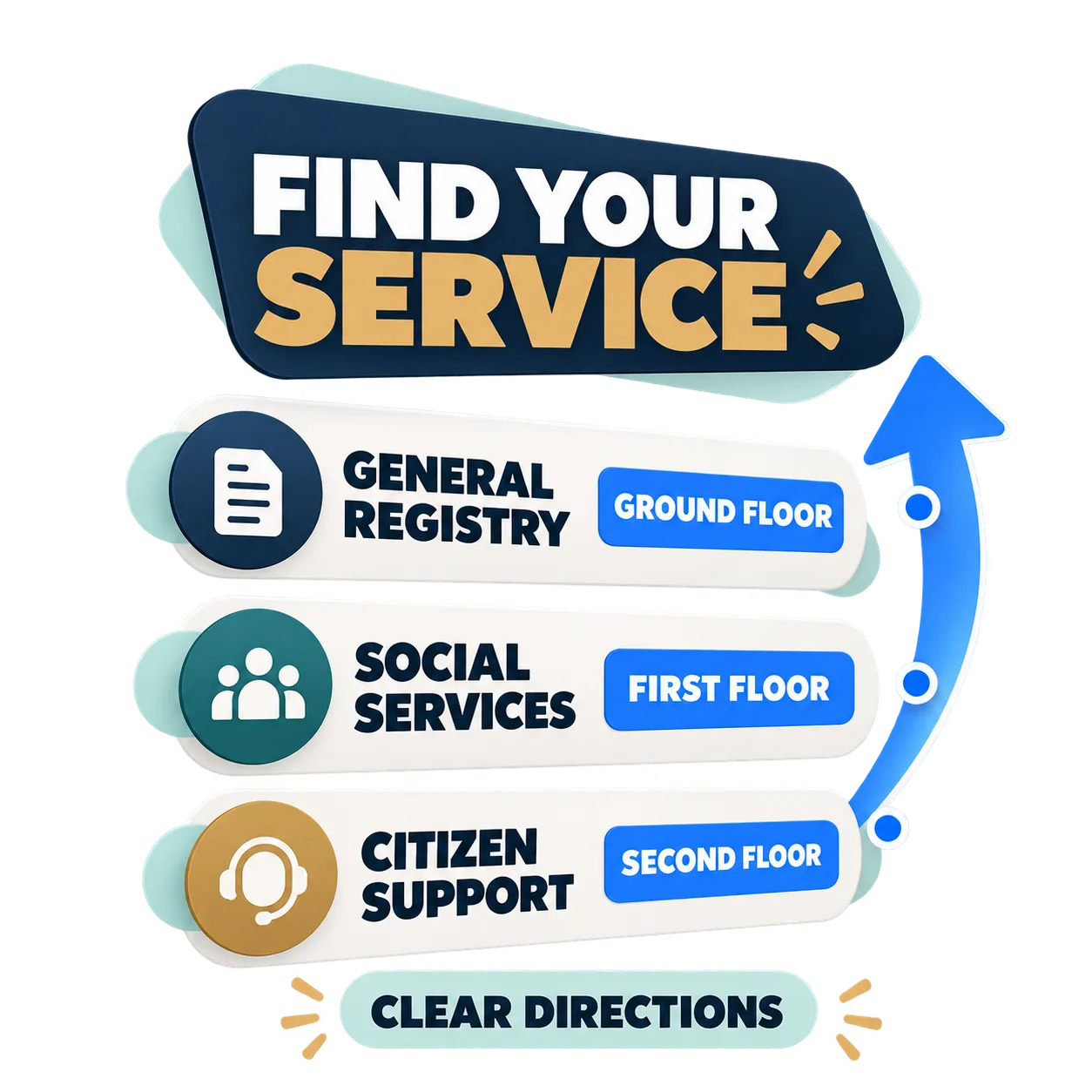
Help visitors find their way around government buildings
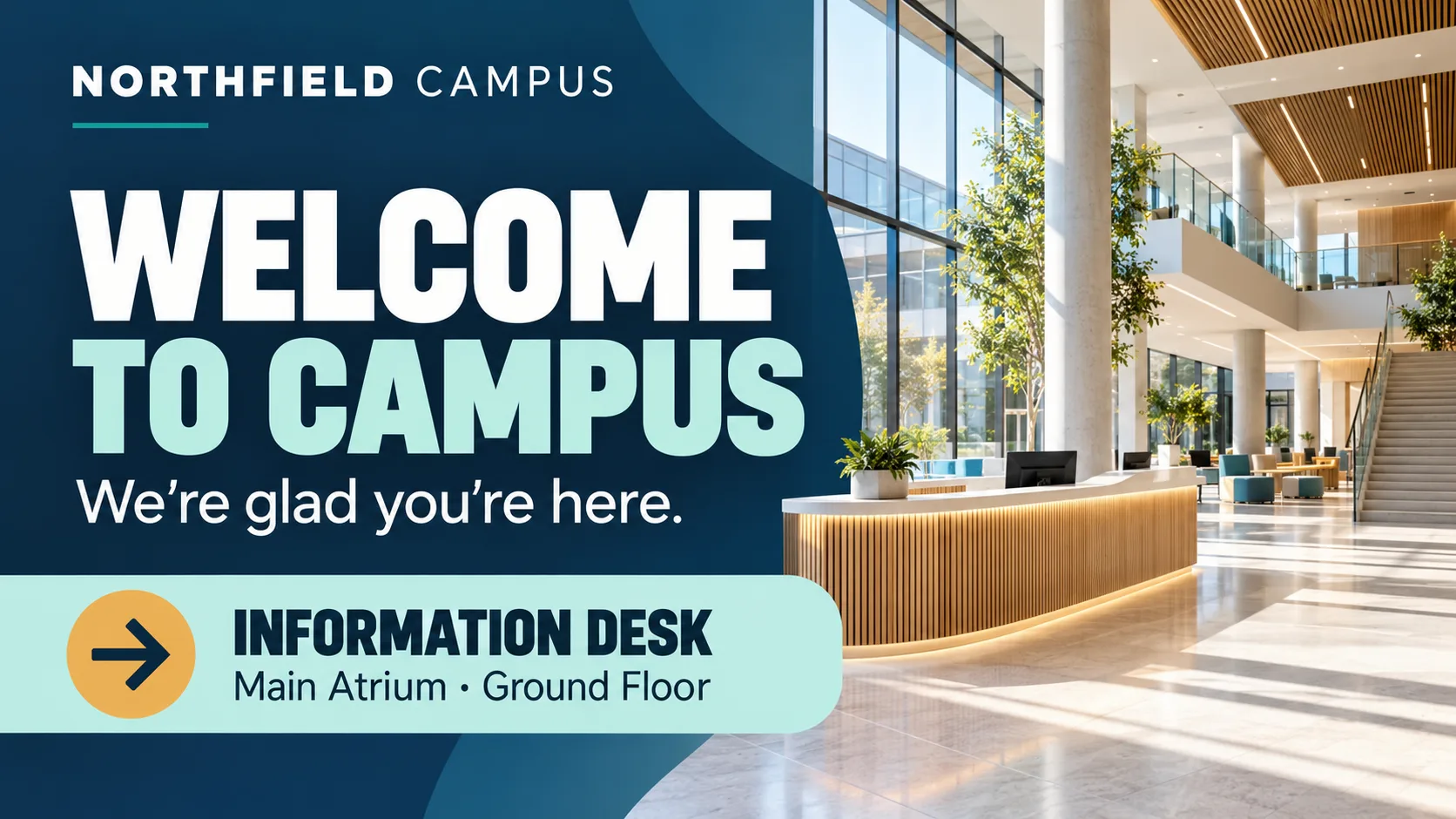
Finding the right department can be difficult in buildings with several floors or service areas. A digital directory near the entrance can help visitors identify their destination before navigating the building.
Simple directions such as “GENERAL REGISTRY · GROUND FLOOR” or “SOCIAL SERVICES · FIRST FLOOR” provide useful guidance. Familiar department names, readable typography and a clear visual hierarchy make directories easier to scan.
Share public campaigns and community initiatives
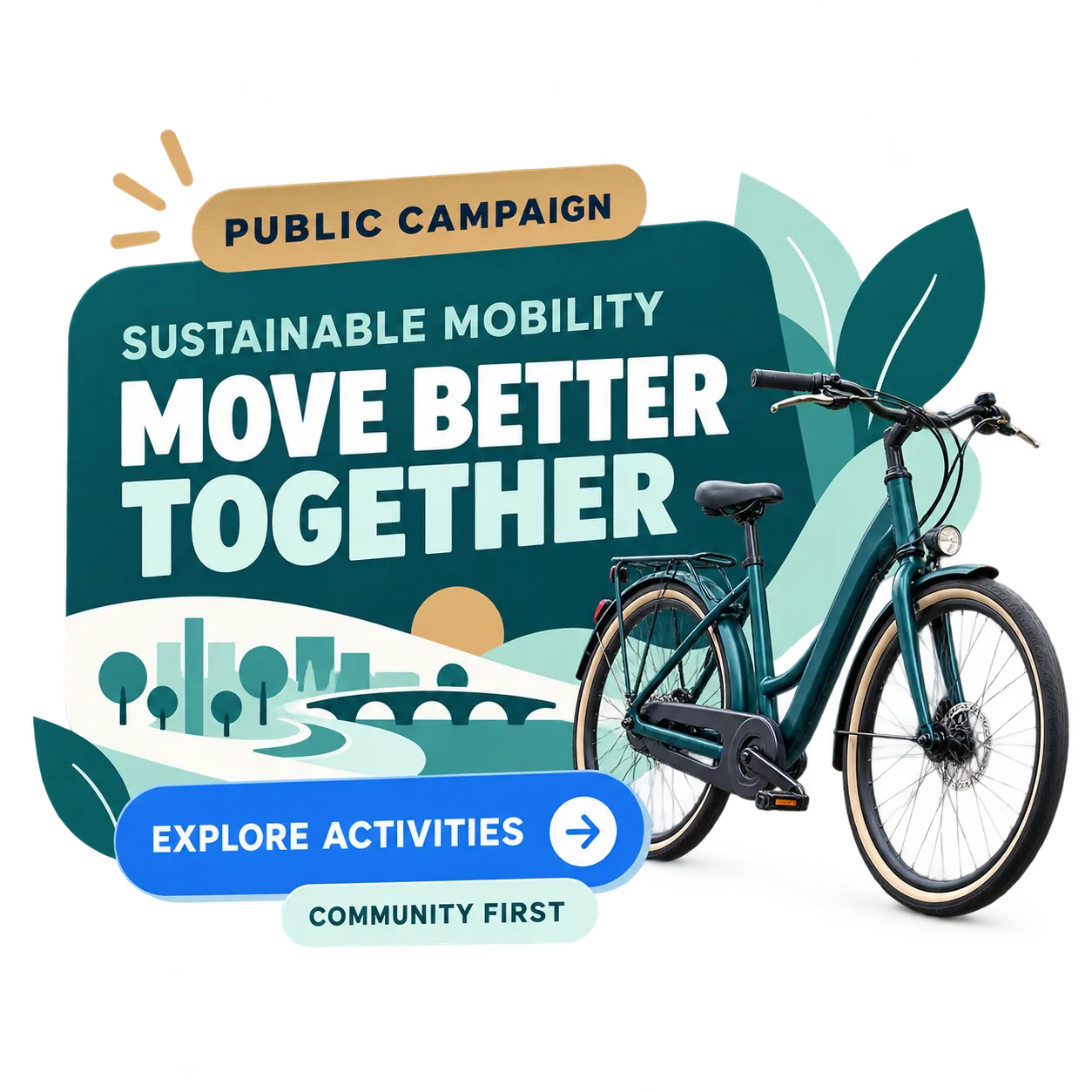
Government buildings can also help raise awareness of initiatives that matter to residents. Recycling programmes, sustainable mobility, civic participation and community activities can all benefit from additional visibility on public information screens.
Each campaign graphic should focus on one message and a clear next step. For example: “SUSTAINABLE MOBILITY WEEK · EXPLORE LOCAL ACTIVITIES”. A strong headline, relevant dates and a simple direction to further information are often enough.
If you are ready to explore how to publish this information across your public facilities, discover our digital signage solution for public administrations and see how iMediaGO can support communication in government buildings.
Three principles for useful public information screens
Useful public information screens have three things in common: clear messages, up-to-date information and content suited to their location.
Clarity
Use short headlines, readable text and one main message per graphic. Avoid overcrowding the screen.
Timeliness
Regularly check dates, opening hours and temporary notices. Remove or replace outdated information to avoid confusing visitors.
Placement
Match content to the space: notices at entrances, directories near access points and events in waiting areas.
Useful public communication is not about displaying more information. It is about helping people find the right information.
How to plan content for public information screens
Start by considering who will see the screen and what they need at that moment. Someone entering a government building may need directions, while a person waiting for an appointment may be interested in community events or public information campaigns.
Combine ongoing information, such as service directories, with time-sensitive notices and upcoming activities. Keep the content sequence simple, review expiry dates regularly and prioritise messages that directly affect visitors.
Make public information easier to find
From service notices and community events to wayfinding and public campaigns, digital screens can help residents access useful information. Discover how iMediaGO supports digital signage in public administration buildings.
Latest articles
Where to Place Digital Signage Screens in a Leisure Centre
Digital Signage for Auto Repair Shops: What to Show at Reception, in Waiting Areas and at Vehicle Collection

Digital signage in education: clear communication for students and visitors
What to Show on Restaurant Screens: 4 Practical Ideas
How to Design an Easy-to-Read Digital Restaurant Menu
Sunday Family Menu: How to Present an Offer Worth Sharing