
Retail
Digital signage for supermarkets: 10 content ideas for promotions, prices and campaigns
Discover what content works best in each supermarket zone and how to organise it as campaigns.
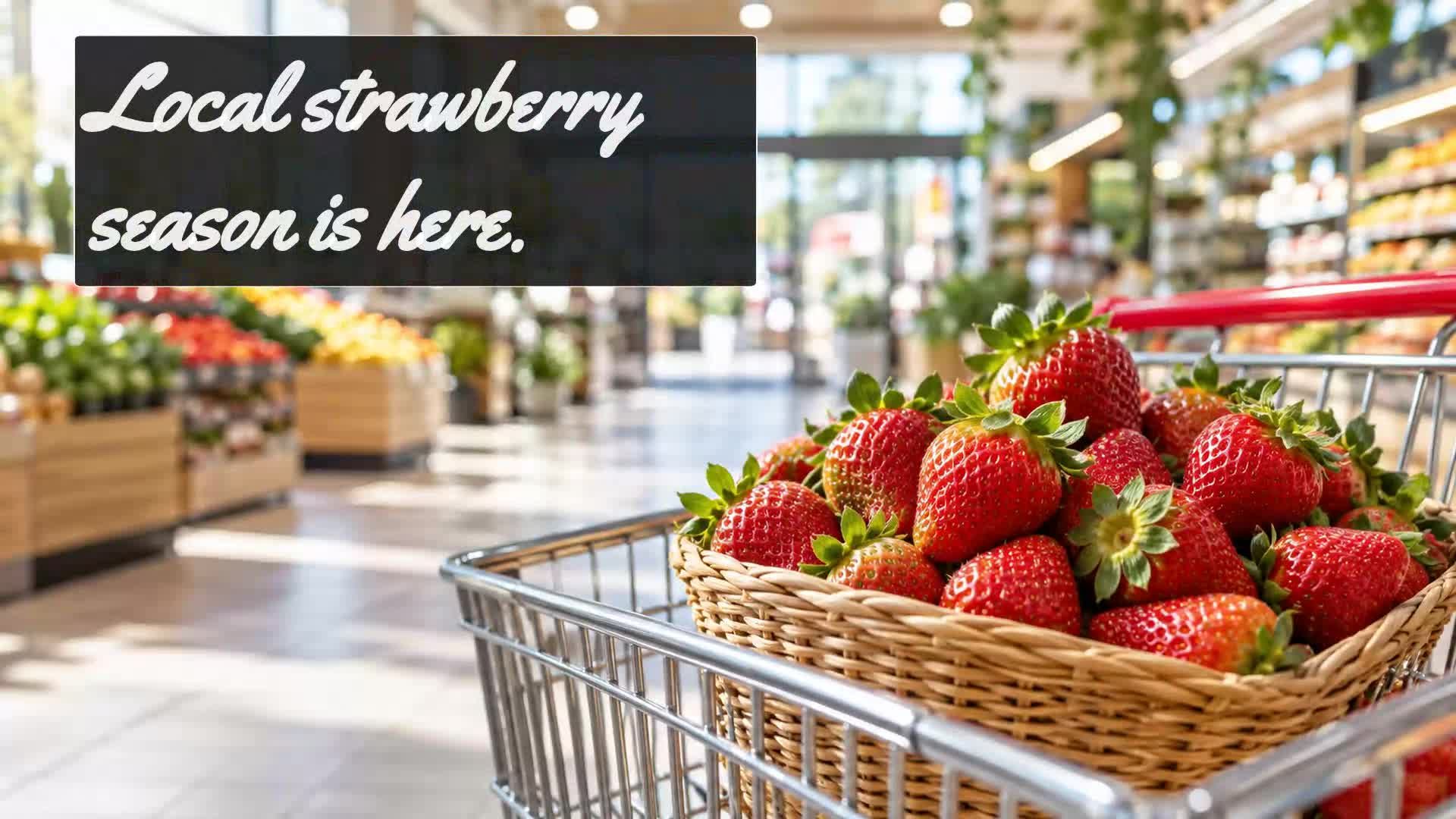
A supermarket screen changes its role depending on where it is
In a supermarket, each zone has a different moment and purchasing objective. The entrance is the welcome point and the first opportunity to present general campaigns. The aisles are where the customer compares and decides; there the screens can bring products, prices and offers right at the moment of choice. The fresh and bakery sections concentrate high-turnover products and emotional purchases, ideal for highlighting quality and specific proposals. Finally, the checkout area accompanies the end of the visit, useful for loyalty and farewell messages.
Therefore, digital signage content should not be the same on all screens: each one fulfils a different role along the customer journey. In this article we review 10 specific content types for supermarkets and how to place them coherently.
1. Weekly promotions
Weekly promotions are the most anticipated content in a supermarket. The screens at the entrance and main aisles should clearly show which products or categories are on offer this week. The key is constant updating: if the promotion changes on Mondays, the content must be ready to publish that same day.
Use attractive images of the products on offer and highlight the benefit visually, without overwhelming with text. You can group promotions by category (dairy, cleaning, beverages) and rotate them on screens on a schedule. This way each customer sees the most relevant promotion depending on the zone they are in.
2. Featured products
Unlike weekly promotions, featured products can be new items, seasonal products or items you want to push. Place these screens near the physical product to connect communication with the purchase decision. For example, a screen next to the snack shelf can show a new product with a brief message.
The goal is to give the product prominence without interrupting the flow. Use clean backgrounds, a single main image and a short text that reinforces the key attribute (flavour, origin, novelty). Avoid cluttering the screen with too many products at once; it's better to rotate several featured items every few seconds.
3. Clear and visible prices
Price remains one of the most important elements in supermarket purchasing decisions. Digital screens can complement traditional price labels by displaying prices in a more dynamic and attractive way. This is especially useful for products with offers, unit prices or savings comparisons.
Design content where the price is the hero: large figures, high contrast and clear context (price per kilo, reduced price, previous price). However, avoid showing prices that change frequently if you cannot update them in time; consistency between screen and label is essential.
4. Limited-time offers
Limited-time offers create urgency and can increase conversion on selected products. On digital screens, this type of content works well in aisles and near the products involved. Use a visual format with a countdown or mention of the period: "Today only" or "Until Sunday".
Scheduling is key: schedule these campaigns to appear only during the active period and disappear automatically when it ends. This way you avoid expired offers on screen, which confuse the customer and damage the supermarket's credibility.
5. Fresh and bakery
Fresh sections, bakery and perishable products have their own logic: the customer buys on impulse, perceived quality and appetite. Screens in these zones should highlight the product at its best: freshly baked bread, seasonal fruit, fish of the day.
Use high-quality images that convey freshness and closeness. You can show preparation suggestions, combinations with other products or information about origin. However, do not invent unverified data; if certified information is not available, stick to attractive visual messages.
6. Cross-selling between products
Cross-selling consists of suggesting complementary products along the journey. For example, next to pasta, show sauces; next to coffee, biscuits; next to cleaning products, kitchen gloves. Digital screens allow automating these suggestions visually.
To be useful, relate products that are physically close or belong to the same consumption occasion. Do not try to cross too many categories at once; the best is a simple and direct suggestion, with images of both products and a short message like "Pair them up".
7. Seasonal campaigns
Christmas, summer, back to school, Valentine's Day... each season brings specific commercial opportunities. Supermarket screens can reinforce these campaigns with a quick visual change: colours, associated products and themed messages.
The advantage of digital signage is that you can activate and deactivate these campaigns without printing costs. Prepare a series of seasonal contents in advance and schedule them to appear on the right dates. Remember that content must be renewed when the season ends; nothing is more outdated than a Christmas promotion in January.
8. Loyalty programme
If your supermarket has a loyalty programme, screens can be a channel to invite customers to register, inform them of benefits or remind them of accumulated points. Place these messages in the checkout area or at the entrance, where the customer has more waiting time.
Avoid promising specific benefits that do not exist; focus on inviting them to learn about the programme and showing its basic workings. A QR code on screen can facilitate registration, but make sure it leads to a valid page.
9. Supplier and brand campaigns
Many supermarkets collaborate with suppliers and brands for joint campaigns. Digital screens can integrate these contents naturally within the supermarket, without becoming a generic advertising channel.
The key is to select brand campaigns that add value to the customer in that context: tastings, new items in relevant categories, promotions linked to the point of sale. Establish clear agreements on what content is shown, in which zones and for how long. This way the supermarket maintains control of the experience and avoids overwhelming the customer.
10. Content for checkouts and waiting areas
The checkout area is the last point of contact, and the customer is usually willing to look at a screen while waiting. Here the content can be more relational: thank-you messages, service information (opening hours, home delivery), upcoming events or notices of interest.
Avoid aggressive sales messages; it's better to end the visit with a positive feeling. You can also show brief entertainment content or practical information. The aim is to accompany, not to pressure.
What to show in each supermarket zone
To summarise, we can organise content by zone:
- Entrance: weekly promotions, seasonal campaigns and welcome messages. - Aisles: featured products, prices, limited-time offers and cross-selling. - Fresh and bakery: specific fresh content, preparation suggestions and seasonal products. - Checkouts: loyalty programme, service information and farewell messages.
This distribution is not rigid: you can adapt it according to the size of your supermarket, the number of screens and the objectives of each campaign. The important thing is that each screen has a clear purpose and that content is updated and scheduled coherently.
How to organise a campaign on supermarket screens
Practical example: from a promotion to a multi-screen campaign
Let's suppose your supermarket wants to boost a product category during a week. Instead of showing a single content on all screens, you can organise a campaign in three phases:
First, at the entrance, a screen announces the category promotion with a general message. Then, in the aisles, the screens show specific products with prices and limited-time offers. Finally, in the checkout area, a message reminds of the promotion and suggests complementary products.
This approach turns a simple promotion into a coherent experience along the customer journey. And best of all, you can schedule all these contents to activate and deactivate automatically according to the calendar you define.
Manage your supermarket campaigns with iMediaGO
With iMediaGO you can create, organise, schedule and publish content for your supermarket screens from one place. Prepare campaigns for each zone, schedule when they appear and keep everything updated without hassle.