Automotive
Digital Signage Content for Car Dealerships That Drives Sales
What should you show on your dealership screens? Explore practical content ideas for showcasing vehicles, promoting offers and highlighting accessories and aftersales services.





Turn Every Message Into a Sales Opportunity
What appears on your screens can influence which vehicles customers notice, which offers they remember and what they ask your sales team.
An attractive vehicle image may capture attention, but a clear commercial message gives customers a reason to explore further.
Instead of repeating corporate advertising, combine new arrivals, selected vehicles, finance promotions and relevant services.
Keep each creative focused. One clear benefit and a simple next step are often more useful than a screen crowded with competing promotions.
Six Types of Digital Signage Content for Car Dealerships
Different messages support different commercial goals. Use these content types to highlight your inventory, explain offers and introduce services customers might otherwise overlook.
Featured Vehicles
Highlight selected cars, available models or vehicles with special equipment. Give customers a clear reason to ask for more information.
New Models
Introduce new arrivals and launches with strong imagery and memorable messages that encourage customers to discover more.
Special Offers
Promote current campaigns, selected vehicle deals and time-limited opportunities with clear benefits and relevant conditions.
Finance Options
Present finance offers using readable figures, essential information and a clear invitation to discuss the details with your team.
Accessories
Showcase optional equipment and accessories that complement a vehicle purchase and help customers discover additional choices.
Aftersales Services
Highlight servicing, maintenance and seasonal care campaigns to encourage enquiries beyond the initial vehicle purchase.
Give Every Featured Vehicle a Message Worth Noticing
An effective vehicle promotion does not need to list every specification. It needs to communicate one compelling reason to take a closer look.
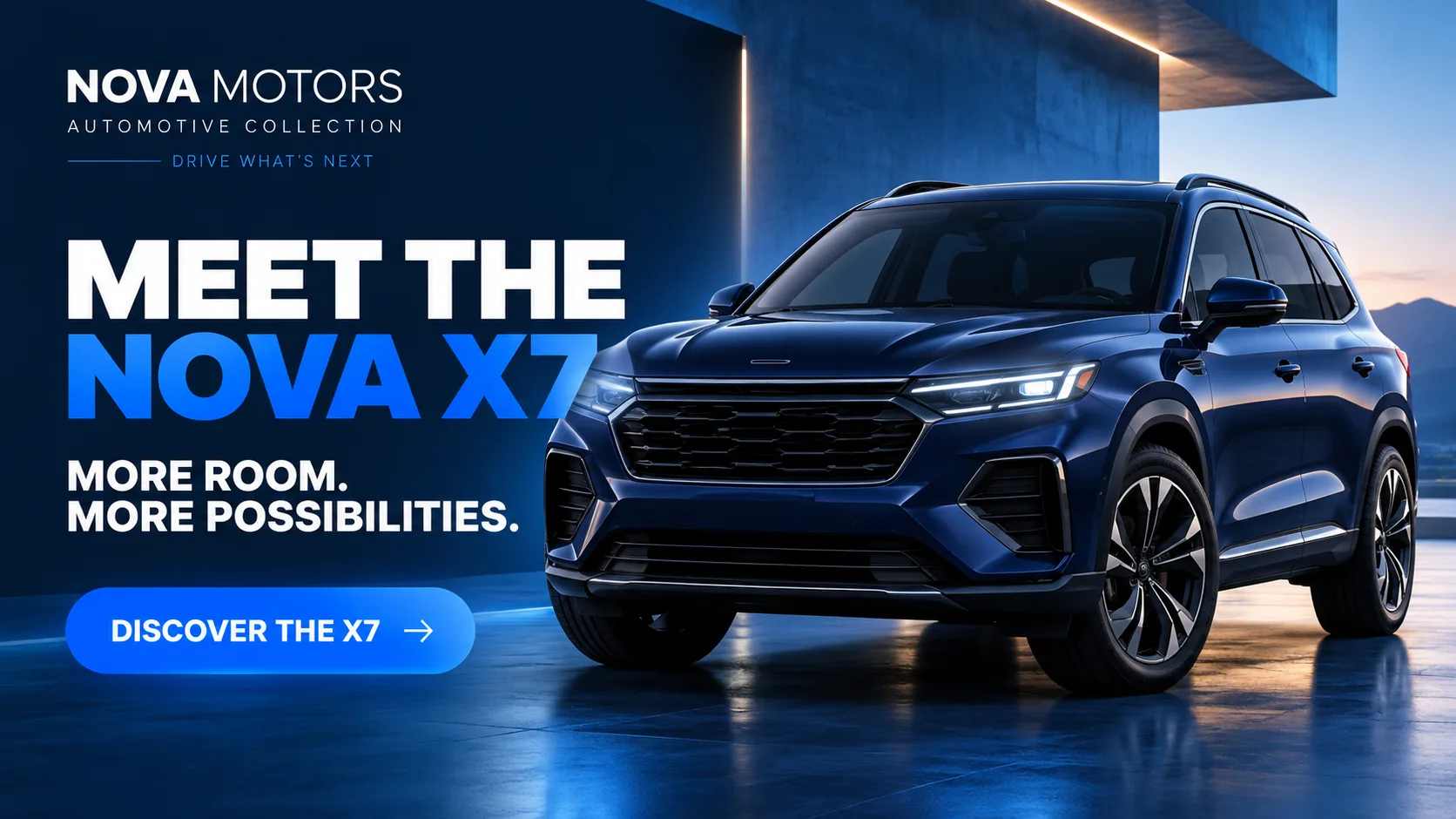
Start with a strong vehicle image, identify the model and highlight a benefit that matters to your audience, such as space, comfort, equipment or electric range.
For example, a family vehicle campaign could lead with “More Room for Every Journey” and finish with “Ask About This Model”.
For new arrivals, choose one memorable message rather than filling the creative with technical details.
Your screens should support conversations with the sales team, not attempt to replace them.


Make Vehicle Offers and Finance Messages Easy to Understand
A promotion becomes less effective when customers struggle to understand it. Dealership screen content should communicate the main offer quickly while keeping important information accessible.
Lead with the commercial benefit, whether that is a current campaign, selected vehicle promotion or finance option.
Use readable figures and avoid overwhelming the design with competing claims.
When displaying prices, monthly payments or finance terms, make sure the information is accurate, current and presented in line with applicable advertising requirements.
You can also create focused campaigns for selected vehicles, seasonal promotions or specific customer needs.
The aim is to encourage an informed enquiry and give your sales team a useful starting point for the conversation.
Promote Accessories and Aftersales Services Beyond the Vehicle Sale
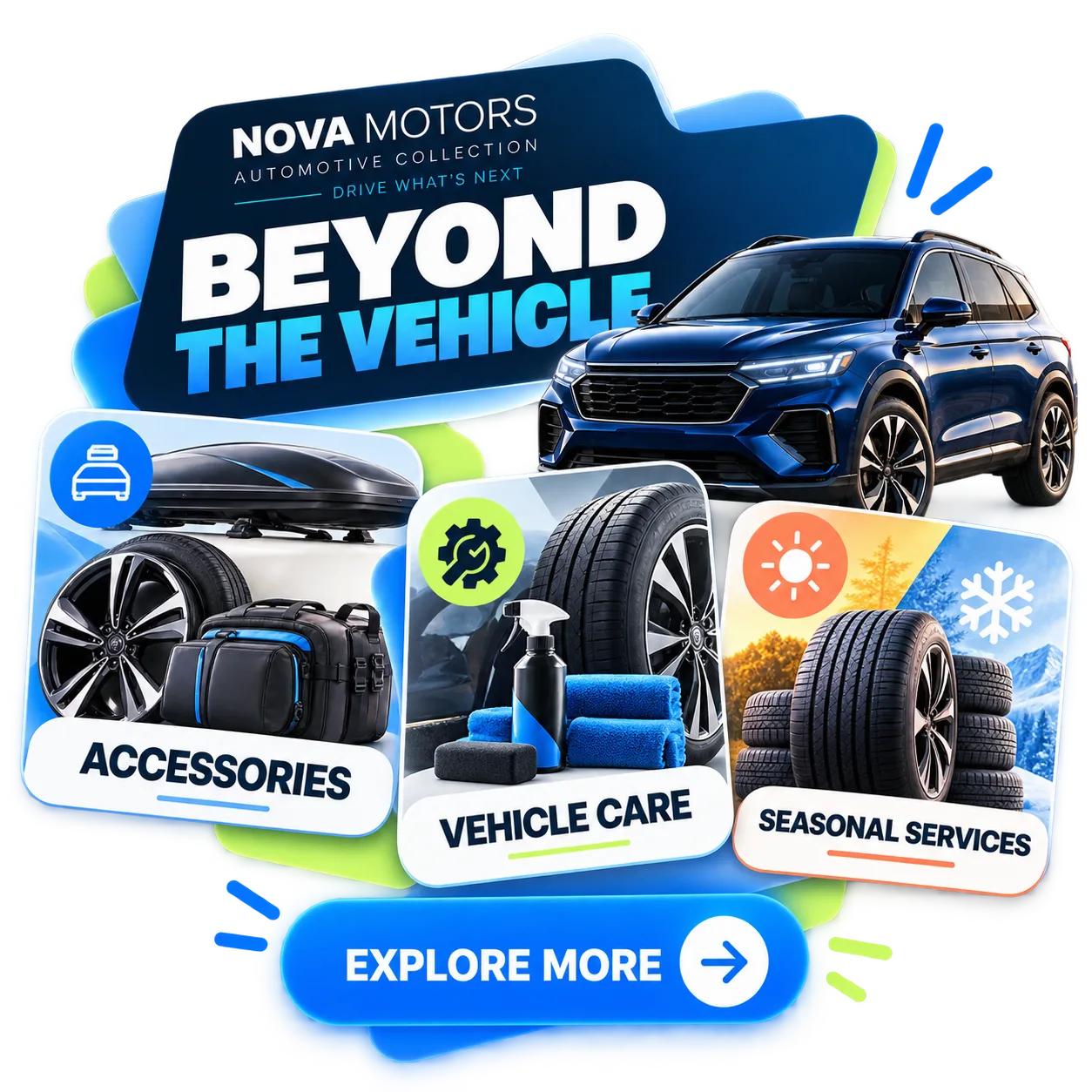
Commercial opportunities do not end when a customer chooses a vehicle. Your screens can also introduce accessories, optional equipment and services that complement ownership.
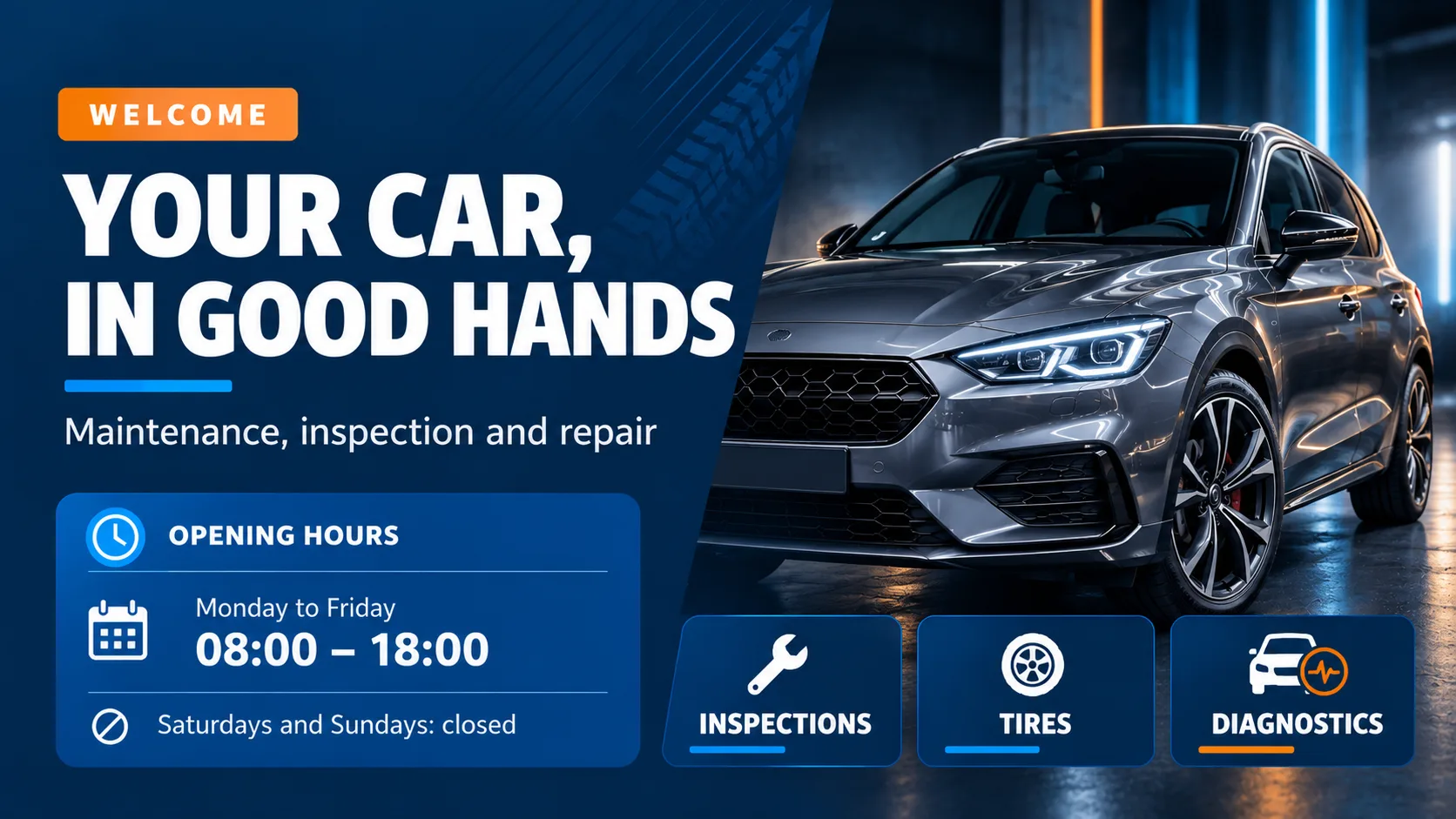
Highlight seasonal tyre campaigns, maintenance services, vehicle checks or accessories designed for everyday needs.
For example, a pre-holiday service campaign can remind customers to prepare their vehicle before a long journey.
Focus on a relevant benefit instead of displaying an extensive service catalogue.
For more ideas on communicating with workshop customers throughout their visit, explore our guide to digital screens for workshop reception, waiting areas and vehicle collection and discover how to adapt information to each stage of the service experience.
Three Principles for Clear Dealership Screen Content
One Main Message
Focus each creative on one vehicle, offer or service. Avoid competing promotions that divide attention.
Clear Information
Use readable headlines, relevant images and accurate commercial details. Keep prices, conditions and campaign dates updated.
One Clear Action
Finish with a simple next step, such as “Check Availability”, “Ask About This Offer” or “Explore Accessories”.
Once you have chosen your commercial messages, consider how they support the customer journey. Explore how to organise digital screens throughout the car dealership customer journey so each screen has a clear role in helping customers make decisions.
Create and Publish Your Dealership Campaigns With iMediaGO
With iMediaGO, you can create visual content for vehicles, promotions and services, then send it to your business screens.
Organise your campaigns, update messages when offers change and keep your communication consistent without preparing each screen individually.
Focus on choosing the right messages for your customers while keeping your screen content organised and up to date.
Frequently Asked Questions
Turn Your Dealership Screens Into Sales Opportunities
Showcase vehicles, communicate offers and highlight aftersales services with content you can keep up to date. Explore how iMediaGO supports digital signage for automotive businesses.
Latest articles
Where to Place Digital Signage Screens in a Leisure Centre
Digital Signage for Auto Repair Shops: What to Show at Reception, in Waiting Areas and at Vehicle Collection
Digital signage in education: clear communication for students and visitors
What to Show on Restaurant Screens: 4 Practical Ideas
How to Design an Easy-to-Read Digital Restaurant Menu
Sunday Family Menu: How to Present an Offer Worth Sharing