Healthcare
What to Show on Clinic Screens: 4 Practical Ideas
What should you show on your clinic screens? Explore four practical content ideas to answer common patient questions, introduce your services, share general health tips and help visitors find their way around your clinic.



What content belongs on your clinic screens?
Useful screen content starts with a question patients actually have. They may need to know what to bring to an appointment, which services are available, how to find a department or where to look for reliable general health advice.
The goal is not to fill every screen with information. It is to choose relevant messages that are easy to read and understand. Short, accurate content can support patients throughout their visit without asking them to work through long paragraphs.
Four content categories offer a practical starting point: patient information, clinic services, health tips and wayfinding.
Four practical content ideas for clinic screens
Patient information
Answer common questions with short notices about appointment preparation, documents and general clinic guidance.
Services and specialties
Introduce the healthcare services available at your clinic in a clear, informative way.
Health and wellbeing tips
Share responsible, easy-to-understand messages about prevention and everyday wellbeing.
Clinic wayfinding
Help patients identify departments, consultation areas and shared facilities with simple directions.
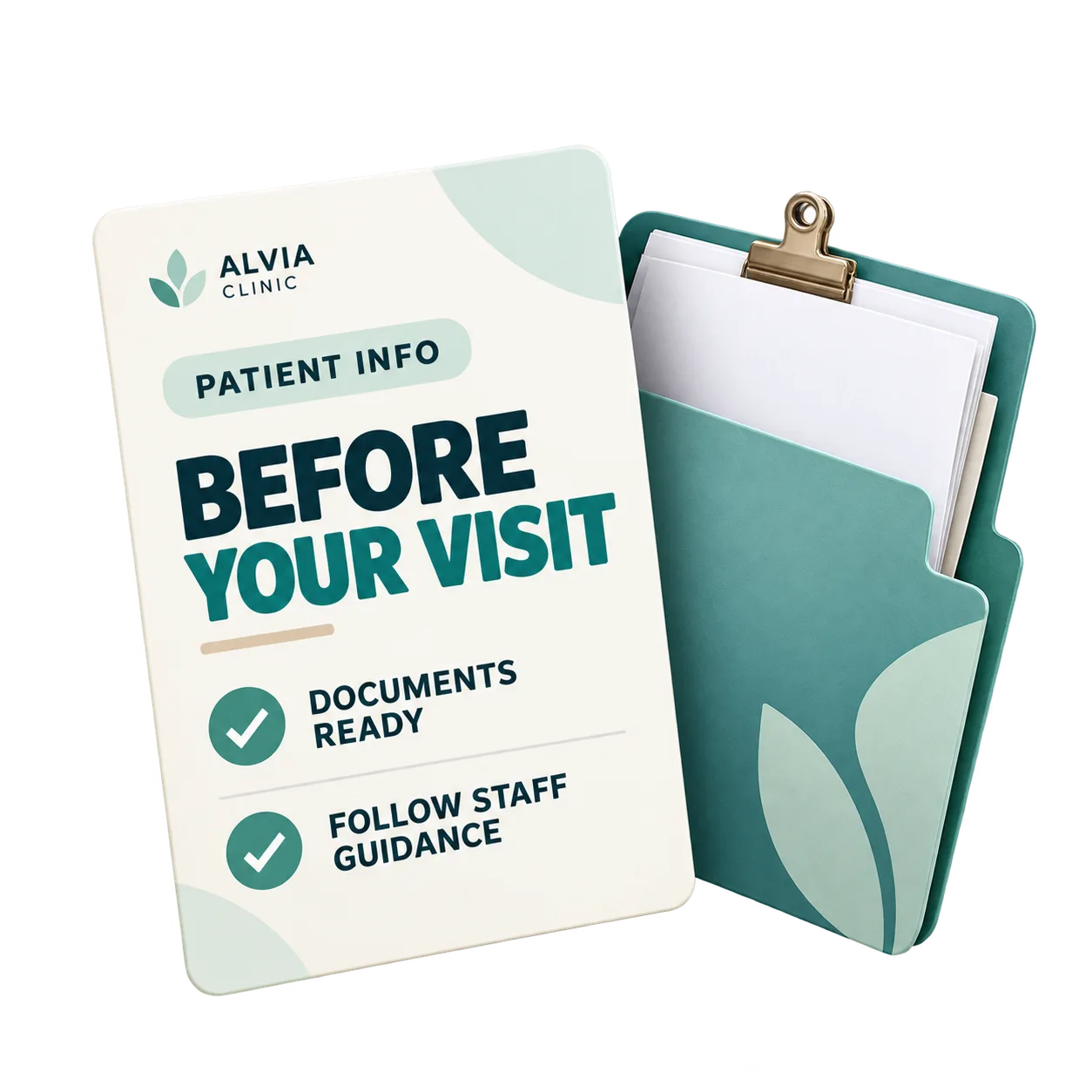
Answer common patient questions with practical information
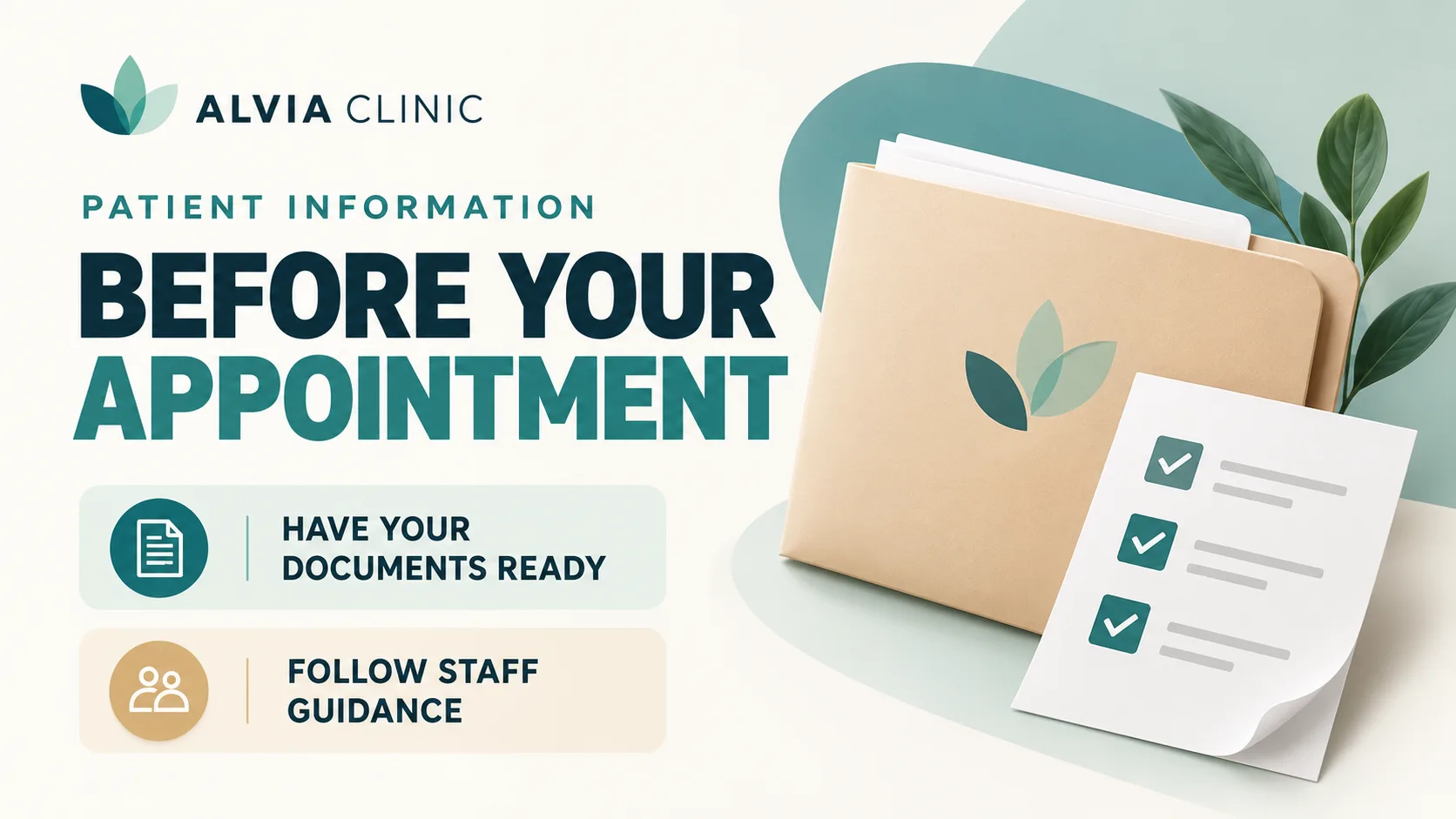
Patients often have the same questions before an appointment: what should they bring, where can they ask for help and what should they expect when they arrive? Short, easy-to-read screen messages can provide useful answers.
For example: "Before your appointment, have your documents ready and follow the clinic team's instructions." Screens can also communicate temporary service notices or general guidance that applies to visitors.
Keep each message focused on one question. Patients should be able to understand the information at a glance rather than search through several paragraphs.
Help patients discover your clinic's services and specialties
Patients may not know about every service offered by a multidisciplinary clinic. Screens can introduce different areas of care in a clear, informative way, without making every message feel like an advertisement.
For example: "Explore our services: general medicine, physiotherapy and nutrition." A short supporting line can direct patients to further information about each specialty.
Use familiar terminology, avoid overwhelming lists and include only services the clinic actually provides. The purpose is to improve awareness, not to promise clinical outcomes or pressure patients into booking treatments.


Share simple, reliable health and wellbeing tips
Clinic screens can also present general information about healthy habits, prevention and everyday wellbeing. The most suitable messages are short, practical and clearly distinct from individual medical advice.
One example is: "Take regular movement breaks throughout the day," supported by a general reminder to avoid prolonged inactivity. Other appropriate subjects may include hand hygiene, sleep and hydration.
Before publishing, check that the information is reliable, current and appropriate for the clinic's audience. Avoid personalised diagnoses, treatment instructions and unsupported claims about health outcomes.
Make it easier for patients to find the right department
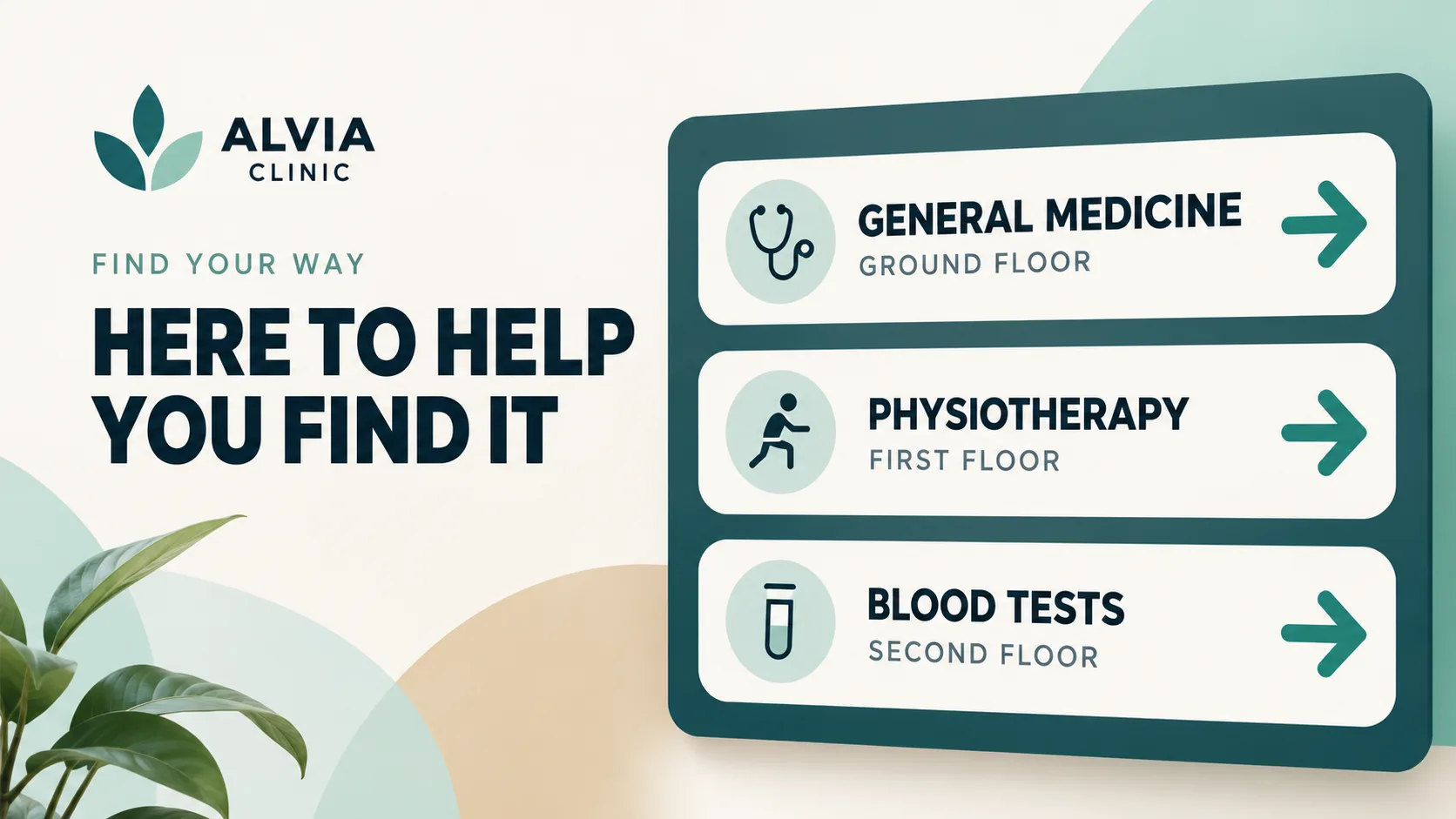
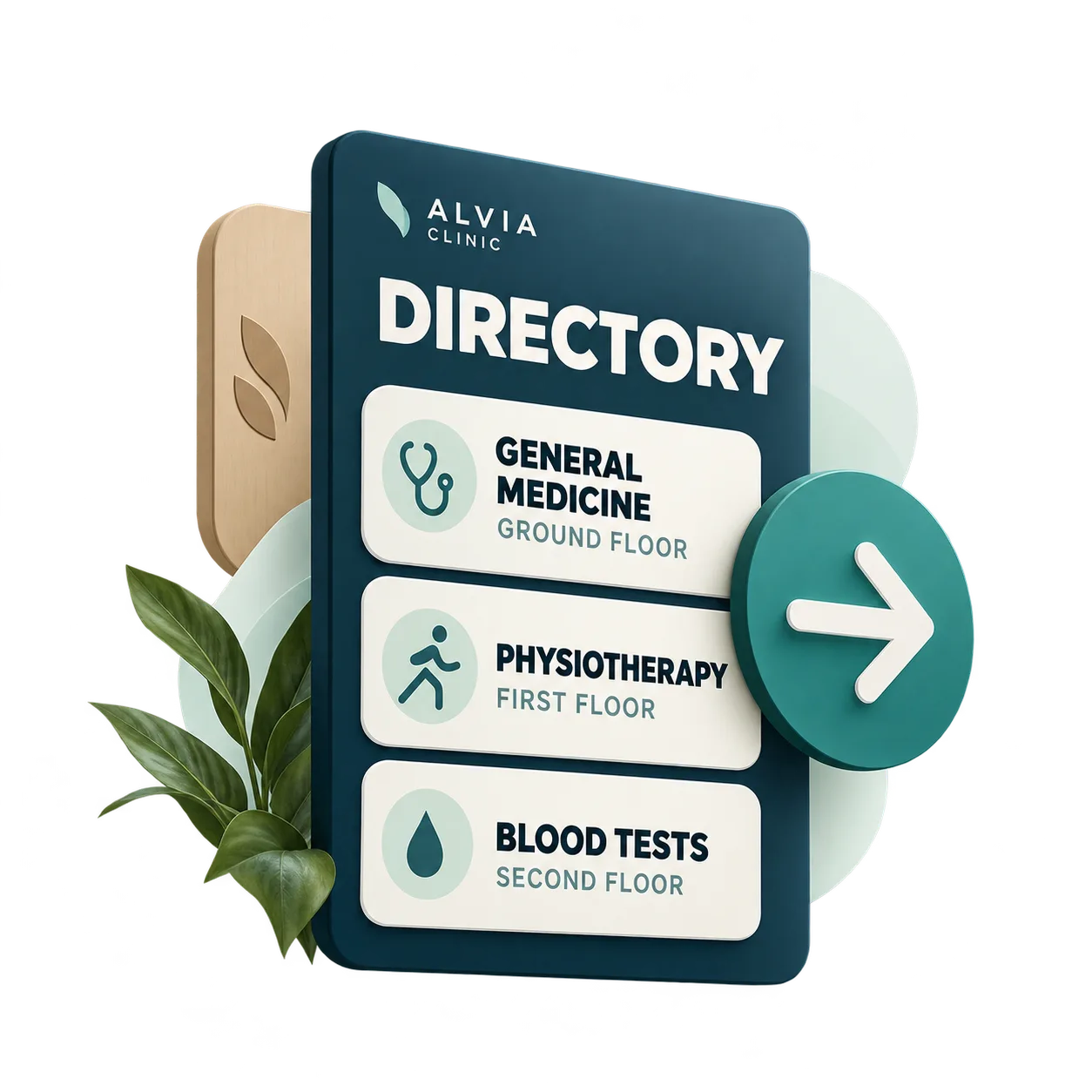
Clear directions can help patients find consultation rooms, departments and shared facilities. Use short labels, floor numbers and recognisable landmarks to make each message easy to follow.
Examples include "Physiotherapy · First Floor" or "Blood Tests · Follow the Blue Signs." Directions must match the actual layout and signage used by the clinic.
The best wayfinding messages are concise and unambiguous. A full building map is not always necessary when a simple direction provides the information patients need.
Three principles for clear, up-to-date clinic messages
One message at a time
Give each piece of content one main purpose. Use a direct headline and remove details that do not help patients understand the message.
Keep information current
Review opening hours, service details, department names and temporary notices regularly. Update information whenever something changes and remove outdated messages promptly.
Make reading effortless
Choose short text, sufficient contrast and legible type sizes. Never rely on colour alone to communicate essential instructions.
A practical example: four screen messages for a multidisciplinary clinic
Imagine ALVIA CLINIC, a fictional multidisciplinary healthcare centre preparing useful information for its patients. Rather than repeating one announcement, the clinic creates four distinct editorial messages.
The first helps patients prepare for an appointment. The second introduces available specialties. The third shares a general wellbeing tip. The fourth points visitors towards a department.
Together, these examples demonstrate a simple approach: each message answers a specific question, uses clear language and makes sense on its own. Real clinics should adapt every detail to their actual services, policies and facilities.
For a closer look at how communication needs differ across clinical spaces, read our guide to digital signage in medical reception and waiting areas, focused on the patient experience in each setting.
Clinics specialising in aesthetic treatments can also explore our guide to visual campaigns for aesthetic clinics, which focuses specifically on presenting treatments.
Once you know what you want to communicate, explore iMediaGO's approach to digital signage for healthcare clinics and see how it supports clinic communication.
Frequently asked questions about clinic screen content
Turn your clinic content ideas into clearer patient communication
You now have four practical ways to make clinic screens more useful. Discover how iMediaGO helps healthcare providers communicate through digital screens.
Latest articles
Where to Place Digital Signage Screens in a Leisure Centre
Digital Signage for Auto Repair Shops: What to Show at Reception, in Waiting Areas and at Vehicle Collection

Digital signage in education: clear communication for students and visitors
What to Show on Restaurant Screens: 4 Practical Ideas
How to Design an Easy-to-Read Digital Restaurant Menu
Sunday Family Menu: How to Present an Offer Worth Sharing