
Estate Agency Digital Signage
Digital signage for estate agent window displays: what to show to attract clients
A screen in your estate agency window can go beyond printed property cards: it combines featured properties, new listings, owner acquisition and calls to action in a dynamic sequence that captures the attention of passers-by.
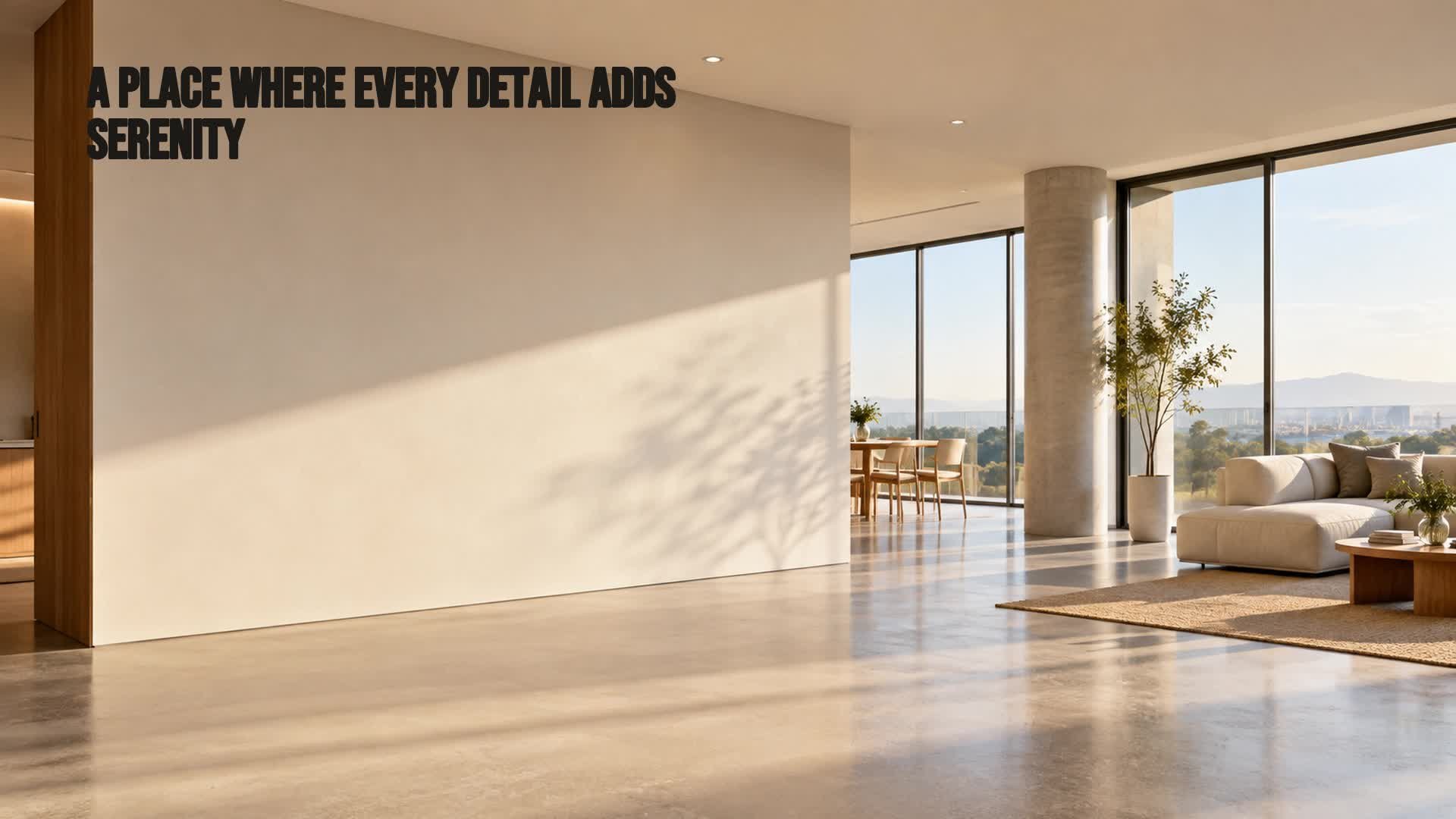
The window display is still a key acquisition point
For an estate agency, the window display is much more than a space for putting up posters. Every day, dozens of people pass by your office: neighbours, potential buyers, owners who may be thinking of selling or letting. Taking advantage of that footfall with a clear and up-to-date message is an opportunity that should not depend on reprinting property cards or changing posters every week. This is where a digital screen can make a difference: it allows you to show dynamic content, adapt it to the moment and hold attention without any physical effort.
Featured properties: show less to communicate better
One of the most common mistakes when digitalising a window display is trying to show the entire available property catalogue. The screen is not an endless list; it's a shop window. To capture the attention of someone walking by, it's best to select one or two featured properties and communicate only the essential details: property type, location, floor area, number of bedrooms and, if you wish, price. A quality image, a clear headline and two or three key features usually work better than a property card full of text. Fewer elements = more legibility = more chances that the person will stop.
Use novelty to capture attention
People who frequently walk down your street will stop looking at the window display if they always see the same thing. Novelty is a powerful stimulus. Incorporating messages such as "Just added" or "New opportunity" alongside the latest properties added to your portfolio helps the screen feel alive. The advantage of digital signage is that you can update these novelties in seconds, without printing new sheets or repositioning posters. In this way, the window display always communicates movement and currency.
The window display can also attract property owners
Not everyone looking at your window display is seeking to buy or rent; some may be owners who are considering selling or putting their flat up for let. Including messages aimed at this segment in the sequence — for example, "Thinking of selling or letting your property? Let's talk" — extends the function of the window display beyond listing properties. A digital screen allows you to alternate these messages with the featured properties, multiplying the acquisition channels without cluttering the space.
Turning attention into action
There's no point capturing attention if you don't facilitate the next step. Each message or property shown should be accompanied by a clear call to action: a QR code that leads to the property listing or a contact form, a legible phone number, or an invitation to come into the agency for more information. Choose one action per screen and make it obvious. The goal is for the person who has stopped for a few seconds to know exactly what to do if they are interested.
Combining different messages in a sequence
A good estate agency window screen does not repeat the same content over and over; it organises a sequence of varied messages. You can alternate between: featured property of the day, new listing, owner acquisition offer and contact screen. Each message should remain visible long enough to be read and then give way to the next. This rotation maintains interest and covers different objectives without the window display becoming a static card. The key is balance: neither too many messages nor too fast.
Updating the window display without reprinting
With traditional signage, every price change, every property sold or every new campaign means printing, trimming and repositioning. With digital signage, everything is updated from a management platform. You can change properties, correct a detail or launch a seasonal message in minutes, even remotely. This not only saves time but also prevents the window display from becoming obsolete: if a property is sold, you remove it; if a new one arrives, you publish it. The window display always reflects the reality of your portfolio.
Managing window display content with iMediaGO
To put all of the above into practice, you need a tool that helps you create, organise, schedule and publish content on your window display screens. iMediaGO is a digital signage platform that allows you to manage multiple screens and content from a single place, with templates adapted to the real estate sector. You can schedule sequences, update properties in real time and maintain the visual consistency of your agency without technical knowledge. In this way, the window display ceases to be a static element and becomes a dynamic and always up-to-date communication channel.
Examples of content for your window display sequence
Turn your estate agency window display into a dynamic channel
Manage the creation, updating and publishing of your screen content with iMediaGO and keep your window display always relevant for buyers and owners.