Real Estate
How to Get Started with Digital Signage in Your Estate Agency
Moving from printed displays to digital screens takes more than choosing where to install them. Learn how to plan your first rollout, assign clear responsibilities and keep your screens useful long after launch.

Before you begin: what changes when your agency goes digital?
Printed window displays and office posters are familiar parts of estate agency marketing. Replacing them with digital screens creates new opportunities for visual communication, but it also introduces decisions that printed materials rarely require.
A screen needs more than an initial installation. Someone must oversee its schedule, check that it remains useful and make sure it continues to fit the way the agency operates.
That is why the first step is not selecting a screen or preparing a collection of visuals. It is understanding where digital communication would be valuable, what each location is expected to achieve and how the team will look after it.
You do not need a complete network from day one. A focused first rollout gives your agency a manageable starting point and a chance to learn before expanding.
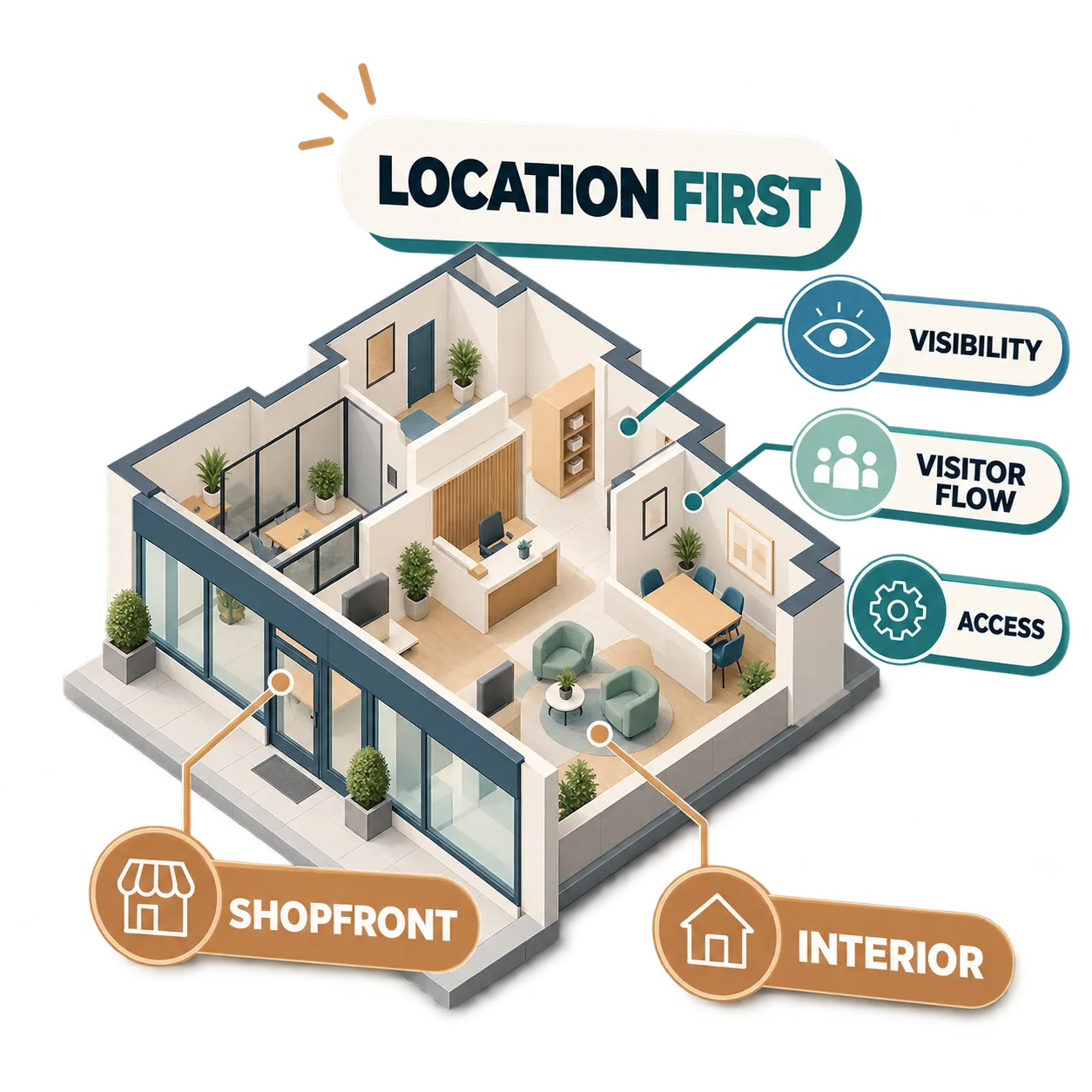
Where should an estate agency install its first screens?
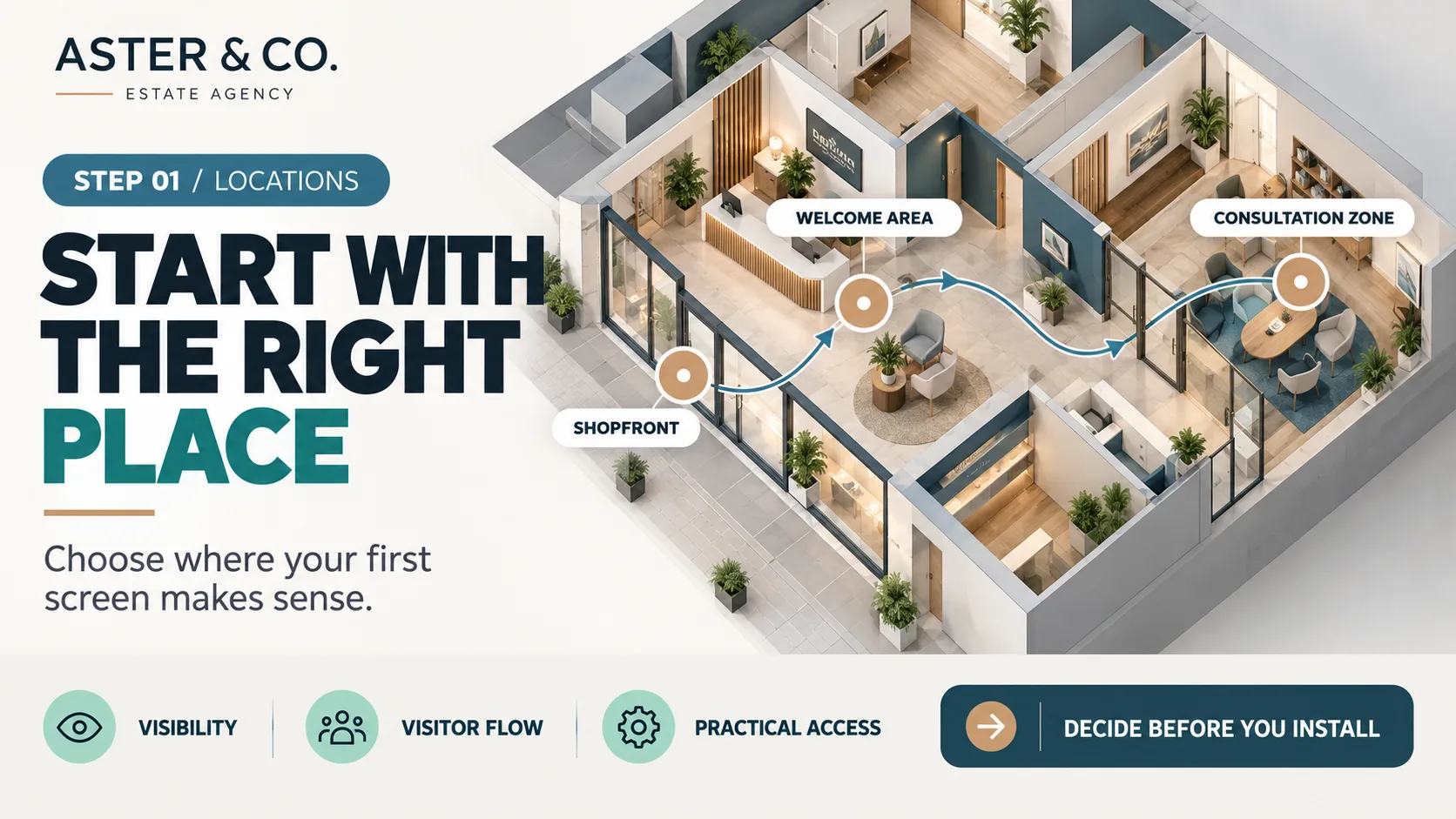
The most prominent location is not automatically the most effective. Start by looking at how people move through your premises and where visual information could support their experience.
Consider foot traffic, viewing distance, lighting and the time people typically spend in each area. A screen should be easy to see without disrupting the way staff and visitors use the space.
Your shop window and your office interior serve different purposes. The window connects with people passing outside, while an interior screen forms part of the in-branch experience. Assess each location on its own merits rather than treating every screen as interchangeable.
Practical considerations matter too. Check access for installation and maintenance, power availability, connectivity where required and how easily staff can inspect the screen.
The aim is not to place screens everywhere. It is to choose the first locations deliberately, with a clear purpose and a realistic plan for keeping them operational.
If your shop window is a priority, explore what to display on digital estate agency window screens before planning that location's specific visual schedule.
A practical three-stage digital signage rollout
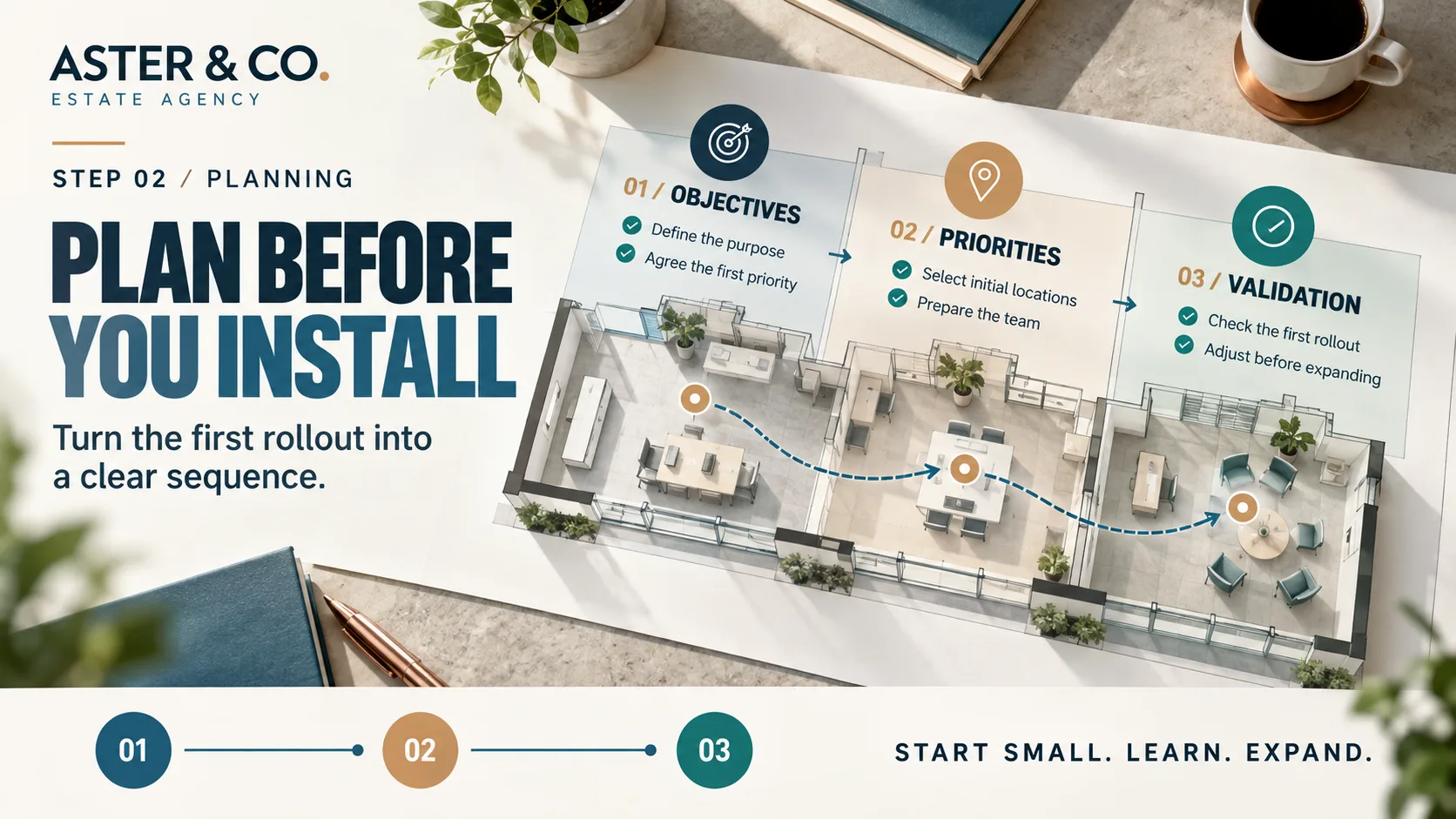
A successful first installation begins with clear decisions, not unnecessary complexity. These three stages provide a practical framework for introducing screens into your agency.
Know what each screen is for
Define the communication need before choosing locations. A clear objective helps your team make consistent decisions and gives you a basis for reviewing the result. Avoid trying to achieve everything at once. Focus on a priority that makes sense for the first stage.
Start with a manageable scope
Not every location needs to go live at the same time. Select the areas that are ready, identify the checks required and agree who will be responsible for the initial operation. A manageable rollout gives your team room to establish working routines without spreading its attention too thinly.
Validate before expanding
Once the first screens are running, check visibility, scheduling and day-to-day operation. Record issues and identify what needs to change. Use those findings to decide whether the next location is ready, rather than expanding simply because more screens could be installed.
A phased rollout turns the first installation into a practical learning opportunity for the whole agency.
How to organise screen schedules and responsibilities
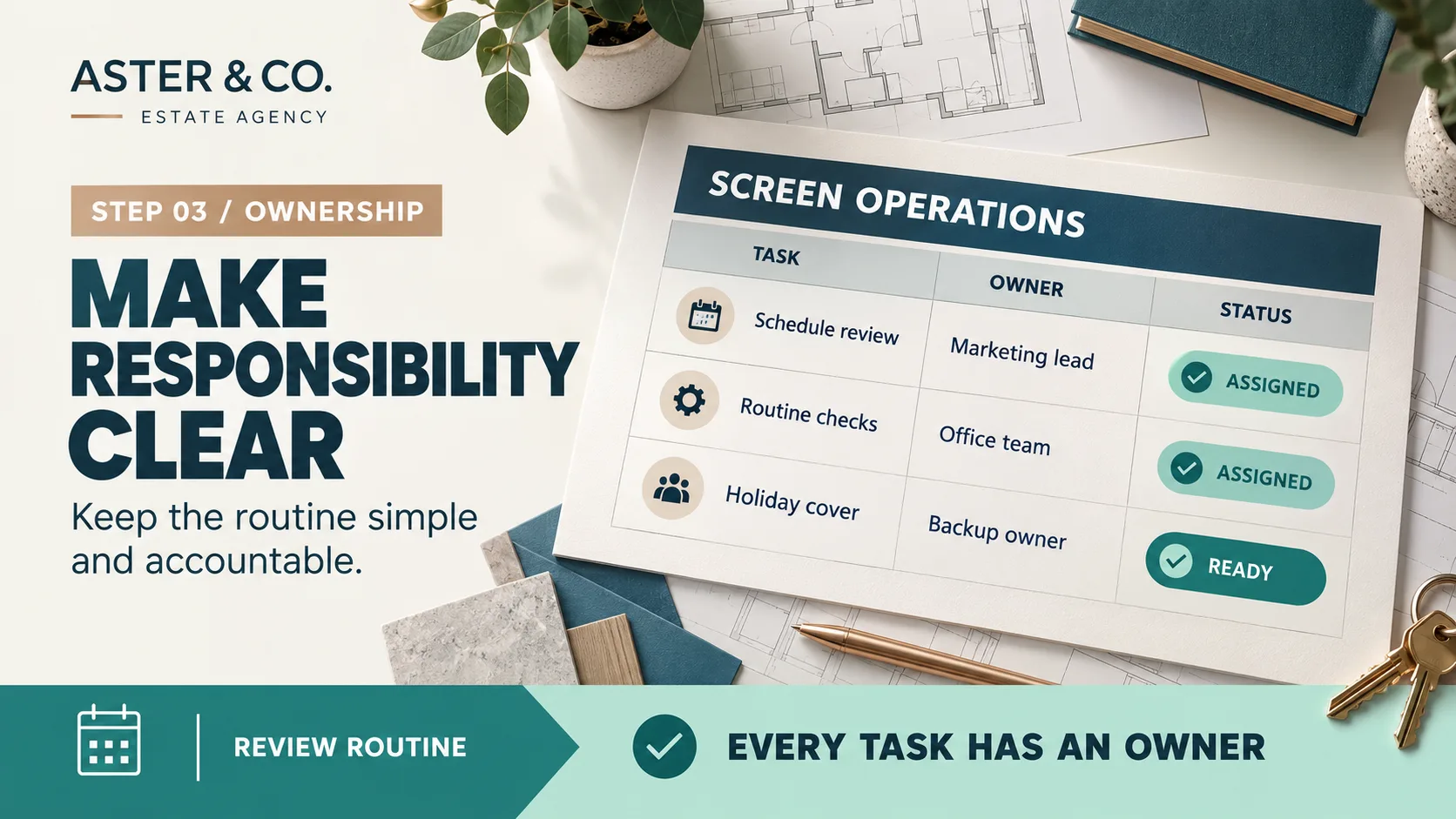
A screen can be perfectly installed and still become ineffective if nobody is responsible for reviewing it. Establishing ownership is part of getting started.
Assign a screen owner
Choose someone to coordinate scheduling and routine checks. They do not need to perform every task, but they should know who is responsible for each one.
Set a review routine
Agree when schedules should be checked and updated. Review them more frequently when information changes quickly, and establish a routine that your team can realistically maintain.
Plan screen rotations
Decide how long visuals should stay in rotation, when they need reviewing and who will make the changes. A planned schedule is easier to maintain than a series of last-minute updates.
Arrange cover
Decide who takes over during holidays, absences or staffing changes so that regular checks do not depend on one individual.
Coordinate branches
If your business operates from several offices, clarify which decisions are shared and which can be handled locally.
Keep a simple record
Document essential responsibilities, checks and procedures so that your screen operations remain understandable as the team evolves.
Once your operating routine is in place, you can explore what to show on estate agency screens in different locations as a separate decision from the rollout itself.
Keeping your screens useful after launch
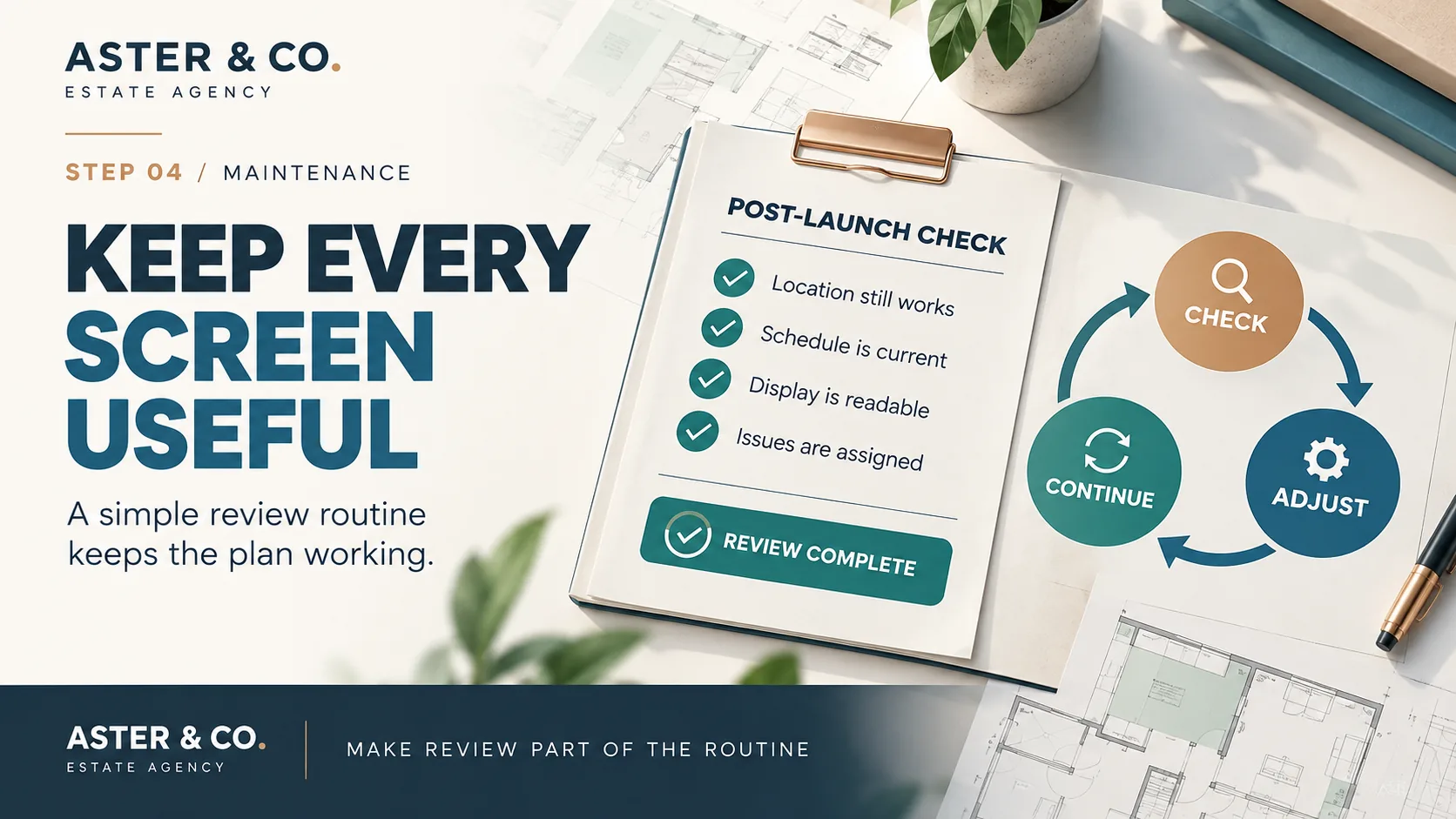
Going live is not the end of the project. It is the beginning of a routine that helps your screens remain relevant to the agency.
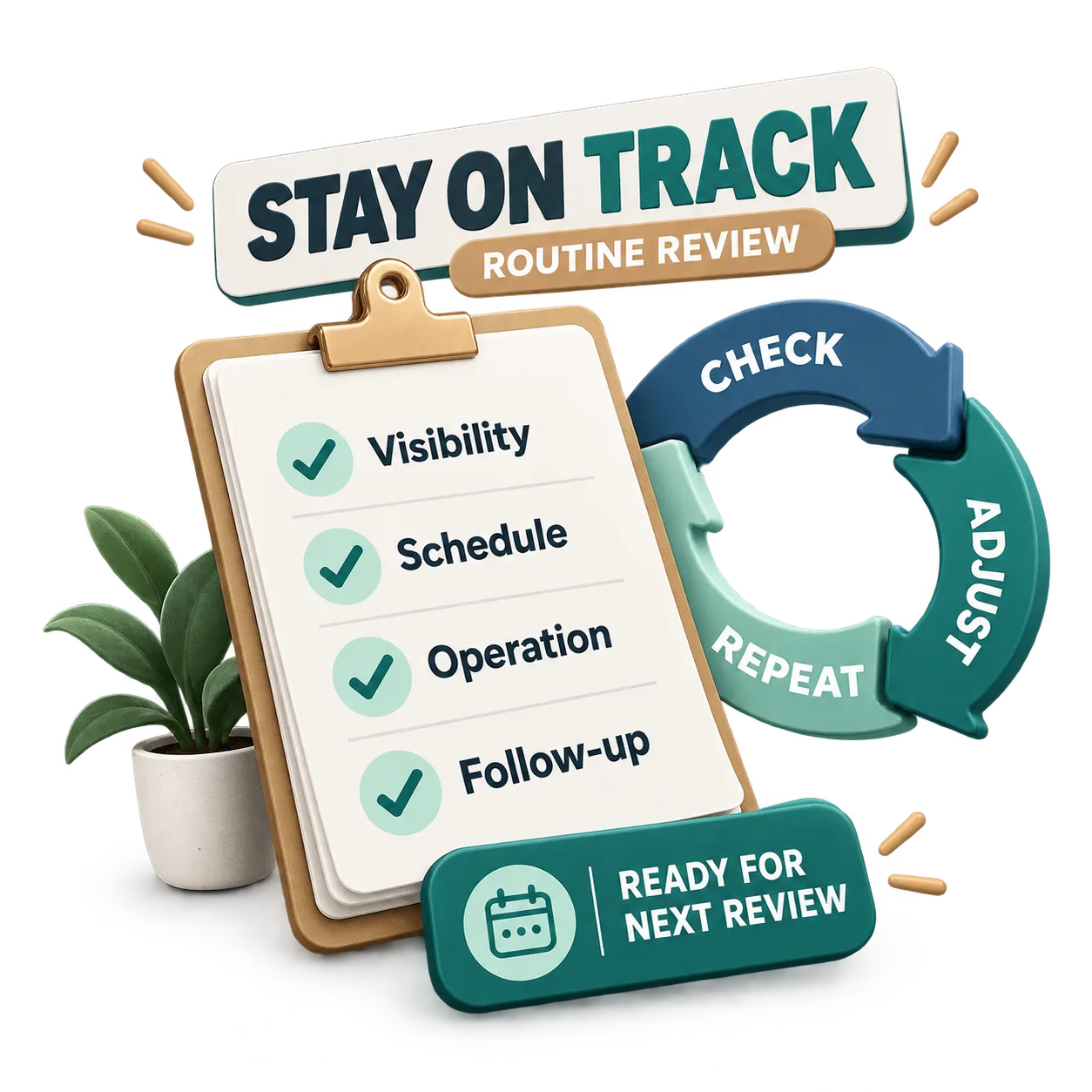
Check regularly that each screen is operating, that information is displayed correctly and that the agreed schedule is being followed. Changes to lighting, furniture or visitor movement may also affect how well a location works.
Make sure staff know how to report a problem and who will deal with it. A short, repeatable check is often easier to sustain than an elaborate process that gets postponed.
It is also worth reviewing whether the original location still makes sense. A technically functioning screen may need a change in orientation, operating hours or intended use.
The goal is not to create more administration. It is to make digital signage a normal, manageable part of running your estate agency.
Common mistakes when introducing digital signage
Many early difficulties can be avoided by making practical decisions before installation.
Choosing locations for appearance alone
A screen should suit the actual viewing conditions and the way people use the space, not simply look attractive in a design proposal.
Rolling out too much at once
Adding multiple locations before testing the first stage can create unnecessary operational complexity.
Leaving ownership unclear
When nobody has clear responsibility for coordinating screen operations, routine checks and updates can easily be overlooked.
Improvising the schedule
Relying on last-minute changes makes it harder to keep information consistent, relevant and up to date.
Forgetting ongoing maintenance
Plan how screens will be checked, how problems will be reported and who will coordinate their resolution.
Expanding without reviewing
Use what you learn from the first installation to improve the next one instead of repeating avoidable problems.
From rollout planning to day-to-day screen management
Once you have chosen your locations, assigned responsibilities and established a review routine, you have a practical foundation for managing digital signage in your estate agency.
The next decision is how to organise that work in practice, particularly when several screens, team members or branches are involved.
To explore the next step, discover iMediaGO's digital signage solution for estate agencies and how it can support your agency's visual communication.
Take the next step with digital signage for your estate agency
You have a plan for locations, responsibilities and ongoing reviews. Explore how iMediaGO can help you organise digital communication across your estate agency.
Latest articles
Where to Place Digital Signage Screens in a Leisure Centre
Digital Signage for Auto Repair Shops: What to Show at Reception, in Waiting Areas and at Vehicle Collection

Digital signage in education: clear communication for students and visitors
What to Show on Restaurant Screens: 4 Practical Ideas
How to Design an Easy-to-Read Digital Restaurant Menu
Sunday Family Menu: How to Present an Offer Worth Sharing