
Estate Agencies
Digital signage for estate agencies: what to show on your screens to attract clients
Discover how to turn your estate agency's shop window and office into a dynamic commercial channel: content ideas, scheduling and practical examples to attract clients and property owners.
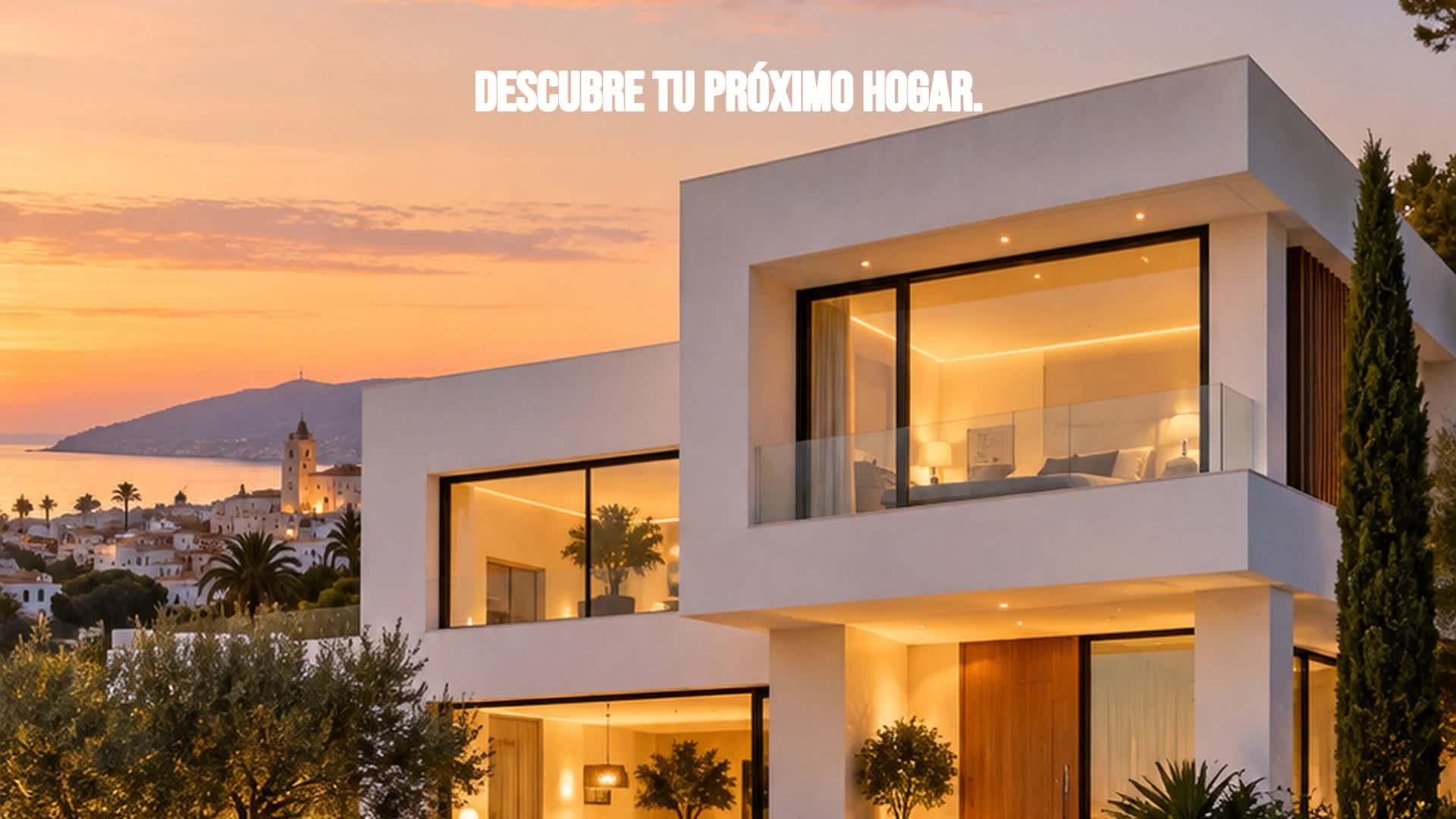
The estate agency shop window doesn't need to show everything
The shop window of a traditional estate agency often becomes a mosaic of paper property cards: small photos, prices illegible from the pavement, and too many messages competing for attention. The result is that no property stands out and passers-by simply walk past. Digital signage for estate agencies changes this logic: instead of showing everything, the screen lets you select what you want to communicate at any given moment. You can prioritise a specific property, a development, or a service, and give it the visual space it deserves. That ability to prioritise is what turns the shop window into a dynamic commercial channel, not just a digital replica of a notice board.
Use featured properties to catch the eye
A featured property doesn't need a complete property listing. On screen, less is more. Choose a high-quality hero photograph, a short headline that sparks curiosity, and the essential details: number of bedrooms, bathrooms, floor area, and price if the transaction requires it. For example, for a contemporary villa in Sitges you could show: “A villa that stops you in your tracks in Sitges”, accompanied by “4 bedrooms · 3 bathrooms · 210 m²” and “For sale. €895,000”. Then invite action with a clear message: “Request more information”. The goal is not to sell the property on the screen, but to get the interested person to come in, ask, or scan a QR code to view the full listing.
The screen can also attract property owners
Many agencies think of digital signage only for selling or renting properties, but the screen can also speak to property owners. If you have an office with local footfall, you can show messages about property valuation, sale, rental, or management services. You can pose questions such as “Do you want to sell your home?” or “Do you need help with letting?” and briefly explain the steps. This approach widens the sales funnel: you not only attract buyers and tenants, but also property owners who could become seller or landlord clients. It's a way of making the screen work for lead generation, not just promotion.
Change the message according to time and location
Context matters. A screen in the shop window should prioritise featured properties and high-impact messages to attract attention from the street. Inside the office, you can use screens to welcome visitors, show services, or inform about the buying and selling process. If you manage several branches, centralised scheduling lets you adapt content by location: an agency in the city centre is not the same as one in a new-build area. You can also change the message depending on the time of day or season: in the morning, rental promotions; in the afternoon, family homes; in summer, second-home properties. This flexibility makes digital signage much more than a digital poster.
Four types of campaigns for an estate agency
Manage content without redoing the shop window
Once the content strategy is defined, management shouldn't be a headache. You need to be able to create and update messages without redoing the shop window every week, schedule what is shown on each screen and when, and manage several offices from one place. iMediaGO offers a digital signage platform for estate agencies that facilitates exactly that: creating, updating, scheduling, and managing your screen content centrally. This way you can spend more time advising your clients and less time updating signs.
Discover iMediaGO's digital signage solution for estate agencies
Turn your shop window and office into a dynamic commercial channel. Create, update, and schedule content for your screens from a single platform.