Restaurants
How to Get Started with Digital Signage in a Restaurant
You don't need multiple screens or a complicated content plan to get started with digital signage in your restaurant. Start with one clear goal, a simple setup and a message your customers will find useful. This practical guide takes you from planning your first screen to checking your first campaign in the restaurant.

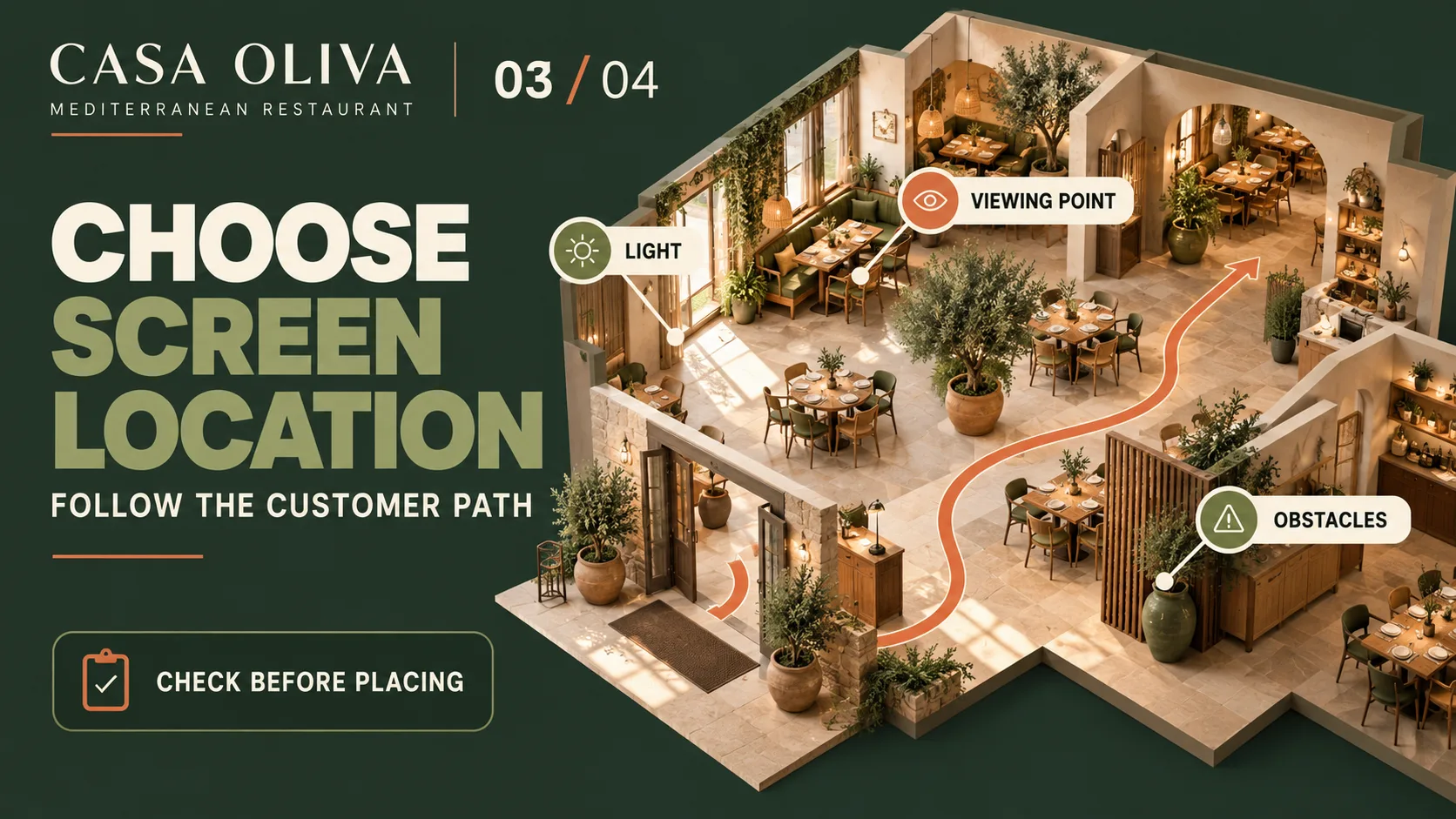

Before installation: decide what your screen should do
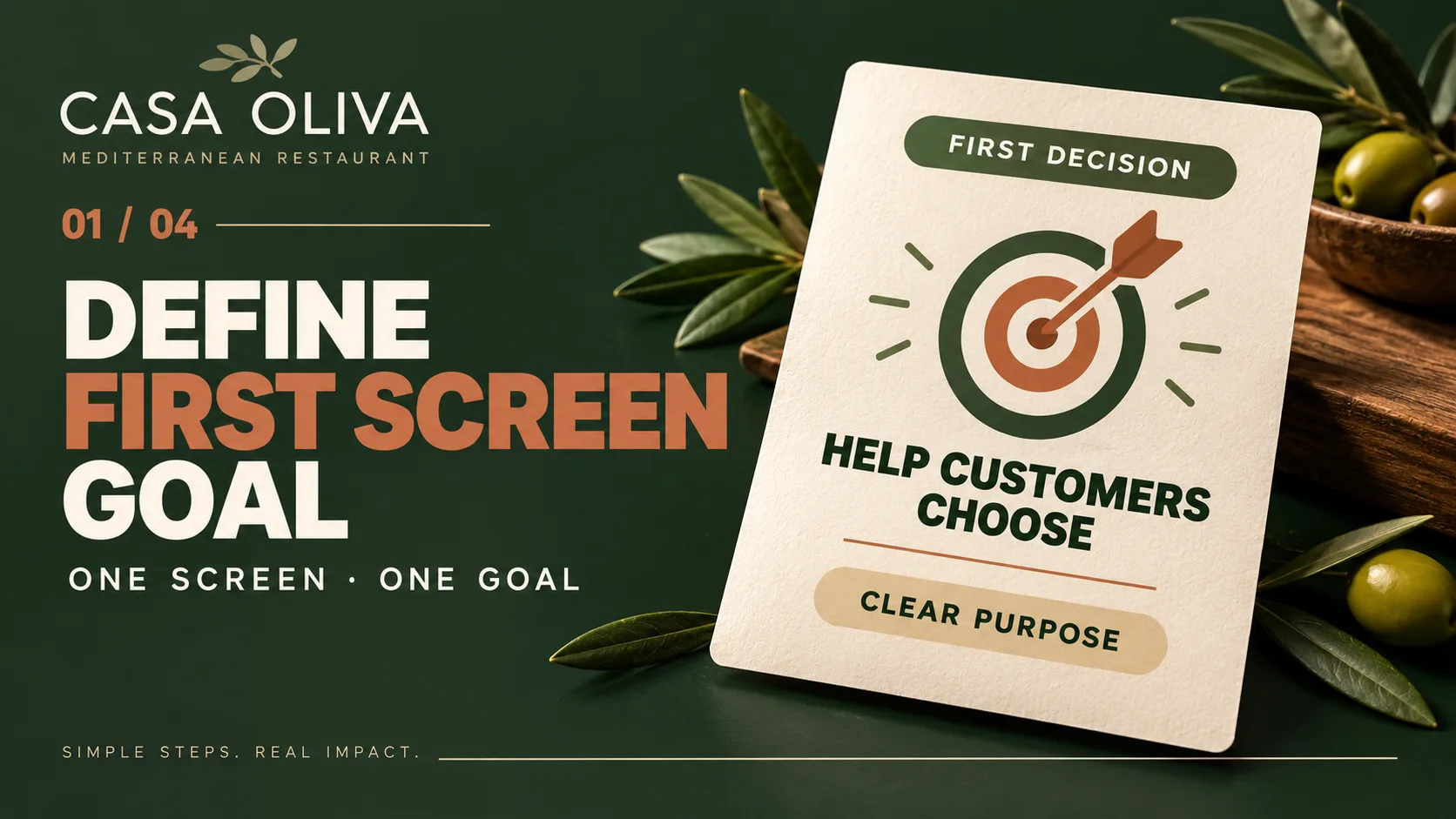
Getting started with digital signage means more than turning on a screen and displaying an image. Your first decision is to understand what you want to communicate and when customers will see the message.
Think about a specific situation in your restaurant. What information might customers need? What should they remember? At which point in their visit would the message be useful? Answering these questions helps you give your first screen a clear purpose without trying to communicate everything at once.
Customer need
Start with the information customers need in a particular situation. Your screen should address something relevant to their restaurant experience.
One clear objective
Decide whether the screen should guide customers, introduce an offering or support a decision. Choose one priority for your first campaign.
A simple message
Express the main idea in a few words. Customers should understand what you're communicating without having to read a lengthy explanation.
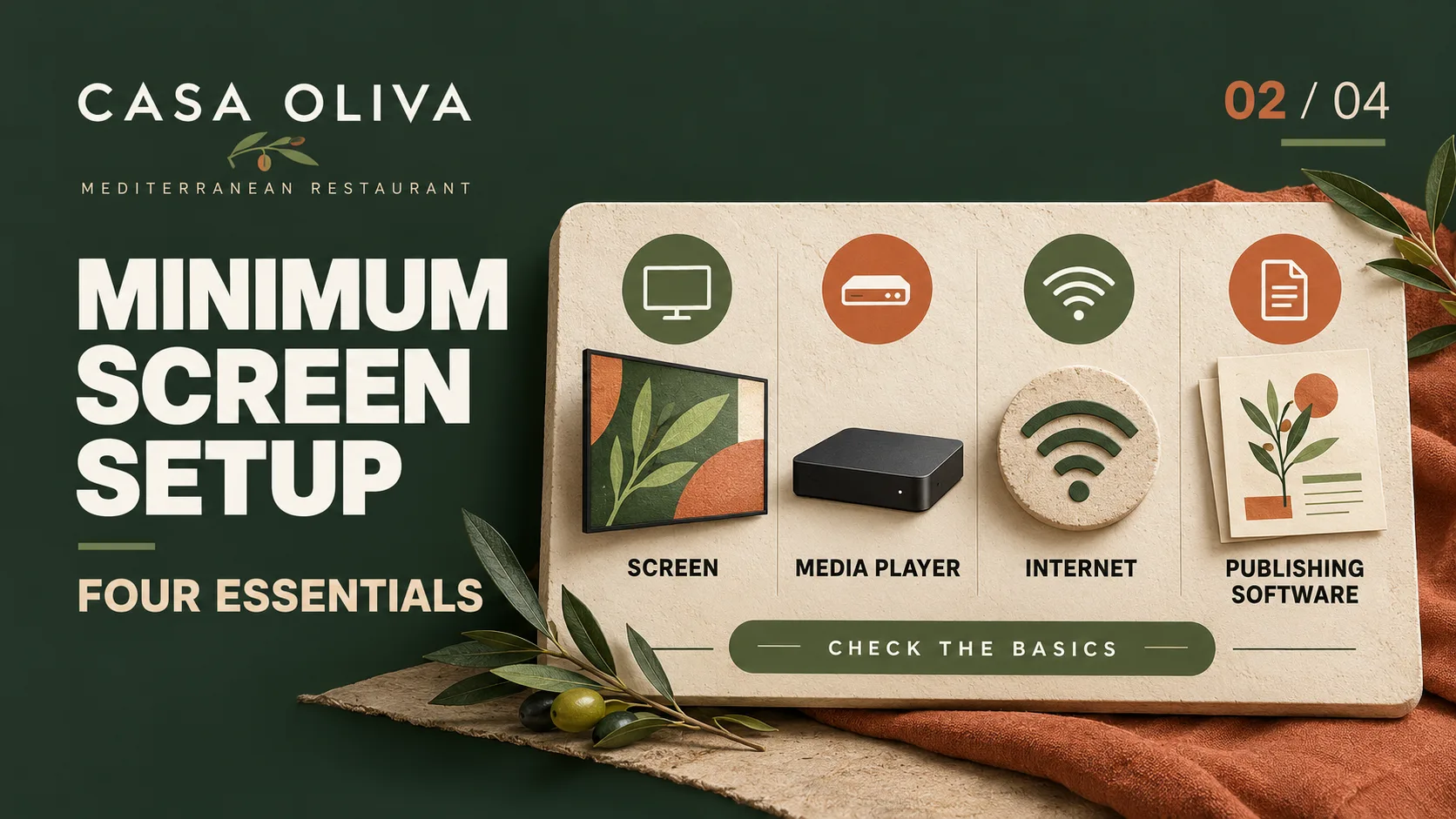
The basic setup: four essentials for your first screen
Screen and media player
The screen displays your content, while the media player sends the content to the display. Before you begin, check that the two devices can connect and work together correctly.
Internet connection
Prepare a connection suitable for the system you intend to use. Check its stability and any connection requirements before considering the setup complete.
Publishing software
You'll need a tool to prepare and publish content to your screen. At this stage, focus on confirming that your first campaign can be displayed, rather than turning the guide into a software comparison.
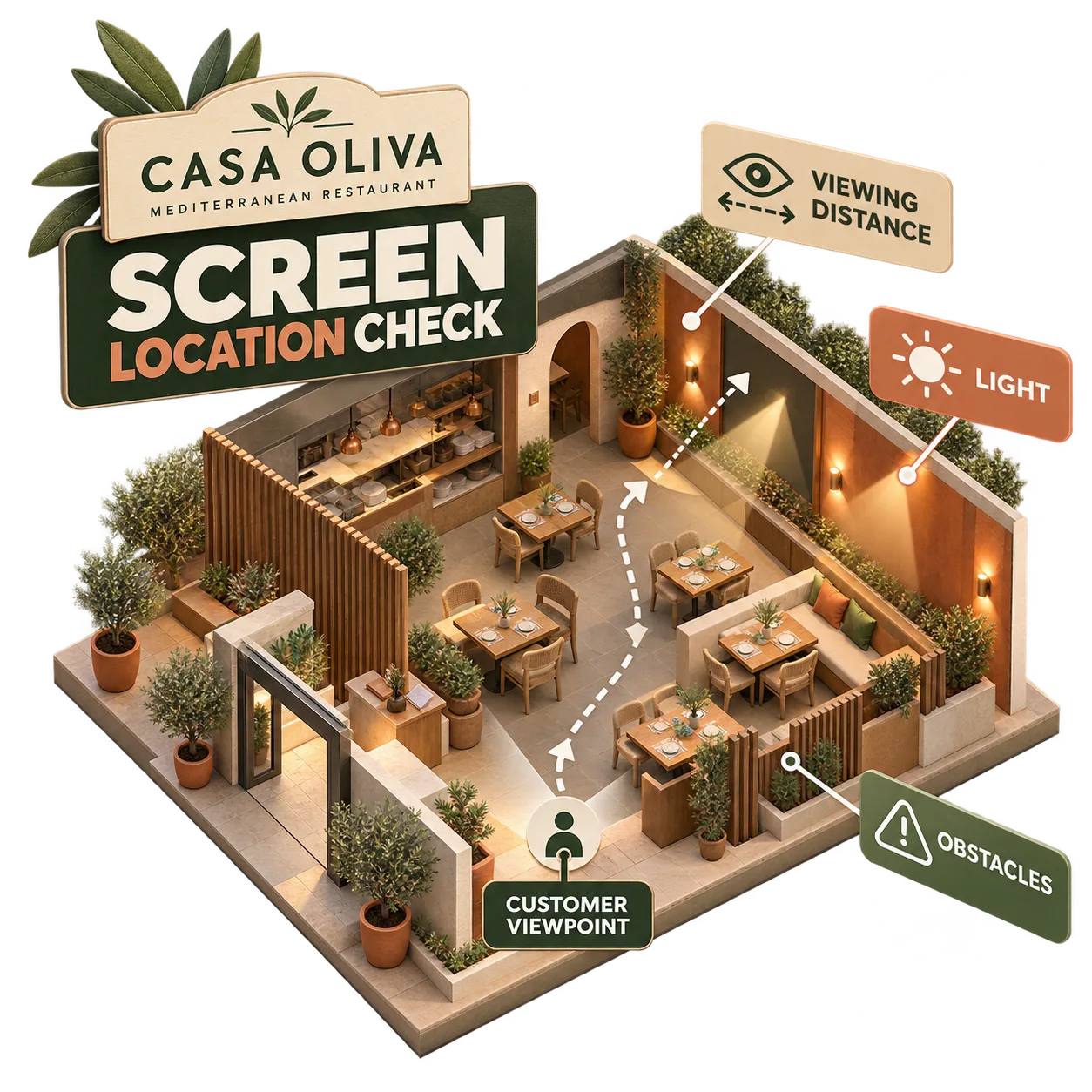
Where to place your first screen and what to check
Screen placement affects how long customers have to notice a message and how useful that message will be. An entrance, a waiting area and a point where customers make decisions create different viewing situations.
Walk through your restaurant as a customer would before settling on a location. Check the viewing distance, lighting, possible obstructions and whether the message makes sense from where customers will actually see it.
A well-positioned screen doesn't need to carry every message. It needs to communicate something relevant at the right moment.
How to prepare your first screen campaign
Once you've defined the goal, prepared the equipment and chosen a location, you're ready to create your first campaign. Start with one clear message rather than several different pieces of content.
Write a short message, choose a suitable image or visual and arrange the content to match your restaurant's identity. Then display it on the intended screen to check how it looks in practice.
Before showing it to customers, make sure the information is accurate, approved by the restaurant and understandable in its viewing context.
First campaign example: Pulpo a la brasa at CASA OLIVA
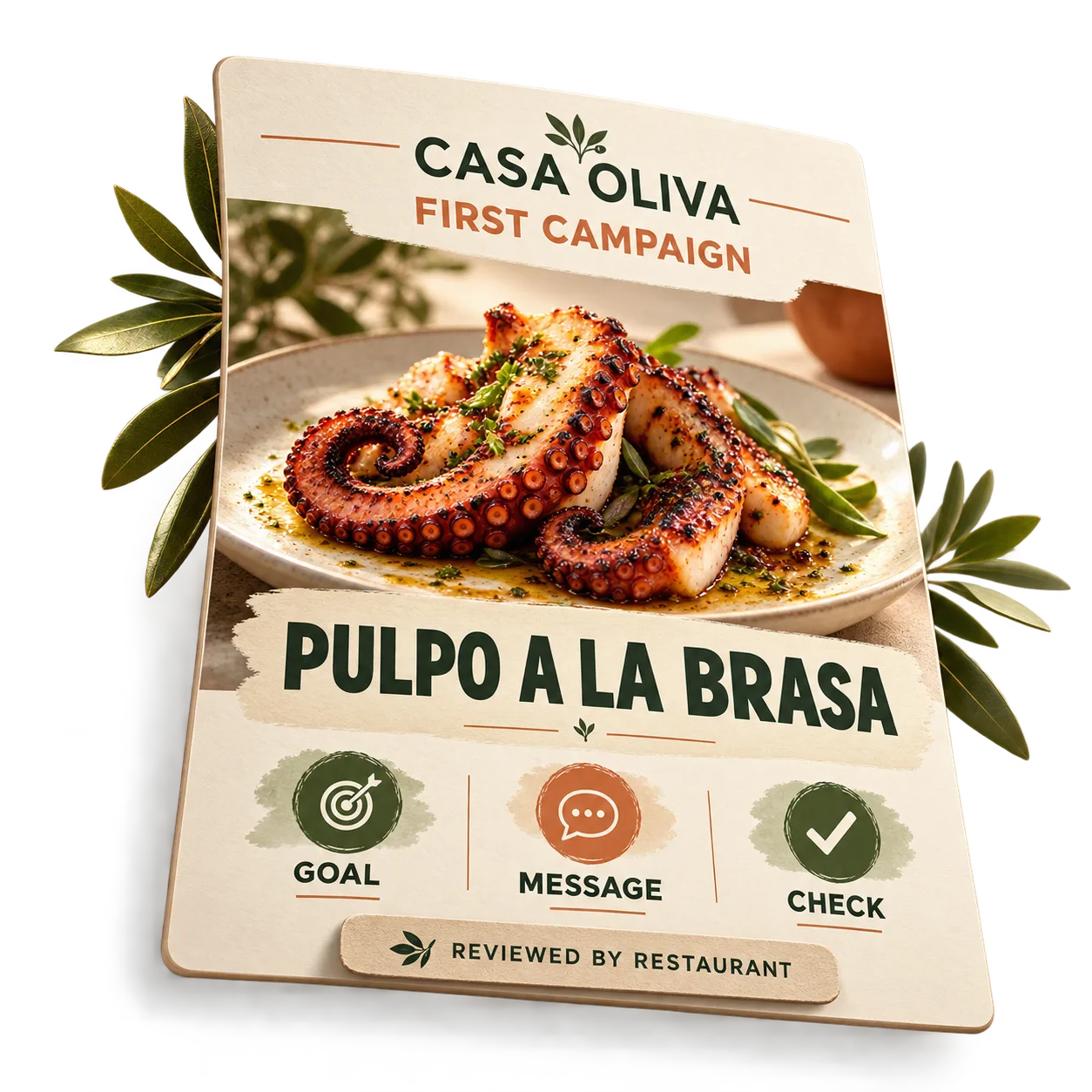
Imagine CASA OLIVA wants to use its first screen to introduce a dish from its menu: Pulpo a la brasa. The objective is straightforward: help customers recognize the dish as one of the restaurant's offerings.
The main message can simply be the dish name, "Pulpo a la brasa", supported by a representative image and a composition consistent with CASA OLIVA's identity. There's no need to add a price, discount or unverified promotional claim.
Once the piece is prepared, the restaurant checks that the name is accurate, the image represents the intended offering and the message is recognizable from the viewing area. This turns a simple idea into a first campaign ready for use after the restaurant's review.
Common mistakes when starting with restaurant digital signage
Installing before defining a goal
Without a clear objective, your screen may end up showing information customers don't need. Identify one communication goal before installing it.
Choosing a location without testing it
A screen that looks easy to see up close might be hard to notice along the customer's usual route. Test visibility from the places where customers will actually stand or walk.
Trying to say too much
Too many messages compete for attention. Keep your first campaign focused on one clear idea.
Skipping the real-world check
Content that looks good during preparation may be difficult to read on the actual screen. Check the campaign in your restaurant and adjust it if necessary.
What to check after your first campaign goes live
Once your campaign is visible, look at it from the customer's perspective. Is the message easy to recognize? Is the screen in a suitable position? Is the information still correct?
If something isn't working, make one practical adjustment before adding more content or screens. You might shorten the text, simplify the design or reconsider the screen's position.
This initial review isn't about building a publishing calendar. It's about learning from your first real setup and creating a reliable starting point.
If you're still deciding which content might be useful on your screens, explore our guide to what to show on restaurant screens and choose an idea that fits your first test.
Once your first campaign has been checked and you're ready to organize future messages, explore our restaurant screen content calendar guide as a separate next step.
If you later want to explore how to present a particular dish in more detail, read our guide on highlighting a product on restaurant screens without turning this getting-started guide into a product promotion tutorial.
When you're ready to explore a solution for your business, visit iMediaGO's digital signage for restaurants page to learn about the commercial offering.
Frequently asked questions about getting started
Take the next step with your restaurant screens
You now know the essentials: define a goal, prepare the equipment, choose a location and check your first campaign. Explore iMediaGO's restaurant solution to see how it could fit your business.
Latest articles
Where to Place Digital Signage Screens in a Leisure Centre
Digital Signage for Auto Repair Shops: What to Show at Reception, in Waiting Areas and at Vehicle Collection

Digital signage in education: clear communication for students and visitors
What to Show on Restaurant Screens: 4 Practical Ideas
How to Design an Easy-to-Read Digital Restaurant Menu
Sunday Family Menu: How to Present an Offer Worth Sharing