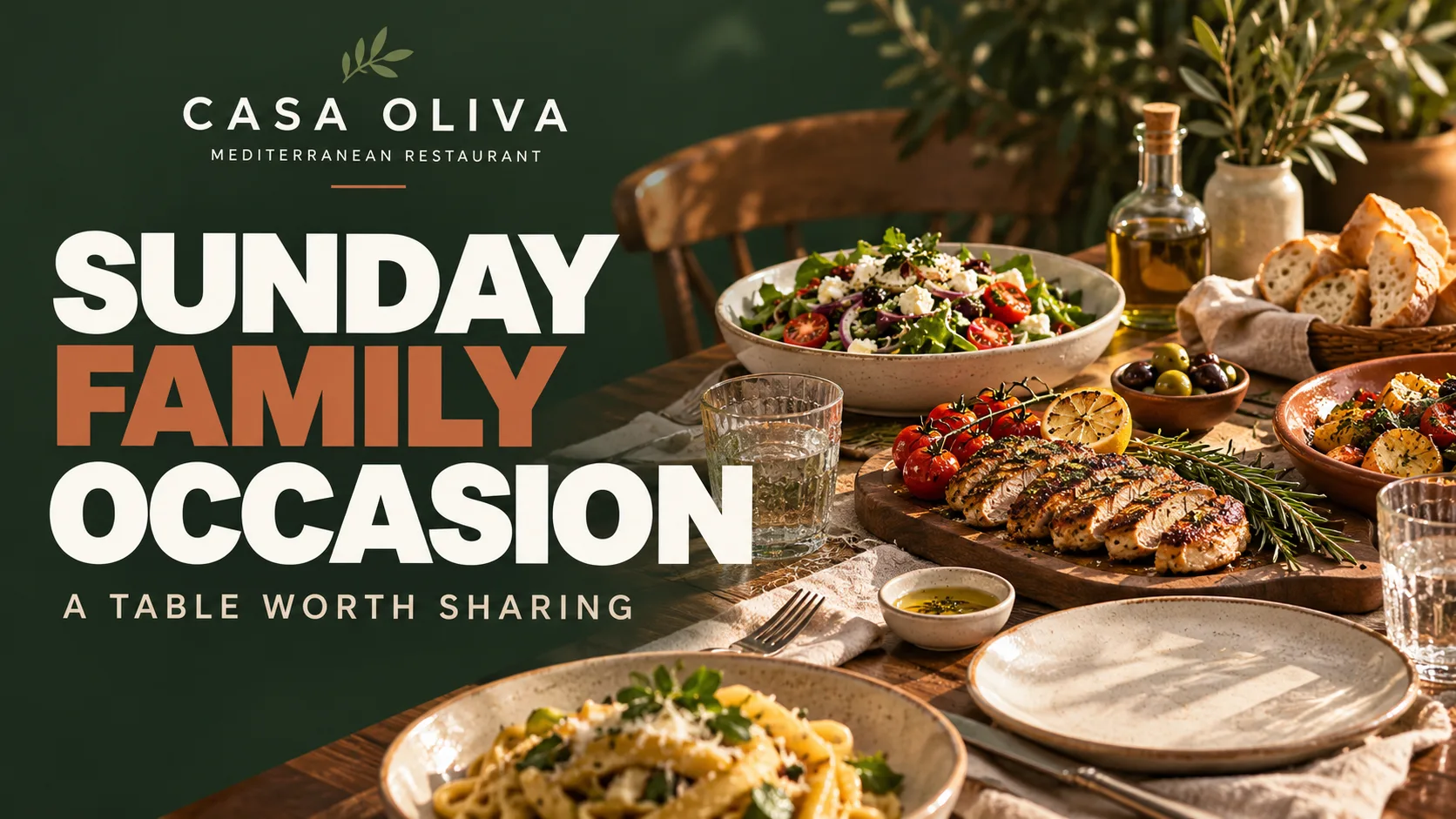
Restaurants
What to Show on Restaurant Screens: 4 Practical Ideas
Restaurant screens can do more than display a menu. Use them to spotlight signature dishes, show menus and prices, announce upcoming events, or encourage guests to connect with your restaurant. Here are four practical content ideas, with examples, to help you communicate clearly and make your screens part of the dining experience.


Beyond a Static Menu: Four Ideas for Restaurant Screens
A restaurant screen can communicate different messages depending on what you want guests to discover. Not every message needs to be a promotion. A beautiful food photograph, a selection from your menu, an upcoming event, or a welcoming message can all have a purpose.
The key is to choose content that fits your restaurant and is easy to understand at a glance.
These four ideas show how screens can highlight your food, share useful information, and create stronger connections with your guests.
Put a Signature Dish in the Spotlight
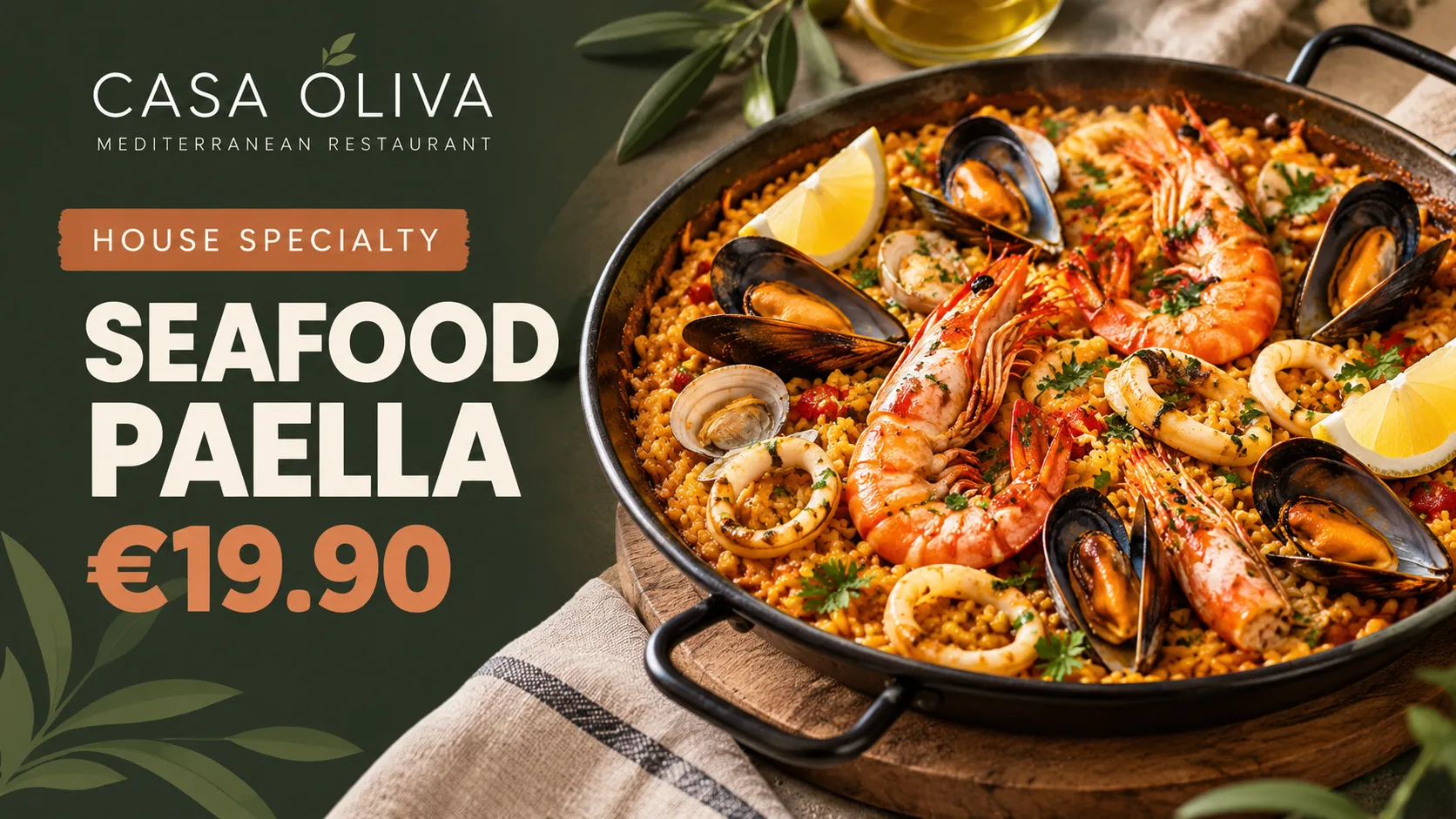
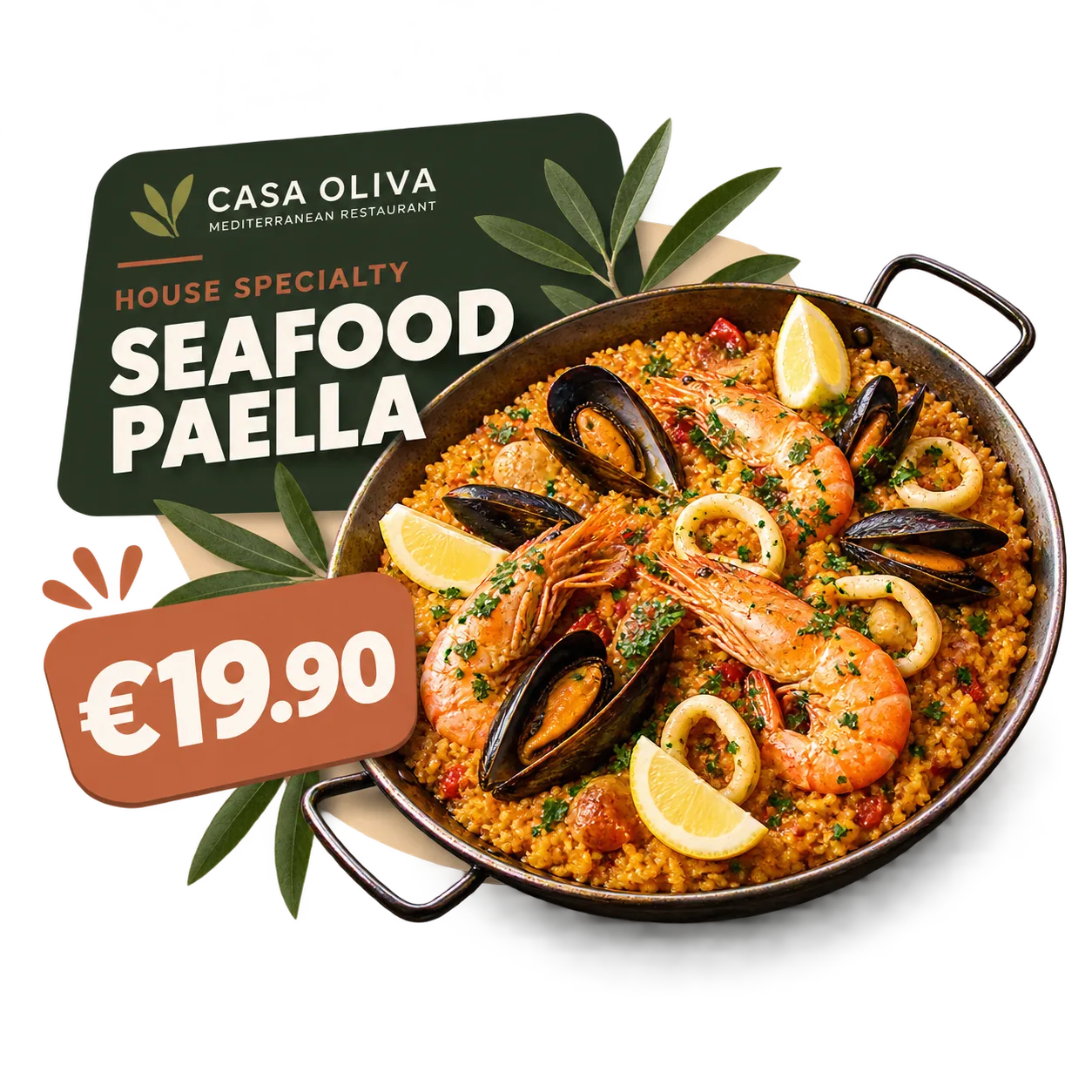
An appealing photograph of a dish can catch a guest's eye before they open the menu. Use your restaurant screens to showcase a house speciality, a popular dish, or something you'd like more guests to discover.
Imagine a photograph of freshly prepared seafood paella, with the dish name and a price of €19.90. Guests immediately see what is available and how much it costs.
This type of content helps express your restaurant's culinary identity without turning every message into a discount or special offer.
Show Your Menu and Prices Clearly
Alongside individual dishes, screens can give guests an overview of your menu or a particular selection.
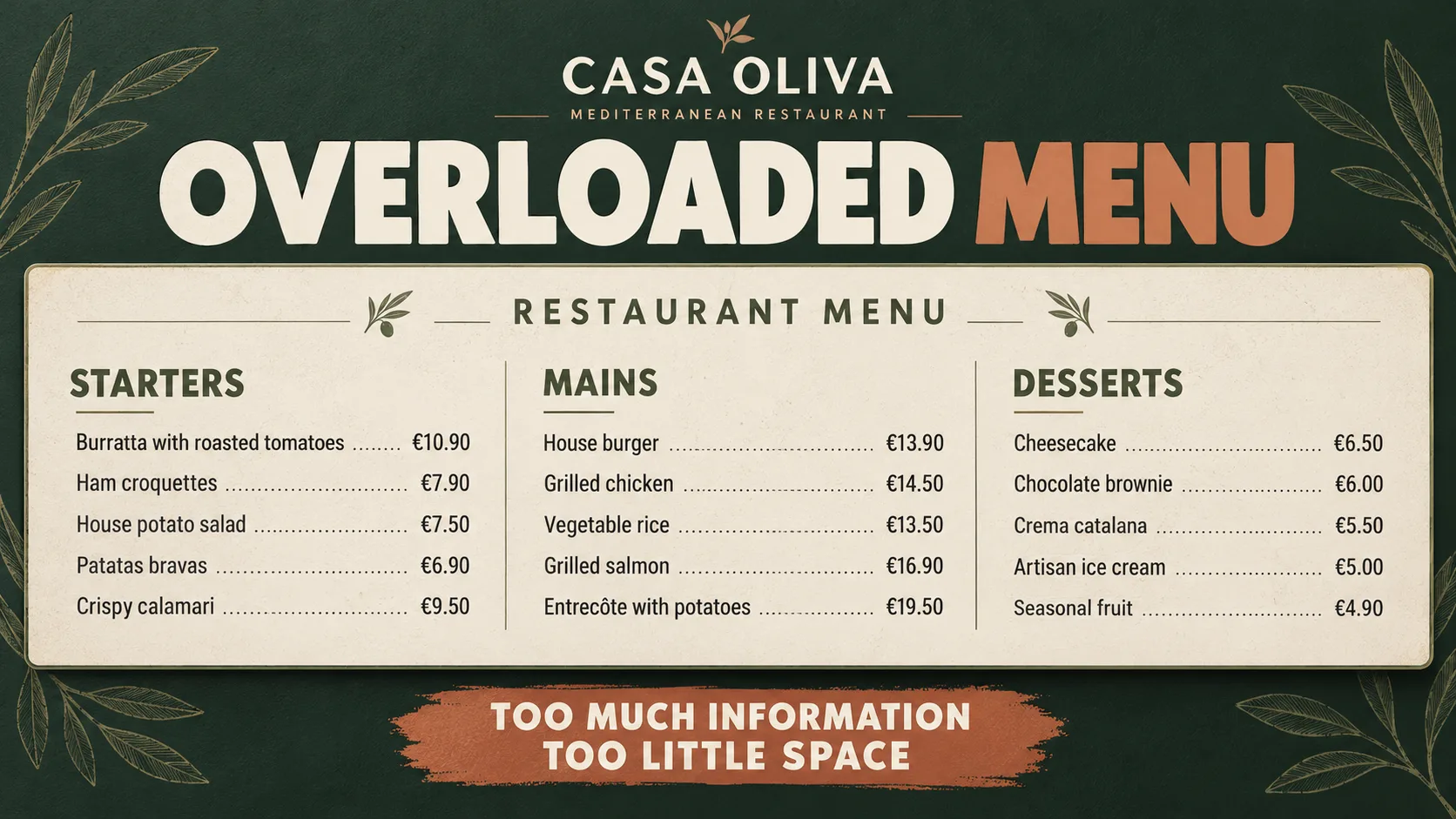
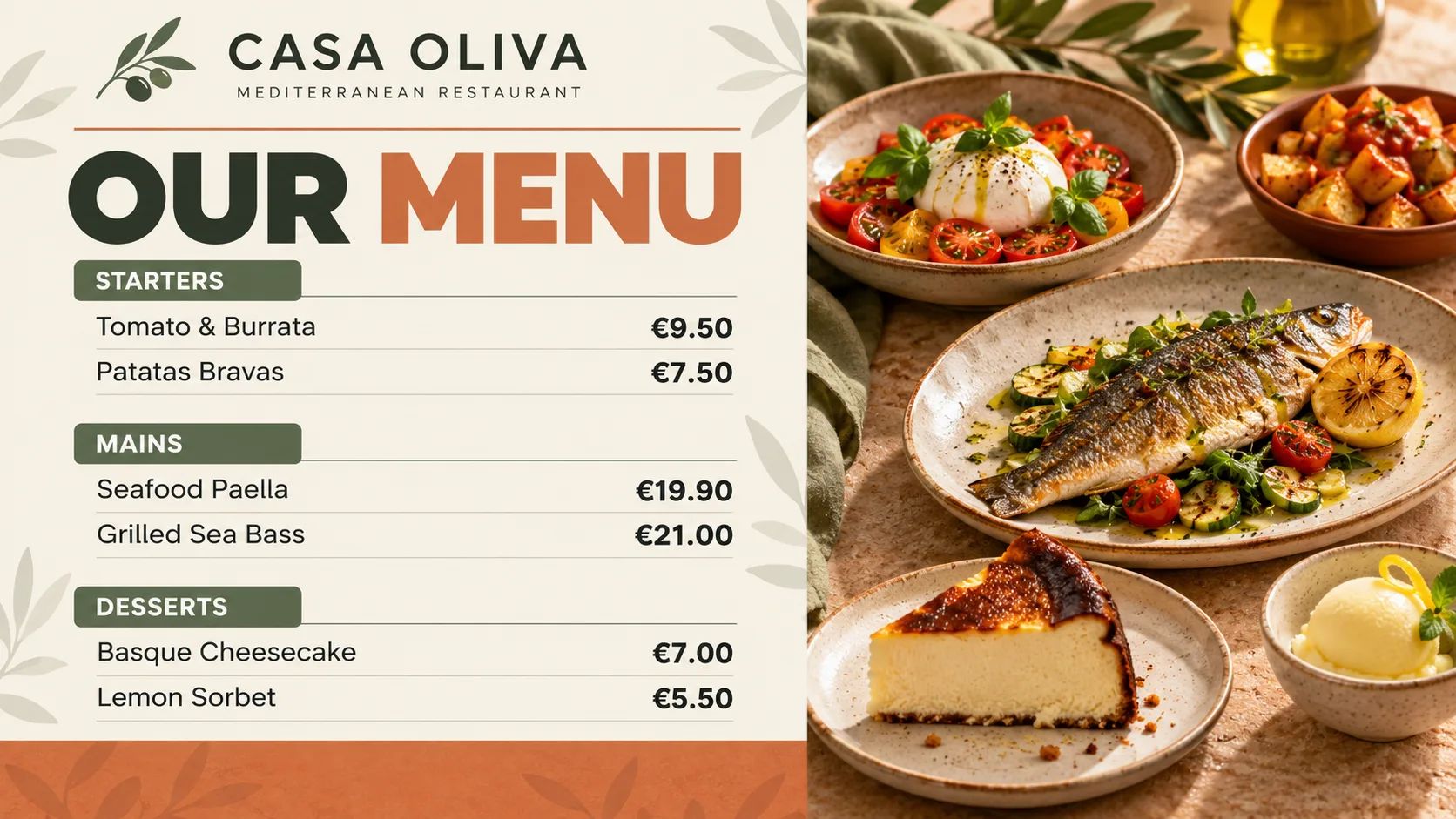
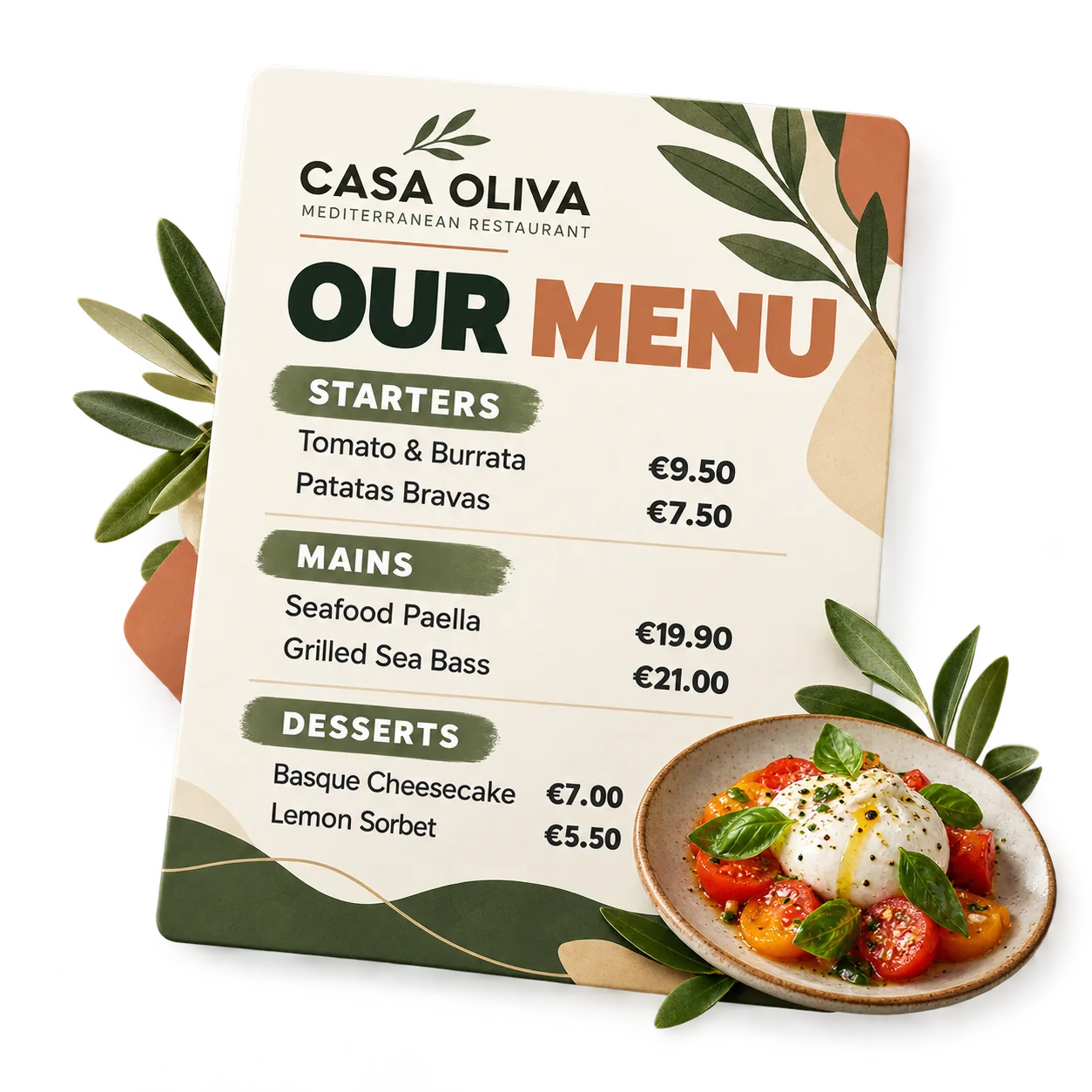
For example, a Mediterranean restaurant might feature starters, main courses, and desserts, each with its price. Guests can quickly discover the choices available and get a feel for the food before ordering.
Avoid squeezing your entire menu onto one screen. A short, clearly organised selection with readable dish names and prices is often more useful than a crowded display.
Let Guests Know What's Happening
Restaurant screens can also introduce experiences that go beyond the food.
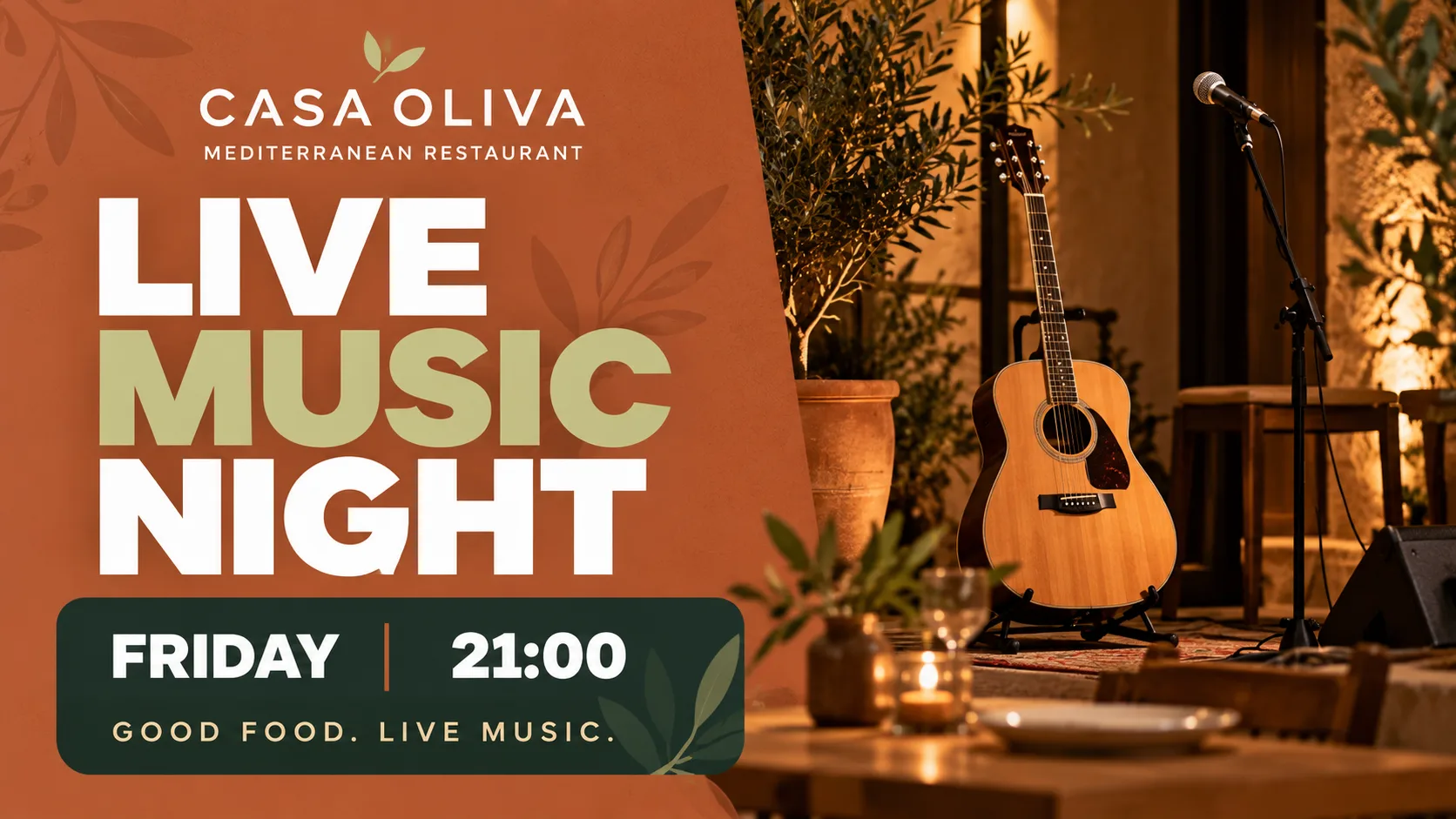
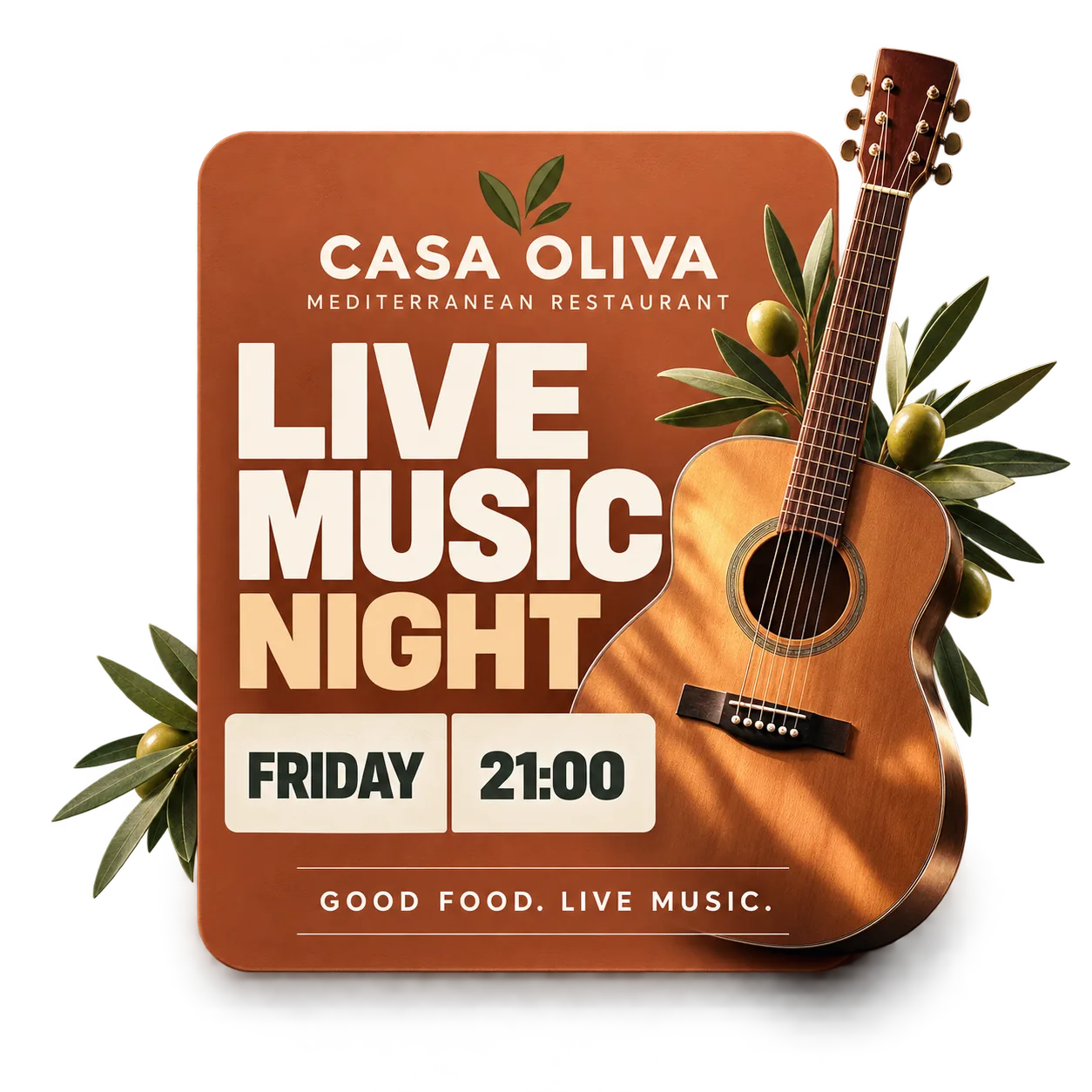
Live music, a tasting evening, or a special gathering can be presented through a simple visual announcement that makes the activity easy to recognize.
For example, display “Live music night — Friday, 21:00” alongside an image that reflects your restaurant's atmosphere. Guests can spot the upcoming event while they're already dining with you.
Stay Connected with Your Guests
Not every screen message needs to focus on food or prices. Some can help express your restaurant's personality and build a sense of connection.
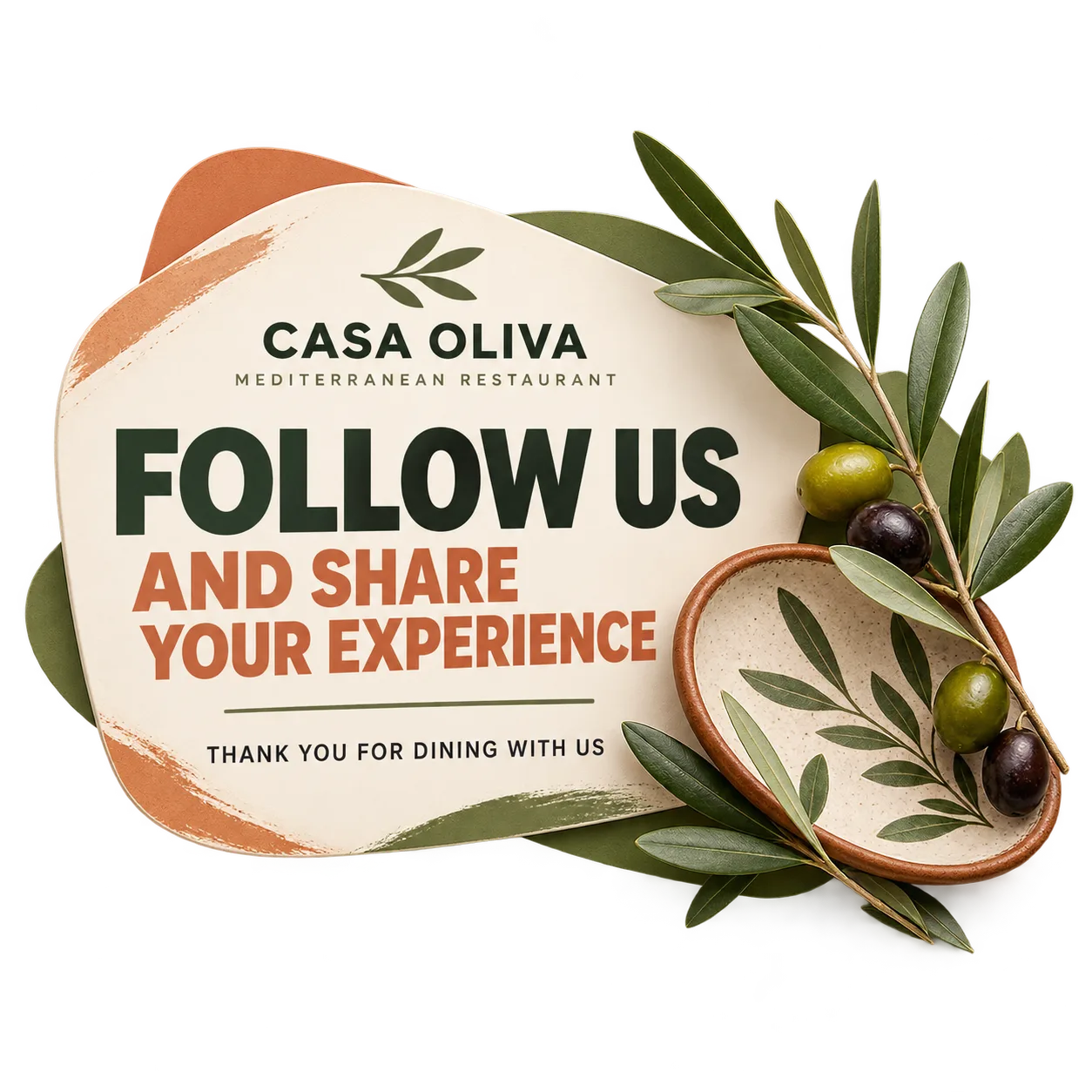
A simple message such as “Follow us and share your experience” can invite guests to visit your social media channels or share a moment from their visit.
This kind of content brings a more personal tone to your restaurant's communication and keeps the relationship going beyond the dining table.
Four Ideas to Communicate More Effectively
Highlight Your Food
Draw attention to dishes and specialties that represent your restaurant's culinary identity.
Share Useful Information
Display selected dishes, menus, prices, and upcoming activities so guests can see what's available at a glance.
Build Guest Connections
Announce events and share messages that invite guests to engage with your restaurant beyond their visit.
If you're getting ready to use your first restaurant screen, explore our guide to getting started with digital signage for restaurants and the basic decisions involved in publishing your first content.
For a closer look at presenting one particular dish, learn how to highlight a product on restaurant screens with a visual approach focused on that item.
To explore menu categories and price presentation in more detail, read our guide to designing an easy-to-read digital restaurant menu that helps guests understand their options.
Once you've chosen the content you want to display, discover how to plan a restaurant screen content calendar and organize your messages throughout the month.
If you also want to communicate promotions available for a limited period, explore how to promote limited-time offers on restaurant screens in our dedicated article.
Ready to bring these ideas into your restaurant? Explore iMediaGO digital signage for restaurants and discover how to communicate your food and dining experience.
Frequently asked questions
Bring These Ideas to Your Restaurant Screens
From a featured dish to a special event, every message is an opportunity to show guests what makes your restaurant unique. Discover the next step with iMediaGO.
Latest articles
Where to Place Digital Signage Screens in a Leisure Centre
Digital Signage for Auto Repair Shops: What to Show at Reception, in Waiting Areas and at Vehicle Collection

Digital signage in education: clear communication for students and visitors
How to Design an Easy-to-Read Digital Restaurant Menu
Sunday Family Menu: How to Present an Offer Worth Sharing