Restaurants
How to Highlight a Specific Product on Your Restaurant Screens
A great dish can still get overlooked. Learn how to put one menu item in the spotlight, create a clear visual hierarchy and develop four connected designs that help guests notice what makes it special.

Choose a menu item worth putting in the spotlight
You don't need to promote your entire menu at once. A focused visual promotion starts with one clear choice: a signature dish, a menu item you want more guests to discover or a dessert that deserves greater visibility.
Look for something with a distinctive quality you can communicate visually. It might be a texture, an ingredient, a preparation detail or the way the dish is served. The easier that quality is to recognise, the easier it becomes to build a memorable message around it.
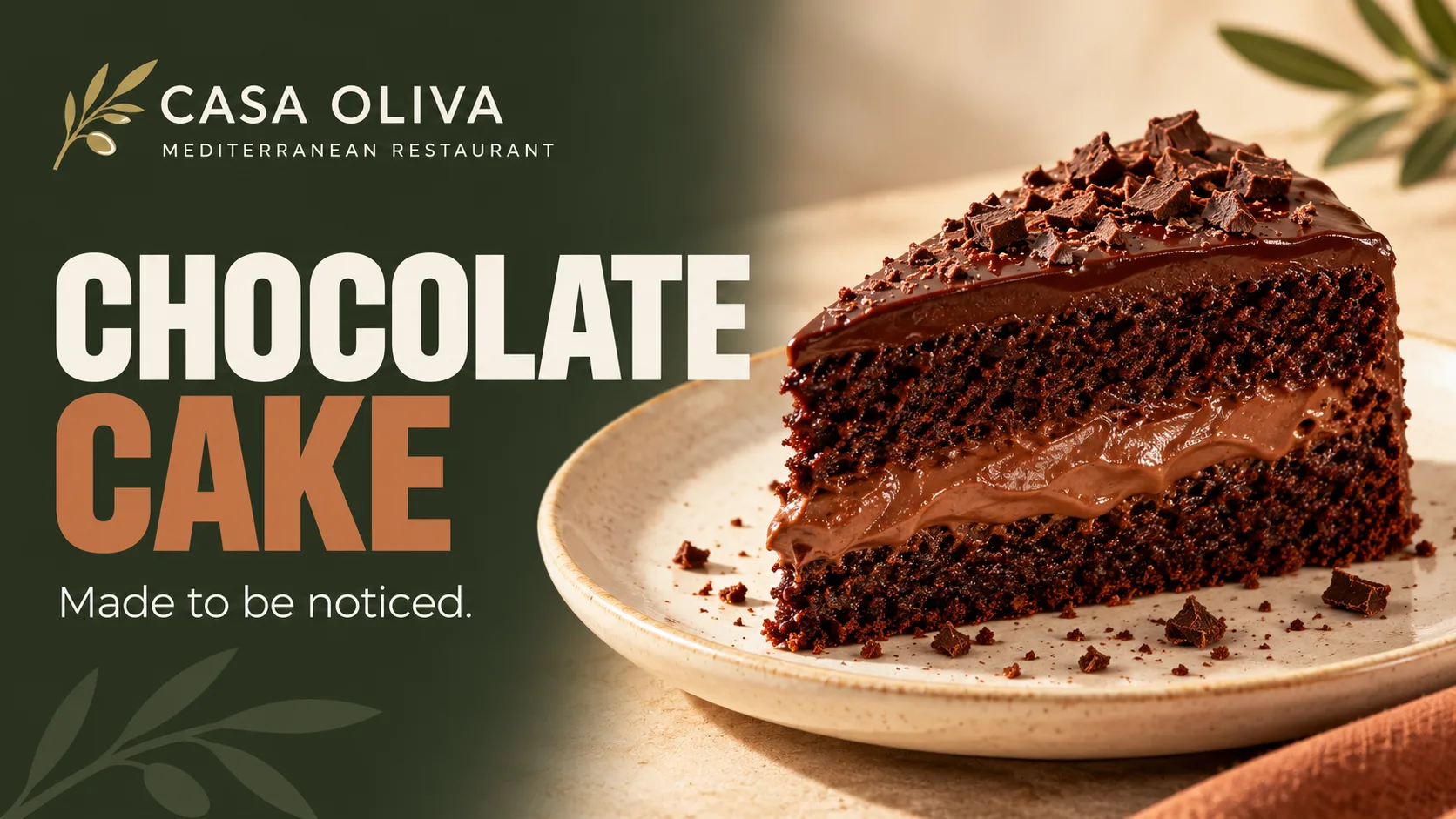
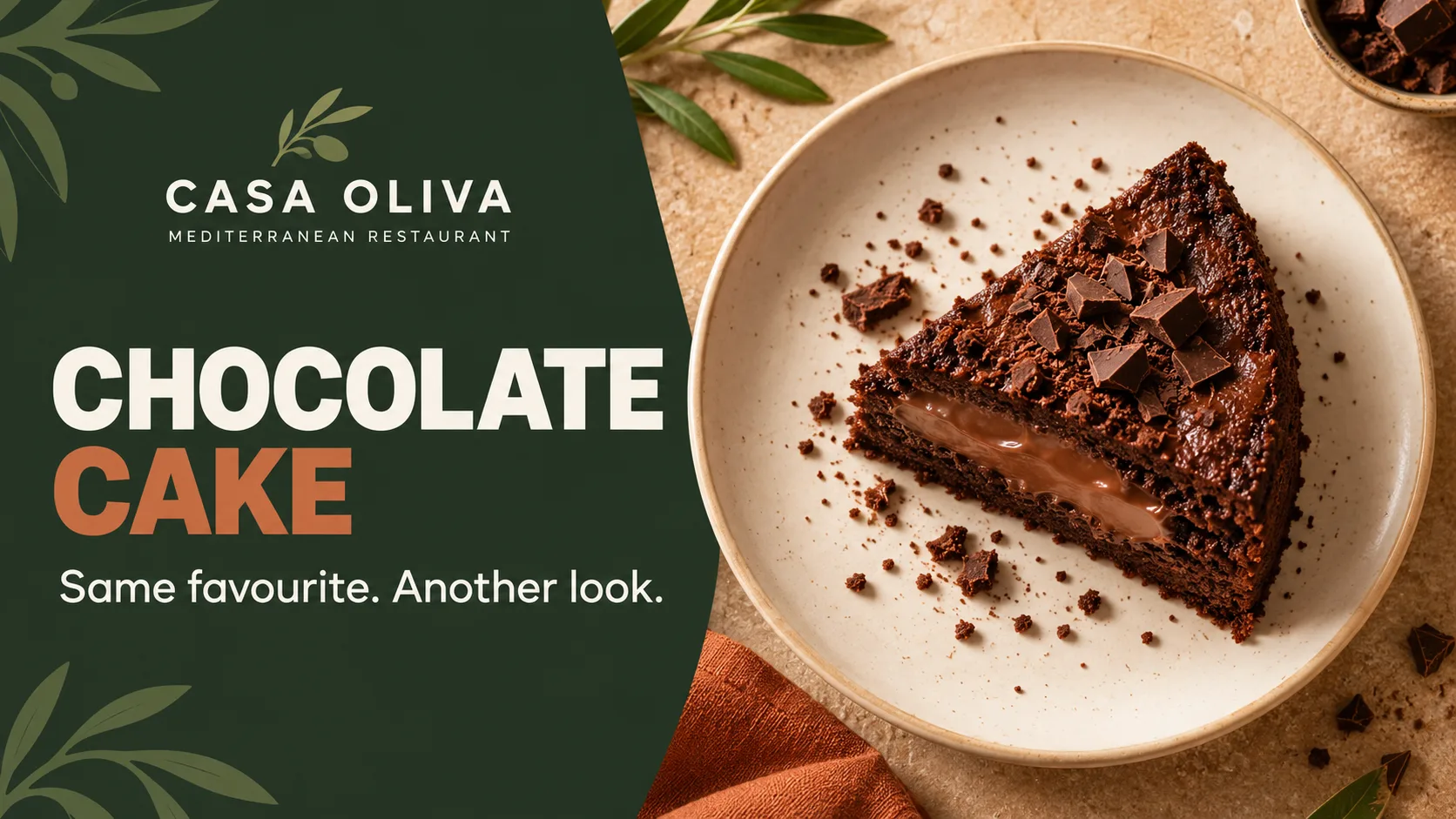
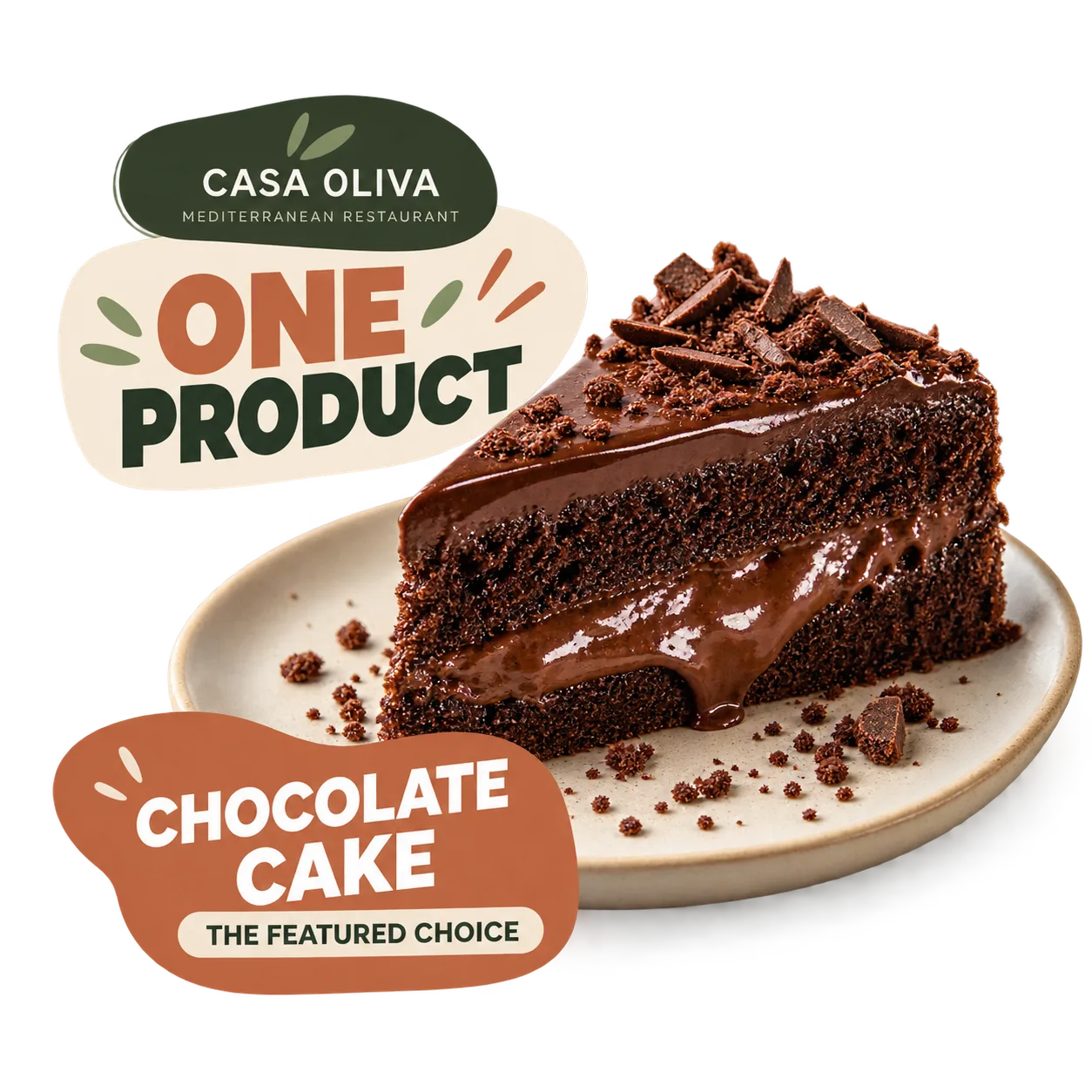
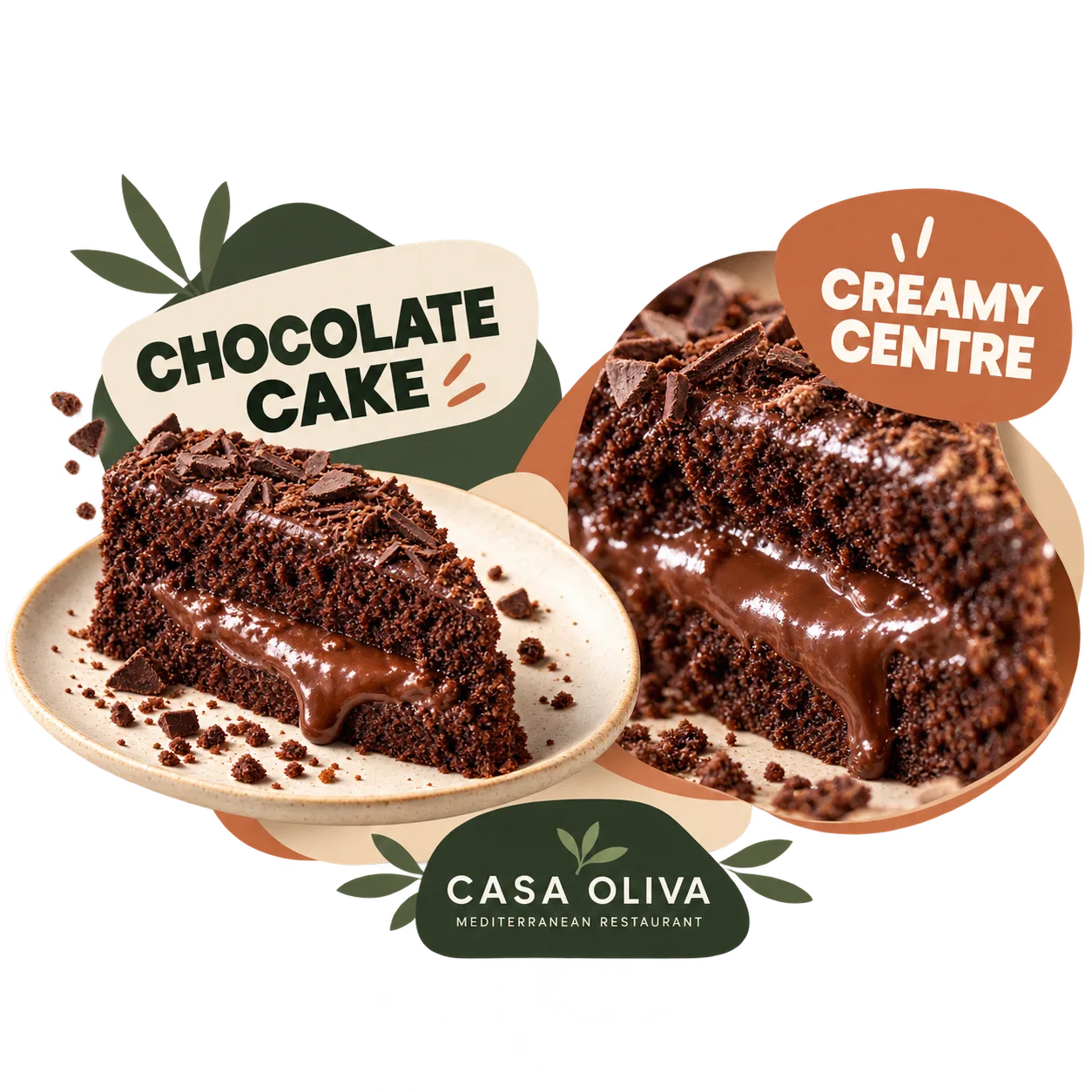
At CASA OLIVA, we're featuring a chocolate cake with a soft, molten centre. Its rich texture provides a natural visual focus, making it an ideal example of how one menu item can become the centre of a promotion.
Decide what you want guests to remember
A restaurant screen doesn't need to explain everything about a dish. It needs to communicate one clear idea that guests can understand quickly.
Before designing, decide what should catch the eye, which product quality matters most and what information guests genuinely need. These choices will guide every composition.
One clear objective
Decide whether you want guests to discover the dish, remember it or feel encouraged to order it. Avoid giving one design several competing objectives.
One eye-catching detail
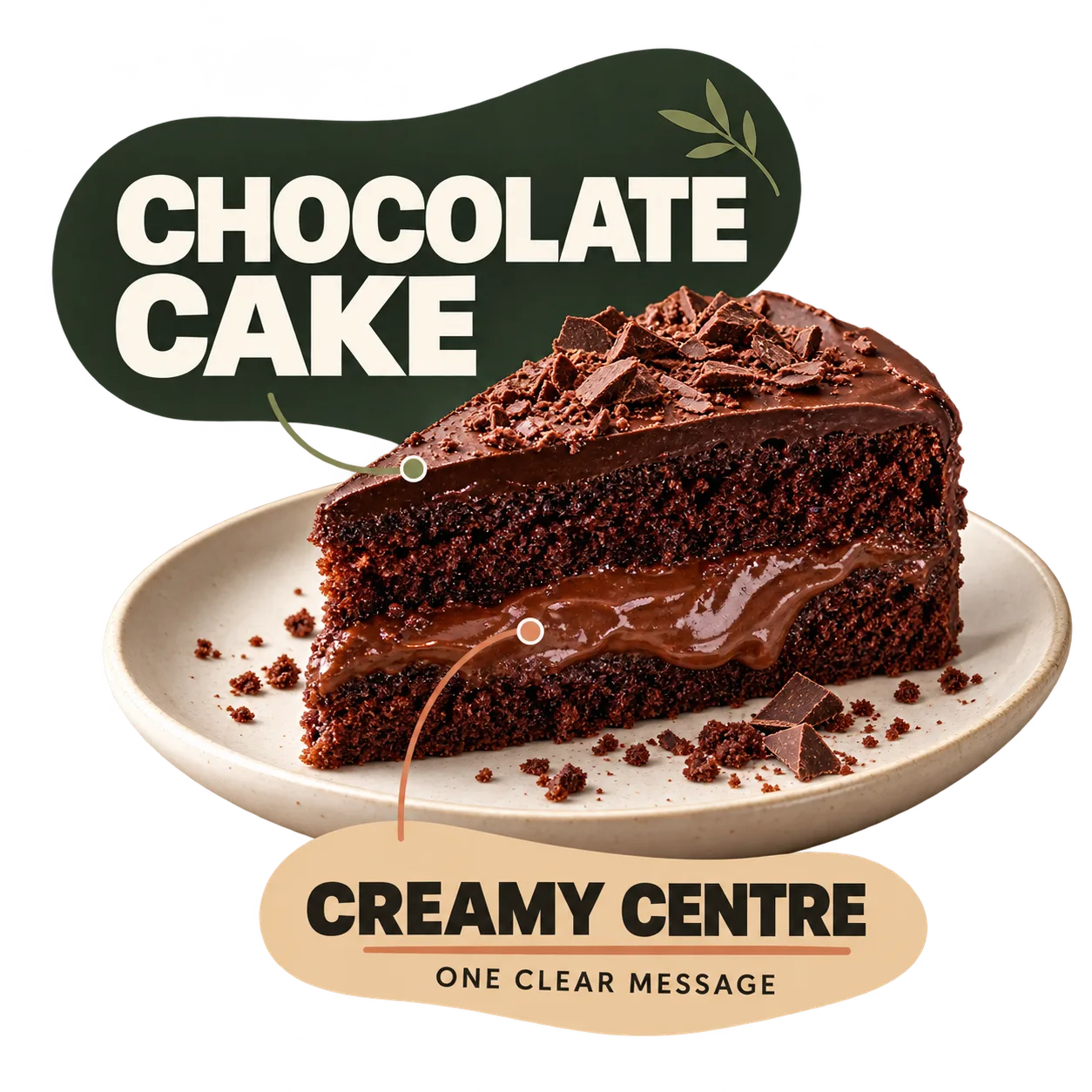
Choose the most appealing visual feature. For our chocolate cake, the soft centre tells a stronger story than a generic dessert photograph.
Only essential information
Use a recognisable product name, a short supporting line and only the details guests need to understand the offer. Keep secondary information visually subordinate.
Build a visual hierarchy around your featured dish
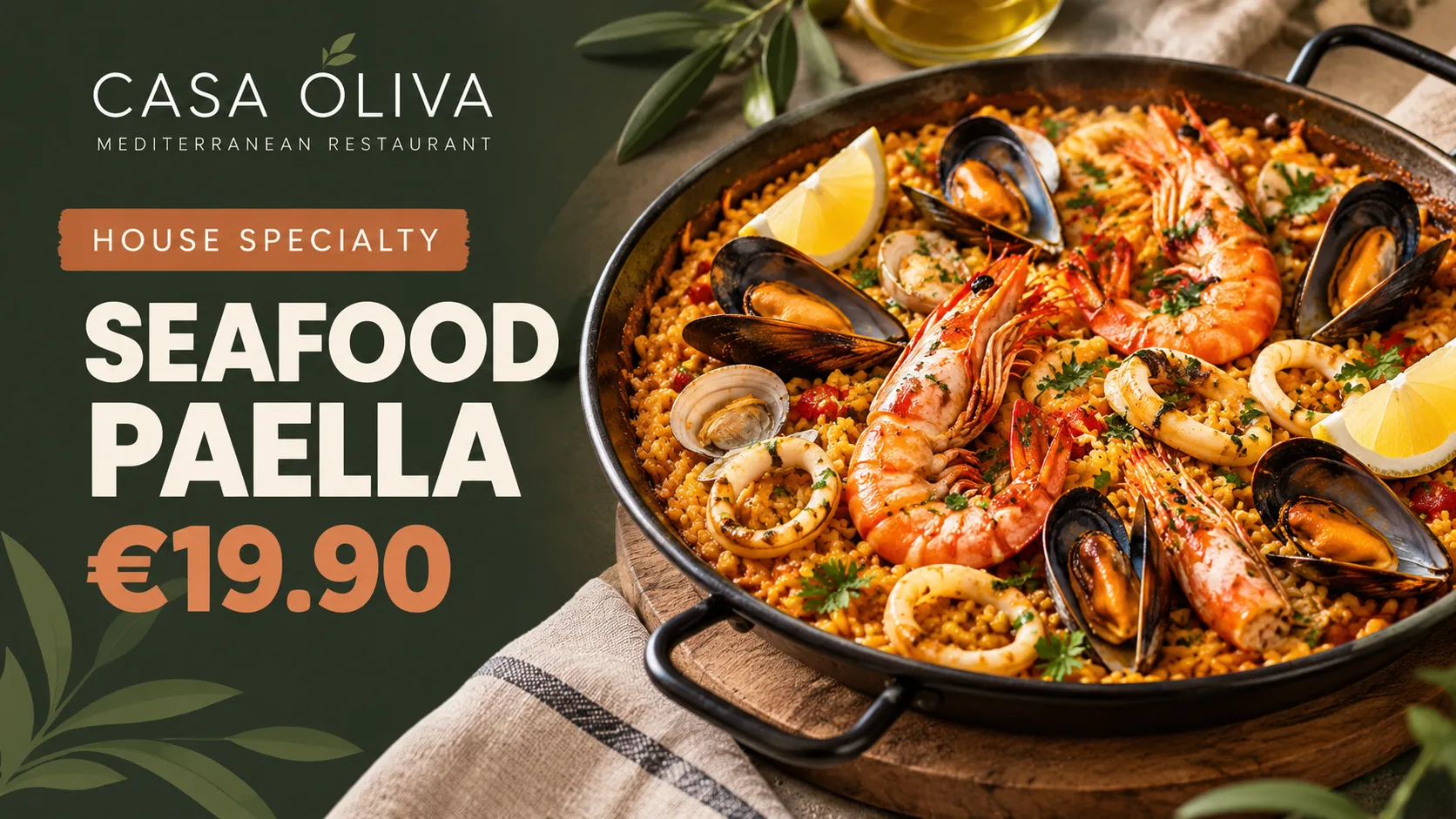
Visual hierarchy determines what guests notice first and what they discover next. When promoting a single menu item, the food should be the main focus, supported by a clear name and a concise message explaining its appeal.
Not every element needs equal weight. A strong food photograph, a short headline and generous space around the content can make the dish stand out without unnecessary decoration.
If a price is included, it should fit naturally into the layout. Whether the product or the price deserves greater prominence is a separate decision worth exploring in more detail.
From menu dessert to featured product: a practical example
Imagine CASA OLIVA wants more guests to notice its chocolate cake with a molten centre. Instead of squeezing every detail into one design, we can create four connected compositions, each with a clear purpose.
Together, these compositions introduce the dessert, reveal its most appealing feature and reinforce a consistent product identity.
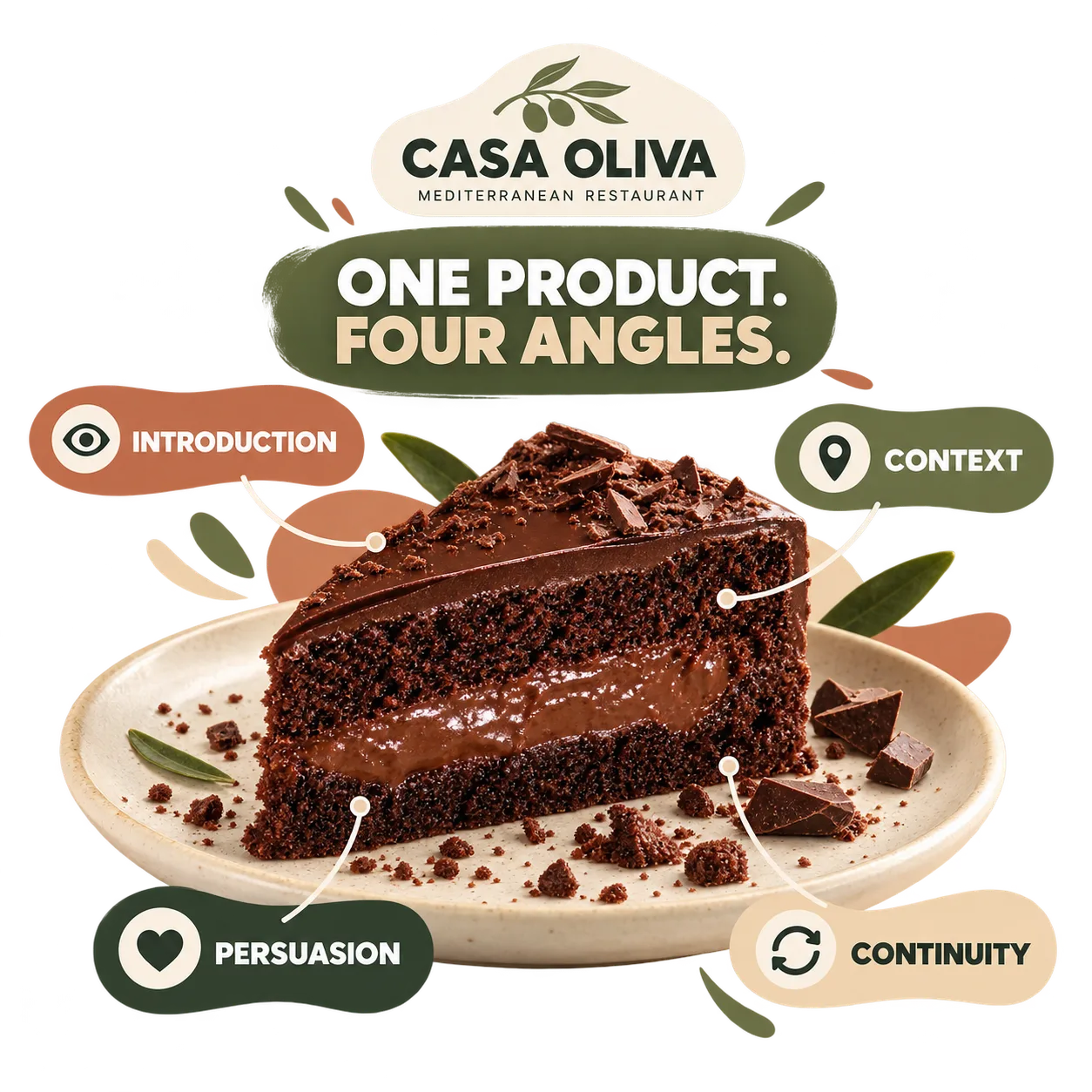
Four compositions, one product story
01 · Introduction. Start with a clean photograph and the product name. Guests should immediately recognise the dessert without competing visual elements.
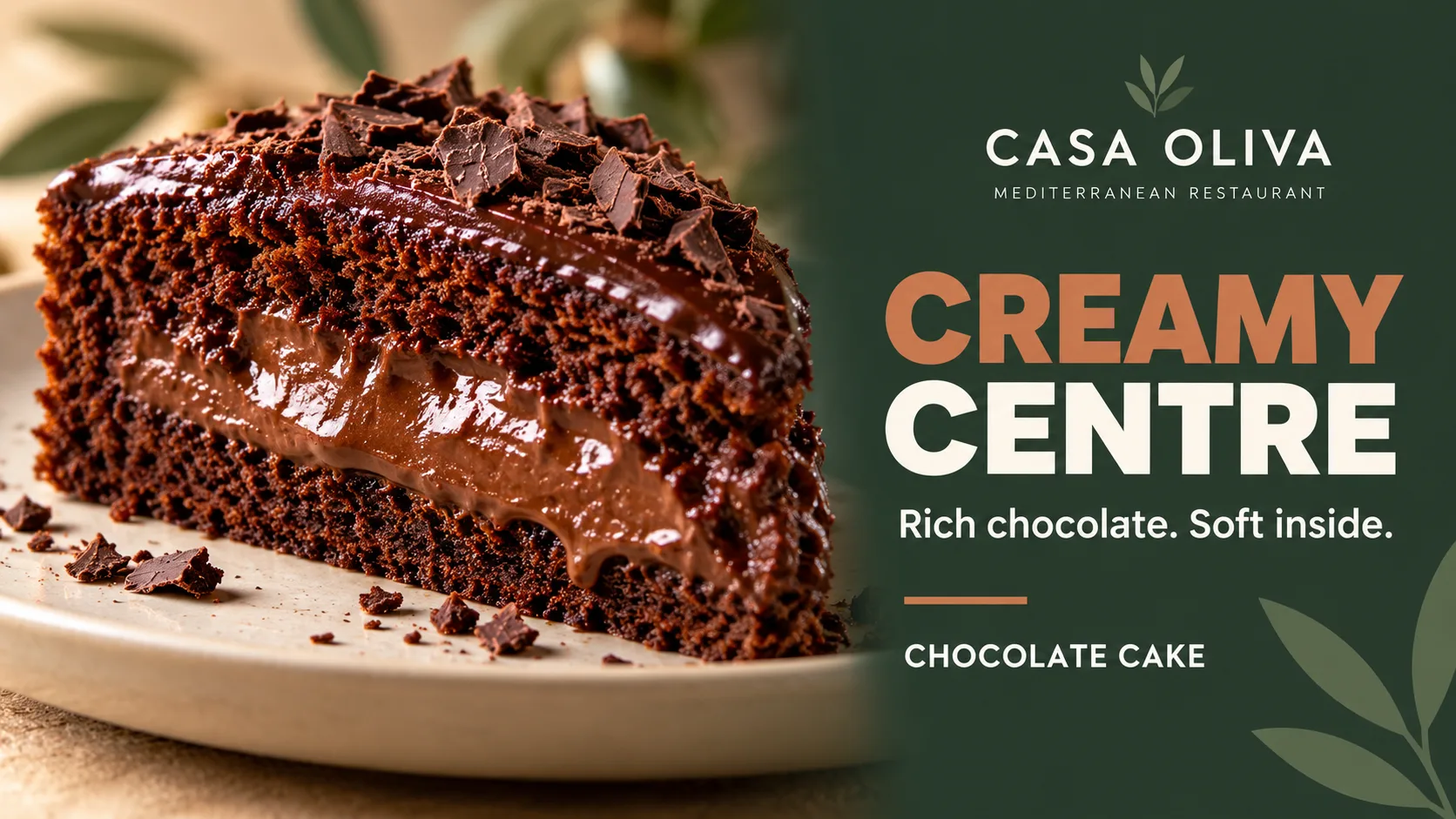
02 · Context. Move closer to the molten centre. Highlight the texture to show what makes this particular chocolate cake appealing.
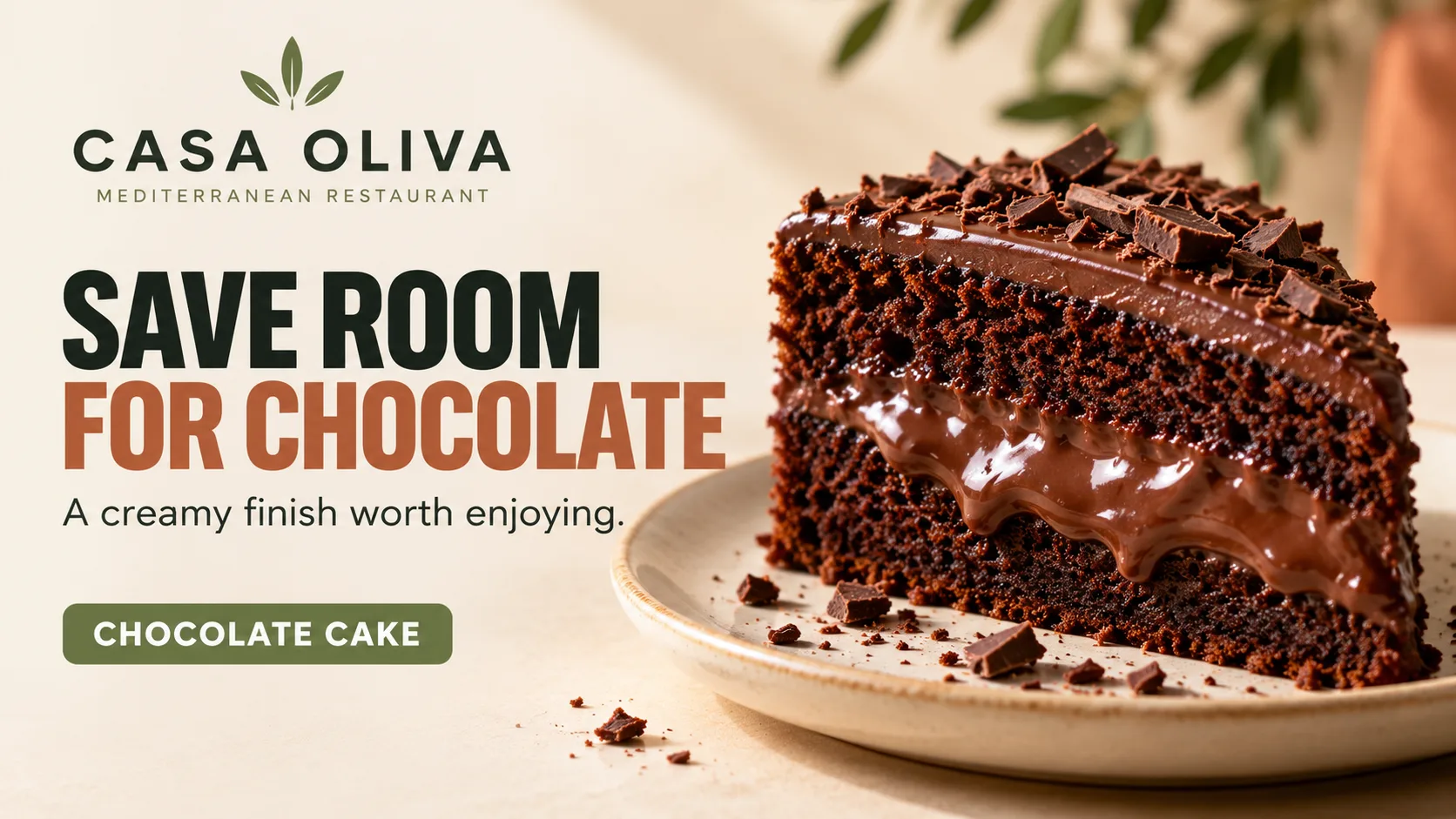
03 · Persuasion. Add a short, appetising line that connects the rich texture with the experience of enjoying the dessert. There's no need for discounts or exaggerated claims.
04 · Visual continuity. Bring back the product name, familiar colours and visual treatment. Reinforce recognition without simply repeating the opening design.
These four compositions form an editorial storytelling sequence. They are not instructions for scheduling content or configuring digital signage software.
Three essentials for a standout restaurant promotion
Make the food the focal point
An appetising, recognisable photograph helps guests understand exactly what's being featured. Framing, lighting and surrounding space should guide attention towards the dish.
Give the product a clear message
The product name and one specific supporting line provide context. Highlight a genuine quality rather than filling the design with generic promotional claims.
Keep supporting details in their place
Keep additional information brief, readable and relevant. If a detail doesn't help guests understand or choose the dish, consider leaving it out.
Keep every composition visually connected
Showing the same dish in different ways doesn't mean giving it a new identity every time. Consistency helps guests recognise the featured product even when the image, crop or supporting message changes.
Keep the product name, core colours, typography and photographic treatment consistent. You can vary the angle or the detail you highlight, but each composition should still feel like part of the same story.
For CASA OLIVA, the chocolate cake remains recognisable as the visuals move from a full serving to a close-up of its molten centre. Each design adds something new without losing the original focus.
What makes a featured product easy to overlook?
Trying to promote too many things
When several dishes and messages compete for attention, the featured product can get lost. Give one dish a clear visual priority.
Using photos that hide the best detail
An unremarkable photograph can miss what makes a dish appealing. Choose an angle that clearly communicates its distinctive quality.
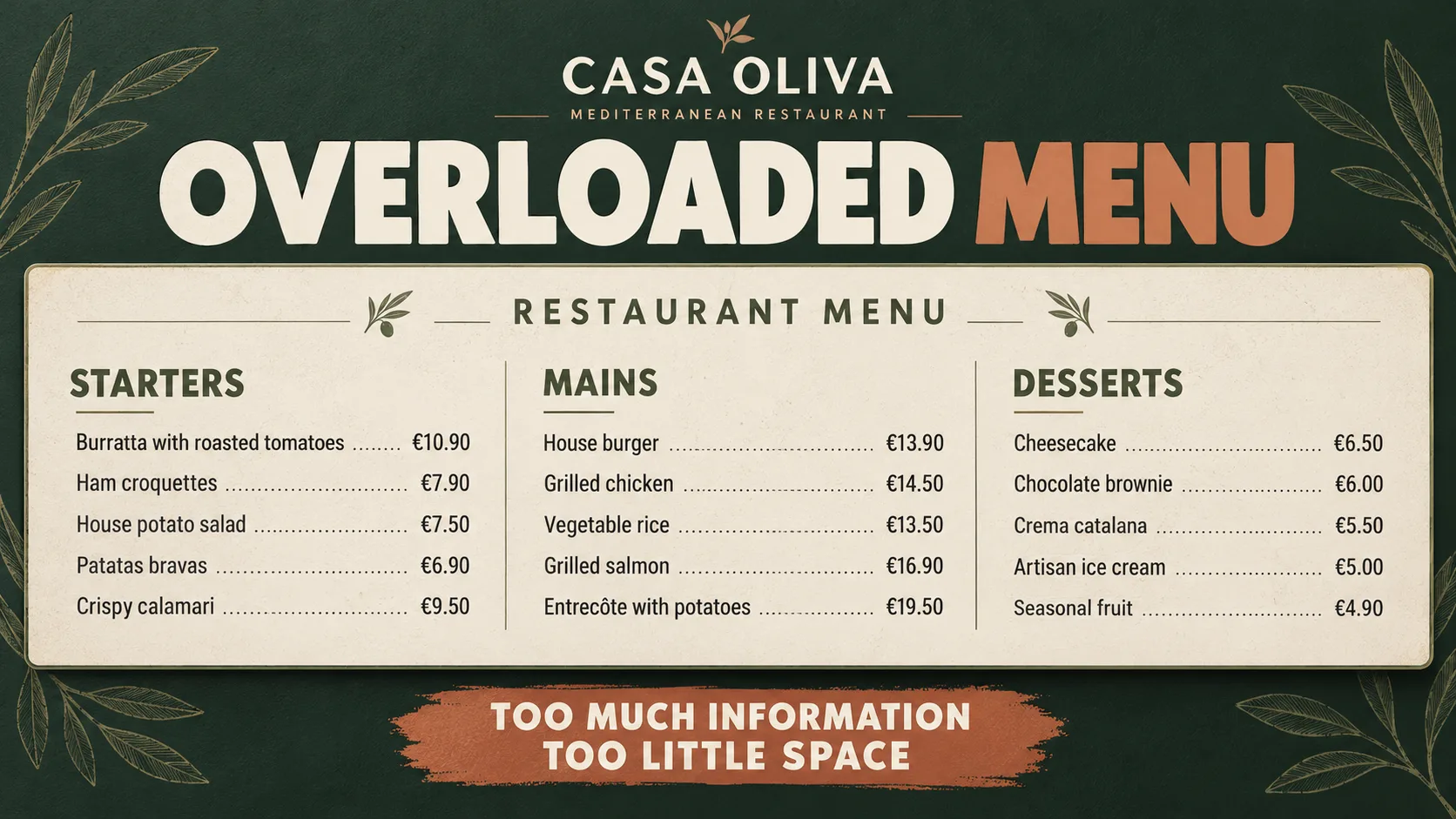
Overloading the design with information
Long descriptions, repeated labels and secondary details make the message harder to scan. Remove anything that doesn't support the main idea.
If you're still exploring content ideas, discover what to show on restaurant screens before building a promotion around one featured dish.
For a deeper look at visual priorities, read why capturing attention matters before showing the price and consider the right hierarchy for your promotion.
If the featured item becomes part of a time-sensitive offer, explore how to promote limited-time offers on restaurant screens as a separate approach.
If your goal is to organise the entire menu rather than spotlight one item, see how to design an easy-to-read digital restaurant menu for a different content structure.
To plan restaurant screen content over a longer period, explore how to build a restaurant screen content calendar as a complementary resource.
If you're preparing your first screen, begin with our getting-started guide to restaurant digital signage before developing more focused promotions.
When you're ready to put these ideas into practice, discover iMediaGO digital signage for restaurants and how it supports your restaurant's screen content.
Frequently asked questions
Make your best dishes stand out on restaurant screens
A strong promotion starts with the right product and a clear visual message. Discover how iMediaGO can help bring your restaurant content to your screens.
Latest articles
Where to Place Digital Signage Screens in a Leisure Centre
Digital Signage for Auto Repair Shops: What to Show at Reception, in Waiting Areas and at Vehicle Collection

Digital signage in education: clear communication for students and visitors
What to Show on Restaurant Screens: 4 Practical Ideas
How to Design an Easy-to-Read Digital Restaurant Menu
Sunday Family Menu: How to Present an Offer Worth Sharing